

Try Weglot for free




Going multilingual doesn’t have to mean starting from scratch again with SEO. If your native language site ranks well on the SERPs, there’s no reason why this success can’t carry over to foreign language pages
WordPress SEO doesn’t change when you go multilingual, but your margin for error gets smaller. Each language needs the same basics – clean structure, fast pages, focused content, and reliable signals for search bots – without turning your database, URLs, or hreflang tags into a mess.
This guide walks through the core WordPress SEO setup, what actually changes when you add automatic translation, and how AI website translation tools like Weglot keep your site fast, indexable, and ready for new markets.
WordPress SEO is a mix of tools, structure, and trust signals working together. It’s worth remembering that SEO takes time – first your content gets indexed, or added to Google’s database. Only then does it start ranking – moving up (or down) the results page. For new sites, that first appearance often takes 4-6 weeks.

SEO plugins like Yoast or Rank Math help you manage meta tags, sitemaps, schema, and basic content analysis so you don’t have to wire everything by hand. Keyword research shows you the phrases your audience actually types into search, so you’re not playing guesswork. On-page optimization turns that research into clear titles, meta descriptions, headings, clean URLs, and image alt text.
In the end, your content still does most of the work, as long as it’s genuinely helpful, accurate, and shows real experience. Technical SEO then backs it up by keeping those pages fast, mobile-friendly, and easy for search bots to crawl, with healthy Core Web Vitals. Off-page SEO sits on top of that, with backlinks from relevant, trustworthy sites reinforcing everything you’ve built.
WordPress SEO starts with giving search engines a clear, stable version of your site to index and update over time. These small setup choices decide whether your URLs stay tidy or turn into a puzzle Google has to re-learn every time you change something.
Start in Settings > Reading and make sure ‘Discourage search engines from indexing this site’ is unchecked, or Google may ignore you completely. Then go to Settings > Permalinks and use the ‘Post name’ structure so URLs stay short and descriptive.
Decide whether you’ll use the www or non‑www version of your domain, set that as your preferred URL in your host or DNS, and redirect the other to it.
Finally, enable HTTPS with an SSL certificate (most hosts include one) so every page loads over secure https, which is a confirmed ranking factor and builds user trust.
An SEO plugin takes care of repetitive SEO chores so you don’t have to manually configure every page. As we’ve seen, Yoast SEO and Rank Math both handle core tasks like meta titles and descriptions, XML sitemaps, schema markup, and basic content analysis.
Once installed, you’ll see SEO fields below your posts and pages. That’s where you fine-tune how each URL appears in search, set focus keywords, and catch common issues like missing meta descriptions or duplicate titles.
An SEO plugin can generate and update your sitemaps automatically, while giving you the option to add structured data so search engines better understand your content type (articles, products, recipes, etc.). You still decide the strategy, of course, but the plugin handles the tech side and keeps things consistent as your site grows.
Your content is where SEO meets actual readers, so it needs to earn both clicks and time-on-page.
Start with titles and meta descriptions that make people want to click, while staying within typical length limits so they don’t get cut off in results. Use a single H1 per page for the main topic, then H2s and H3s to structure sections in a way that mirrors how someone would scan and read.
Inside the content, add internal links to related posts, important product pages, or category hubs so authority flows through your site and no page is left orphaned.
For images, use descriptive filenames, write clear alt text, and compress files or convert them to WebP so they load quickly without sacrificing clarity.
Technical SEO is the behind-the-scenes work that keeps your WordPress site fast, stable, and trustworthy in the eyes of search engines.

“Start with speed and Core Web Vitals. Aim for a quick Largest Contentful Paint (LCP), low Interaction to Next Paint (INP), and minimal Cumulative Layout Shift (CLS). That means using quality hosting, caching, a lightweight theme, and avoiding heavy, unused plugins or bloated page builders.”
– Eugène Ernoult, CMO at Weglot
Register your website with Google Search Console so you can see which pages are indexed, spot crawl errors, and catch issues like mobile usability warnings before they grow.

Finally, stay on top of updates. Keep WordPress, your theme, and plugins updated to patch security gaps, since hacked or malware-infected sites can drop out of results. Regular backups and security monitoring tools add another layer of protection.
When you’re planning to expand into multiple languages, nothing about WordPress SEO magically resets. All the same fundamentals still apply, but each language version needs its own clean URLs, on-page optimization, fast loading, and internal links. In practice, you’re creating parallel versions of your site structure.
This is where your setup choices start to matter more. How you handle translated URLs, hreflang, sitemaps, and performance will decide whether new language versions reinforce your existing SEO or compete with it.
This is also where a dedicated website translation tool like Weglot starts to earn its place, because it handles those structural SEO details for each language without adding a new layer of complexity to your WordPress setup.
{{quote-image-banner}}
If done in the right way, automatic translation can benefit WordPress SEO and the likes of hreflang tagging by performing tricky technical tasks for you. The following are essential considerations for getting SEO right on multilingual sites:
<link rel="alternate" hreflang ="es" href="https://example.com/es/" />
“It’s important to note that automatic translation gives you a fast starting point but doesn’t necessarily replace keyword research for each market, because people won’t always search for a direct translation of your primary keyword.”
– Elizabeth Pokorny, Head of Brand and Content at Weglot
Bear in mind that when shopping around for a website translation tool, they all have different capabilities. For example, GTranslate is a plugin that uses Google Translate to generate automatic, real-time translations on the fly. Whereas full multilingual tools like Weglot support stronger SEO, deeper customization, and more precise translation control. Let’s take a look at this in greater detail.
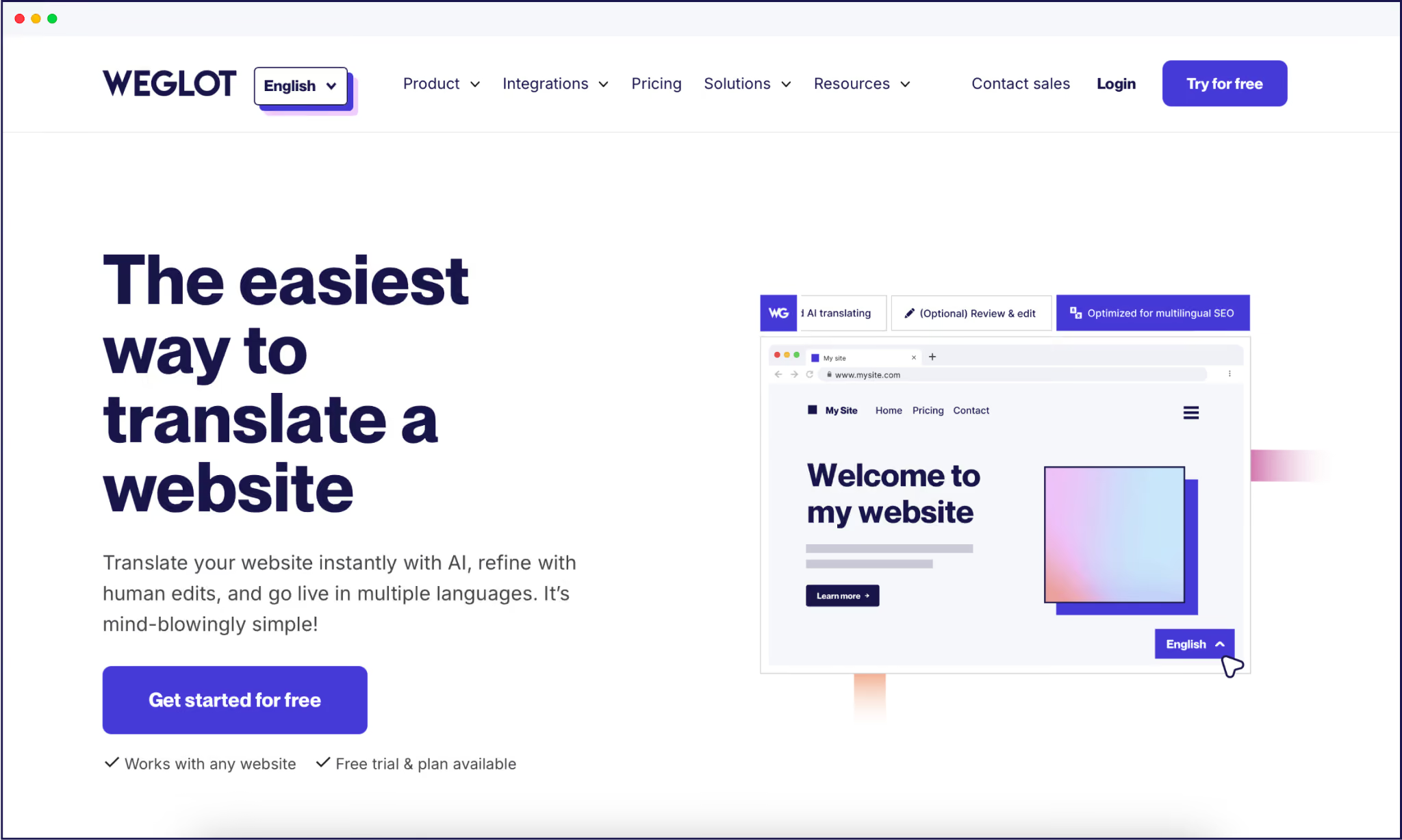
Weglot handles multilingual SEO for WordPress across the board, meaning a tech-free approach for site owners and admins. Our AI translation tool uses a server-side approach, creating dedicated language URLs in subdirectories (or subdomains), and automatically adding hreflang tags so search engines understand which version to serve in each market.

Each translated page ships with translated meta titles, meta descriptions, and other SEO metadata, which you can review and refine if needed. What’s more, future translation is handled dynamically – as soon as a new native page goes live, Weglot will translate it, along with all the necessary SEO features.
Because Weglot integrates with your existing CMS, it picks up metadata from plugins like Yoast and Rank Math and translates those tags as well, so you keep a single workflow for on-page SEO while Weglot handles the multilingual layer.
What’s more, Weglot’s custom AI Language Model refines your translations so they sound like your brand. Powered by OpenAI and Gemini, our AI Language Model learns from your brand guidelines, tone of voice, glossary, and past edits, so future translations stay consistent without extra manual work.
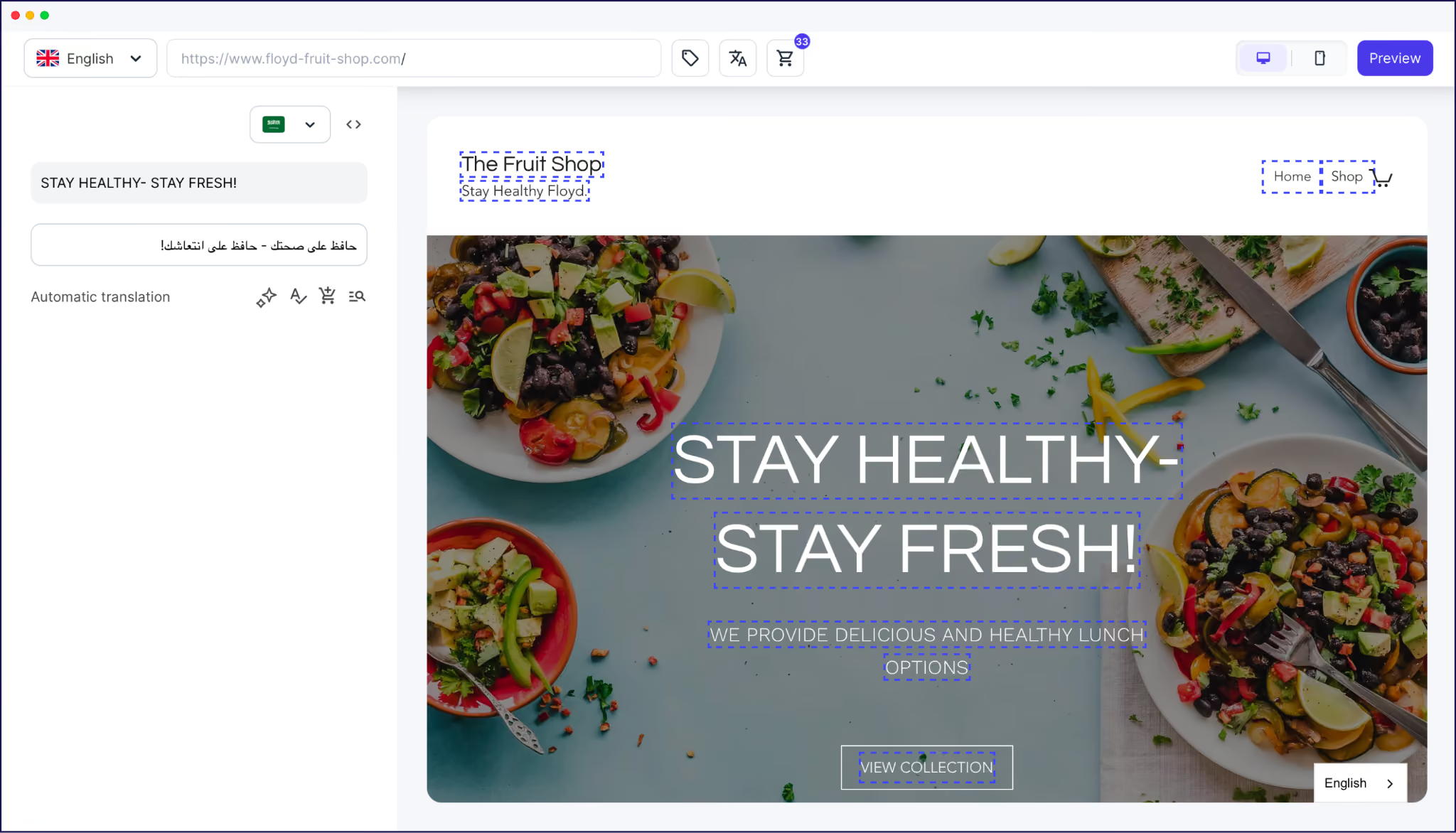
You get context-aware, brand-aware translations on autopilot, with the option to refine words via the frontend Visual Editor. More accurate content gives you a greater chance of ranking on overseas search engines, earning click-throughs, and keeping readers on-page.
Weglot is a strong fit when you care about search visibility and speed as much as translation coverage, and you don’t have a full internal localization team to manage it all. Fashion and lifestyle brands with fast-moving catalogs, social enterprises with multi-language needs, and agencies running different WordPress stacks have all used Weglot to launch new languages and manage their SEO.
Its real advantage over typical website translation plugins is scope and workload. Weglot handles translation and SEO in one centralized dashboard, integrated into WordPress. Compared with free overlay tools that don’t create indexable URLs, Weglot’s server-side approach gives each language its own crawlable pages, while its AI translation and editing tools keep the ongoing effort low enough for even small teams to manage.
Keeping WordPress fast and SEO friendly when expanding overseas comes down to a simple pattern:
Your site needs clean URLs, language-specific pages, and translated metadata, all supported by a cache and hosting stack that stays fast. Weglot manages all of this by handling translation and SEO, while automatically keeping up with new or updated content.
Ready to see how that looks on your own site? Start your 14-day free trial of Weglot and launch a multilingual, SEO-ready WordPress site in less than five minutes.

We’ll get your first languages live. You decide how far you want to go. Try Weglot for free today.
Trusted by 70,000+ global brands


%2520weglot%2520branding.png)






Weglot is tested and trusted by brands worldwide since 2016. Join them today.


The best way to understand the power of Weglot is to see it for yourself. Test it for free and without any engagement.
A demo website is available in your dashboard if you’re not ready to connect your website yet.


If you already have multilingual SEO foundations in place (language-specific URLs, hreflang tags, translated metadata), you're most of the way there. GEO visibility relies on those same signals. AI search engines prioritize sources that match the query's language, and our analysis of 1.3 million citations found that translated websites gain 327% more visibility in AI Overviews than single-language sites.
The remaining work is coverage and freshness: translate your site fully, including metadata, and keep every language version in sync as content changes. The Weglot plugin manages that automatically on your WordPress site, across 110+ languages.
For the full 5-step process, read our multilingual GEO guide.

.avif)
