

Try Weglot for free


Shopify gives you a solid native base for multilingual stores, but the ‘right’ translation app depends on how big your catalog is, how much time you want to spend on manual edits, and how much you’re comfortable paying each month.
Native tools cover up to 20 languages (with automatic translation for 2, or 8 in the UK, Switzerland, and 10 EU countries) and basic SEO, while third‑party apps differ on automation, URL structure, and how far they take you on localization and translation management.
Here’s a quick comparison of eight popular options before we dive into the detail:
| App / Tool | Best For | Pricing Model | Free Tier | Languages (Approx.) | SEO-Friendly URLs | Coverage (Theme, Products, Checkout, Apps) |
|---|---|---|---|---|---|---|
| Shopify Translate & Adapt | Smaller stores using native tools, manual edits | Free app via Shopify admin | Yes | Up to 20 store languages | Yes, with Shopify Markets | Theme, products, checkout, notifications |
| Weglot | Fast AI translation, SEO, non-technical teams | From $17/month | Yes | 110+ | Yes (subdirs/subdomains, hreflang) | Full site, dynamic content, apps, metadata |
| Transcy | Stores focused on localization and currency together | From $14.90/month | Yes | 100+ | Yes (SEO-ready translations) | Theme, products, apps, some checkout |
| T Lab | Stores wanting an editor-driven translation workflow | From $11.99/month | Yes | 100+ | Yes (URL and meta translation) | Theme, products, blogs, notifications |
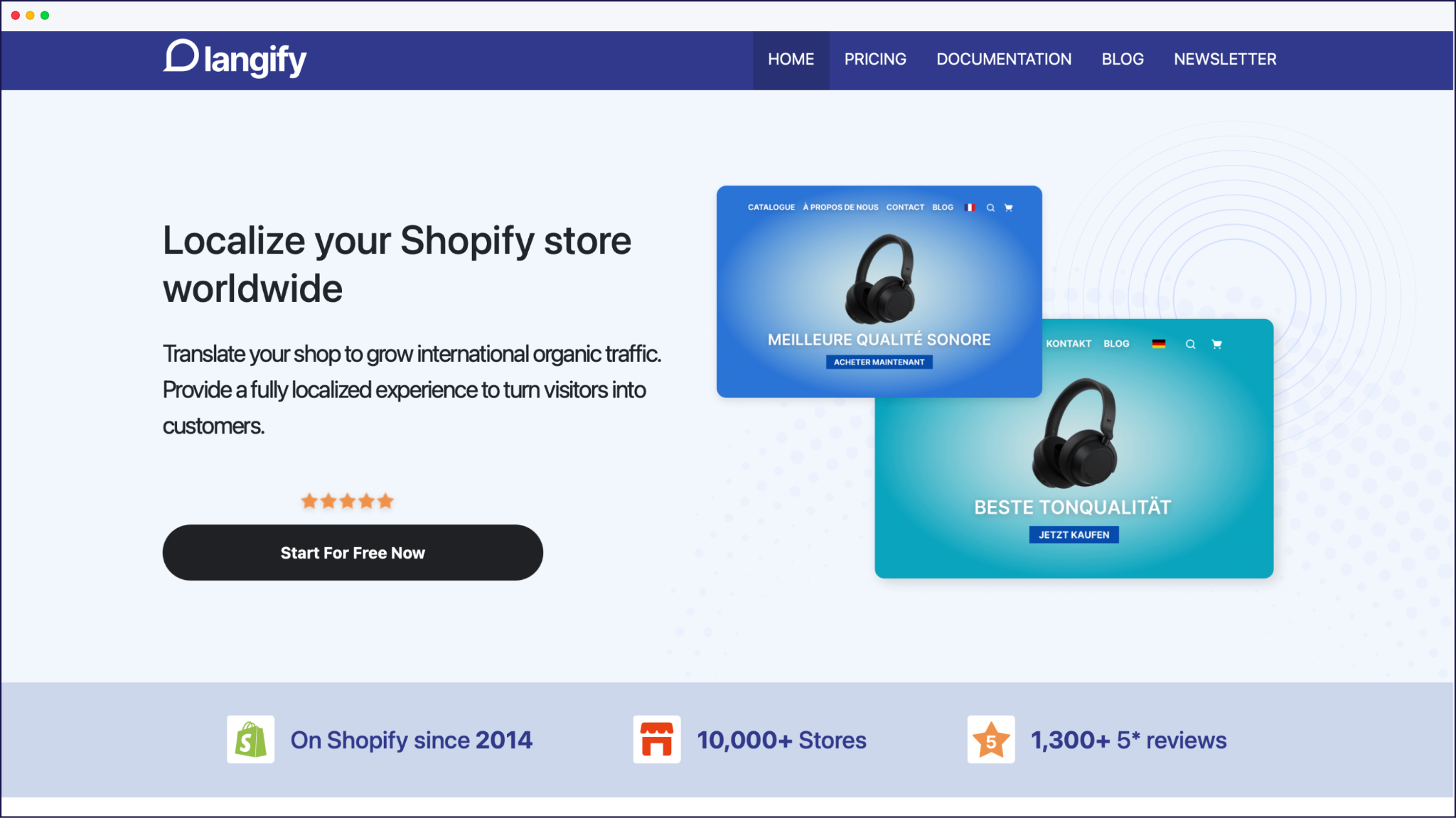
| Langify | Merchants wanting granular manual control | From $17.50/month | Yes | 100+ | Yes (unique URLs, meta translation) | Theme, products, blogs, some checkout |
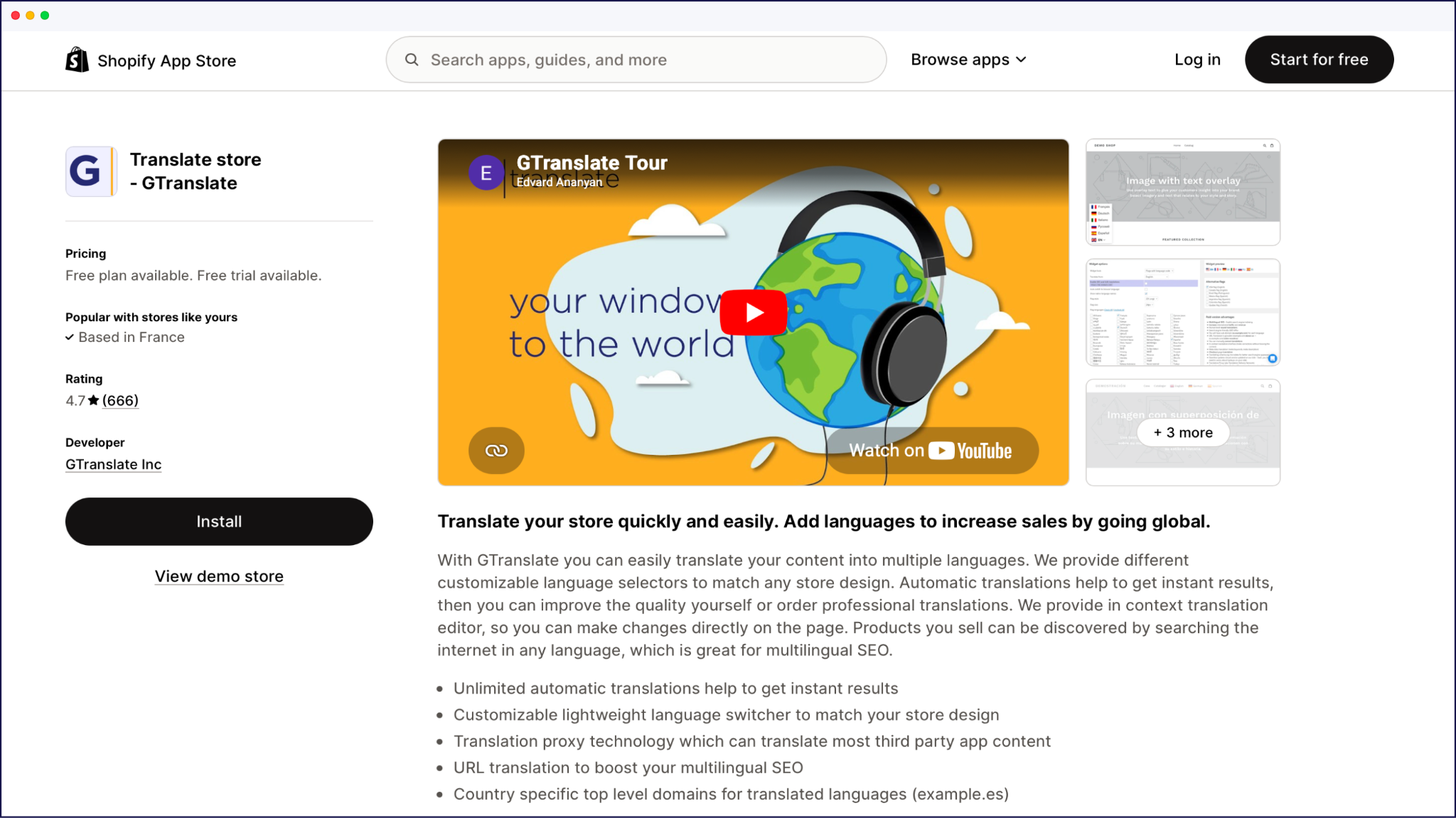
| GTranslate | Budget-focused stores using Google-powered translation | From $12/month | Yes | 100+ | On higher plans (SE, hreflang) | Theme, products, some widgets |
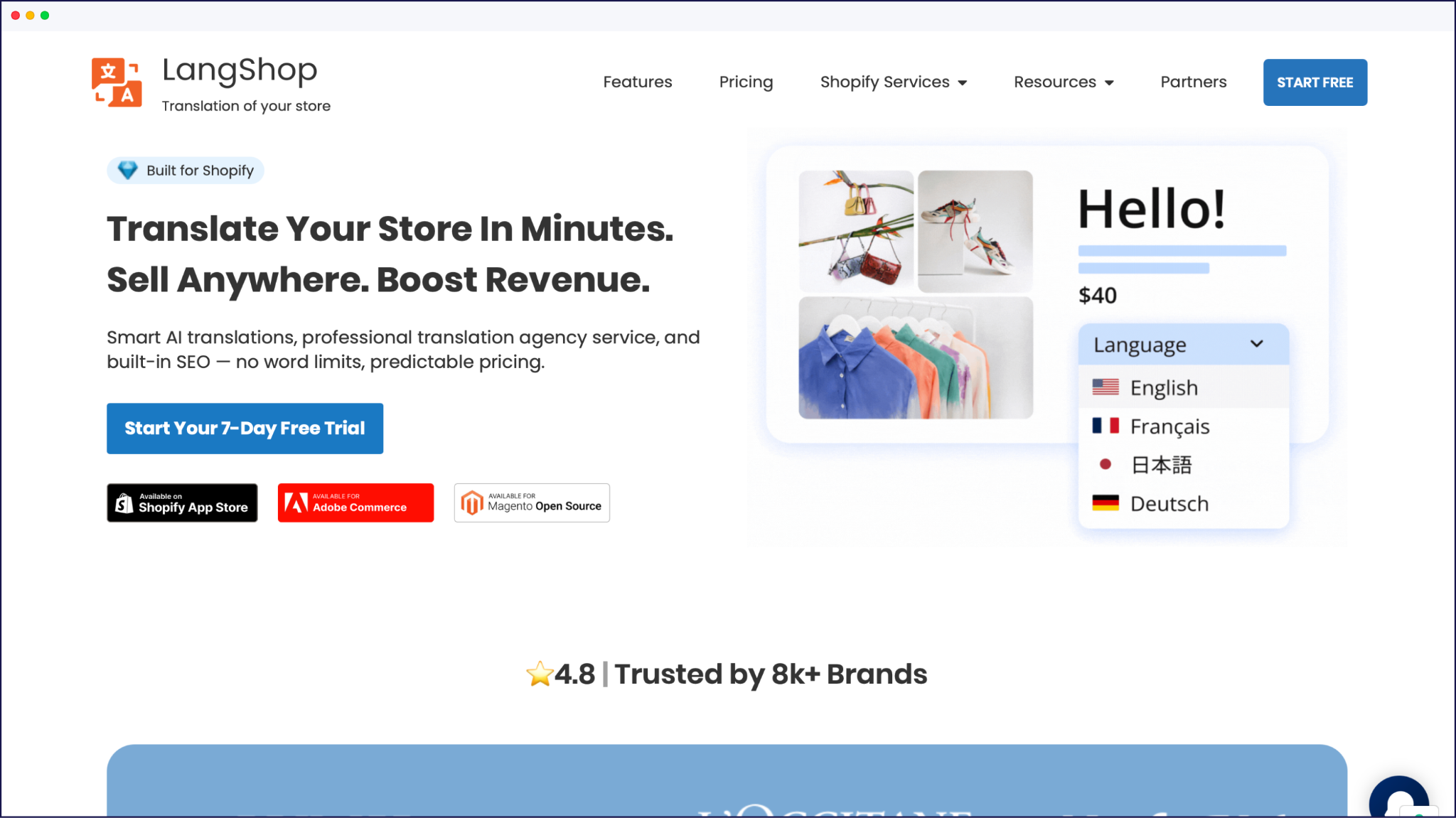
| LangShop | Hybrid auto + manual translation, multi-market stores | From $10/month | Yes | 240+ | Yes (multilingual SEO features) | Theme, products, collections, apps |
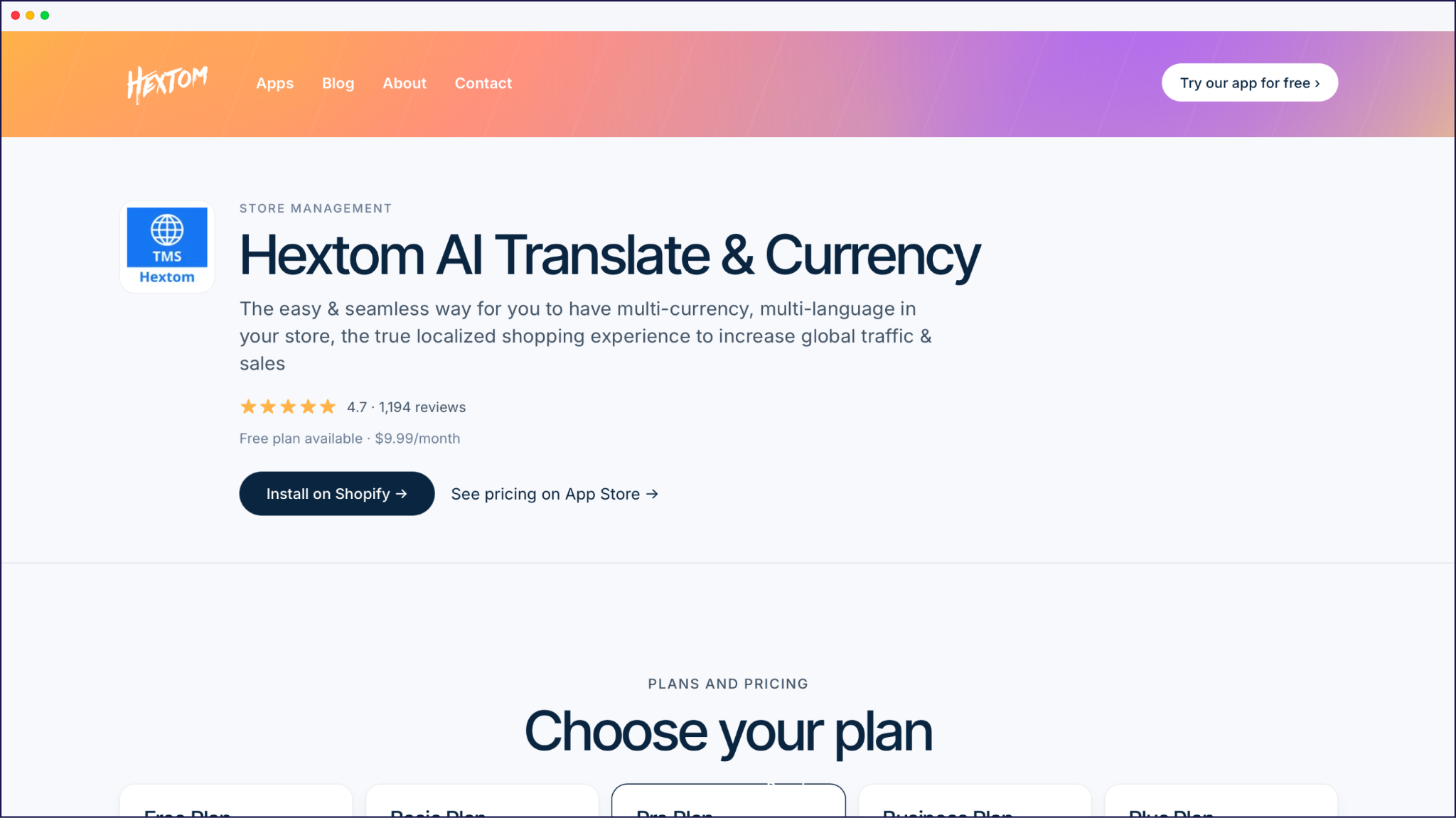
| Hextom AI Translate & Currency | Budget stores relying on third-party apps; language + currency in one | From $9.99/month | Yes | 100+ | Yes | Theme, products, 200+ third-party apps, some checkout |
Shopify’s free Translate & Adapt app gives you a solid first step, but it’s easy to outgrow once you move beyond a simple 1-2 language setup. It auto‑translates up to 2 additional languages (8 if your store is based in the UK, Switzerland, or one of 10 EU countries) using Shopify’s built-in AI, hooks into Shopify Markets, and lets you tweak translations in a side‑by‑side editor without leaving the admin.
“Where it starts to struggle is scale and control. Automatic translation stops at 2 languages (8 for stores in the UK, Switzerland, and 10 EU countries), so anything beyond that means manual work or CSV imports for every extra language you add. Because it’s native, it mostly sees Shopify resources, which means content injected by some third‑party apps, scripts, or custom sections can stay in the original language or need workarounds.”
– Floral Pagliai, Chief Technical Officer
SEO is serviceable, but you don’t get advanced controls like translated slugs for every resource type, full metadata translation across all apps, or AI‑level brand adaptation that tools like Weglot provide.
Picking a paid Shopify translation app is easier when you know what ‘good’ looks like. Start by checking whole‑store coverage. Product pages are the easy part, but you also want checkout, theme strings, notifications, and content from other apps, like review widgets or upsell pop‑ups.
Next, look at how the translation app works under the hood. Native apps plug into Shopify’s Translations API and store translations in Shopify, while proxy‑style tools sit in front of your store, translate the rendered HTML, and serve language‑specific URLs. Both approaches can work well, but they differ in how they handle complex themes, third‑party apps, and rollbacks.
“SEO should be non‑negotiable. You want indexable URLs per language, proper hreflang tags, and translated metadata, rather than a JavaScript overlay that swaps text without giving search engines real localized pages.”
– Eugène Ernoult, Chief Marketing Officer
Finally, weigh the pricing model and editing control. Some tools charge per word and language, others use flatter tiers, and they offer different levels of control like glossaries, translation rules, and AI‑assisted editing to keep brand terms consistent as you scale.
You’ve got plenty of options once you move past Shopify’s free tools, so this section looks at how the most popular paid apps behave in real stores – how fast they are, how reliable support feels, and where merchants say they hit limits.
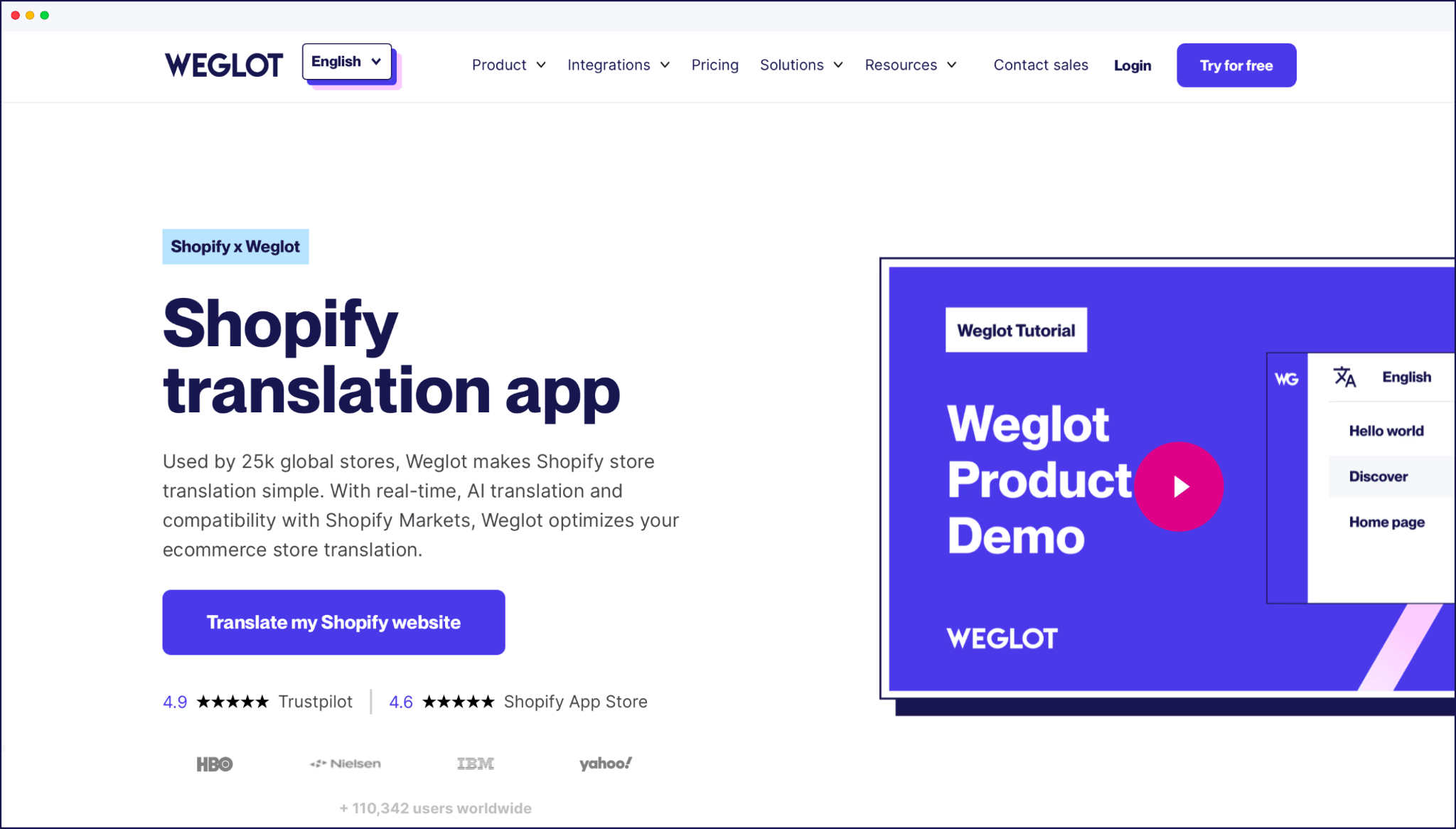
Weglot is a proxy‑based website translation tool that detects your entire Shopify store – including content injected by third‑party apps – and serves translated versions on dedicated language URLs.
The tool comes with automatic multilingual SEO (translated slugs, hreflang tags, and metadata), plus a trainable AI Translation Model powered by OpenAI and Gemini. This learns your brand voice, glossary, and rules, so translations get closer to ‘on‑brand’ out of the box. Because Weglot translates on the server side and caches responses, it doesn’t add extra JavaScript payloads to your storefront.
Weglot’s integration is best if you care about SEO, need reliable coverage of dynamic and app‑driven content, and want translation largely on autopilot with the option to edit in a Visual Editor when needed.
It’s a premium tool so it’s the wrong fit if you want a flat, low monthly fee for heavy content, or if you expect to keep all translations stored natively in Shopify. In those cases, sticking to native‑style apps or a currency‑plus‑translation bundle will feel more comfortable. For current plans and limits, check Weglot’s pricing page.
Free version: Yes
Pricing: From $17/month for 1 language (free trials, and free tier, available)
{{quote-cta-banner}}
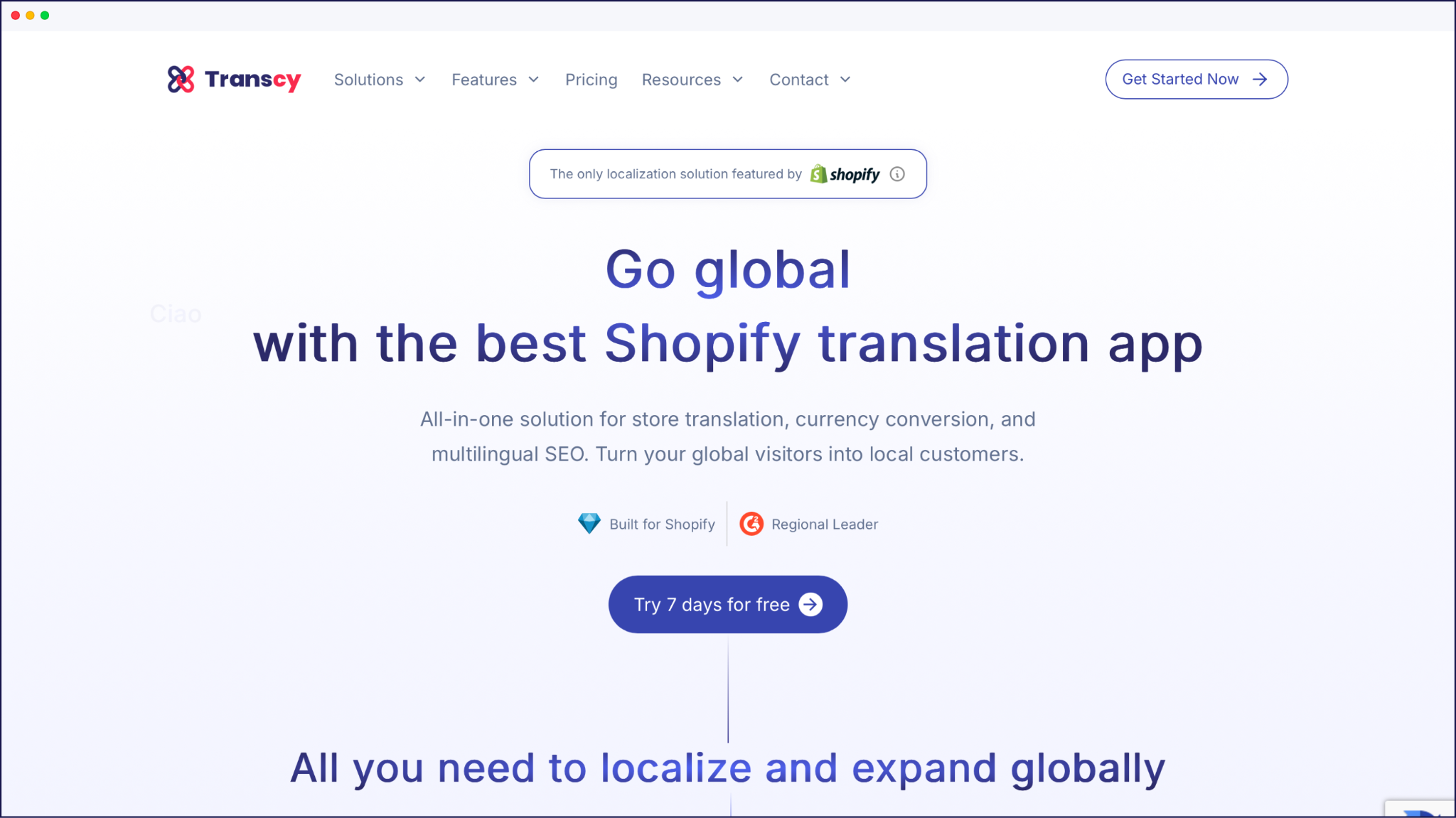
Transcy combines AI translation for over 100 languages with automatic currency conversion. This makes it attractive if you want both language and currency localized from a single app. It auto‑detects visitor location, switches language and currency accordingly, and supports large catalogs with features like bulk translation, metafield coverage, and integration with many Shopify themes and apps.
This makes Transcy a good choice for bigger catalogs and brands that want currency localization tied directly to their translation workflow, especially when you’d rather not manage a separate currency app.
On the flip side, it’s less ideal if you already have a favorite currency converter, prefer storing everything natively via the Translations API, or want a super‑minimal setup focused only on language without extra widgets. As a translation tool, it also has a steeper learning curve than many comparisons. Pricing and exact limits change often, so you’ll want to check the current tiers on the Shopify App Store listing before committing.
Free version: Yes
Pricing: From $14.90/month for 1 language (free trial available)
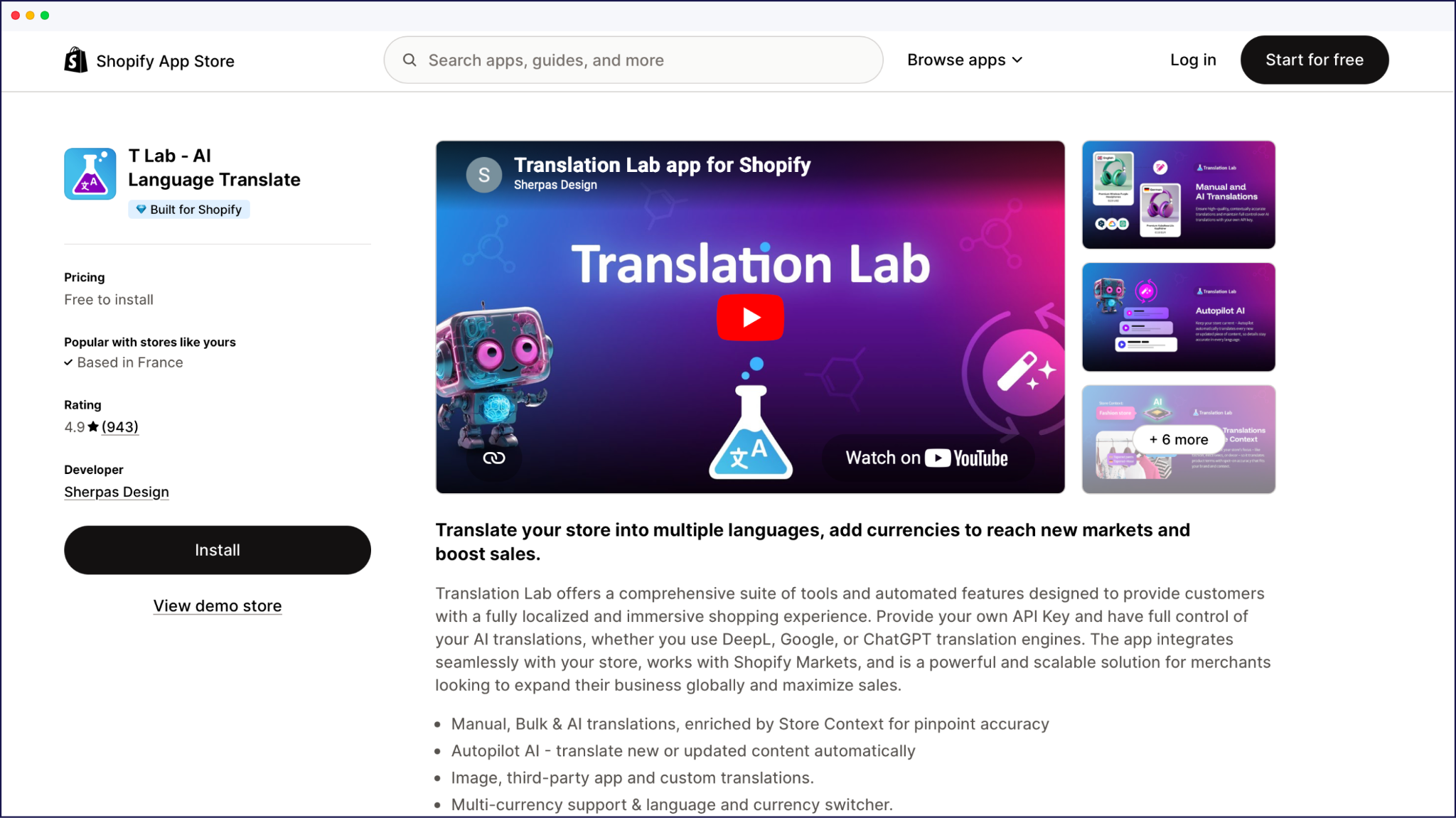
T Lab – AI Language Translate is a highly rated Shopify app that focuses on control and accuracy, with many merchants praising its support team and the balance between automatic translation and manual editing. It’s free to install with paid upgrades, and uses multiple AI engines (including services like DeepL and Google) for better language coverage. It also offers detailed glossary and rule options so you can lock in brand terms and product names.
T Lab fits best if you want to stay inside the Shopify admin, care about fine‑grained control over every string, and you’re willing to invest time in glossaries and review workflows to get translations exactly where you want them. It’s less suitable if you’re chasing a fully hands‑off setup or expect proxy‑style coverage of every external widget and script. In those cases a tool like Weglot or another proxy‑based app will handle complex, third‑party‑heavy stores with less manual intervention.
Free version: Yes
Pricing: From $11.99/month for 5 languages
Langify is one of the longest‑running Shopify translation apps and takes a manual‑first approach. You manage translations line by line in its editor, then optionally add automatic translation via paid word packs when you need a speed boost. It follows international SEO best practices with dedicated URLs per language, automatic hreflang and canonical tags, plus support for translating product copy, themes, emails, and most checkout content.
Instead of charging per word each month, Langify offers flat monthly plans plus one‑time word packages for auto‑translation, so your base cost stays predictable even if your catalog grows. That makes it a strong fit if you want tight, line‑by‑line control over every string and you’re happy to invest time rather than money. It’s less ideal if you’re looking for a fully automated, AI‑driven workflow or deep coverage of third‑party checkout widgets.
Free version: Yes
Pricing: From $17.50/month for 20 languages
GTranslate brings its long‑running website translation service to Shopify. Its free widget mode overlays Google‑powered translations on your storefront and paid tiers to add indexable URLs and editable translations. The app supports a wide language list, taps into Google Translate for automatic output, and can translate both your theme and many third‑party app blocks once you enable the SEO and editing features.
Because it starts with a generous free tier and relatively low‑priced paid plans, GTranslate is often a match for budget‑conscious stores. It’s good for testing multilingual traffic before committing to a more advanced platform. However, the free overlay mode doesn’t create separate, indexable pages, so it’s the wrong fit if multilingual SEO is your primary goal. If that’s the case, you’ll need the paid SEO option, or a more SEO‑focused app for fully localized URLs and fine‑grained control.
Free version: Yes
Pricing: From $12/month for 1 language (free trial available)
LangShop focuses on breadth. It supports around 240+ languages and dialects, integrates AI engines like DeepL, Google, and OpenAI, and translates almost everything in your Shopify store. This includes products, themes, metafields, dynamic content, and URL handles. It also offers full checkout localization and multilingual SEO with translated URLs and hreflang tags, plus optional currency conversion to keep pricing aligned with each market.
LangShop is a good fit if you plan to support many languages. It’s also handy if you rely on complex themes or metafield‑heavy setups, and want a single app to handle translation, currency, and SEO without character limits. It’s less suitable if you only need a couple of languages and prefer a lighter tool, or if you want a purely native Translations API app without a separate translation layer. Always check the latest language count and pricing on the Shopify App Store listing, as these can change.
Free version: Yes
Pricing: From $10/month for 1 language (free trial available)
Hextom’s AI Translate & Currency (previously Translate My Store) combines AI translation with multi‑currency support. It’s designed to work with Shopify Markets while covering a broad range of third‑party apps. The app can translate content from 200+ external apps – including reviews, page builders, and upsell widgets – and gives you a visual editor to click‑and‑translate dynamic text directly on the storefront.
Its lower‑cost tiers and strong integration story make it appealing for budget‑conscious store owners whose themes and funnels rely heavily on third‑party apps, and who want language and currency handled in one place.
It’s a weaker match if you already have a favorite currency app or if you’re chasing the most advanced SEO and AI‑driven translation features. In such cases, a dedicated translation platform might offer more depth. For exact Hextom pricing, check the current listing on the Shopify App Store.
Free version: Yes
Pricing: From $9.99/month for 10 languages (free trial available)
If you’re on a tight budget or still at the testing stage, start with Shopify’s free Translate & Adapt. Layer in either GTranslate or T Lab if you want more control without jumping straight into a premium platform. This combo lets you add 1-2 extra languages, see whether international traffic responds, and only invest more once you’ve validated demand.
If you’re serious about SEO and want every page – including third‑party widgets and metadata – translated and indexable, Weglot is the strongest whole‑store-plus-SEO pick. This is thanks to its automatic language URLs, hreflang tags, and AI Translation Model. And if you’re running a large catalog where currency matters as much as language, a translation‑plus‑currency app like Transcy or Hextom gives you location‑based language and currency switching from a single place, which is a safer bet than stitching multiple tools together.
{{demo-banner}}

We’ll get your first languages live. You decide how far you want to go. Try Weglot for free today.
Trusted by 110,000+ global brands





Weglot is tested and trusted by brands worldwide since 2016. Join them today.


0 visits from translated pages in the last 90 days.


Just head to the Shopify App Store, search for Weglot, and click “Add App.”
From there, you’ll:
Your store is now multilingual, no extra setup needed.
Yes. With Weglot, you can redirect visitors based on their browser language, so they land on the version that makes sense for them. Prefer to let them choose? Just disable auto-redirection and use the built-in language switcher Weglot adds to your site.
Weglot handles all the behind-the-scenes technical work so you don’t have to. That includes:
Using a translation app like Weglot is the simplest, and it’s great for SEO too. Unlike duplicating your store for each language (which gets messy fast), Weglot lets you manage everything in one place. You’ll have a fully translated store in under 5 minutes, complete with subdomains or subdirectories and all the right SEO settings, no developer required.
Absolutely. AI-powered translations are now highly accurate, making it easier than ever to reach global customers. Still want to sound like you? With Weglot’s AI Language Model, you can add your brand voice, glossary, and style preferences to get translations that feel on-brand from the start.
Yes. AI-powered apps like Weglot can translate and localize your entire Shopify store, including product pages, checkout, metadata, and third-party app content, in minutes. For most standard ecommerce content, AI produces publish-ready results. For brand messaging or nuanced copy, you can refine translations manually or customize your AI Translation Model, which is trained on your instructions and your brand's style and terminology.
Yes. Shopify offers a free native app, Translate & Adapt, which lets you add languages from the admin and automatically translate content into up to 2 additional languages (8 if your store is based in the UK, Switzerland, or one of 10 EU countries) using Shopify’s built-in AI. It also integrates with Shopify Markets so you can localize content per market without extra plugins
Translate & Adapt is fully free and built by Shopify, so there’s no subscription to manage. Other apps, including Weglot, Transcy, and GTranslate, offer free plans or trials with limits on words, languages, or features, then move you onto paid tiers as you scale. Always check each listing’s current limits before relying on a ‘free forever’ setup.
You don’t need a developer to get a multilingual store live. The basic flow is:
Most modern tools, including Weglot, are designed for a tech‑free setup that lives entirely in a dashboard and uses Shopify’s existing theme and Markets configuration.
A well‑built translation app shouldn’t harm SEO. The main thing to check is whether it creates real, indexable URLs per language and adds hreflang tags and translated metadata, instead of relying on a JavaScript overlay that swaps text after the page loads. When each language has its own URL and hreflang is configured, search engines can index localized versions cleanly and show them to the right audiences.
Yes. Developers can build custom workflows on top of Shopify’s Translations API to push and manage translations from external systems. That’s useful if you have an existing translation pipeline or a custom integration. Most merchants, though, use an off‑the‑shelf app that already talks to the Translations API (or a proxy approach) so they don’t need to maintain their own integration code.


