Try Weglot for free


Selling internationally means speaking your customers’ language. For many Shopify store owners, Translate and Adapt is the natural starting point thanks to its native integration and simple setup.
However, as stores grow and expand into new markets, the limitations of Translate and Adapt can start to cause problems. Issues around translation quality, SEO, and third-party app compatibility can quickly create friction, especially for more complex multilingual setups.
Shopify Translate and Adapt plays a role within Shopify Markets, but it isn’t built for long-term, scalable growth.
Here, we’ll explore strategies to overcome Translate and Adapt’s limitations and highlight the benefits third-party Shopify translation apps can bring.
Shopify Translate and Adapt is Shopify’s native translation app, built into Shopify Markets. It automatically translates your store into up to 2 languages using Shopify’s built-in AI, and you manage everything from inside the Shopify admin.
It’s free for all Shopify users. You can add more languages manually, set up regional adaptations, and edit translations in a side-by-side view, but the automatic side of the tool is designed around that two-language limit.
Shopify’s Translate & Adapt app is a solid place to start building your multilingual online store. But as your store scales, you may start to notice a few growing pains.
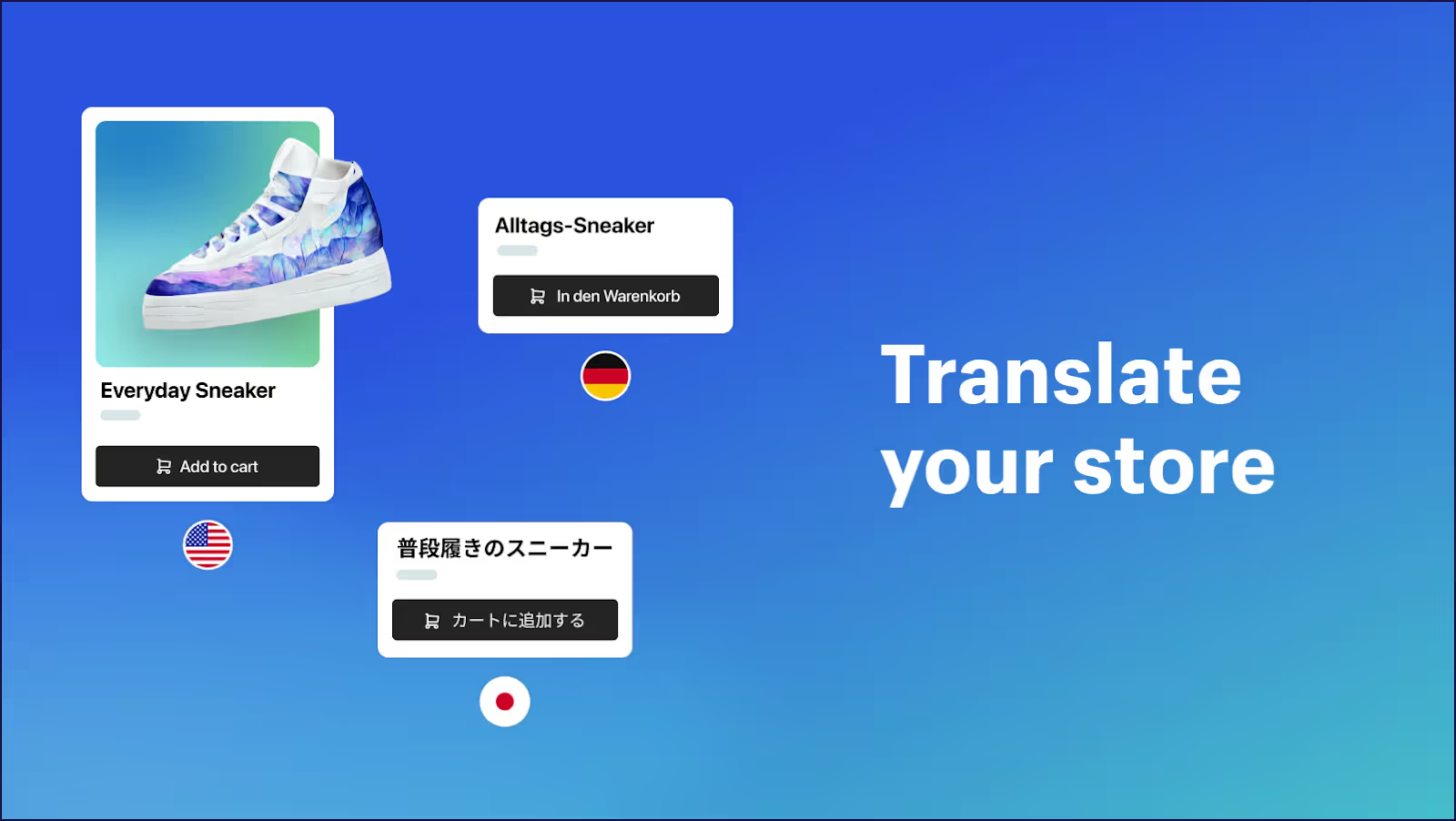
Below, we outline the key limitations of Shopify Translate and Adapt and how they impact multilingual ecommerce operations.
Shopify Translate and Adapt’s auto-translation capabilities quickly hit a ceiling.
While store owners can technically add different languages, automatic translations are limited to just two languages.
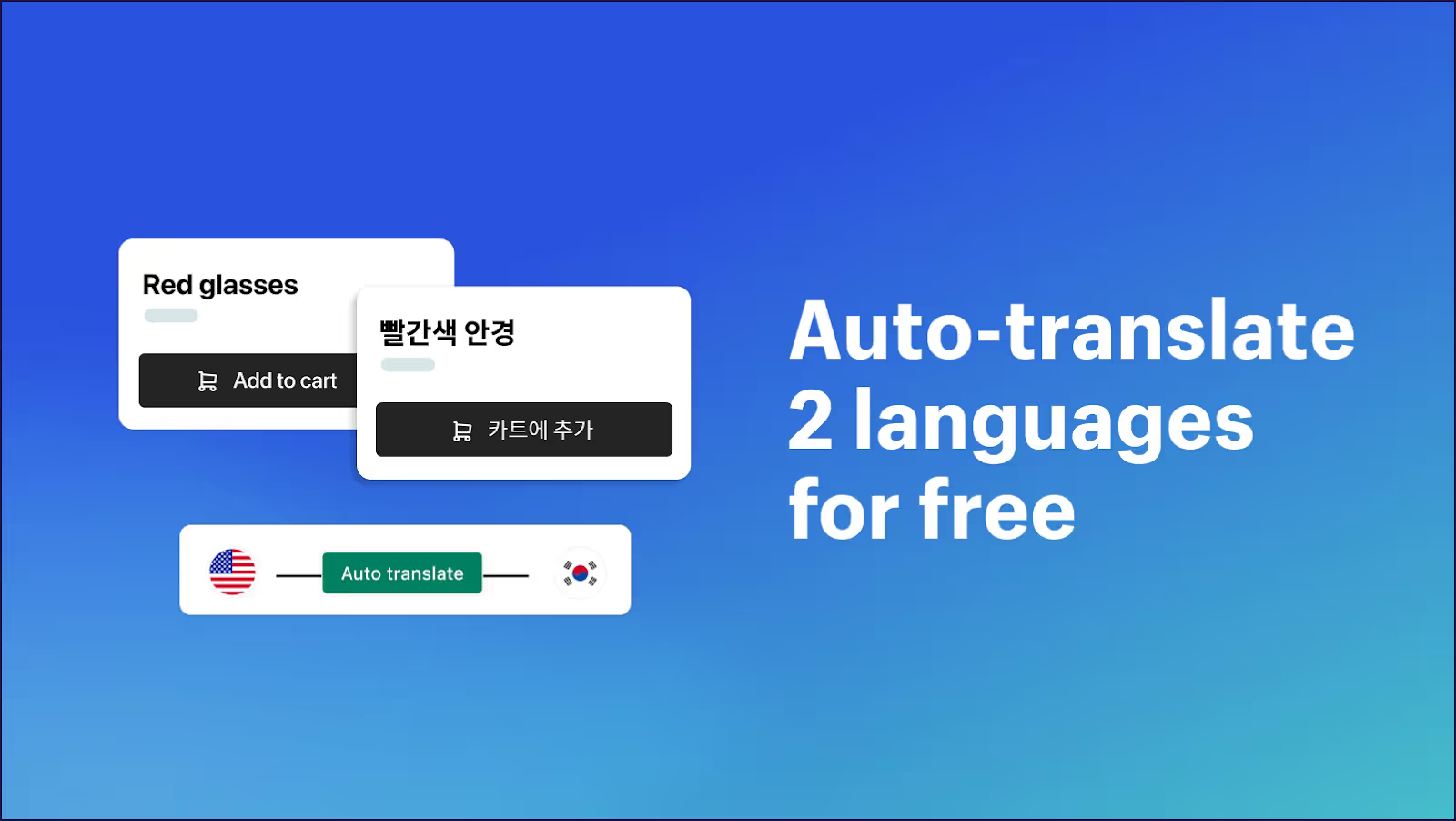
Any additional languages must be translated manually, which can quickly turn into a full-time job as you expand into new markets.
There’s also an annual cap of 100 million characters for automatic translations. While that sounds generous, you’ll likely reach this limit much faster if you’re a store with large catalogs, frequent store content updates, or content-heavy pages.
Once the limit is exceeded, teams are forced to rely on manual workflows, slowing down expansion and increasing operational costs.
Translate and Adapt does not offer a true preview mode for translated content.
Changes only appear once they’re live on the storefront, which makes it hard to check accuracy, formatting, or context before customers see them.
And because unpublished Shopify themes can’t be translated, you can’t prep content ahead of a redesign or launch.
For teams managing redesigns, seasonal campaigns, or international rollouts, this lack of a staging workflow means unnecessary risk and slow release cycles.
Despite being Shopify’s native solution, Translate and Adapt relies heavily on manual translation.
Editing translations can mean jumping between multiple interfaces within the Shopify admin. Users have also reported issues when deleting text, switching between apps, or making bulk changes.
Plus, according to store owners, translations often fail to “stick” on the frontend, ending up in repeated edits and troubleshooting.
These inefficiencies add up over time, turning multilingual content translation into a frustrating job.
Translate and Adapt relies on Google Translate for automatic translation. While it works well for simple text, it can sound unnatural or miss important nuance, especially for industry-specific language.
The app also lacks glossaries and exclusion rules, which makes it harder to keep terminology consistent or prevent sensitive wording.
Imagine how mistranslations can create serious compliance and brand messaging issues in regulated industries like skincare, health, or legal services.
You only have to think of a skincare brand describing a product as “brightening”, then seeing it translated as “lightening” in another language – changing the meaning entirely.
Translate and Adapt does not automatically detect new or updated content across a store.
Every time you add new sections, product pages, or product updates, you’ll have to manually identify and update the translations to ensure everything is consistent. Naturally, doing this manually increases the risk of untranslated content appearing on live sites.
Metafields and dynamic sections are often the first to slip through the cracks. And as stores scale and updates pile up, keeping multilingual content aligned without automated detection can quietly become a constant game of catch-up.
Bulk translation workflows in Translate and Adapt are fairly restrictive.
The app doesn’t offer flexible CSV import and export options, and users can’t easily filter exports by specific products, content types, or metafields.
These restrictions make it difficult to prepare translations in advance for scheduled campaigns, promotions, or product launches. Imagine you’re getting ready for Black Friday and need hundreds of product pages translated before midnight sales go live. Without flexible bulk tools, you’re stuck doing it piece by piece right when your team is busiest.
The workflow also assumes a single source language, which can slow down teams working simultaneously across different markets or regions.
Translate and Adapt can struggle with content generated by third-party Shopify apps, particularly when those apps don’t use Shopify’s translatable resource types.
As a result, important site elements like forms, reviews, shipping calculators, and other dynamic content may remain untranslated unless you fix them manually.
In some cases, Translate and Adapt can also conflict with other translation tools, which makes already complex workflows even harder to manage. And create inconsistent multilingual experiences for international customers.
Translate and Adapt can’t translate images or other media. Any text baked into product photos, banners, or infographics stays in the original language, and you can’t swap in market-specific visuals to suit different audiences.
For visual-heavy stores – fashion, beauty, homeware – that leaves a big part of the customer experience untranslated. With Weglot, you can replace images across your translated site so the visuals match each market, not just the words on the page.
If you change your store’s default language in Shopify, Translate and Adapt treats this as a destructive change that can cause you to lose or have to redo translations you’ve already built. That makes it risky to fix an early setup decision or change your default language once translations are in place.
We keep your translations independent of your store’s default-language setting, so changes to your language setup don’t wipe the work you’ve already done.
Translate and Adapt doesn't give you a clean way to back up or export your translations. There’s no flexible export of your translated content, so if something breaks or you switch tools, your work isn't easy to recover or reuse.
We store every translation centrally and let you export it, so your localized content stays portable and protected.
The language switcher in Translate and Adapt offers limited control over how it looks and where it sits on your storefront. You’re largely tied to your theme’s defaults, which can leave the switcher hard to find or off-brand.
We give you a switcher you can style and position to match your design, so customers can change language easily wherever you choose to place it.
Translate and Adapt’s multilingual SEO support is limited in ways that can quietly hold back your international visibility:
We handle this automatically – translating URLs, metadata, and hreflang tags, and generating language-specific subdomains or subdirectories to support your Shopify international SEO.
As Shopify stores expand into new markets, translation quickly becomes an ongoing operational challenge rather than a one-time setup. Something more robust than Translate and Adapt is often needed.
Enter Weglot.
Weglot is a dedicated AI website translation app built to support multilingual ecommerce at scale. Instead of relying on manual workflows or partial content coverage, Weglot focuses on complete store translation and long-term flexibility.
Weglot enables Shopify stores to:
By operating independently of Shopify’s native translation framework, Weglot removes many of the constraints that slow teams down as they grow.
This difference becomes especially clear when comparing how Weglot and Shopify Translate and Adapt handle translation quality, SEO, and scalability.
While both Weglot and Shopify Translate and Adapt both support multilingual Shopify stores, there are a number of significant differences between them.
Below, we compare the two solutions across the areas that matter most for growing ecommerce businesses.
Weglot combines AI-powered translation with human editing, supported by a Visual Editor that lets you review and refine translations directly on a live preview of your site. This makes it easy to fine-tune content and ensure it resonates with each audience.
Here’s a French translation of a header in progress, with English as the default language:
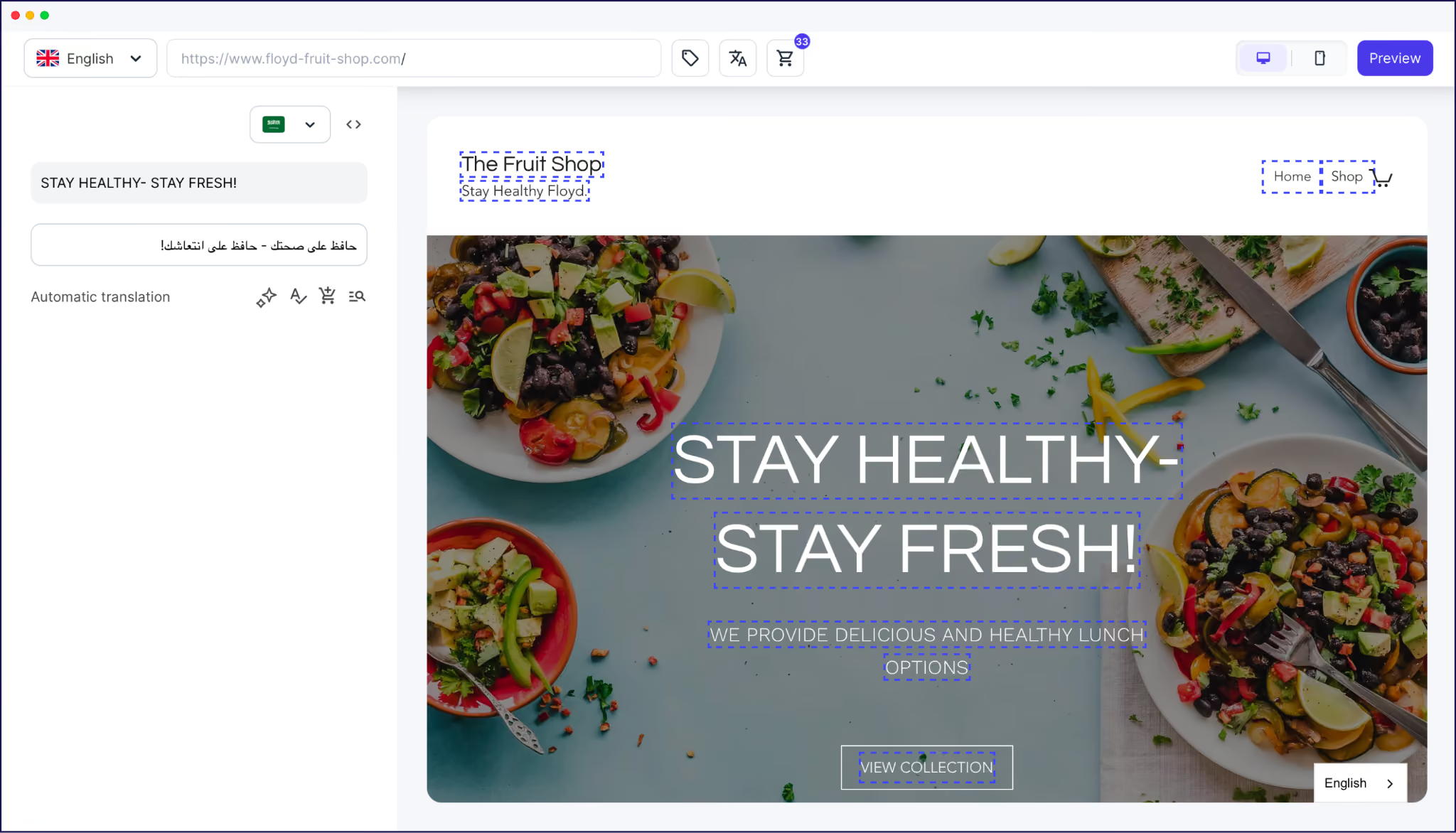
In contrast, Translate and Adapt relies on Google-powered auto-translation, which may lack the cultural nuances required for certain markets when translating text.
While manual editing is possible within Translate and Adapt, it doesn’t have the same level of flexibility or user-friendliness as Weglot’s interface. Not all media elements can be translated, and limited third-party integrations mean some app content will also be missed.
From an SEO standpoint, Weglot is built specifically to optimize and support multilingual search visibility. To help search engines correctly index and rank each language version of a site, it automatically creates language-specific subdomains or subdirectories. It also translates metadata and implements hreflang tags.
Shopify Translate and Adapt, by comparison, offers more limited SEO support. Product handles in URLs can’t be translated, metadata and third-party app content may be missed, and hreflang functionality is restricted.
As a result, stores relying on Translate and Adapt can face gaps in how their multilingual content is discovered and indexed internationally.
Weglot’s translation management dashboard allows you to manage and centralize translations across all content types (including media, metadata, and external links), making it easy to track progress and make updates.
Translations can be managed either through Weglot’s Visual Editor, which allows edits directly on a live preview of the site, or through the Translations List, where content can be searched and filtered by URL.
Weglot’s built-in glossary, which stores language preferences, ensures they are used in future translations for consistency. You can also make page or section exemptions from translations, giving site admins full control over what pages are translated and live.

In comparison, Translate and Adapt only offers a side-by-side editor within the Shopify admin interface, which may be less intuitive for users managing large volumes of content.
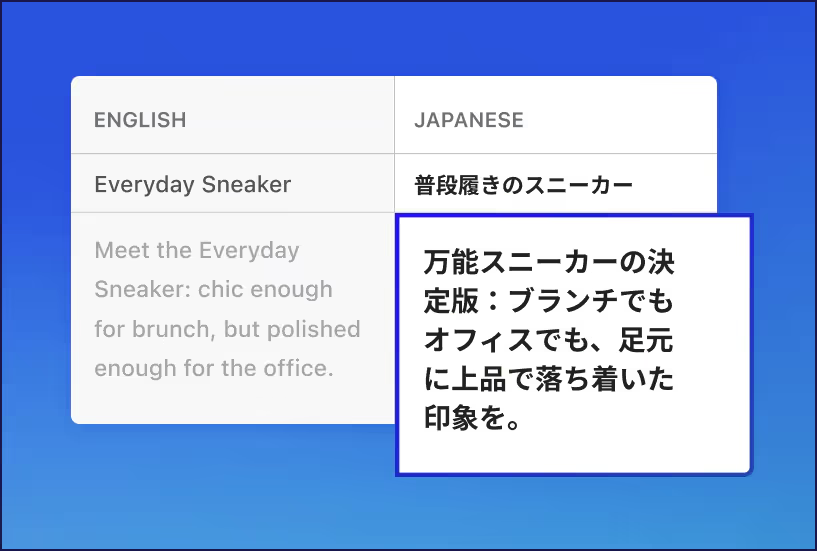
Weglot is designed for scalability and to grow alongside your business. It supports 110+ languages, handles all content types automatically, and removes the workflow and character limitations that can slow expansion.
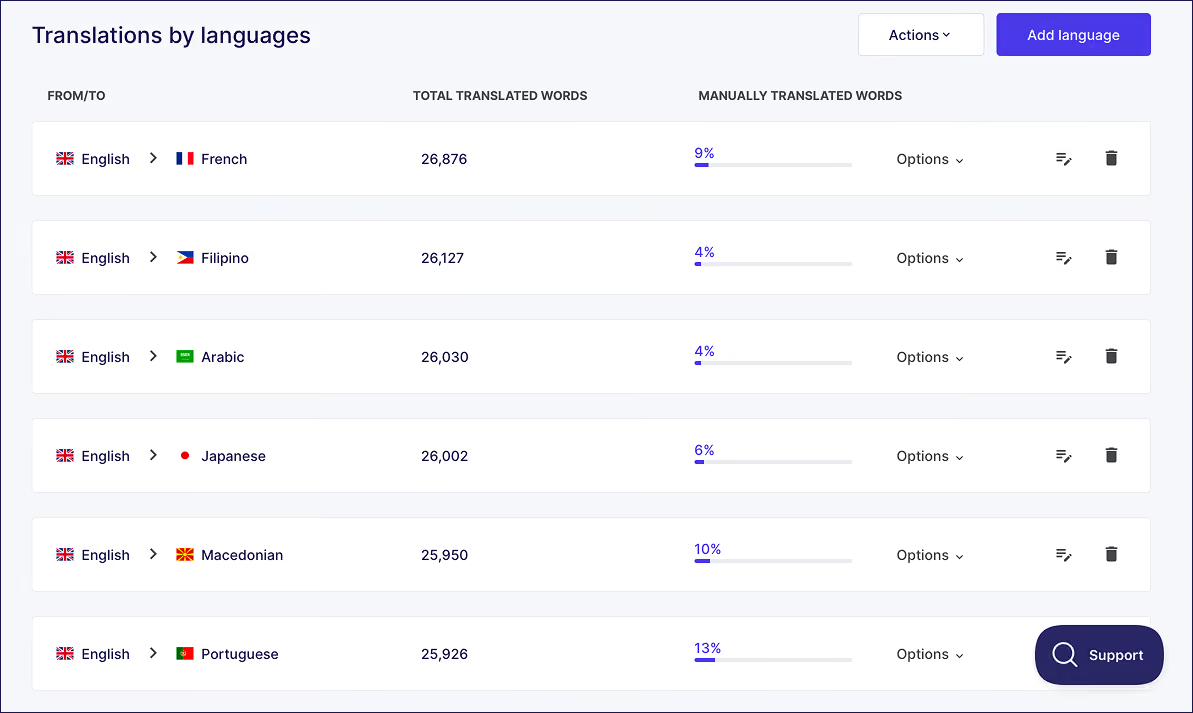
In contrast, Shopify Translate and Adapt can become increasingly restrictive as stores scale. Limits on automatic translations and incomplete support for certain content types often result in untranslated media or third-party app content on foreign-language pages.
As more languages and content are added, teams are also forced into manual review and editing workflows.
Weglot offers a 14-day free trial as well as a free plan. Paid plans start at €15 per month and scale from there, depending on what a business needs.
Translate and Adapt is free for all Shopify users, with no ability to add functionality if needs increase.
The choice between Weglot and Translate and Adapt depends on a store owner’s commitment to international expansion, and their specific translation needs:
The size, future goals, and target markets should be key factors when deciding between the two solutions.
Weglot vs Translate & Adapt: A Comparison Table
If your store is ready to scale beyond what Translate and Adapt can handle, Weglot’s Shopify translation app translates your entire store automatically and keeps it in sync as you grow.
Already set up on Translate and Adapt? Here’s how to migrate your Shopify store to Weglot without losing your existing work.
While Shopify’s Translate and Adapt app can be a good match for ecommerce businesses embarking on their international expansion journey, it comes with strict limitations.
A lack of language options, SEO challenges, and compatibility issues with third-party services mean the app is best suited for smaller Shopify stores.
In contrast, Weglot is built for businesses scaling internationally. It supports full-site translation across all content types, combines AI translation with hands-on editing control, continuously detects untranslated content and translates it, and includes built-in multilingual SEO. With visual editing, media translation, and consistency tools like a glossary, Weglot is better suited for stores with long-term growth plans.
Try Weglot’s 14-day free trial, no credit card required.

We’ll get your first languages live. You decide how far you want to go. Try Weglot for free today.
Trusted by 70,000+ global brands





Weglot is tested and trusted by brands worldwide since 2016. Join them today.


The best way to understand the power of Weglot is to see it for yourself. Test it for free and without any engagement.
A demo website is available in your dashboard if you’re not ready to connect your website yet.


Yes. Translate and Adapt is free for all Shopify users, with no paid upgrade to unlock more functionality. The trade-off is that you’re capped at its built-in limits – most notably 2 languages for automatic translation. We offer a free plan and a 14-day free trial too, then paid plans that scale as your store grows (see our pricing page for details).
Automatic translation is limited to 2 languages. You can add more languages manually, but every extra language has to be translated and maintained by hand, which gets time-consuming fast. We support 110+ languages, all translated automatically from day one.
Three options: subdirectories (example.com/fr/), subdomains (fr.example.com), and country-code top level domains (example.fr). Subdirectories are the default for most multilingual sites because they share SEO authority with the main domain. Subdomains work when each language version needs to behave like a semi-independent site. ccTLDs send the strongest geo-targeting signal but require separate SEO work for each domain.
This usually comes down to a few things: translations only appear once they’re published live (there’s no true preview), new or edited content isn’t detected automatically, and store owners report translations occasionally failing to ‘stick’ on the frontend. The fix is often manual re-editing. We detect and translate new content automatically, so your multilingual store stays in sync without the constant catch-up.
The switcher in Translate and Adapt offers limited control and is tied to your theme’s defaults, so it can be hard to place or easy to miss. If it’s not showing, it’s usually a theme or placement issue. We give you a customizable switcher you can style and position yourself – here’s more on how to customize your Shopify language switcher.
If you sell in one or two markets and want a free, native option, Translate and Adapt is a reasonable starting point. If you’re scaling into multiple languages and markets – and you care about media translation, complete multilingual SEO, and not managing translations by hand – Weglot is the better long-term fit.