Try Weglot for free





You have a site that needs to work in multiple languages, and you say to yourself: “Great, I just need to translate it!” However, once your German and Spanish sites have been up for a while, neither produces any results.
This is a situation many businesses fall into because there is a big difference between having a site with many languages and owning a strategic multilingual business that converts as it should.
To get there, you need a multilingual content strategy, a.k.a., a plan for creating and adapting content across languages so it performs in each market. This means more than running text through a translator.
This guide walks through each decision in sequence: market selection, technical setup, translation workflows, and budget planning. By the end, you'll understand how to expand internationally without damaging SEO or embarrassing your brand.
A multilingual content strategy is a plan to create, adapt, and distribute content across languages so it ranks in local search and converts native speakers.
The difference between this and simple translation comes down to two separate processes: translation and localization.
This distinction matters because translation alone produces content that often fails.
You might translate "running shoes" into German as "Laufschuhe," but German shoppers search for "Joggingschuhe" or "Sportschuhe" depending on the region. Your translated page won't rank because you converted English keywords instead of researching what people actually type into search boxes.
Localization fixes this by starting with the target market's behavior, not your source language.
When you localize properly, the business outcomes shift fast.
Okay, but how do you get there? First, you need to understand what the main elements of a multilingual content strategy are.
A working strategy includes several interconnected pieces:
{{quote-image-banner}}
This one might sound obvious, but you need real data to decide on the languages and markets, not guesswork.
To do that, you can start by checking your existing analytics for visitor location and language settings. If you're seeing consistent traffic from Brazil but low engagement, that signals opportunity. Look at bounce rates by country – high bounce rates from non-English regions often mean visitors want content in their language.
Evaluate market potential using these criteria:
Start by deciding what success looks like in each region. Generic goals like "increase international traffic" won't tell you if localization is working.
Set specific targets for each market:
For example, ecommerce stores track conversion rates and cart abandonment; SaaS companies measure trial signups and demo requests; and B2B sites track lead form completions and whitepaper downloads.
Once you've selected markets, research what people in those regions actually search for and how they behave online.
A US company selling "sneakers" will find that UK audiences search for "trainers" and some European markets use completely different terminology.
Don’t forget that preferred search engines are also different. Google is the obvious default, but that’s not the truth for all markets: Yandex leads in Russia, Baidu in China, and Naver in South Korea. Your SEO strategy needs to account for these regional leaders.
However, that’s just the beginning: You also need to become an active part of the conversation and a natural choice for the people in your target market. To do that, you can:
Don't assume the channels that work in your home market will work everywhere because social platforms do vary by region. LinkedIn dominates B2B in North America, but XING leads in German-speaking markets, and WeChat is used for everything in China.
Technical SEO setup prevents the most common failures in multilingual sites.
Don't try to localize everything at once. Prioritize based on impact.
Not all content needs human translators, and what that looks for your business, mostly depends on risk and visibility.
AI translation works well for high-volume, lower-risk content. Product descriptions, FAQ pages, help documentation, and blog archives can be translated by AI tools without major brand risk.
However, a human-in-the-loop is needed for your brand-critical content. Landing pages for paid campaigns, homepage copy, legal documents, and customer-facing communications about sensitive topics need professional linguists who understand cultural nuance. Marketing slogans rarely translate well through AI – idioms, wordplay, and emotional resonance require human judgment.
Most teams use a hybrid approach: AI translation handles the first pass across all content, while human translators review and refine high-stakes pages. This approach balances speed with quality.
Language is just the start. Full localization adapts the entire user experience, and while this is a very complicated process, here are some quick wins:
Track results separately for each language to understand what's working.
Set up Google Analytics views or segments by language. Then, monitor the following:
"After launching, track conversion rate, checkout drop‑off, and payment success by country and by method. Watch for patterns and measure the customer journey: are potential customers navigating your site in the way you expected? If important pages are being missed, consider adjusting your navigation structure."
Elizabeth Pokrny, Head of Brand and Content at Weglot
We recommend that you regularly run A/B tests on localized pages, just as you would for your primary language: Test different CTAs, headlines, and page layouts to see what resonates in each market.
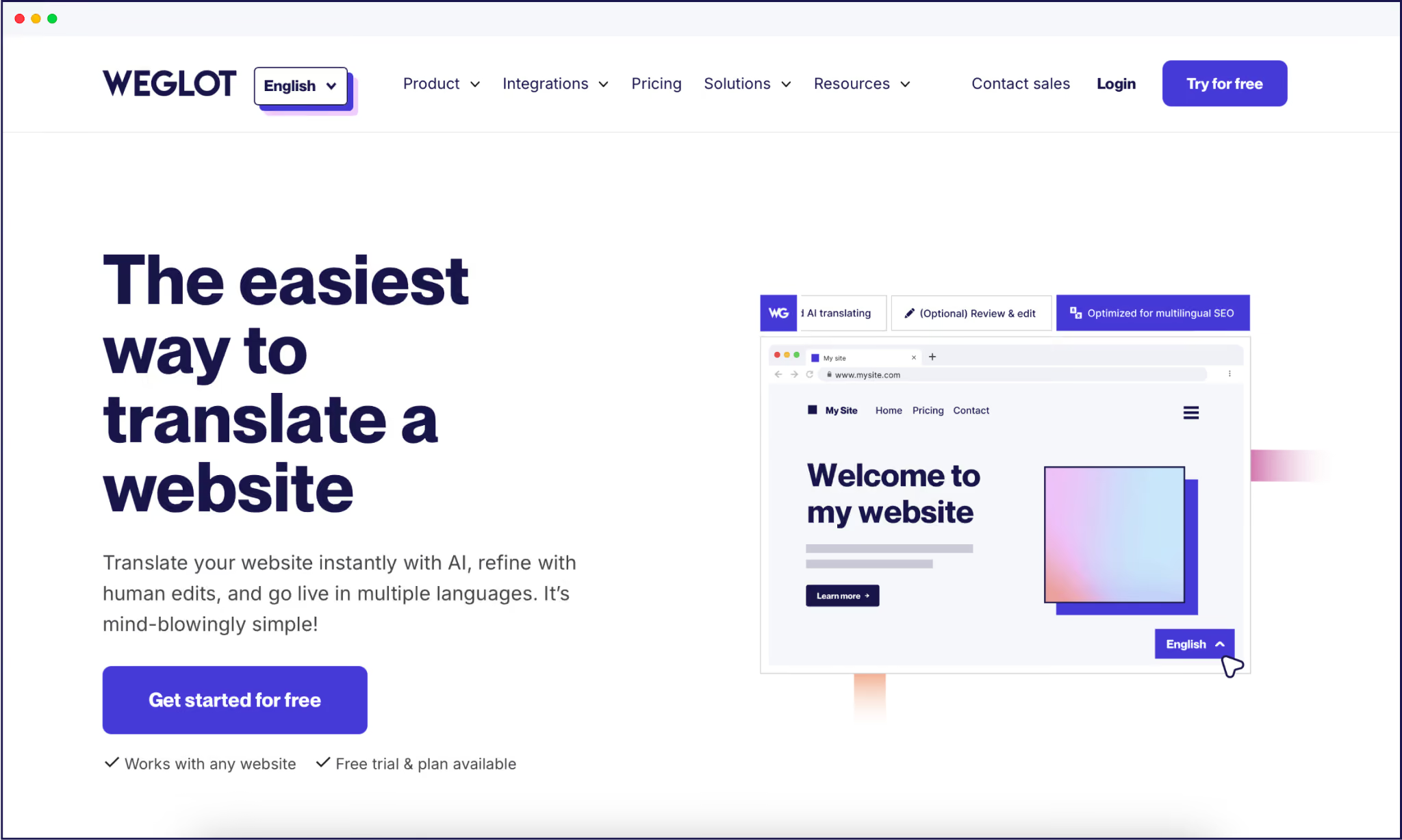
Weglot handles the technical execution that makes multilingual content strategy work at scale. Once connected to your site, the tool translates your entire website instantly and automates the SEO infrastructure that keeps localized pages ranking.


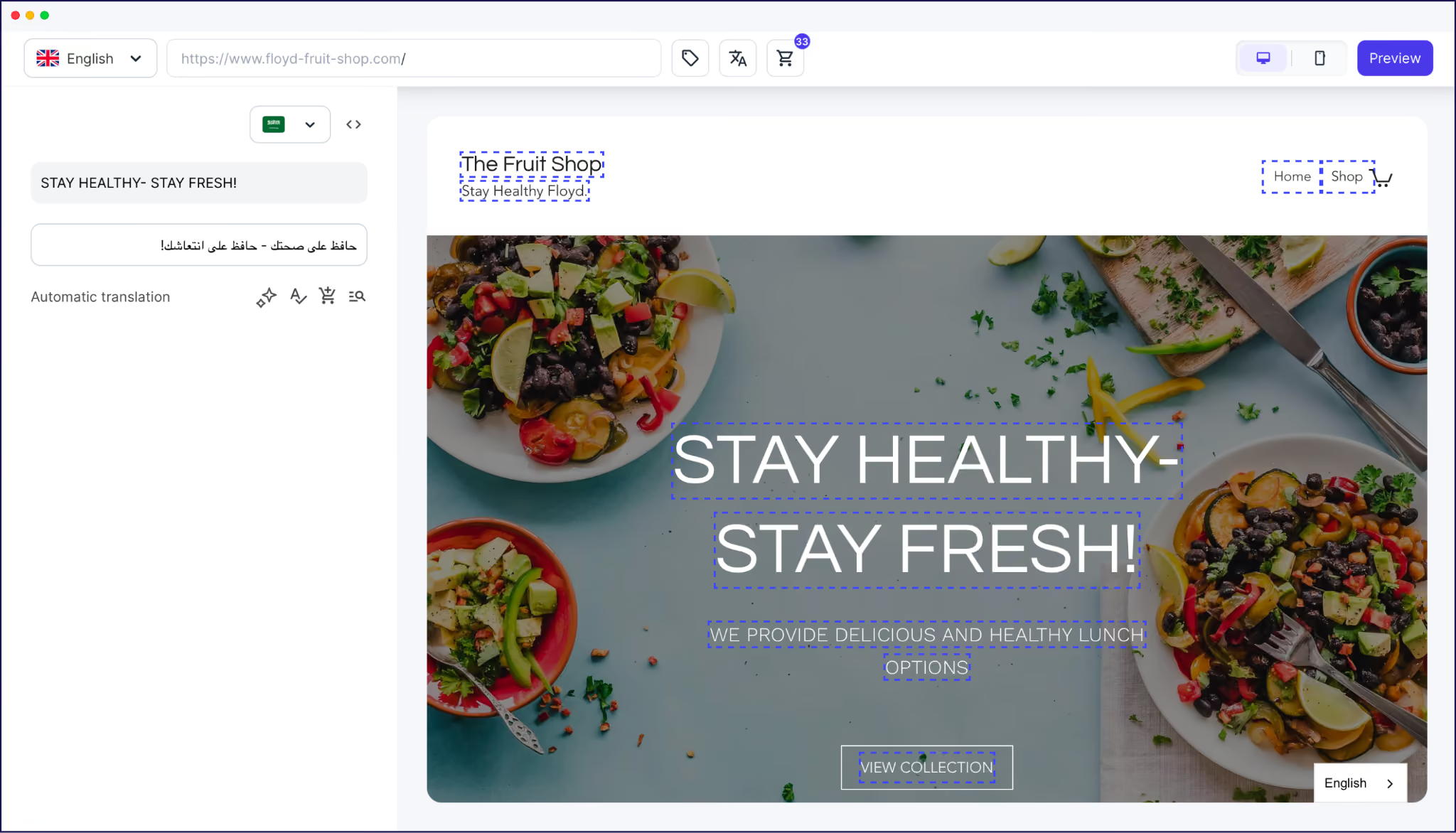
The combination means you handle strategy – market selection, content prioritization, budget allocation – while Weglot manages the technical layer that makes multilingual content discoverable and usable in each market.
Eyewear brand Jimmy Fairly added English, German, and Italian to their ecommerce site using Weglot and saw international sales increase 6x alongside a 70% jump in web sessions.
“With our ecommerce store available in 4 languages, our international turnover has increased x10 since integrating Weglot. With a constantly evolving product portfolio, Weglot is the perfect solution for us.”
- Clara Champion - Director of Digital and Ecommerce, Jimmy Fairly
International expansion can be intimidating, but when you have a good strategy, you stop translating randomly and start making decisions based on market evidence, search behavior, and conversion data.
The strategy pieces we mentioned – language prioritization, native keyword research, technical SEO setup, and translation workflows – all work together. So, if you skip even one, the others will underperform. Translate without keyword research, and pages won't rank. Set up hreflang incorrectly, and search engines show the wrong language to users.
Tools like Weglot automate the technical execution so teams can focus on the decisions that actually affect revenue: Which markets to enter, what content to localize first, and where human review matters most.
Ready to translate your website? Try Weglot's 14-day free trial and see how fast you can launch localized content.

We’ll get your first languages live. You decide how far you want to go. Try Weglot for free today.
Trusted by 70,000+ global brands








Weglot is tested and trusted by brands worldwide since 2016. Join them today.


The best way to understand the power of Weglot is to see it for yourself. Test it for free and without any engagement.
A demo website is available in your dashboard if you’re not ready to connect your website yet.


Translate your website first. AI search engines prioritize sources that match the query's language, and our analysis of 1.3 million citations found that translated websites gain 327% more visibility in AI Overviews than single-language sites.
Then make each language version easy to retrieve and cite: give it a dedicated URL, hreflang tags, and translated metadata, and keep translations in sync as your content evolves. Weglot handles that technical layer automatically, so your visibility grows with every language you add.
For the full 5-step process, read our multilingual GEO guide.