Try Weglot for free





Anyone who’s looked into multilingual website costs will know that the answer is more complex than the question! Translation options have grown in recent times, with manual human translation competing for space next to AI tools and hybrid workflows.
Alongside direct cost comparisons of different translation methods, you’ll also need to consider word count, destination languages, and timescales – plus have an idea of how much content you’ll likely need to translate over the next 12 months. Frame your situation with these variables and those wildly different quotes will suddenly start to make sense.
In this guide, we’ll break down the main translation methods, the real cost drivers behind them, and how to make the right decision for your brand. By the close you’ll know the most cost-effective solution, and be able to go multilingual with a clear projection of your future costs.
Limiting your website to a single language is essentially closing your doors to a vast amount of potential customers. By translating your content, you break down the primary barrier to entry in foreign markets and expand your market reach. This allows you to capture international search traffic through multilingual SEO, ensuring your brand appears where local competitors are already thriving.
Going multilingual has also been shown to boost conversions, as the customer experience is rooted in communication. Research shows that 65% of users prefer content in their own language, with 40% refusing to buy in other languages. Speaking your customer’s language builds instant credibility and reduces reasons to abandon carts. It signals that you value their culture, and their business.
“A multilingual site also provides a cost-effective means of business expansion. Going global in the traditional sense requires physical offices or a massive local ad spend. A multilingual website is a fast-track way to attract customers from across the globe, without the need for a physical presence in multiple locations.”
– Elizabeth Pokorny, Head of Brand and Content at Weglot
There is of course more than one way to translate your website, and the cost swing is huge depending on how you do it. Some options are technically free but demand a lot of manual work, while others trade higher up‑front spend for automation, quality control, and long-term scalability.
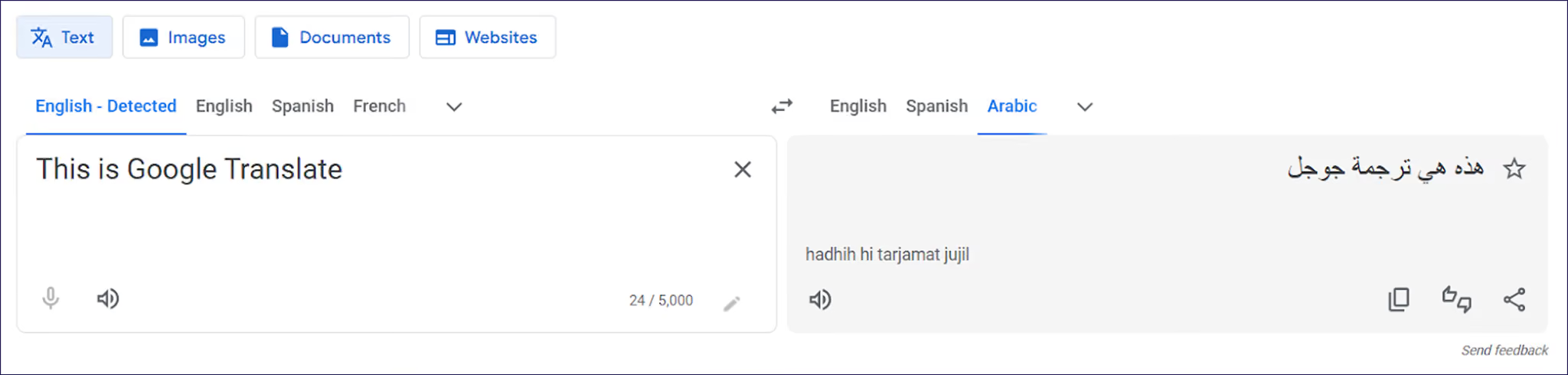
Using free automatic translation services gives you instant coverage in multiple languages with almost no upfront spend. The likes of Google Translate or DeepL can be handy if you’re pressure-testing new markets, or translating a small site.
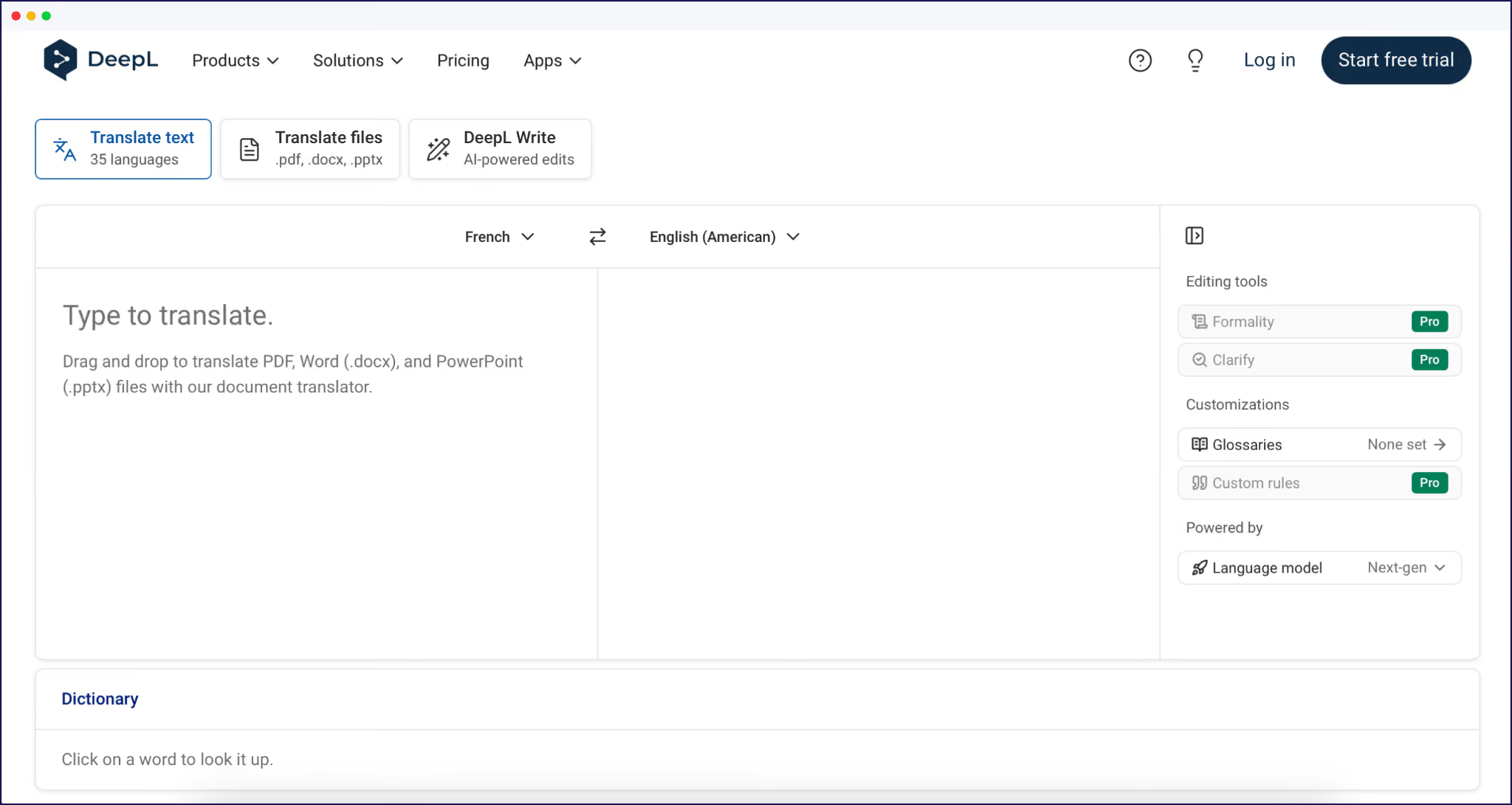
The tradeoff is control. You don’t get to decide how key terms, tone of voice, or brand phrases are handled, and you still need to manually move content into your CMS and keep it updated. This overlay-style approach also doesn’t create proper, indexable language versions, so it’s unmanageable for long-term multilingual SEO or serious international growth.
The costs for using automatic translation services comes in the form of time. ‘Copy/paste’ translating is highly time-consuming, and some dynamic strings like CTA buttons may get missed. Choosing the free automatic route requires a lot of manual intervention, from refining your translations to managing your technical SEO on a page-by-page basis.
For an estimate, you’ll need to translate a page from your website, make manual refinements, and set up international SEO. Once you’ve arrived at a timescale, multiply this by the number of pages on your site and you’ll have an idea of the number of days, weeks, months, or years this will take. It’s unlikely you’ll find this approach to be cost-effective, unless your site is miniscule in terms of content. A free solution is not as free as it sounds.
Hiring professional human translators or agencies gives you high-quality, on-brand content, but it’s the most expensive path. Professional rates average around $0.17-$0.50 per word, so that’s a minimum of $1,700 per 10,000 words, or a max of $5,000. Add more languages or highly specialized content and costs continue to climb.
You also handle file prep, back-and-forth revisions, and manual CMS updates for every new page or blog post. For a small, static site in one extra language, this approach can work well, but it becomes a major expense as your content grows. Those uploading fresh content on a daily basis will also find the timescales required by human translation to be beyond their means.
A hybrid approach combines AI translation for speed and coverage with human review where it matters most.
You can of course combine a free service like Google Translate with human translators for refinement and accuracy, but this means a time-consuming, manual workflow. And it also won’t handle your SEO.
The most cost-effective approach is to use a full translation management system in the form of a dedicated AI translation tool. These integrate with your existing CMS to automate translations and handle technical SEO, greatly reducing the need for manual involvement.
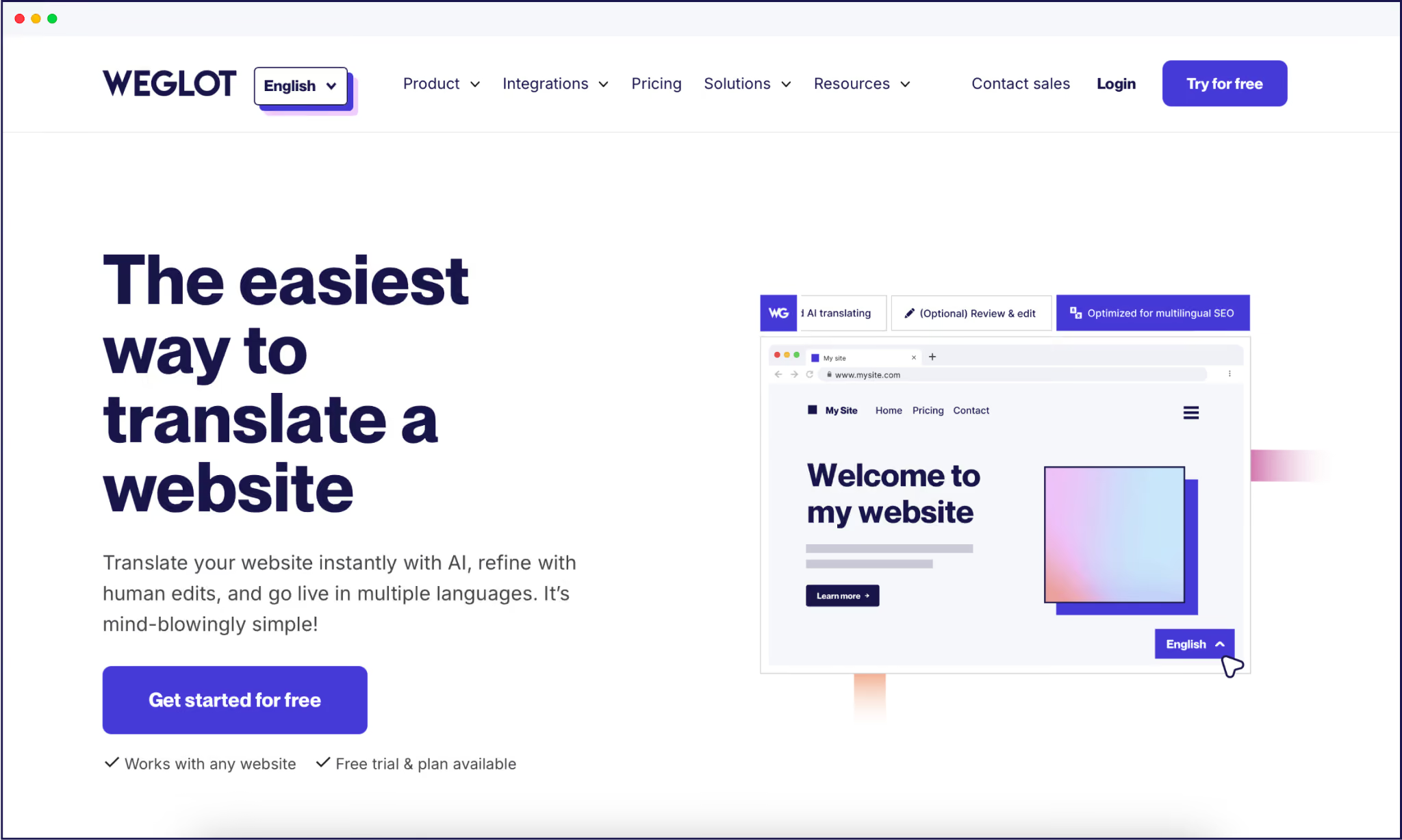
Our AI website translation tool Weglot is a perfect example! It automatically detects all your website content and machine translates it using the likes of DeepL and Google Translate.
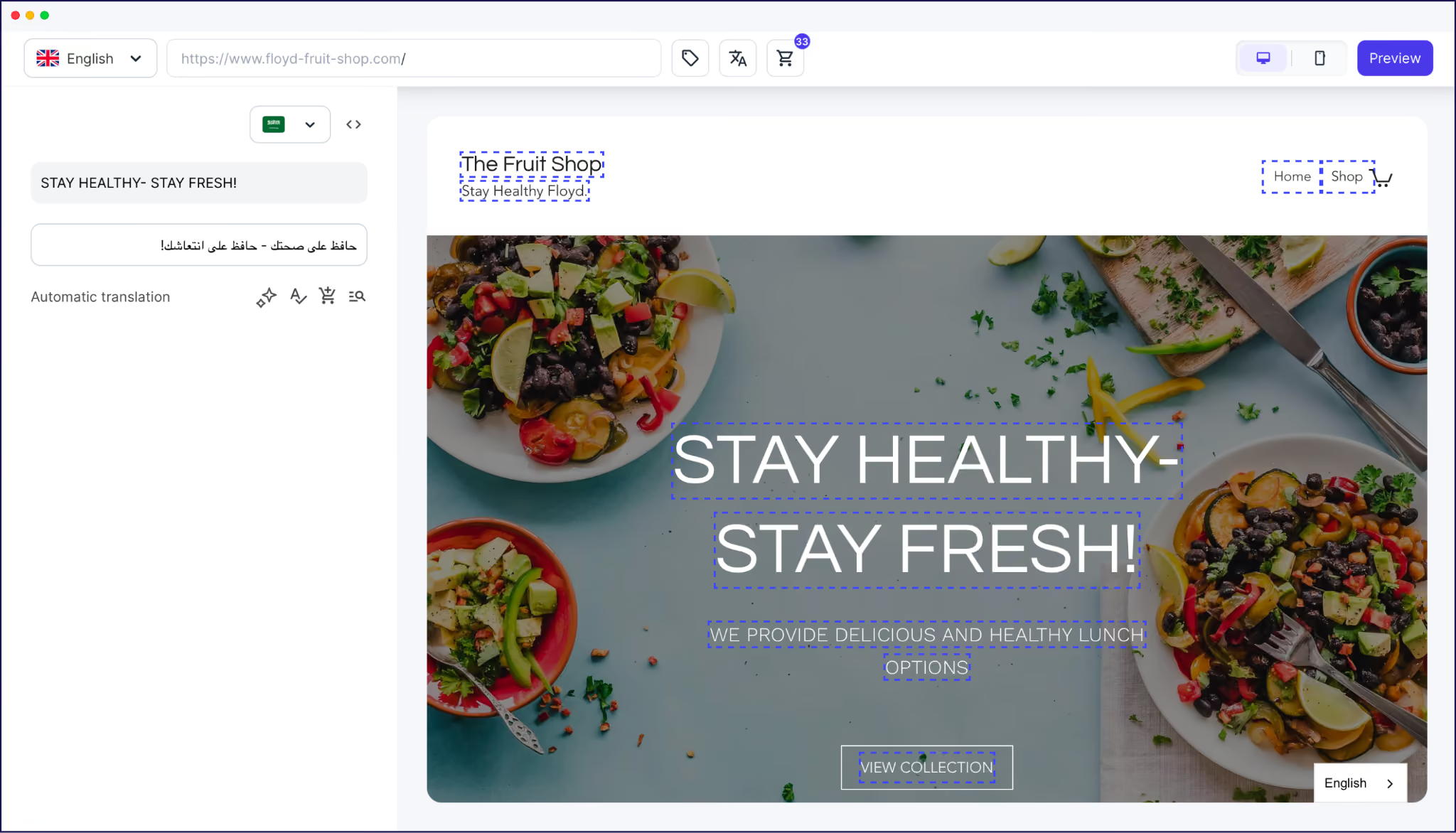
AI refines your content using OpenAI and Gemini, for a more human-focused output that automatically makes your translations sound on-brand. And a frontend Visual Editor allows for human refinement where needed, while additional tools like a glossary and translation memory help keep everything within your house style.
Cost-wise, AI translation tools have their own cost structures to consider. Some will charge a monthly or yearly fee, then extra fees if more translations are needed. We keep things simple at Weglot – you simply choose the pricing tier that meets the needs of your website. Should you exceed your word count, you can simply move up a tier.
To compare costs, a 10,000 word website costs $17/month or $170/year with Weglot. That’s not only favorable when compared to the price of manual translation, but timescales are rapidly reduced. Weglot gives you a live multilingual site in minutes, automates the translation of new content, and handles all of your technical SEO instantly. You’ll be swapping manual heartaches for occasional monitoring and management.
{{quote-image-banner}}
Beyond method, website translation costs spike or stay manageable based on how much content you have, which languages you need, and the quality level you’re aiming for. Once you understand these levers, you can predict budgets instead of being surprised by quotes.
Website size is one of the biggest multipliers in your budget. Every word on every page needs to be translated for each new language, so a 10,000-word site behaves very differently from a 200,000-word knowledge base.
As we’ve seen, per-word pricing from human translators or agencies scales directly with that volume, which is why even cheaper rates quickly add up. As we mentioned, tools like Weglot match price tiers to different website sizes and language counts, showing how costs rise as you expand both content and markets. Smaller sites can also benefit from our free plan, which allows for 2,000 words to be translated into one other language.
As a tip for those on the brink of expansion, it’s wise to start small and grow over time – even if your goal is ultimately to reach speakers of 10 other languages. Translate everything into one language at a time, and monitor proceedings for ROI before opting for another language. This ‘safety-first’ approach helps you keep full control over budgets and allows you to closely monitor quality.
Not all language pairs cost the same. Agency and freelancer rates vary by language demand and translator availability, with widely requested pairs like English-to-Spanish typically cheaper than less common or combinations.
Here are some examples of some language pairings and their typical costs – as you can see, translation from Catalonian (ca) to Spanish (es) is much cheaper than Danish (da) to German (de):
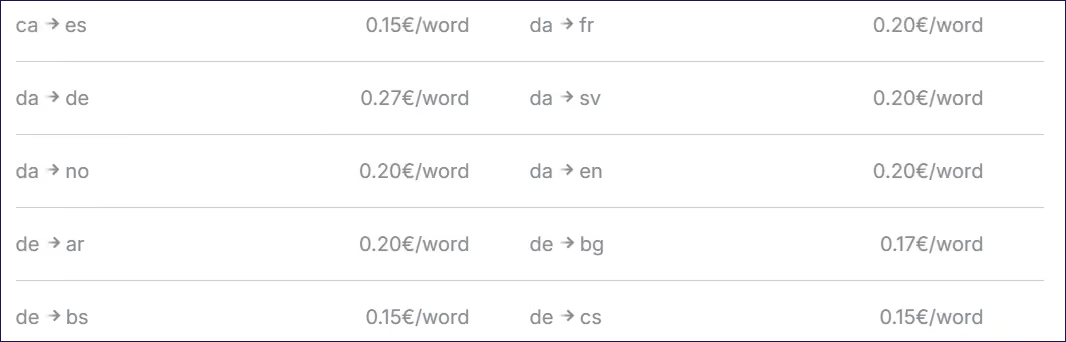
Some providers apply higher per-word pricing for languages that require extra expertise, such as legal or highly-technical content. If you’re planning on expanding to several markets, include accurate translation costs into your decision-making process.
The quality level you expect – for example, ‘good enough’ vs ‘fully on-brand’ – has a direct impact on cost. Machine translation is cheaper but less controlled, while human-only translation delivers the highest quality at the highest price.
Hybrid setups that combine AI translation with selective human review sit in the middle. A machine translation with post-editing approach gives you broad coverage at machine speed, with human expertise used for high-value pages or sensitive content. And GenAI translation – in addition to traditional machine translation – offers further advantages by learning your preferred branding and word choices, delivering a more human-like, on-brand output.
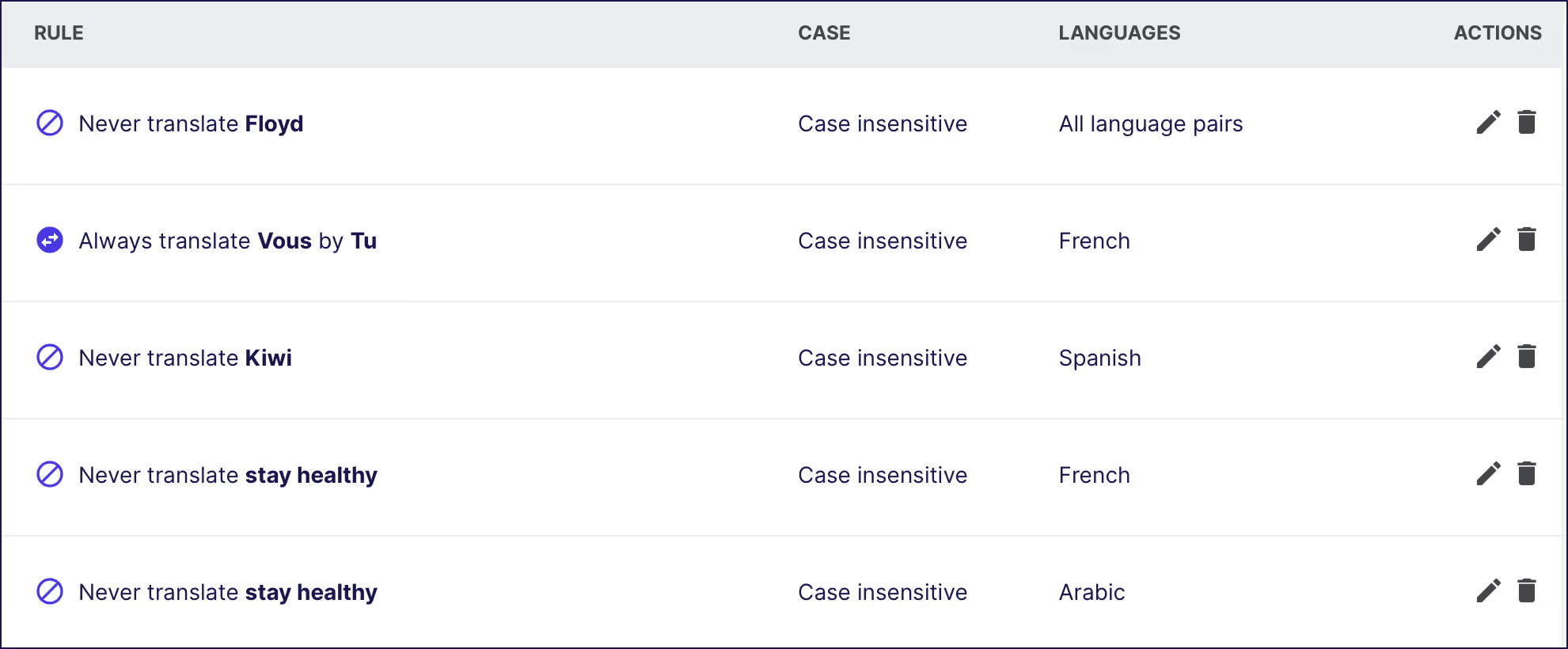
As we’ve seen, the best hybrid tools offer various features aimed at increasing quality while keeping costs down. Look for solutions that include a translation memory feature combined with a glossary. These allow you to select word preferences for future translations, in order to consistently translate your content in your brand voice. Every translation method needs a solid style guide/glossary feature, and a built-in digital one means less manual work as your site grows.
Website localization goes beyond swapping words into another language. It’s about adapting your content to meet local expectations, which adds to costs and timescales but protects performance. Compare Nike’s English and Arabic sites by way of example. The brand naturally translates their English content into Arabic, but also handles this correctly as a Right-to-Left (RTL) language so the translated site automatically appears familiar to local users.

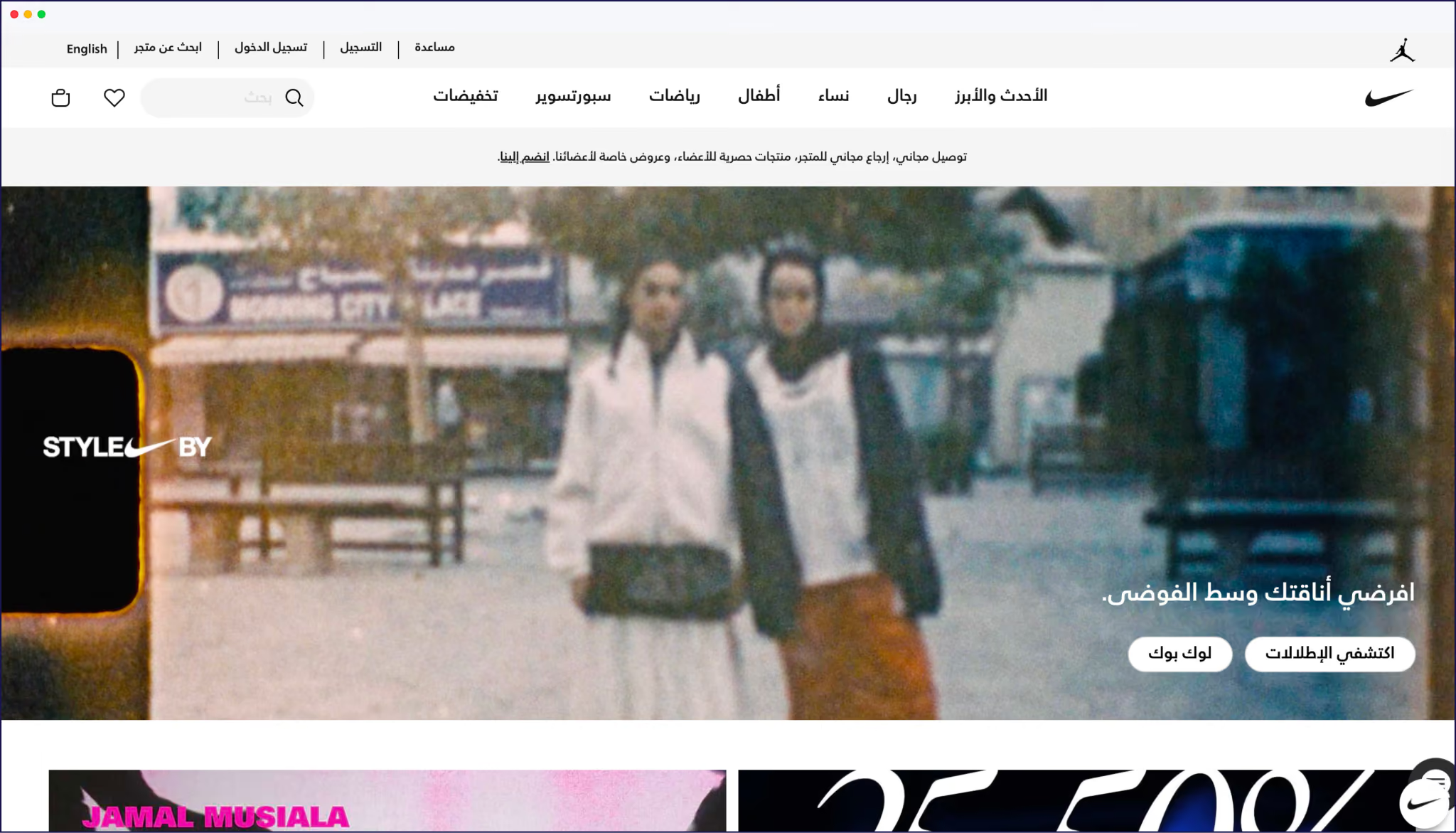
Going ‘local’ can include changing visuals, examples, date formats, and references so they feel natural in each market, plus adjusting things like sizing and measurement units. Agencies often charge higher rates for this type of work because it demands cultural expertise and creative judgment, not only linguistic accuracy.
Localizing your site adds time to your workflows, but it reduces the risk of confusing or offending users with your word choices. It will also help your site feel like it was built locally, and not simply translated by machine.

Proper international SEO requires search-friendly URL structures for each language, hreflang tags, and translated metadata so search engines can index and serve localized results. Fail to optimize for international sites and you’ll be unable to compete for rankings on foreign search engines, reducing the chances of your brand being found online.
Manual SEO management is time-consuming and prone to error. Foreign language content needs to include multilingual keywords, and every page will need correct configuration of technical aspects like hreflang tags.
Timescales quickly add up when doing this manually per page. The most cost-effective option is to use an AI translation tool to automate SEO, with costs covered by a regular subscription fee. Weglot looks after all of your technical SEO for a tech- free approach to website translations – plus an incredible amount of time-saved every time a new page goes live!
How quickly you need translations live has a direct impact on price. Human translators and agencies often charge rush fees when you compress timelines, especially for large word counts, because they need to reorganize workloads or bring in more people. Those surcharges can add a noticeable percentage on top of standard rates.
As we’ve seen, a hybrid workflow gets you a fully translated version of your site almost instantly, with further options for human review if needed. AI translation tools enable you to launch new pages on a daily basis, and have them translated to a high level of quality.
{{demo-banner}}
Choosing the right approach comes down to three things:
For a very small, simple site, pure AI or free tools might be enough, as long as you accept that quality, SEO, and overall control are limited.
If you have a stable marketing site in one or two languages and very strict brand rules, a human-first approach with professional translators gives you maximum control – just be ready for higher per-word costs, project management overhead, and slower launches for every new language or campaign.
“Most growing businesses land in the middle with a hybrid setup. You can use AI translation to cover all your pages fast, then invest human review time on the 10-20% of content that actually drives revenue, trust, or legal compliance. The hybrid route gives you speed, predictable pricing, and the option to dial quality up wherever it’s needed.”
– Eugène Ernoult, CMO at Weglot
To leave no stone unturned when choosing the right approach for your own business, use Weglot’s free word counter. This will scan your site, and find every string needed for effective translation, including widgets, menus, and button CTAs.
{{word-count-banner}}
Once you have a figure, you’ll know the scale of the task in hand and be able to present stakeholders with an accurate estimate of the work needed, alongside a comparison of costs.
For best results, make projections for the next year also, based on your blog and product schedule. Knowledge is power after all, and an accurate summation of work + costs of that work will lead you to make the right decision.
You’ve seen how multilingual costs multiply with every page, language, and quality choice, but also how they unlock traffic, trust, and revenue your English-only site can’t reach.
Your main cost considerations need to cover method, website size, language mix, localization depth, SEO, and timelines. For most ambitious ecommerce sites, hybrid AI translation with targeted human review gives most teams the best balance of budget control, speed, and quality – especially when your stakeholders want a clear number and no future cost surprises!
If you want your multilingual budget to cover automation, multilingual SEO, and room to grow into new markets, Weglot’s AI-powered website translation tool is built for that reality. Start your multilingual rollout with a Weglot 14-day free trial today.

We’ll get your first languages live. You decide how far you want to go. Try Weglot for free today.
Trusted by 70,000+ global brands








Weglot is tested and trusted by brands worldwide since 2016. Join them today.


The best way to understand the power of Weglot is to see it for yourself. Test it for free and without any engagement.
A demo website is available in your dashboard if you’re not ready to connect your website yet.