

Try Weglot for free


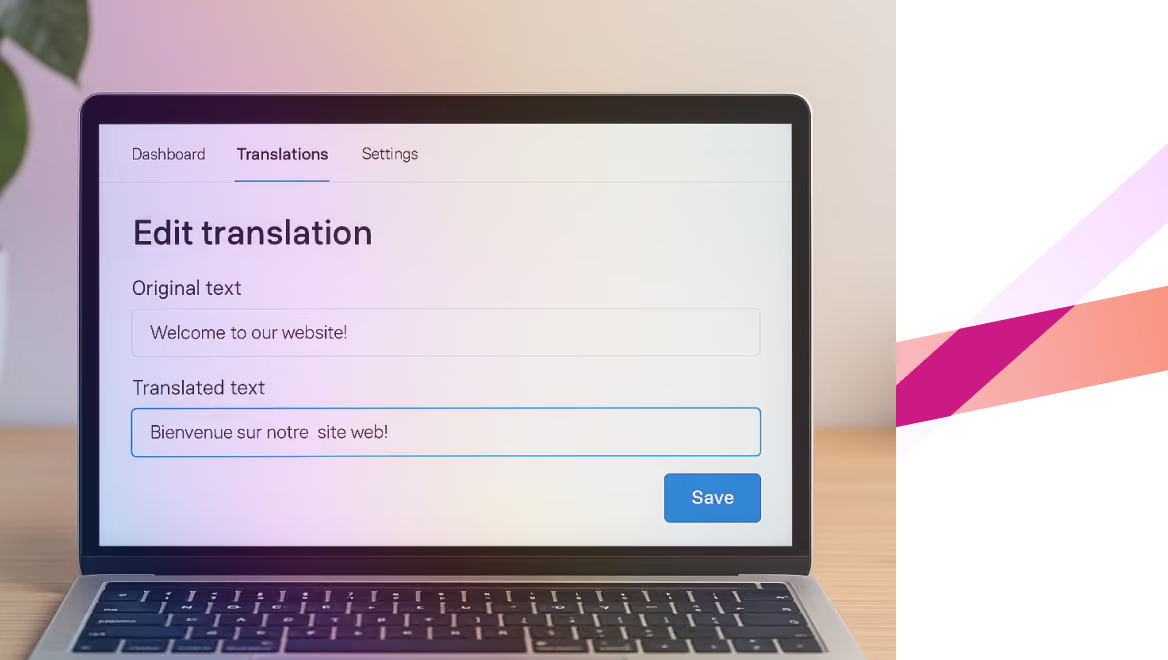


AI translation tools use neural networks and large language models to produce accurate, context-aware translations of websites, documents, and apps at scale. The right one depends on what you are translating: a marketing site, a software product, live conversations, or one-off documents.
Getting it right matters. Over 70% of consumers prefer to buy in their own language, and a single mistranslation can stall a market launch or dent brand trust.
This guide compares the leading AI translation tools in 2026 –– what each is genuinely best at, how they work, and what they cost – so you can pick the right fit fast.
We judged each tool on the things that actually matter for business translation:
Type: Website localization platform (hybrid AI + human).
Best for: Tech-free website and marketing-site localization.
Pricing: Free under 2,000 words; paid plans from $17/month (Starter plan), with a 14-day free trial.
Weglot adds multiple languages to any website in under 10 minutes, with no developer work. It applies a first layer of AI translation, then lets you refine in a Visual Editor or with a translation glossary. Its AI Translation Model learns your brand guidelines, glossary, and past edits, so translations stay on-brand as your content grows – and it detects and translates new content automatically, including dynamic and JavaScript content. Built-in multilingual SEO (hreflang tags, translated metadata, localized URLs) ships as standard.
Pros: Developer-free setup; hybrid AI + human editing; on-brand AI Translation Model; built-in multilingual SEO; 110+ languages; works with any CMS, including WordPress, Shopify, Webflow, and custom sites.
Cons: Focused on website content, so it is not built for offline or standalone document translation.
Best for businesses of any size that want to launch a multilingual site quickly while keeping brand voice consistent.
Type: Neural machine translation.
Best for: Fluent text translation in European languages.
Pricing: Free tier; paid plans from $8.74/month (billed annually).
DeepL is known for natural, nuanced translations, particularly across European languages, and offers an API for custom workflows. It works as a standalone engine rather than a full localization platform, so it is often paired with a tool that handles workflow and SEO.
Pros: High fluency; API; document translation; preserves formatting.
Cons: No built-in translation memory, glossary governance, or website workflow.
Type: Neural machine translation.
Best for: Quick, free, ad-hoc translation.
Pricing: Free.
Google Translate supports 130+ languages and instantly translates text, images, and pages. It is useful for quick checks, but lacks the context and SEO control needed for brand or website localization.
Pros: Free; broad coverage; fast.
Cons: Limited nuance; no website workflow or SEO handling.
Type: Enterprise translation management system.
Best for: Governed enterprise localization.
Pricing: Custom.
Smartling combines AI translation with professional human services, strong workflow automation, and analytics. It is powerful but complex, and priced for enterprise teams. See our guide to Smartling alternatives for a fuller comparison.
Pros: Workflow automation; analytics; compliance and security.
Cons: Lengthy setup; enterprise pricing; often overkill for smaller sites.
Type: Localization management system.
Best for: Software and app teams.
Pricing: From about $144/month per user (Explorer plan, billed annually).
Lokalise is a developer-centric TMS with APIs, SDKs, and CLI tooling, suited to app and technical content across many file formats. See our guide to Lokalise alternatives for how it compares.
Pros: Developer tooling; many integrations; collaboration features.
Cons: Steeper learning curve for website use.
Type: Adaptive AI + human translation.
Best for: Enterprise localization with human-in-the-loop.
Pricing: Custom.
LILT pairs adaptive machine translation with human review, learning from feedback over time. It is built for organizational workflows and translation memory rather than quick one-off translations.
Type: NMT / developer API.
Best for: Embedding translation into apps and workflows.
Pricing: From $10 per million characters (free tier up to 2 million characters/month).
Azure AI Translator is a production-grade translation API covering around 95 languages, with custom models and enterprise security. A free Microsoft Translator tier covers up to 2 million characters a month for small needs.
Type: Large language model.
Best for: Quick, tone-aware drafts.
Pricing: Free tier; Go from $8/month (Plus $20/month); usage-based API.
ChatGPT translates from a prompt and adapts readily to tone and terminology, but it does not enforce translation memory or glossaries, so consistency across a large site depends on prompting.
Type: Large language model.
Best for: Nuanced, tone-sensitive drafts and rewrites.
Pricing: Free tier; Pro from $17/month; usage-based API.
Claude is strong at tone and rewriting. Like other LLMs, it lacks built-in localization governance, so it is best for drafts rather than managed website translation.
Type: Multimodal large language model.
Best for: Long documents and quick drafts.
Pricing: Free tier; usage-based API.
Gemini translates text, documents, and images and handles very large inputs (a context window of up to 1 million tokens), but it has no built-in translation memory or governance, so consistency relies on prompting.
Type: Real-time AI translation and captioning.
Best for: Live meetings and events.
Pricing: Custom.
Wordly provides real-time translation and captions for live meetings and events, integrating with platforms like Zoom and Microsoft Teams. It is built for spoken, live settings rather than website or document localization.
There's no single "best" AI translation tool – the right pick depends on the job. For fluent one-off text, a dedicated engine like DeepL does the job; for software strings or live events, more specialist tools exist; and general-purpose LLMs are useful for quick drafts. But these are point solutions: they translate, and little else.
Translating and running a multilingual website is a different problem. It means handling dynamic content, keeping your brand voice consistent across every language, and getting the technical SEO right so the translated pages actually rank. That's where a web-first platform earns its place over a raw engine.
For that job, Weglot is the strongest fit for most teams: 110+ languages, a no-code setup that goes live in minutes, an AI Translation Model that learns your brand and terminology, and built-in multilingual SEO – already trusted by over 110,000 brands.
If you want to launch a multilingual website quickly and keep it on-brand, start with the 14-day free trial.

We’ll get your first languages live. You decide how far you want to go. Try Weglot for free today.
Trusted by 110,000+ global brands





Weglot is tested and trusted by brands worldwide since 2016. Join them today.


The best way to understand the power of Weglot is to see it for yourself. Test it for free and without any engagement.
A demo website is available in your dashboard if you’re not ready to connect your website yet.


AI translations are highly accurate for common languages and straightforward content, though accuracy varies with context, tone, and industry terminology. The most reliable approach pairs a first layer of AI translation with human editing – and tools like Weglot let you train an AI Translation Model on your brand and refine specific pages where precision matters most.
LLM translation (ChatGPT, Claude, Gemini) generates translations through contextual prediction and adapts well to tone. NMT (DeepL, Google Translate) uses networks trained specifically for translation and is often more stable for high-volume, straightforward content. Website platforms like Weglot combine engines and add the workflow, governance, and SEO that neither provides alone.
Not entirely. AI handles the first layer fast and at scale, while humans add value on nuance, idioms, and high-stakes pages. The most effective setup combines AI speed with human review where it counts.
Only if they are built for it. Weglot automatically adds hreflang tags, translates metadata, and creates localized, indexable URLs, so translated pages can rank in each market without extra SEO configuration.
Unlike tools that only translate text, Weglot translates an entire website – including dynamic and JavaScript content – adds an AI Translation Model so translations sound on-brand, detects and translates new content automatically, includes built-in multilingual SEO, and works with all major CMSs and frameworks.


.avif)
