Try Weglot for free




Many ecommerce teams launch translated stores, see their traffic graphs spike, then discover conversions haven’t budged. More often than not, it’s wholly down to strategy. Those who manage to sustain international growth do so by going beyond translation into the localization world.
While translation swaps words, ecommerce localization means adapting the entire buying experience including currency, payments, and language. If translation helps people understand a website, ecommerce localization makes them comfortable enough to buy.
We’ll unpack the real benefits of localization in this guide and all the steps you need to convert international browsers into buyers – enjoy the ride!
Ecommerce localization delivers business results far beyond what translation alone brings. Localizing your store removes language and cultural barriers, allowing you to genuinely compete for international wallets.
As we’ve seen, words, imagery, and even currency need to be adapted to meet local preferences. Once shoppers see pricing they understand, recognize payment methods they trust, and find content that takes on niche preferences, they’re much more likely to buy.
Businesses deploying true localization consistently outpace competitors who rely solely on translation, as we’ll see below:
Successful ecommerce localization means sequencing key changes the right way, so every adjustment lifts both trust and revenue. Here’s how to do it:
Dig into local preferences, buying habits, legal requirements, and competitor offerings. Word choice is of particular importance here, as even correctly translated words may not match the local terms your customers are using. Understand which currencies, payment platforms, and devices your audience prefers and be flexible in your offering.
Local currency is a major trust signal that international buyers look for. Set your store to show prices in your shoppers’ native currency. Some ecommerce platforms like Shopify handle this automatically, whereas others will need a third-party extension. For Shopify, it’s very straightforward – simply navigate to Admin > Settings > Markets > Add market.
Offer payment options used in your target region – credit cards, e-wallets, regional services – so buyers don’t drop off at checkout. The more local payment methods you can offer, the more customers you’re likely to please.
Optimize each language’s site structure using translated URLs, localized metadata, autogenerated hreflang tags, and geo-targeted sitemaps. This ensures search engines index the right content for every market, and your international listings will be readable to your target markets – greatly increasing the chances of clicks.
Start with high-impact pages – homepage, product landing pages, and checkout – plus overall navigation. Conversion-geared content generally needs the most attention as it can be the difference between customers staying put or bouncing away for a competitor.
Swap in regionally recognized trust icons, guarantee badges, customer reviews, and relevant contact info. Adjust images and wording for local tone and expectations.
Test buying, viewing, and returning items before you go live – if errors are going to happen, it’s better you catch them before your potential customers do! Check everything from currency and payments to translations and page navigation.
Once live, be sure to employ adaptable analytics. Track conversion rates, average order value, and returning customers to spot what’s working and where to optimize next. The goal is to create a store that feels local from landing page to checkout, so if any of your landing pages have high bounce rates, they’ll likely need greater localization.
Localization is about building a shopping experience that feels familiar to each market you target. The top-performing brands adapt every step for local habits.
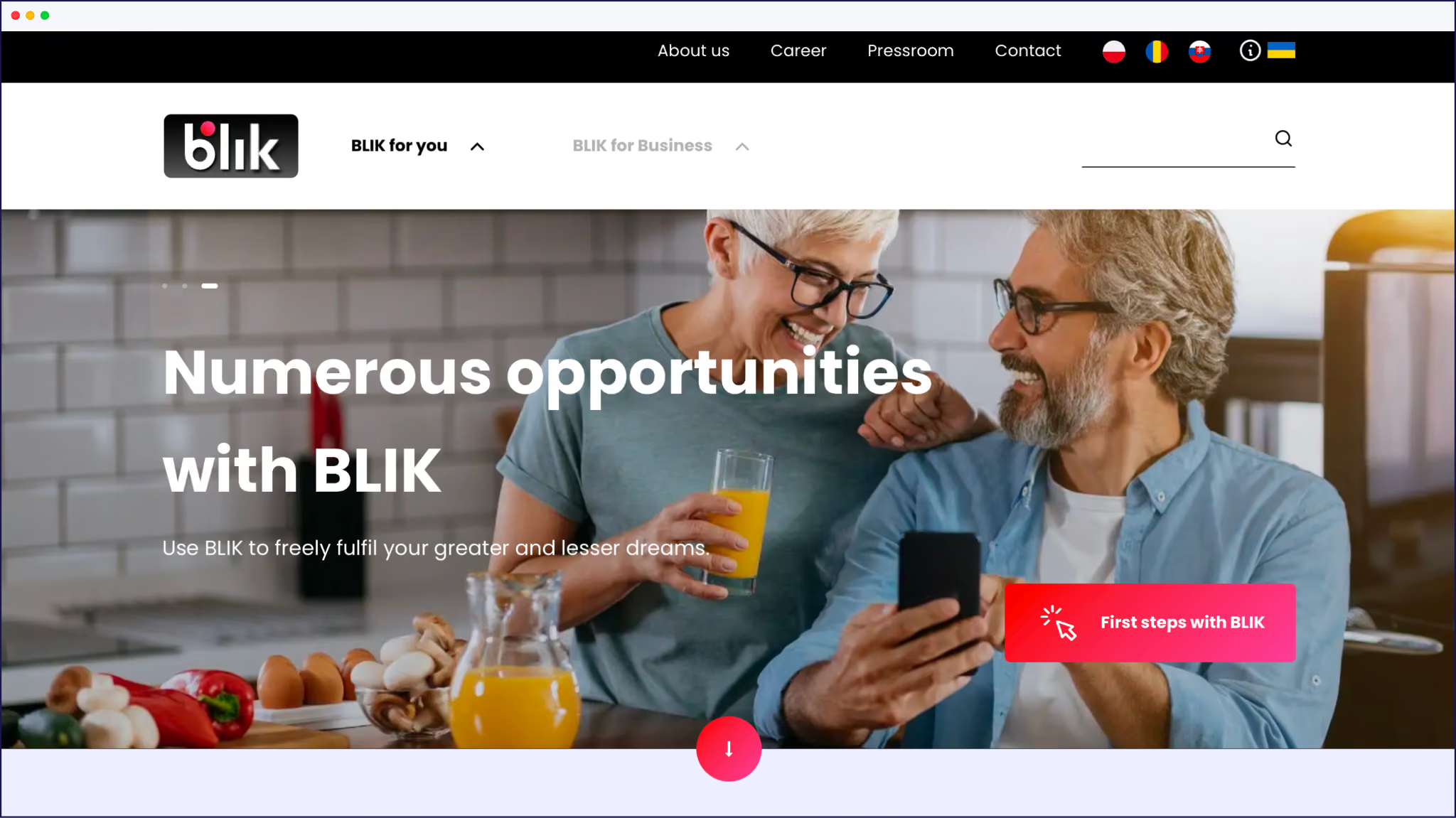
Changing payment methods is crucial: Polish buyers expect BLIK, Germans trust Klarna, and Brazilians want Boleto. Ask shoppers to use unfamiliar tools, and they’re far more likely to bounce at checkout.
Smart ecommerce teams also tailor their content and campaigns for local audiences. Instead of translating headlines, they rewrite offers to match regional holidays, trends, and buying cycles. Even product images and sizing charts should reflect local preferences, so shoppers feel at home.
Take a look at one of Nike’s marketing ads for the Middle East regions – the brand goes beyond basic translation to use local people in its imagery, making Nike feel instantly familiar to different users around the world:

Starting small is the winning move. Localize your top-selling product pages and checkout flow first, gather user feedback, and watch your conversion rates. When you prove your ROI, expand to more markets and fully local content. This approach limits risk and gives you the data needed to keep scaling.
Thankfully, there are some great examples of brands that’ve found global success through localization!
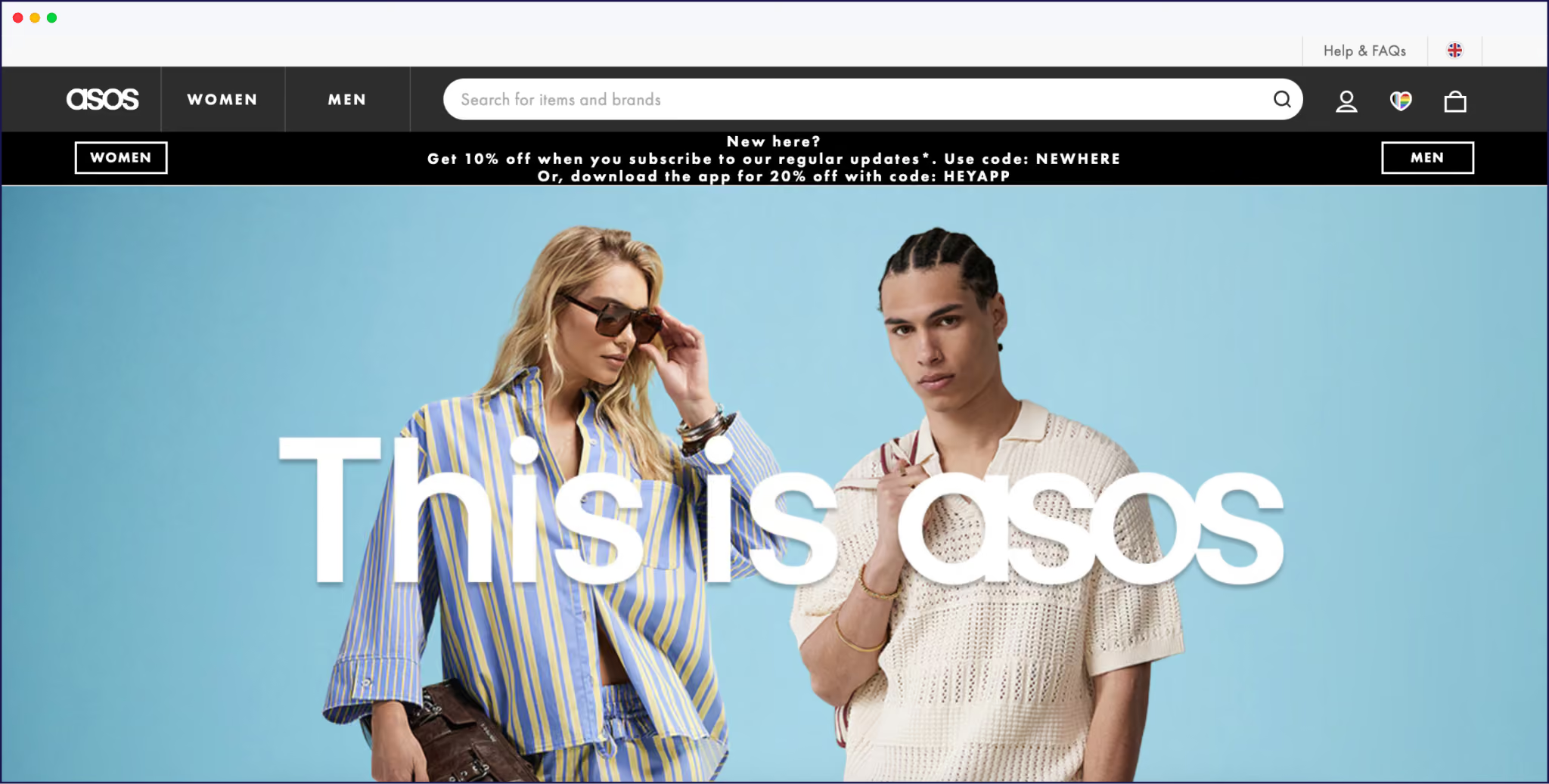
ASOS launched region-specific sites – adjusting currencies, sizes, and returns for local buyers.
Amazon’s country portals feature native payment options, language, and deals, giving each market its preferred shopping style.
eBay localizes its interface, shipping policies, and payment methods to match market needs in over 20 countries, while Alibaba partners with local sellers.
Make learning from the best part of your localization research, and you too can prosper!
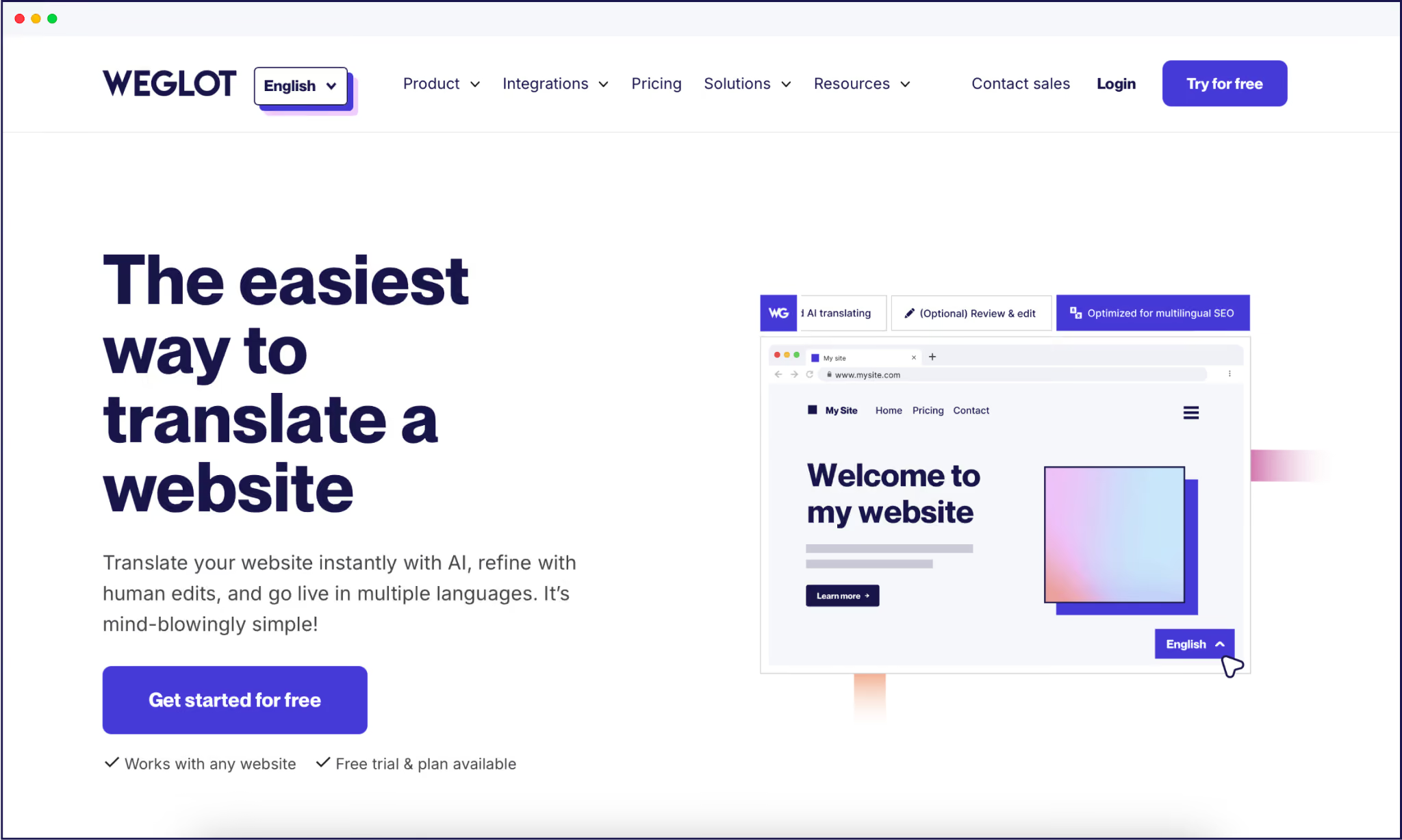
Weglot simplifies website localization. Our AI translation tool instantly translates your entire site into 110+ languages, automatically updating new content and giving you complete editing control through a frontend editor.
Whether you’re on Shopify, WooCommerce, or BigCommerce, Weglot integrates with zero coding or configuration headaches. Be aware that it won’t touch currency or payment settings however – these are either handled by your ecommerce platform (Shopify, BigCommerce), or require an extension (WooCommerce).
Weglot handles multilingual SEO automatically – translated URLs, meta tags, hreflang, and region-specific sitemaps. Your store will surface in the right search results, no matter the market. And by combining our AI Language Model, translation memory, and glossary, translations can match your brand’s tone and style, so your international pages remain consistent.

For your team, Weglot’s intuitive dashboard keeps everything in one place. Teams working across continents can easily communicate via the same workspace, easing the difficulties that often arise for displaced teams.

“You can manually refine translations through a Visual Editor – super handy for ensuring translated words still fit your designs – set up collaborative workflows, and order professional translators if needed. Those launching multiple products on a regular basis can rest easy – all content uploaded in your default site is instantly translated into your other target languages.”
– Eugène Ernoult, CMO at Weglot

French fashion brand The Bradery is one great example – they use Weglot to enable them to translate 500+ products and pages every day, something that simply could not be achieved through a manual workflow.
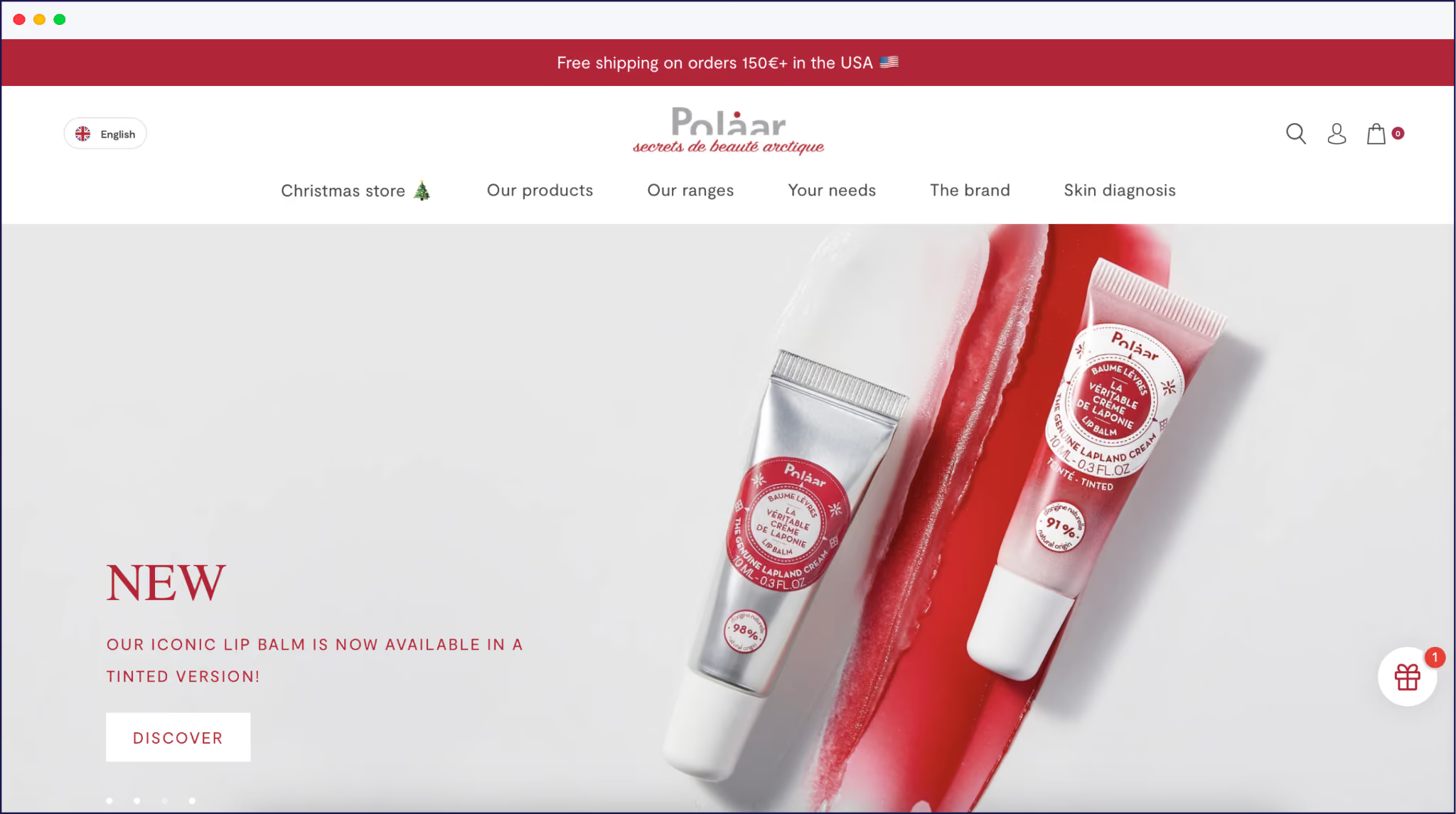
Cosmetics brand Polaar uses Weglot for English translations and gained a 6% to 18% increase in US traffic in just a few months.
{{quote-image-banner}}
International shoppers simply want a buying experience that feels as familiar as their favorite local store. The difference between having an international site and making international sales comes down to smart localization, so make sure you follow our tips to reap the benefits.
Weglot simplifies ecommerce localization by automating translation management, SEO setup, and ongoing content updates across your store. It lets your team focus on optimizing currencies, payments, and UX instead of juggling manual updates – making true localization faster, more consistent, and easier to maintain as your store expands globally.
Start localizing the easy way! Sign up for Weglot’s 14-day free trial (on any plan) and see what we can do for your own brand’s global sales.

We’ll get your first languages live. You decide how far you want to go. Try Weglot for free today.
Trusted by 70,000+ global brands








Weglot is tested and trusted by brands worldwide since 2016. Join them today.


The best way to understand the power of Weglot is to see it for yourself. Test it for free and without any engagement.
A demo website is available in your dashboard if you’re not ready to connect your website yet.