

Try Weglot for free





Two of the best-known ecommerce platforms – Shopify and WooCommerce – put incredible tools at your fingertips, but handle things differently when it comes to going multilingual. Understanding the pros and cons of both approaches can save you tons of time when shopping around for a store platform, and give you the knowledge you need to make the right decision for your business.
Some teams want a more hands-off approach, whereas others crave total flexibility and granular control. No matter your preference, you won’t need technical expertise or months of dev to get started – just follow our Shopify vs WooCommerce guide below!

Shopify provides a multilingual infrastructure through Shopify Markets, which creates separate URLs and routing for different languages. However, Markets alone won’t translate anything. Shopify is made multilingual via Markets and its own Translate & Adapt app, with no product duplication needed.

Many site owners add a dedicated translation plugin for a faster, less technical setup. They’ll usually offer better translation management interfaces, professional translation ordering, and automatic detection of dynamic content that Translate & Adapt can sometimes miss.
Most importantly, they’ll come with a greater number of language options – unlike Translate and Adapt which allows for only two, giving you the ability to scale your store.
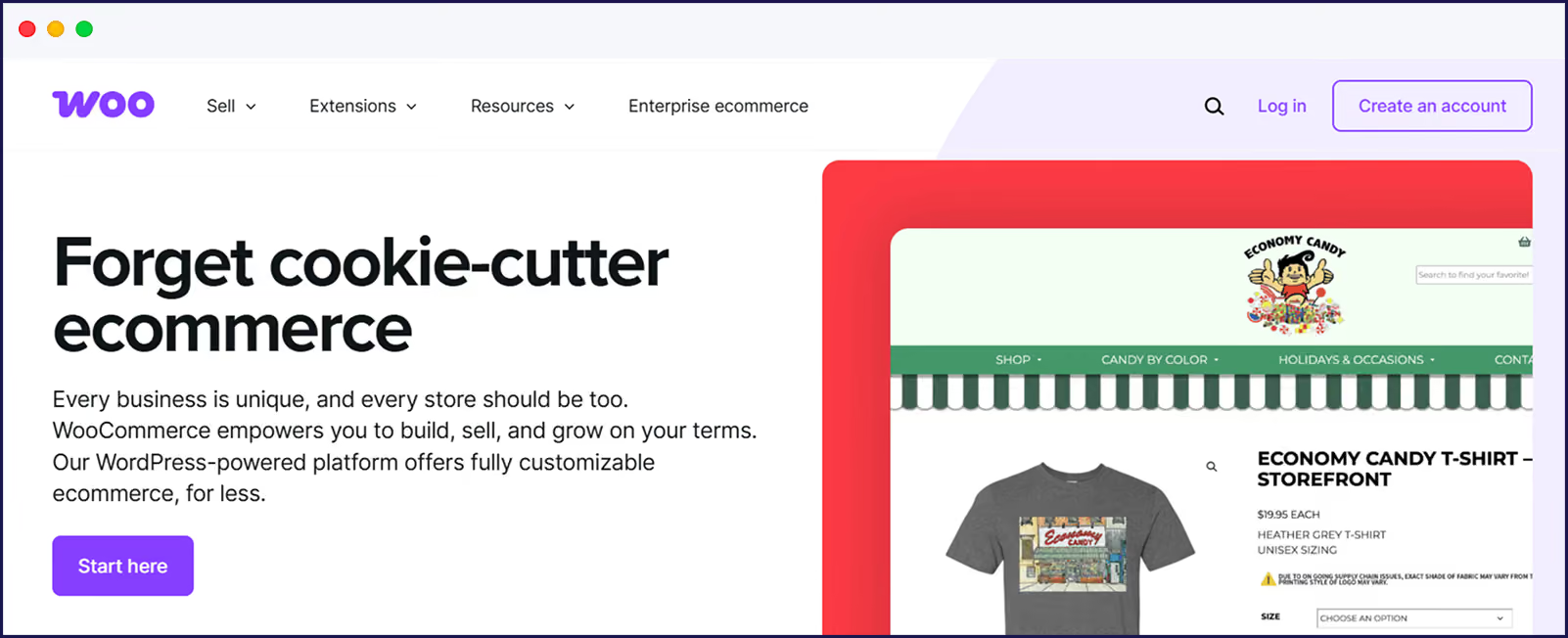
To make all your WooCommerce multilingual, you’ll also need a plugin for reliable results. The best on the market allows full admin control for translating all aspects of your Woo store, and not just your product descriptions and explanatory content.
Some users prefer WooCommerce multisite networks to separate language stores, but this approach adds more complexity for management and SEO. In both cases, proper plugin setup ensures multilingual SEO with hreflang, localized slugs, and metadata all automated for you.
Next up, we’ll take a walk through how each platform handles the technical pieces that matter – product architecture, SEO setup, performance under load, and setup. We’ll also show you how a translation tool can handle different elements of your translated store’s performance.
Shopify keeps everything centralized, so one product catalog serves all languages. As we’ve seen, combining Markets and Translate & Adapt lets you translate product titles, descriptions, and checkout content without duplicating anything.
Each language lives in the same backend, managed through a translation editor where you adjust meta tags, custom fields, and regional promotions. Your inventory stays unified across languages, and variant SKUs work the same everywhere. Weglot integrates with Markets and pulls content through the API.
WooCommerce needs translation plugins to enable translations. Here’s what Weglot adds to your stack:
Shopify generates unique URLs for each language automatically – you get subfolders like /fr/ or /de/ without touching code. Meta titles, descriptions, and hreflang tags come standard when you enable languages through Markets. Your sitemap updates itself, and Google sees each language as a separate, properly tagged version.
However, by using native Shopify alone, you’re locked into Shopify’s URL structure – no subdomains or separate domains per language unless you run multiple stores. You’ll need to run a plugin like Weglot to enable a different structure.
To enhance your WooCommerce multilingual SEO further, you can use an additional plugin, like Yoast SEO, RankMath, or SEOPress.
For international search, Weglot automates SEO completely on both platforms. Every page gets proper hreflang tags, translated metadata, and localized URLs instantly.

Shopify’s backend stays fast with any number of languages because translations don’t touch your core database – everything runs on Shopify’s servers. Your admin loads just as fast with 10 languages as it does with one, and order processing, inventory updates, and product edits all maintain the same speed regardless.
WooCommerce’s base performance depends entirely on your hosting and optimization. The platform itself doesn’t slow down for languages (since it doesn’t support them natively), but your speed fate gets decided by whatever translation plugin you choose and how well your server handles the extra load.
Large catalogs on Woo can slow things down with a database plugin. You’ll need to add object caching through Redis or Memcached to keep things running fast. Weglot’s off-site page storage system ensures your WooCommerce database stays lean regardless of store size.

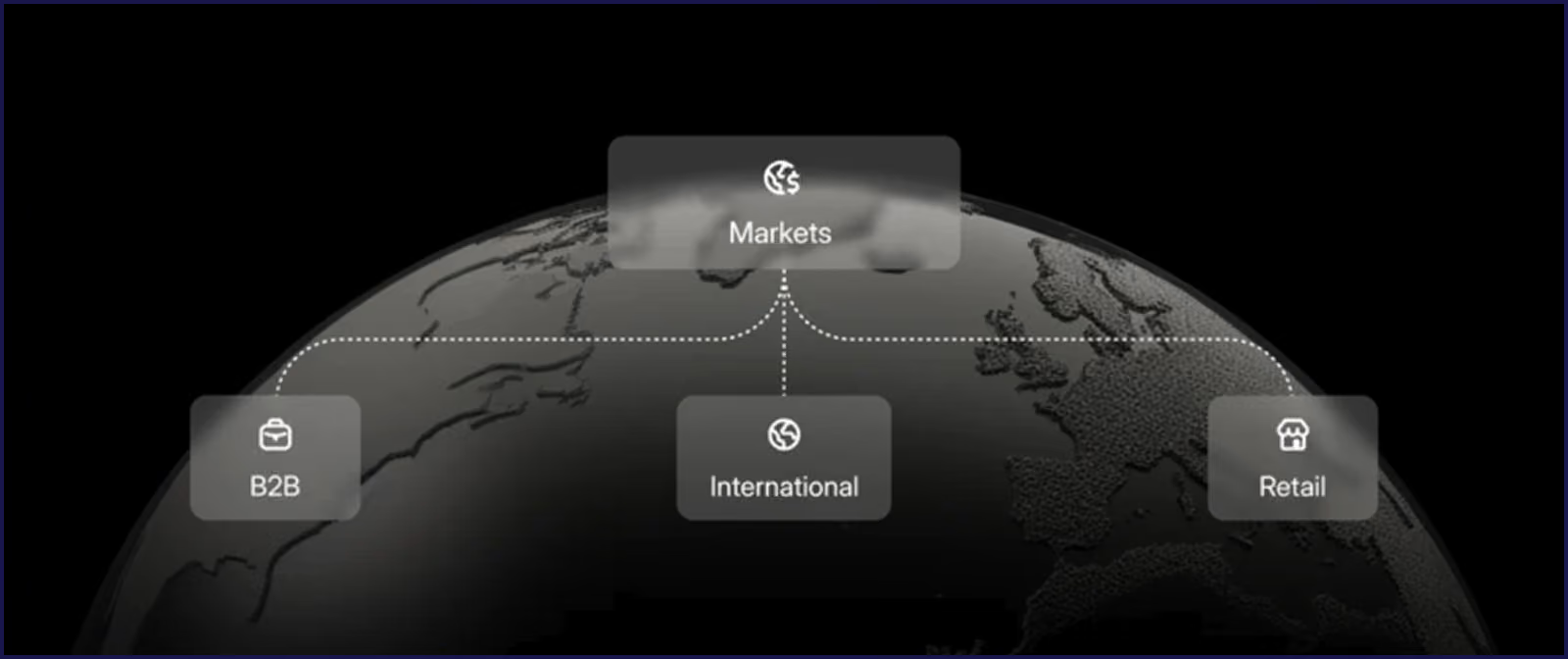
To get Shopify Markets running, you’ll need to spend time configuring markets, assigning languages, and setting up Translate & Adapt. Custom themes and large catalogs can stretch these timelines further, and many stores will need a few weeks before they’re truly ready for international traffic.
Your WooCommerce timeline depends completely on which translation plugin you pick and how complex your store is. Weglot, however, gets you live in under 10 minutes on both platforms, and that includes full site translation.
Just install, add your API key, pick languages, and you’re done. Your entire WooCommerce catalog translates instantly, with multilingual SEO built in. Any time can be spent on refining translations, rather than simply getting started.
{{quote-image-banner}}
Basic Shopify plans go from $25-399+/month. Shopify Markets adds transaction and currency conversion fees as a percentage per sale. Translate & Adapt runs free for 2 languages with auto-translation only, although you’ll have to manually translate dynamic content or metafields.
WooCommerce itself is free, but you need hosting ($5/month for small stores, significantly more for large enterprises), plus security tools, and backup systems. You’ll likely also need some dedicated Woo add-ons, like Subscriptions ($23.25/month) and Checkout Field Editor ($4/month).
For an idea of additional translation plugin costs, Weglot handles either Shopify or WooCommerce for a $17/month starter plan. You can also take advantage of a free plan, allowing you to translate 2,000 words – great for smaller sites or for simply seeing the wonder of Weglot in action!
Shopify locks multi-currency behind Shopify Payments, with Markets handling currency conversion automatically. Each market gets its own currency, tax rules, and shipping zones. Higher-tier plans unlock more payment methods and regional options, but you’re always tied to Shopify’s payment ecosystem.
WooCommerce doesn’t support multiple currencies natively. As with translations, you'll need a plugin. The WooPayments add-on will handle currencies for you, although some translation plugins also have this feature.
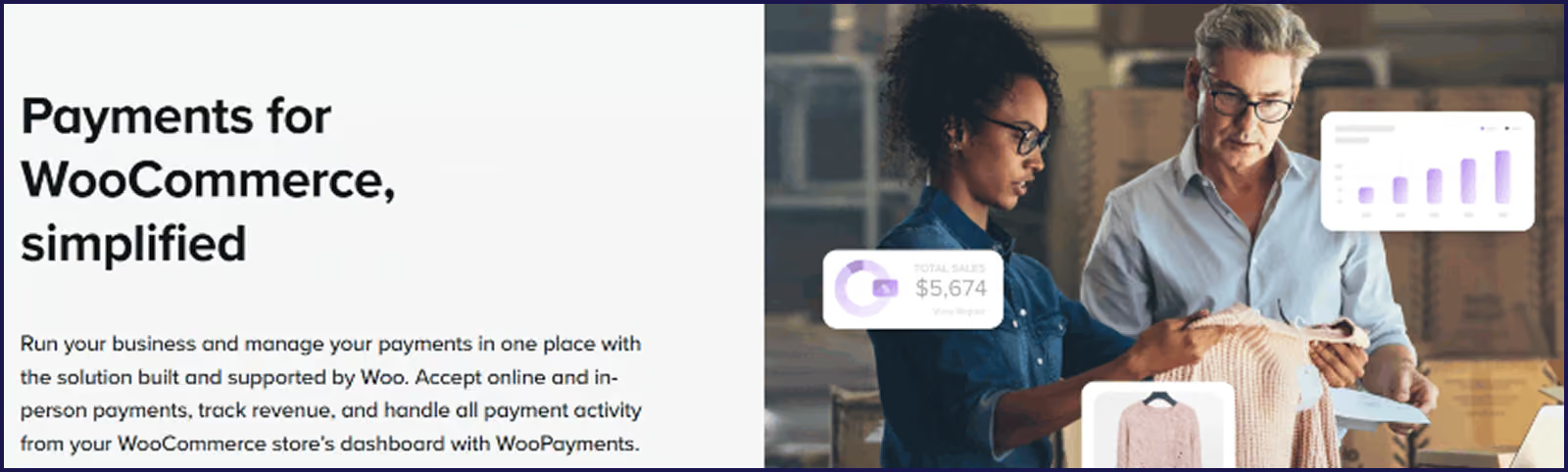
Weglot integrates perfectly with Shopify Markets’ currency features and any Woo currency plugin that you might need.
Shopify handles everything security-related – SSL certificates, PCI compliance, automatic backups, and fraud detection. Platform updates happen automatically without breaking your store, and when translation issues do pop up, Shopify support responds 24/7 via chat, email, or phone. Their online docs cover Markets and basic translation setup.
WooCommerce leaves security and backups entirely to you. You’ll either need to shop around and subscribe to further tools, or check with your hosting provider to see their available options.
Support-wise, basic user support comes from forums and online documentation. Subscribers to extensions gain 24/7 chat and ticketing support, although you’ll have to contact your chosen translation plugin provider should you have any language issues on your site.
Weglot delivers in-depth support across both Shopify and WooCommerce, with email response, extensive documentation, and video guides for common tasks.
With Shopify, customization happens through themes, apps, and Liquid code. You can adjust language switcher styles, create regional content variations, and modify checkout flows. The API lets developers build custom solutions, but you’re always working within Shopify’s boundaries. It’s safe, but sometimes limiting when you have something specific in mind.
WooCommerce comes with a huge range of extensions to aid customization. Every file, database table, and function is yours to modify for those well-versed in web development. The only limit is your coding skills and your budget for custom work.
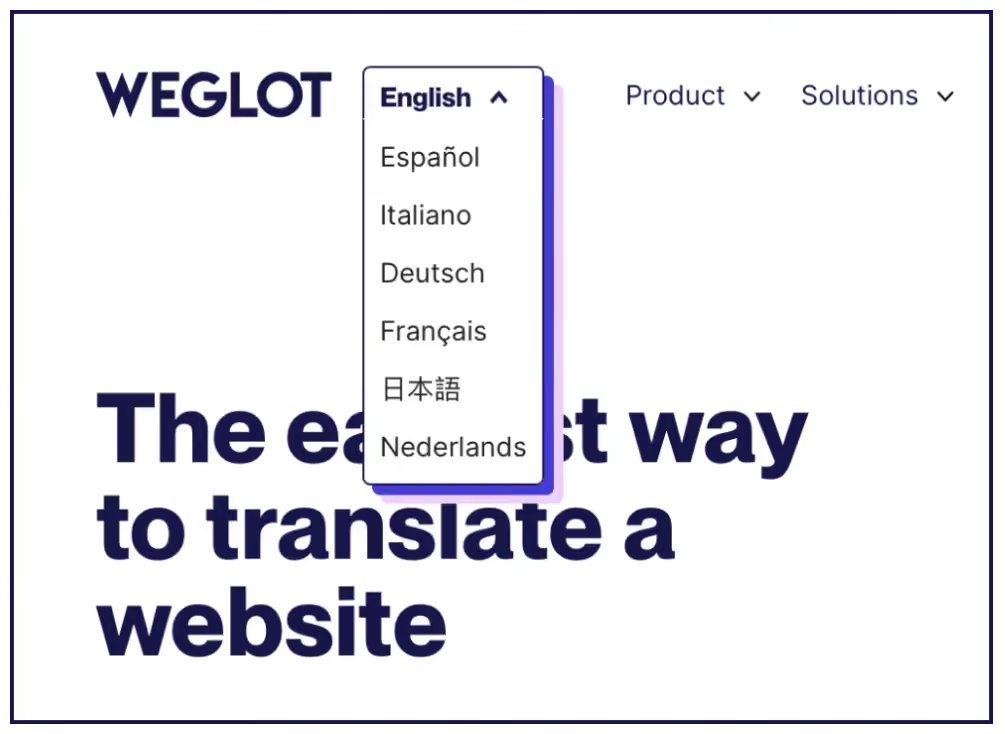
Weglot standardizes customization across both platforms. A language switcher offers preset designs plus CSS customization, and translation rules, glossaries, and word exclusions apply the same way, regardless of the platform you prefer.

Weglot makes managing translations easy, no matter if you run your store on Shopify or WooCommerce. As a platform-agnostic tool, Weglot plugs into both systems with a fast, no-code setup in under 10 minutes, compared to hours or days of configuration with database plugins.
It detects 100% of your site’s content automatically, combining instant machine translation with human editing and visual controls. Every translated page gets its own URL and SEO metadata immediately, whereas alternative plugins come with more technical setup.
On Shopify, Weglot works with Markets and all major apps and themes. With no product duplication, Weglot scans and translates products, checkout pages, popups, and even dynamic app content.
For WooCommerce, Weglot offers refreshing simplicity. External translation storage keeps your database clean and your admin panel fast, especially valuable for large catalogs. Site performance remains the same, no matter how big your brand grows.
Getting your multilingual store live means understanding what works for your team, timeline, and long-term goals. Both Shopify and WooCommerce solve the same problem through opposite architectures. Shopify constrains you into a working system with Markets and subfolders, while WooCommerce comes with all the creative options you could possibly dream of.
Whichever platform you opt for, Weglot gives you one consistent solution that scales with your business. With setup – including full site translation – taking less than 10 minutes, you can manage your store content tech-free, and with SEO taken care of.
Run Weglot’s 14-day free trial to see your own store go multilingual today.

We’ll get your first languages live. You decide how far you want to go. Try Weglot for free today.
Trusted by 70,000+ global brands







Weglot is tested and trusted by brands worldwide since 2016. Join them today.


The best way to understand the power of Weglot is to see it for yourself. Test it for free and without any engagement.
A demo website is available in your dashboard if you’re not ready to connect your website yet.


.avif)

