Try Weglot for free





Website translation for WordPress isn’t as straightforward as picking a plugin and paying the license fees. Every decision – plugin, translation method, content pipeline – directly affects costs. Launching new products or adding new languages can quickly see budgets explode.
WordPress translation has three flavors of expense: pay-per-word, monthly rates from translation management plugins, or bandwidth-based proxy pricing. It’s worth considering all three – or indeed a mixture – to find the solution that best fits your budget.
This guide will detail the best route to calculating your costs before an in-depth look at the translation methods available. With demonstrated shortcuts and long-term considerations, see how you can achieve a multilingual site while keeping your budget in check.
The familiar playbook – choose a translation solution and launch – usually ends with CFOs questioning exploding budgets. The sting comes when the real costs surface, often long after the commitment. Most site owners only realize the financial ripple when the accounting team spots translation costs eating up new project funds.
Smart agencies avoid that trap by flipping the process. The reverse translation method starts with an accurate calculation of your current and projected word counts.
Use Weglot's free word counter to scan your site and expose hidden text. Weglot’s tool will count every single translatable word – menu text, widget content, button labels, metadata, the lot.
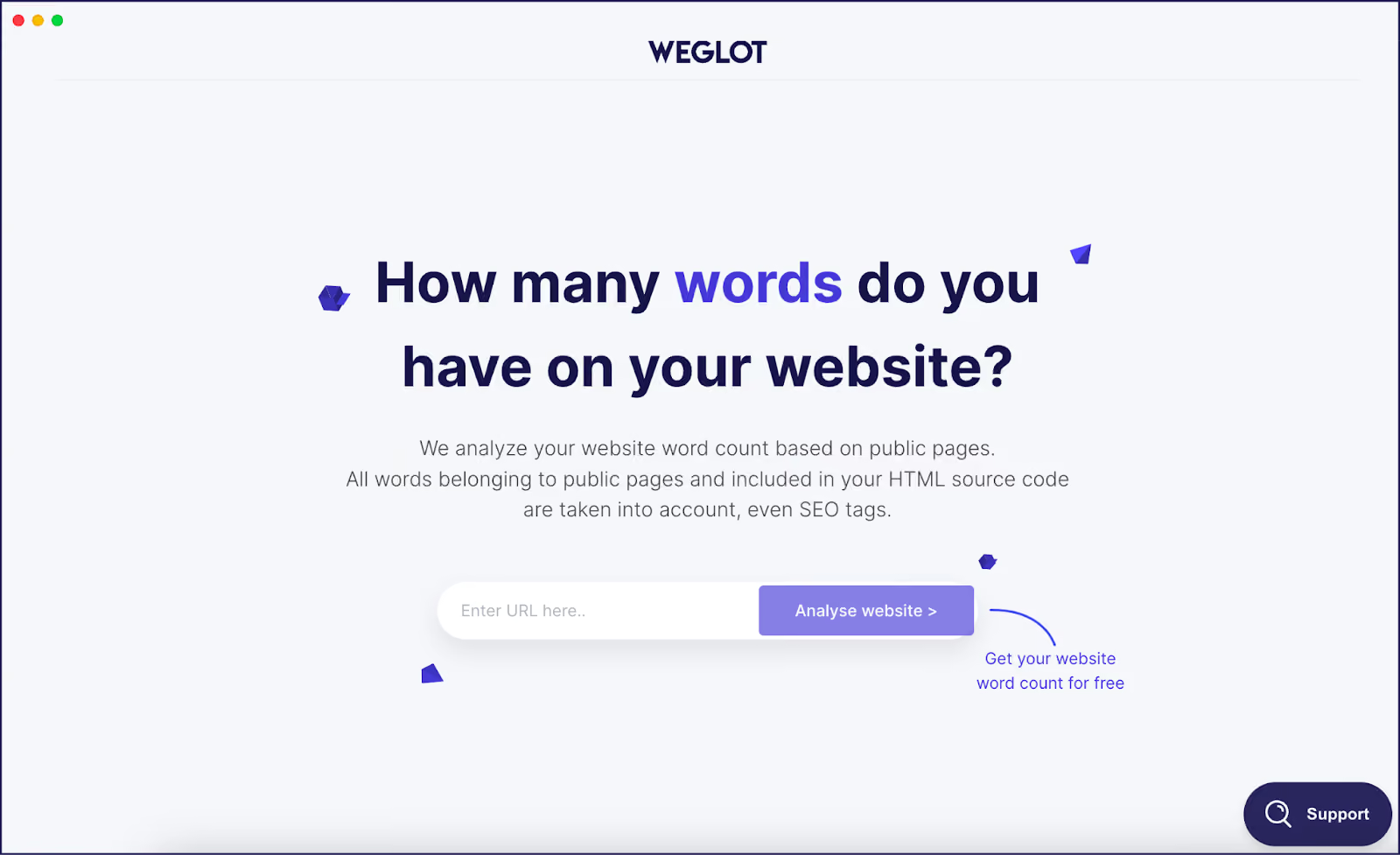
Basic sites gain hidden words from theme and plugin strings, where WooCommerce stores balloon from product variations, SKUs, and single-word buttons repeated across categories. Membership and community sites skyrocket thanks to user-generated content and profile forms. Word counter software is more reliable compared with a manual check, which can easily result in missed strings and a wildly inaccurate final total.
Next, factor in your site type to estimate future word count requirements. A simple-looking blog can double in word count after tallying widget and plugin output. Ecommerce companies can expect multipliers from product descriptions and checkout flows. An accurate budget combines initial translation, plugin licensing, updates, and a realistic allowance for site growth.
With a true word count in hand, the question shifts from ‘which plugin is cheapest?’ to ‘how do I want to pay for maintaining these translations?’ With a true word count to hand, compare your needs against different cost models – pay-per-word translation, monthly subscription plugins, or proxies charging by bandwidth.
As we’ll see in our comparison section below, translation solutions operate different pricing models, and calculating your site’s word count is key to discovering where the best deal lies.
Going multilingual on WordPress is never just about plugin price tags. Picking the right fit means looking past headline numbers to what you’ll actually pay, both this year and next. Below, we’ll take a cost overview of translation plugins, proxy solutions, and manual work.
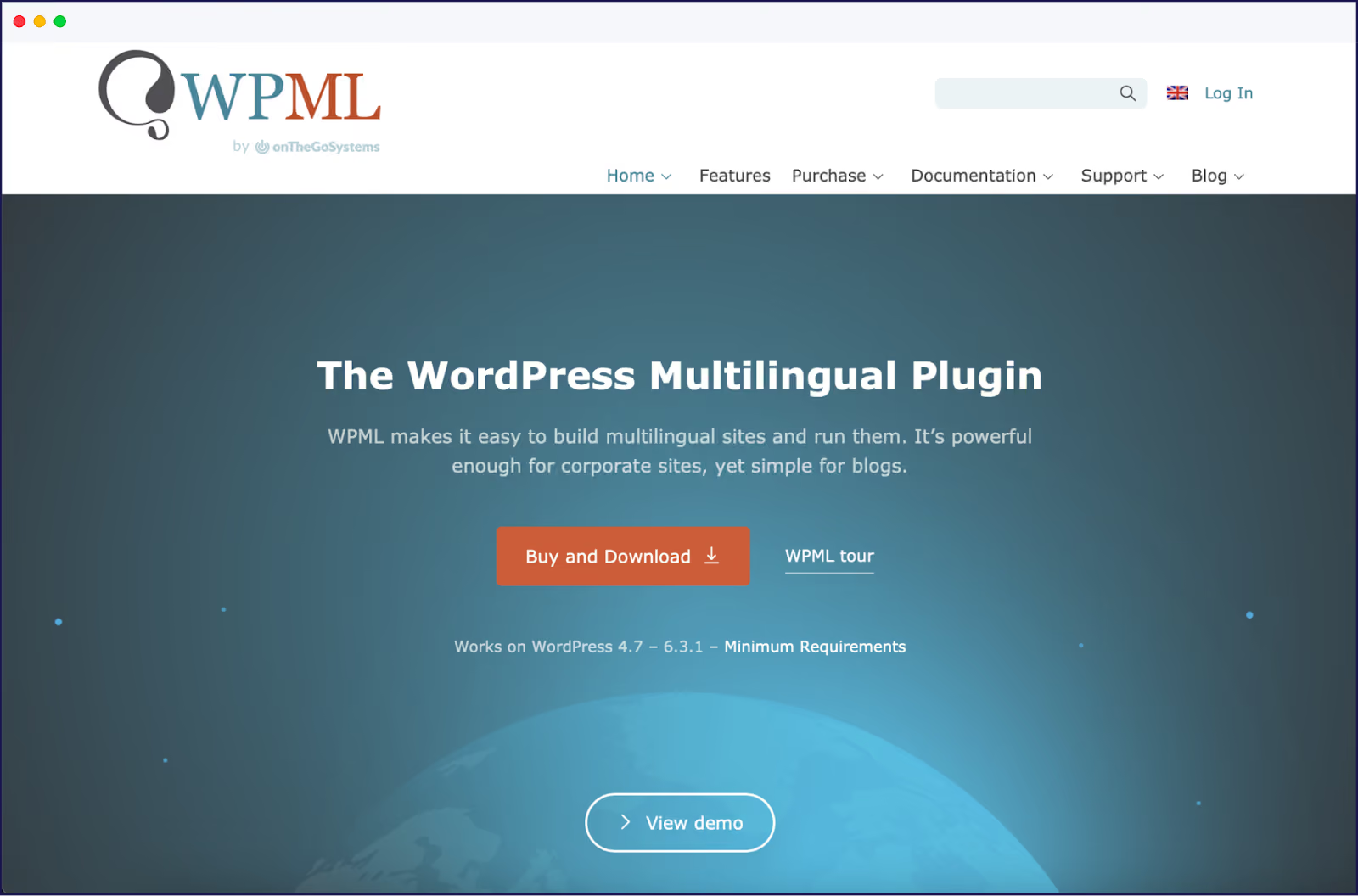
WPML’s annual license runs from €39 to €199. Their €99/year plan comes with 45,000 words, with additional words requiring a pay-as-you-go subscription.
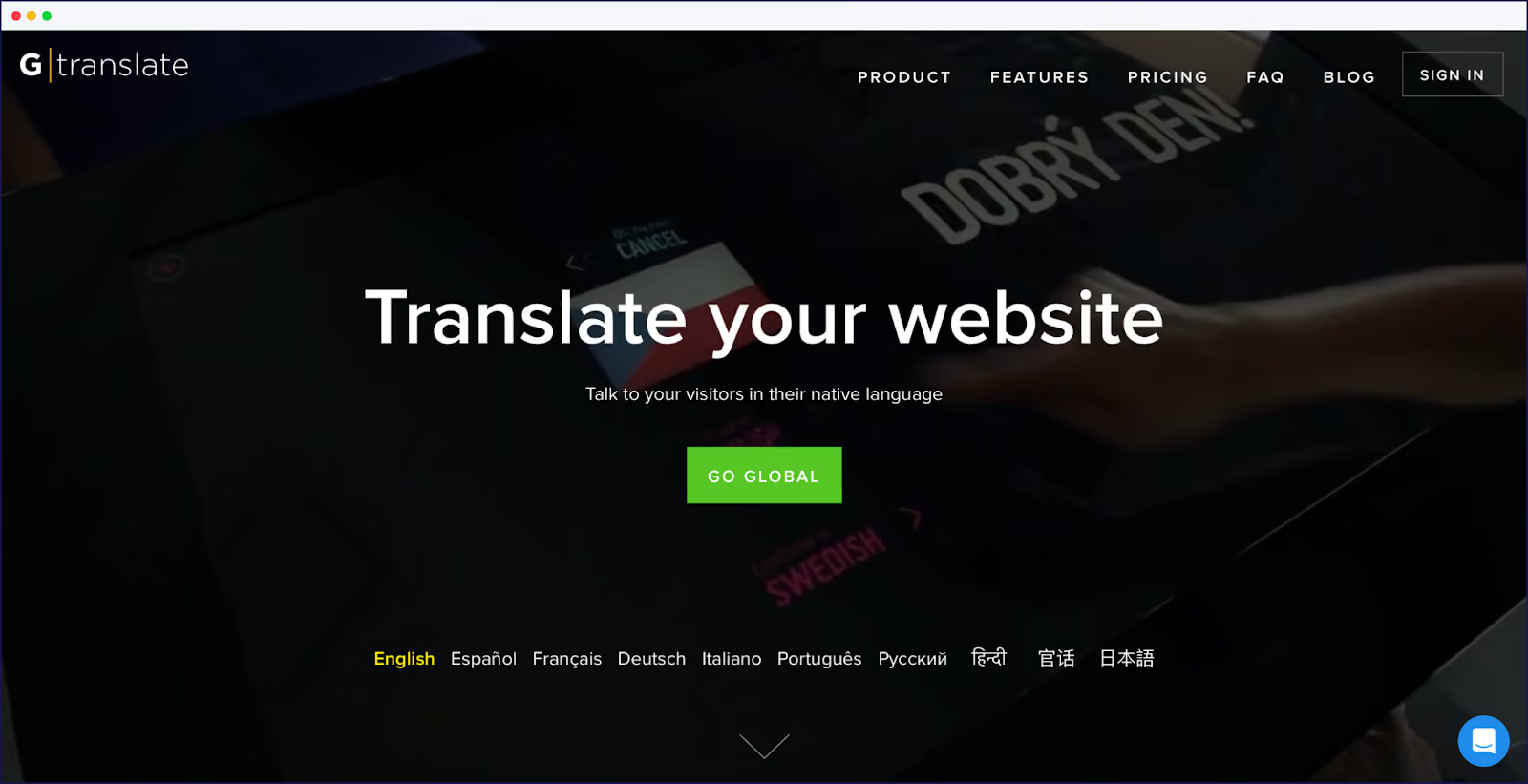
GTranslate costs between €85 and €340 per year, it offers unlimited translated words via a proxy – great for bulk coverage, but customization and control are limited.
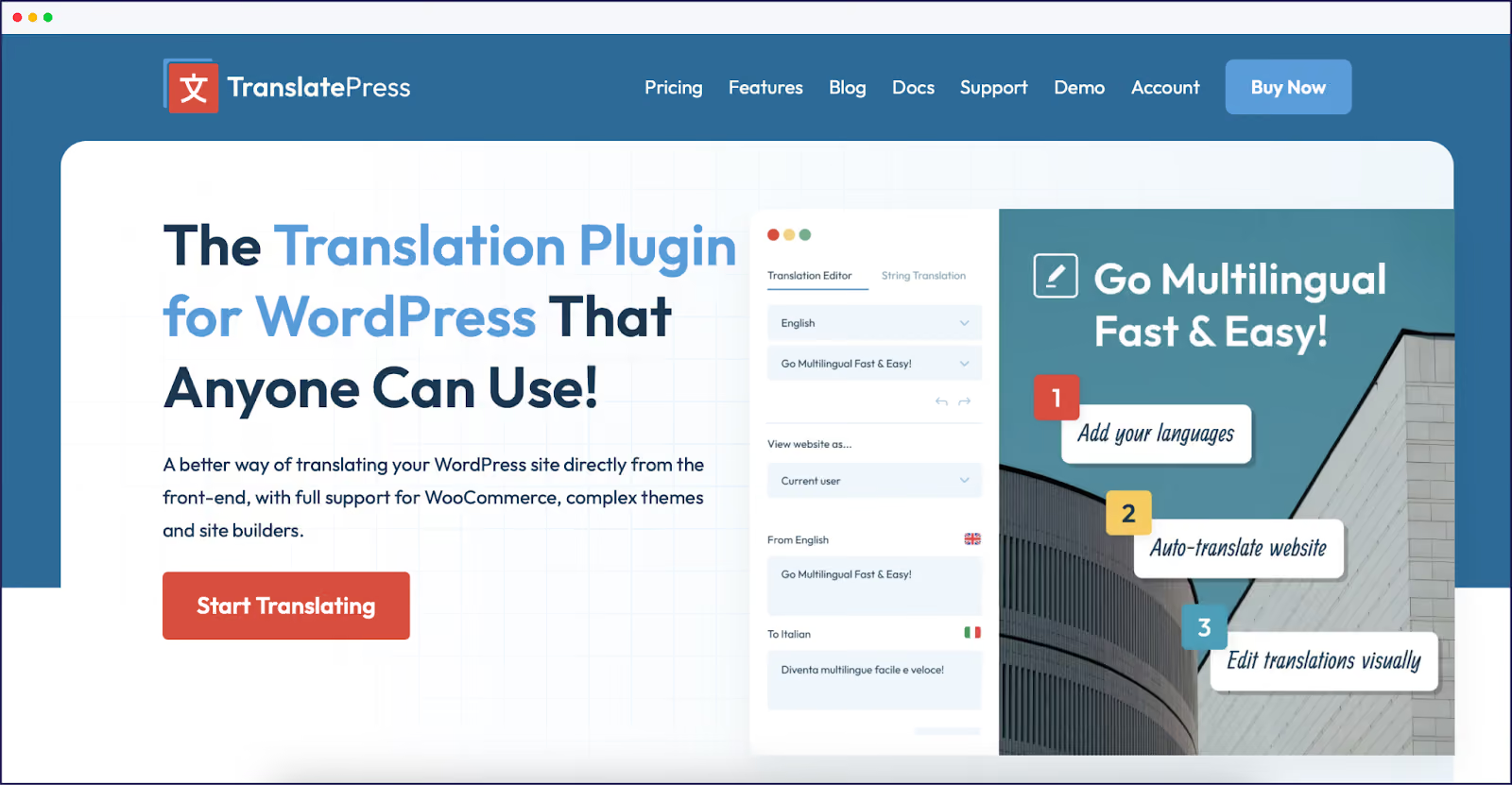
TranslatePress is priced €99 to €349 a year, letting you manage translations on your own server. €99/year gets you 50,000 machine-translated words, with additional word bundles available for an extra fee.
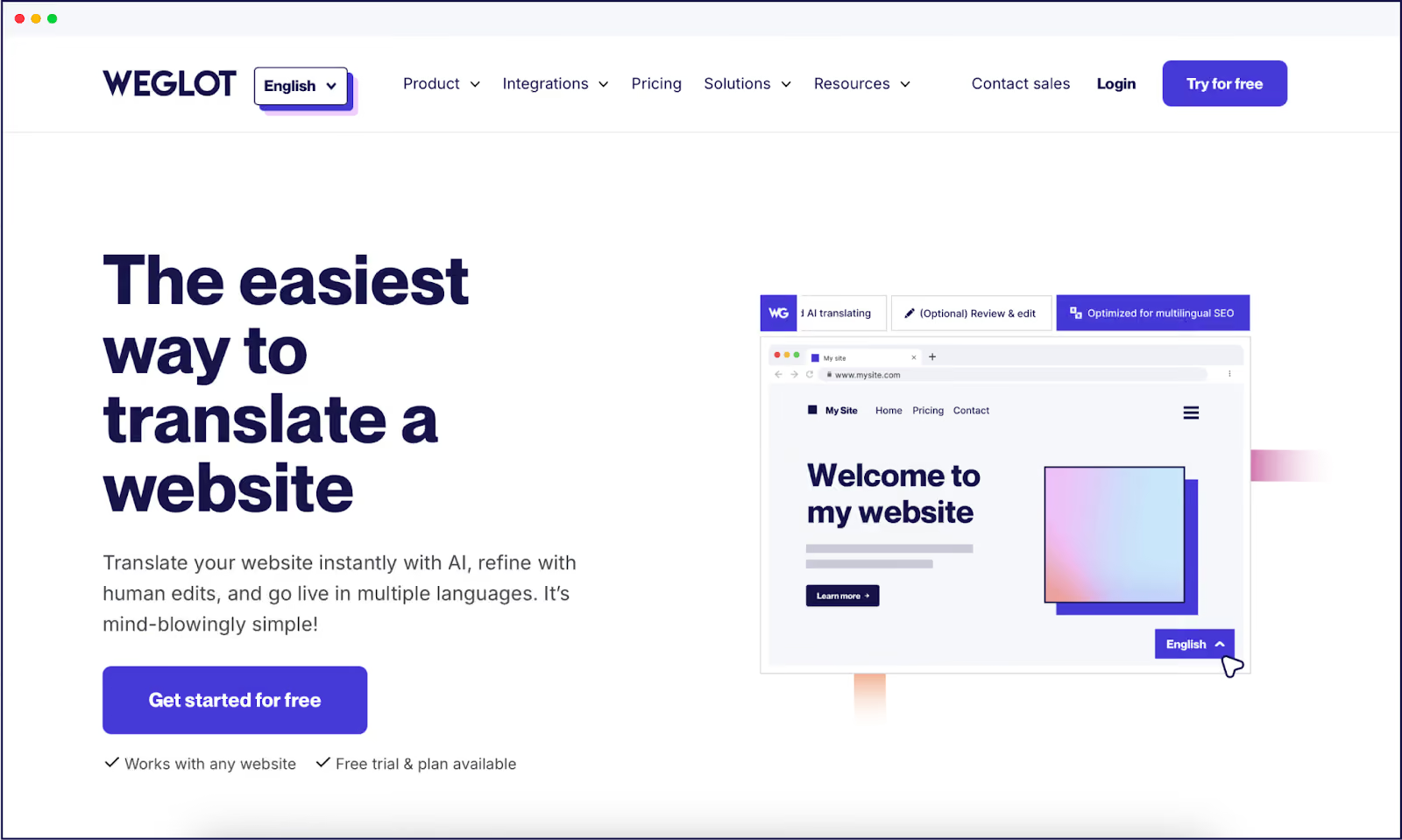
Weglot’s annual pricing falls between €150 and €790 per year, with everything bundled in a single monthly or yearly fee. €150/year covers 10,000 words, storage on Weglot’s secure servers, easy WordPress setup in under five minutes, and fast CDN delivery out of the box.
{{quote-cta-banner}}
When shopping around for plugins and at the demo testing stage, run your site through Google’s PageSpeed Insights to check for any lag. Cloud-based plugins like Weglot offer better performance than database solutions as everything happens on external servers. What’s more, it integrates with any software, so is adept at picking up strings from diverse content, that many other solutions miss.
A proxy solution for website translation is an intermediary server that delivers translated versions of a website in real time.
When visitors access the site, the proxy intercepts, requests, and serves localized content without altering the original site or requiring a multilingual CMS. It works by extracting, translating, and displaying content in the user’s language while keeping branding and layout intact.
Proxy solutions enable fast multilingual deployment and minimize IT involvement, making them a good choice for businesses targeting global audiences without complex infrastructure changes.
An example of a proxy solution in this context is Easyling, which provides website translation by acting as an intermediary between visitors and the original WordPress site.
Other notable examples include MotionPoint and Linguaserve. Their pricing models can include bandwidth-based billing depending on the volume of translated web traffic handled by their infrastructure.
Using a proxy for website translations may affect performance and control. Proxies add an extra layer between your site and users, which can slow load times and make debugging difficult. They also rely on rewriting content ‘as required’, creating risks of untranslated elements slipping through. SEO can also suffer without careful attention and integration with other plugins.
The manual route means translating everything from scratch, word-by-word. Translation costs start at around €0.13 to €0.44 per word. At the lowest price point, a 100,000 word site in one language would cost €13,000.
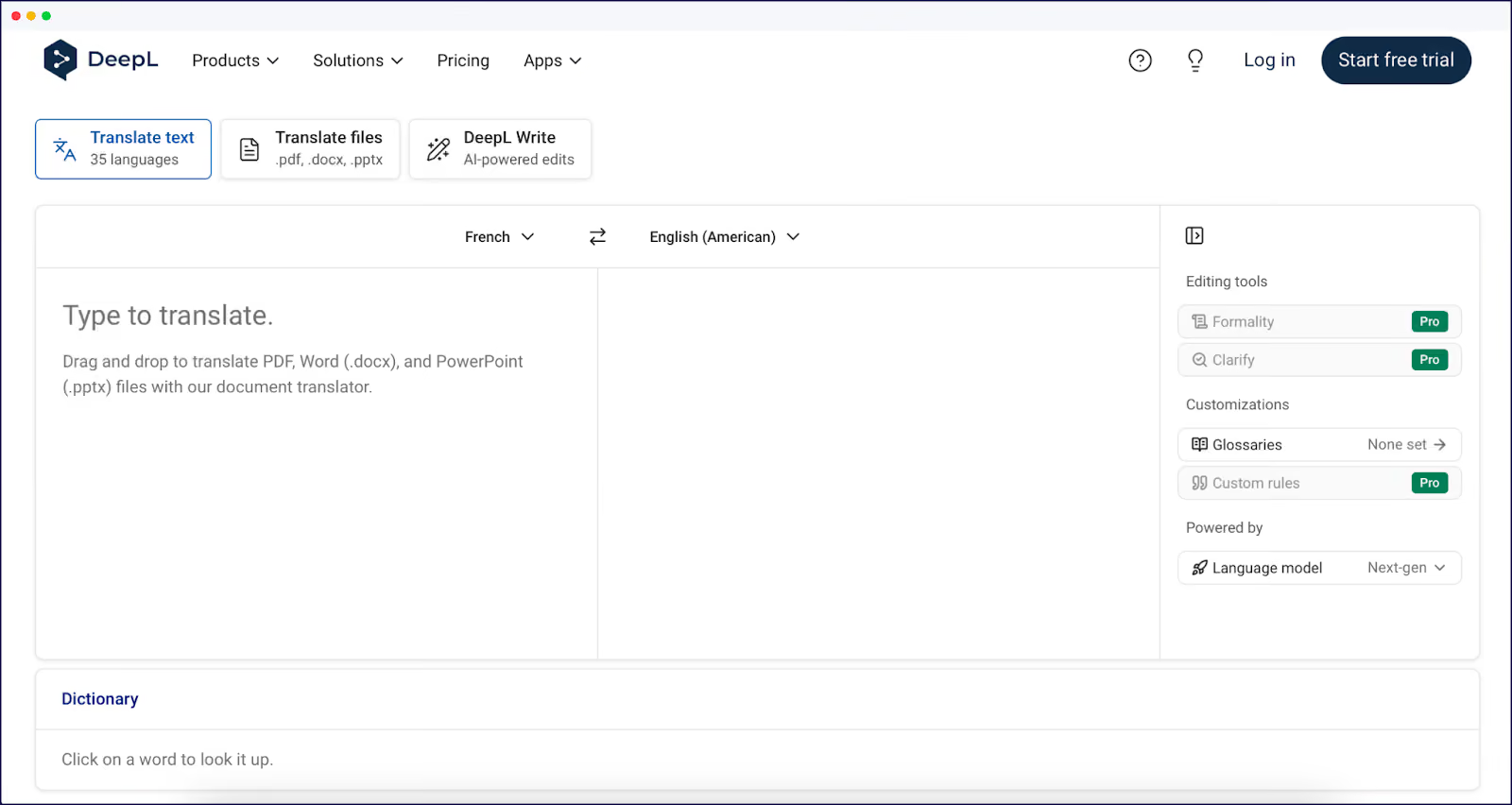
Tools like Google Translate or DeepL come with free word allowances, so are of value to smaller blogs and sites. Their output will, however, require manual editing, sometimes at line-by-line detail, to reach a standard that won’t scare off international customers or partners. If you don’t happen to be multilingual yourself, you’ll need to pay professional experts to refine translations for you.
You’ll also need to input and upload every translation string manually into WordPress – unlike an integrated plugin, they can’t pick up all content automatically. This means that the likes of CTA buttons, pricing, and other non-content block devices can be missed. Manually translating these would be an enormous task for an ecommerce site, plus you’ll also need to determine how these translations will actually be displayed.
Another option is to try a plugin’s free tier. Aside from WPML, all of our featured plugins give you an opportunity to try out their dashboards and workflows, as well as translate a couple of high-priority pages and get started. Growing sites will likely benefit from a paid plan, given the limitations of ‘free’ options in the long term.
As we’ve seen, hybrid systems that offer automated translations with manual refinement are the most cost-effective. Automation translates a whole page in seconds, then human translators can revise and refine as needed. You can even order professional translation directly through Weglot when needed at €0.13 to €0.20 per word, integrated directly into your workflow.
Weglot also includes a custom AI Language Model in all plans, which allows you to create rules, use your brand guidelines and glossary to improve your AI translations with minimal human input, giving you higher quality assurance.
In general, smart translation isn’t about covering everything at once. Start by mapping your site’s sections based on business impact.
You may choose to pay more attention to pages where errors hit revenue, for example, checkout processes and high-traffic product pages.. Then, pages with a large amount of content that could get pricey quickly if you were going to go down a traditional translation workflow, like your blog, can benefit from AI translation for instant output. Plus, if you have any pages on your site that you don’t think will serve your international audiences, you can simply exclude them from translation entirely, keeping your overall word count down.
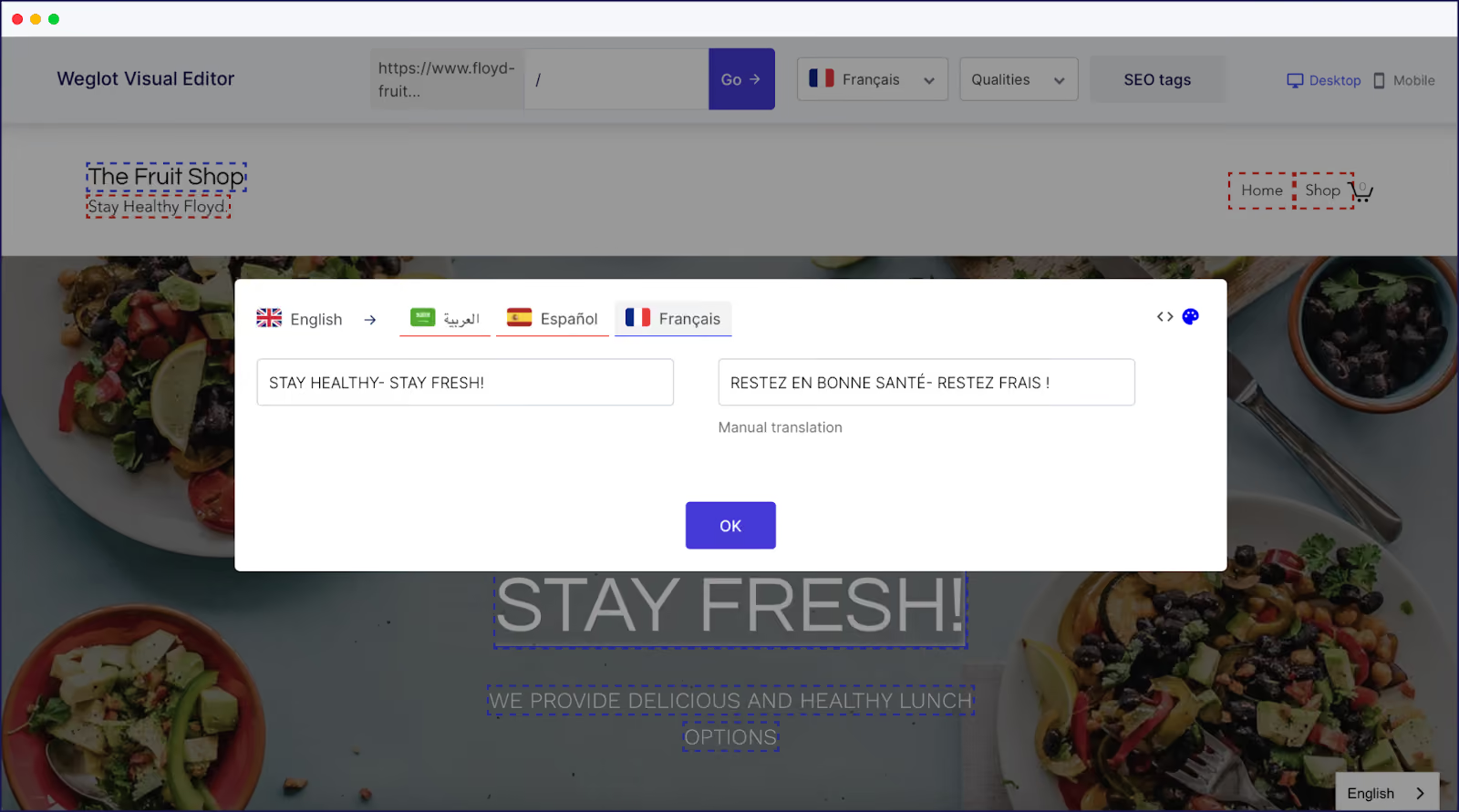
Visual editors offered by plugins like Weglot help streamline refinements, allowing teams to view and edit translations right where the content sits. Repeated phrases can be adjusted across a site in bulk, and glossary tools used to protect brand voice and consistency.
What’s more, Weglot’s AI Language Model improves AI website translations by producing more human-like, natural wording. Unlike standard machine translation, it adapts to tone and style, learning from context to maintain brand voice across languages. Post-editing is also reduced, as the model picks up on word preferences over time.
{{ai-banner}}
Translation costs rarely grow in a straight line. Hitting scale triggers – like crossing 200,000 words, embracing user-generated content, or expanding to new languages – can send costs soaring.
Migration between translation plugins is an important consideration for the long-term. Moving translations from one plugin to another may require exporting content, remapping every string, and often manually rebuilding translated pages. Cloud-based models like Weglot sidestep this by offloading all translations to our servers, but plugin data portability varies widely.
Enterprise-scale sites usually need custom pricing and must address compliance concerns like GDPR.
Translation is very much a personal project. Use quality tiers – budget for bulk content and invest in business pages. Build out a blended cost strategy by sorting content priorities.
Set a monthly plan for translations needed and overall costs, and don’t forget to include a buffer for quarterly content growth.
For a cloud-based translation solution that scales with your needs, Weglot powers over 110,000 sites and keeps things hands-off, managing compatibility with all major plugins automatically. See how Weglot can get the most from your budget with a 14-day free trial today.

We’ll get your first languages live. You decide how far you want to go. Try Weglot for free today.
Trusted by 70,000+ global brands









Weglot is tested and trusted by brands worldwide since 2016. Join them today.


The best way to understand the power of Weglot is to see it for yourself. Test it for free and without any engagement.
A demo website is available in your dashboard if you’re not ready to connect your website yet.