Try Weglot for free




When analyzing Polylang vs TranslatePress, their core architectural difference is key. Polylang creates a separate WordPress post per language, a structured but fragmented workflow. TranslatePress stores translations in custom database grids, using a visual editor for easier front-end edits, but potentially causing performance drag on larger sites. The key difference is translation storage. Polylang uses WordPress posts; TranslatePress uses specific storage structures. These impact performance, timescales, and costs. This comparison measures performance and true costs, also detailing cloud-based Weglot for its performance benefits. Understanding these helps find your workflow solution.
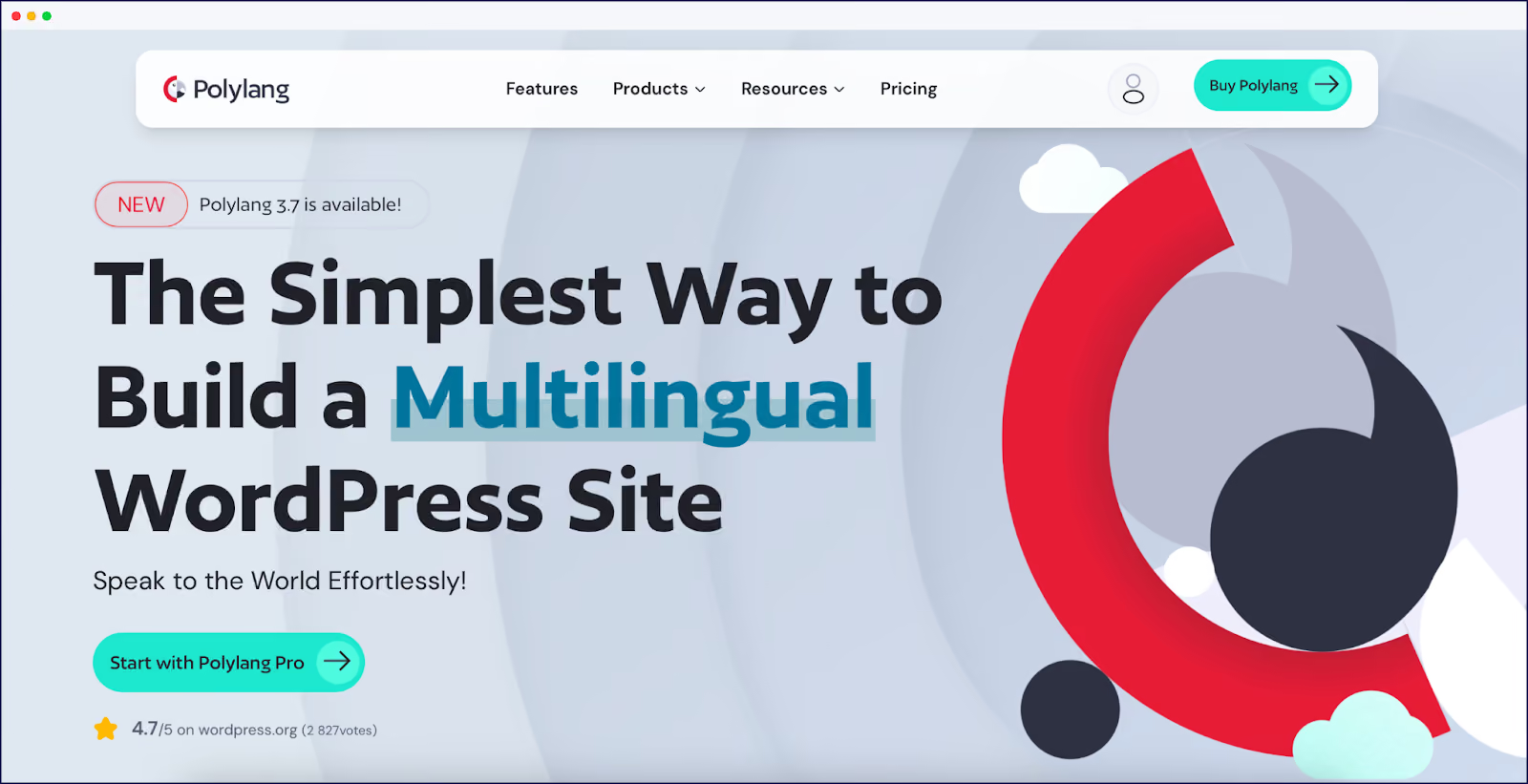
Polylang stores translations as separate WordPress posts. TranslatePress stores translation strings in specific structures, swapping them into content at page load. This difference impacts performance. Benchmarks show Polylang sites typically load under one second, as each language version loads like a standard WordPress page, needing no translation processing.
Despite fast load times, Polylang lacks ‘full page’ translation. Unlike TranslatePress and Weglot, these require manual translation:
TranslatePress's visual editor covers most visible on-page content, but it has its own coverage gaps worth knowing before you commit:
The architectural difference between Polylang and TranslatePress affects not only performance, but how it shapes how your team actually works every day.
Polylang's editing workflow lives entirely in the WordPress backend. To translate a page, you open the original post, click the "add translation" icon for your target language, and a blank duplicate of the WordPress editor opens. There's no side-by-side view of the source content and no visual context. You're working from memory or with a second browser tab open. For developers comfortable in the WordPress admin, this is manageable. For content editors or non-technical translators, the process is disorienting and error-prone.
TranslatePress takes the opposite approach. Its visual editor loads your live site in a frame, and you click directly on any text element to translate it in a sidebar panel. You see exactly what the translated page will look like as you work. This makes it significantly more accessible for non-technical users and reduces the risk of translating the wrong string. The trade-off is that the visual editor adds those extra database queries discussed below – the convenience has a performance cost.
In short: Polylang suits setups where a developer or a technically confident content manager handles translations. TranslatePress is better suited to teams where translators or marketers need to work independently, without relying on developer support.
Neither plugin handles translator workflows out of the box on their entry-level plans. Polylang has no native translator role. Anyone translating content needs either full admin access or an editor role, which carries broader site permissions than most translation workflows warrant. There is no built-in way to assign specific pages or languages to specific team members.
TranslatePress adds restricted translator accounts on its Business plan (€199/year). These accounts can access the visual editor and translate content without touching any other part of the WordPress admin. For agencies or sites with dedicated translators, this is a meaningful feature, though it comes at a cost tier above the entry plan.
Weglot includes team collaboration and translator access across its paid plans, with role-based permissions for translation managers, translators, and proofreaders without requiring any WordPress admin access at all.

It depends on your site's size and hosting setup. But on larger or more complex sites, yes, measurably so.
TranslatePress's string-replacement architecture means some performance overhead is inherent to how the plugin works. On every page load, TranslatePress executes additional database queries to fetch and swap translation strings into your content. For a typical blog post, the impact is minor. For a WooCommerce category page displaying 30+ products with descriptions, prices, attributes, and filters, those queries multiply quickly, and the cumulative effect becomes more noticeable.
Independent performance testing by WP Rocket found TranslatePress added roughly 0.3s to median page load time compared to an untranslated baseline, versus Polylang which added closer to 0.05s. However, these tests date from 2019 and results will vary by hosting environment and page complexity. Sites on shared hosting with no page caching configured will feel the impact more than those on managed WordPress hosting with full-page caching enabled. Testing how many products you can display per page before load times degrade is a worthwhile step before committing to TranslatePress for a WooCommerce store.
The broader context matters: Google research found that 53% of mobile visitors abandon sites that take over three seconds to load. Performance impacts that are invisible on a five-page brochure site can become meaningful on a high-traffic shop.
Polylang sidesteps the runtime query problem entirely by pre-creating translated posts: Spanish visitors load a Spanish post directly, with no string replacement needed. The trade-off is admin bloat: a 100-page site in five languages means managing 500 posts.

Cloud-based solutions like Weglot handle translations off-site, reducing bloat and overhead via a global CDN. Processing occurs on Weglot’s servers, not your WordPress environment.
Weglot uses an external cloud API for most translation. This avoids local queries, though initial page loads can be affected by API calls. The first translated page request might have a brief delay (avg. 0.22s overhead), but subsequent performance is faster due to global CDN and caching.
Weglot sustains fast page loads on large sites by shifting workload off your server. Reviews note that as sites grow, Weglot ‘adds less load to your WordPress site’, often improving speed. Conversely, ‘TranslatePress can impact performance on larger websites with many translations’ as it constantly searches and assembles content.
Content updates expose plugin downsides. For TranslatePress, editing text can break string matching, requiring re-translation via the editor. Polylang suffers content drift; updating an English page doesn't affect its Spanish version, requiring manual syncing. Neither offers an intuitive update workflow. Cloud-based Weglot automatically translates new native content. A typo change updates all foreign language pages, and new pages are automatically translated.
Without strong SEO, translated pages may not appear in international search results, limiting global reach. Multilingual SEO is as crucial as site speed.
Yes, Polylang creates separate, fully-indexed pages per language with clean URL structures, but requires manual hreflang configuration to avoid duplicate content penalties. It integrates with SEO plugins like Yoast and The SEO Framework. These tools recognize Polylang’s structure, managing meta titles, descriptions, and social tags for each language, ensuring proper international metadata.
In other areas of search, Polylang plays perfectly with SEO plugins like Yoast and The SEO Framework. These tools recognize Polylang’s structure and help manage meta titles, descriptions, and social tags for each language version. Your Spanish pages get proper Spanish metadata, which is needed to encourage click-throughs from your Spanish customers.
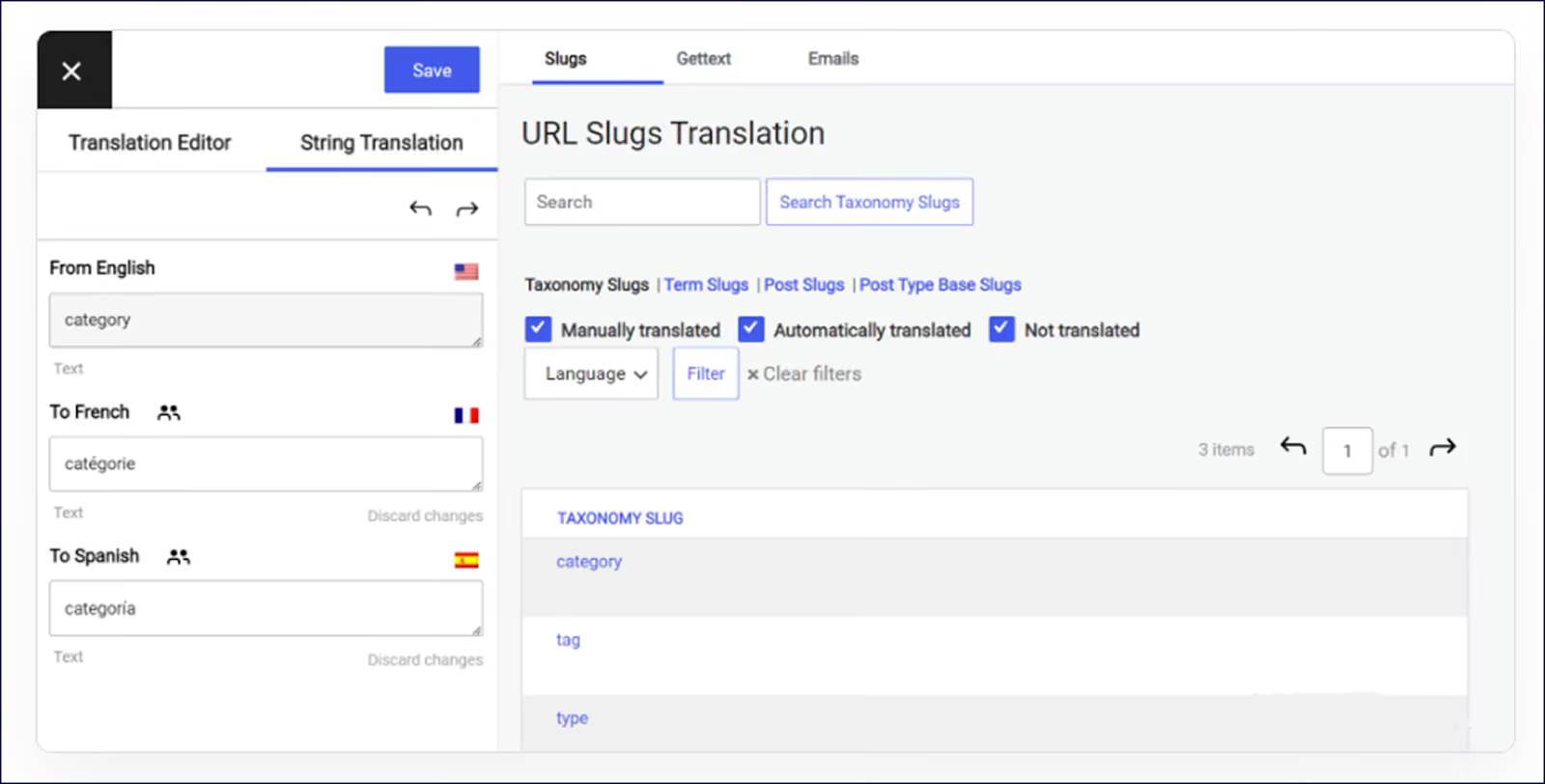
TranslatePress needs the paid SEO Pack Add-On for search optimization. This add-on translates SEO elements like URL slugs, page titles, meta descriptions, image alt tags, and Open Graph tags. It integrates with major SEO plugins, auto-generates multilingual sitemaps, and handles hreflang tags. It supports SEO friendly subdirectories (/es/, /fr/) or subdomains (es.yoursite.com).
Weglot delivers fully automated, out-of-the-box multilingual SEO, requiring no manual configuration. Once installed, our plugin automatically creates dedicated, indexable URLs per language, using subdirectories or subdomains, and handles all hreflang tag implementation without user intervention. Our tool also translates meta titles, descriptions, and Open Graph tags automatically, helping international pages rank and appear correctly. With major SEO plugin compatibility and auto-generated multilingual sitemaps, Weglot offers ‘set-and-forget’ SEO, making translated pages instantly search-friendly worldwide.

A note on RTL language support: Both Polylang and TranslatePress support right-to-left languages including Arabic, Hebrew, and Persian, with proper text direction applied automatically when these languages are active. This makes both plugins viable for Middle Eastern and North African markets without additional configuration. Weglot also supports RTL languages fully, with automatic directionality handled at the translation delivery level.
TranslatePress’ free version includes 500,000 machine-translated characters via Google Translate (API key needed); DeepL requires a subscription upgrade. Polylang’s free version is manual-only; third-party plugins can add machine translation at extra cost. Given manual translation costs (~€14,000 for 200K words), a paid plan with automation is essential for any budget.
Setup complexity is a real differentiator that affects both initial launch time and long-term maintenance.
Polylang's free core plugin installs like any WordPress plugin and is straightforward to configure for basic use. However, making it work properly across a custom theme requires developer involvement; the strings in theme and plugin files need to use Polylang's translation functions (pll_e(), pll__()) to be detected. Enabling machine translation requires sourcing and connecting a third-party DeepL API key separately. Hreflang tags also need to be manually verified or configured through an SEO plugin. For a site built on a standard theme with no custom code, setup is manageable. For anything custom-built, budget for developer time.
TranslatePress is more self-contained for non-technical users. Installation, language configuration, and connecting Google Translate or DeepL all happen within the plugin's own settings panel. The visual editor removes the need to understand WordPress post structure. The main technical hurdle is the SEO Pack Add-On setup, which requires correctly configuring hreflang and sitemap settings. This is achievable without developer help but does require careful attention.
Weglot is the fastest to deploy of the three: install the plugin, add an API key, select your languages, and your site is translated. No theme modifications, no API sourcing, no manual hreflang configuration as all of this is handled automatically.
Polylang costs €99-198/year, while TranslatePress runs from €99-349, but the true expense hides in your monthly time sheets and hosting bills.
In addition to these fees, both plugins require ‘top-ups’ if extra words are required. TranslatePress’ starting price of €99/year includes 50K machine translated words. Additional pricing tiers for extra translations are then needed, starting at €24 per 100,000 words.
Polylang’s starting price of €99/year doesn’t include machine translation. Users need DeepL API keys for automation. DeepL subscription is free for the first 500,000 words. Need more than that, and you’ll pay a €4.99/month subscription + €20 per million characters.
Scaling a multilingual WordPress site requires server considerations. TranslatePress stores every translated string in your site’s database, creating exponential growth as you add more languages or content. Push resource limits common to affordable shared hosting plans, and you may need to upgrade, adding further costs to your project.
Polylang is more database-efficient, as it stores each language version as a separate post, resulting in far leaner database usage. Larger sites may benefit from higher hosting packages given the number of posts created by the plugin.
Because Weglot translates, stores, and delivers all language versions via its own cloud infrastructure, your WordPress hosting is unaffected by the number of translations, database bloat, or per-language content growth.
Weglot’s all-inclusive SaaS pricing model saves any unexpected bills from coming your way.
Our free version gives you 2,000 words to start with. A Starter plan at €150/year comes with 10,000 words. Need more than that, and you can simply move up a tier. Our Business plan is €290/year, with 50,000 words, and Pro €790 for 200,000. Advanced, Extended, and Enterprise plans are also available, meaning Weglot scales directly in line with your needs.
Deactivating Polylang leaves all translated posts mixed with original content in your WordPress admin, requiring manual cleanup or accepting permanent content multiplication.
For TranslatePress, deactivation abandons multiple custom tables (wp_trp_dictionary, wp_trp_original_strings, wp_trp_gettext) containing thousands of translation strings. These orphaned tables consume database space, slowing queries and backup processes. The plugin offers no cleanup tool, so you’ll need database access and SQL knowledge to remove the unwanted stuff.
Exporting brings its own challenges. Polylang translations exist as standard WordPress posts, exportable through native XML tools. However, you’re exporting individual posts without language relationships. Rebuilding these connections in a new system requires manual matching of hundreds of post pairs.
TranslatePress translations can be exported via database tools such as phpMyAdmin, though this will take considerable tech expertise. As neither offers a clean export strategy, plan your exit beforehand.
Weglot's approach is architecturally different from the start: because all translations are stored externally on Weglot's servers, your WordPress database is never touched by translation data. There is no dictionary table to orphan, no post duplication to untangle, and no SQL cleanup required regardless of how many languages or words you've translated. Conversely, they disappear if you change plugins. This simplifies managing translated pages during site migrations via file export or API.
If you do choose to migrate away, translations export cleanly via file or API. For teams that have experienced the cleanup burden of switching between database plugins, this is a meaningful structural advantage.
TranslatePress handles WooCommerce products more efficiently since it maintains single product entries, while Polylang creates duplicate products that complicate inventory management.
TranslatePress keeps products unified, but at a cost to performance. Single product entries mean inventory stays synchronized. Update your stock once, and it’ll be reflected across your translated pages. But category pages with multiple products will naturally trigger extra database queries as TranslatePress fetches and swaps translation strings in real-time. You’ll need to test the number of products you can put on a page before any slowdown occurs.
To translate WooCommerce using Polylang, you’ll need the Polylang for WooCommerce add-on, priced at €99/year. This is in addition to a Polylang Pro license, so your basic fees are €198/year.
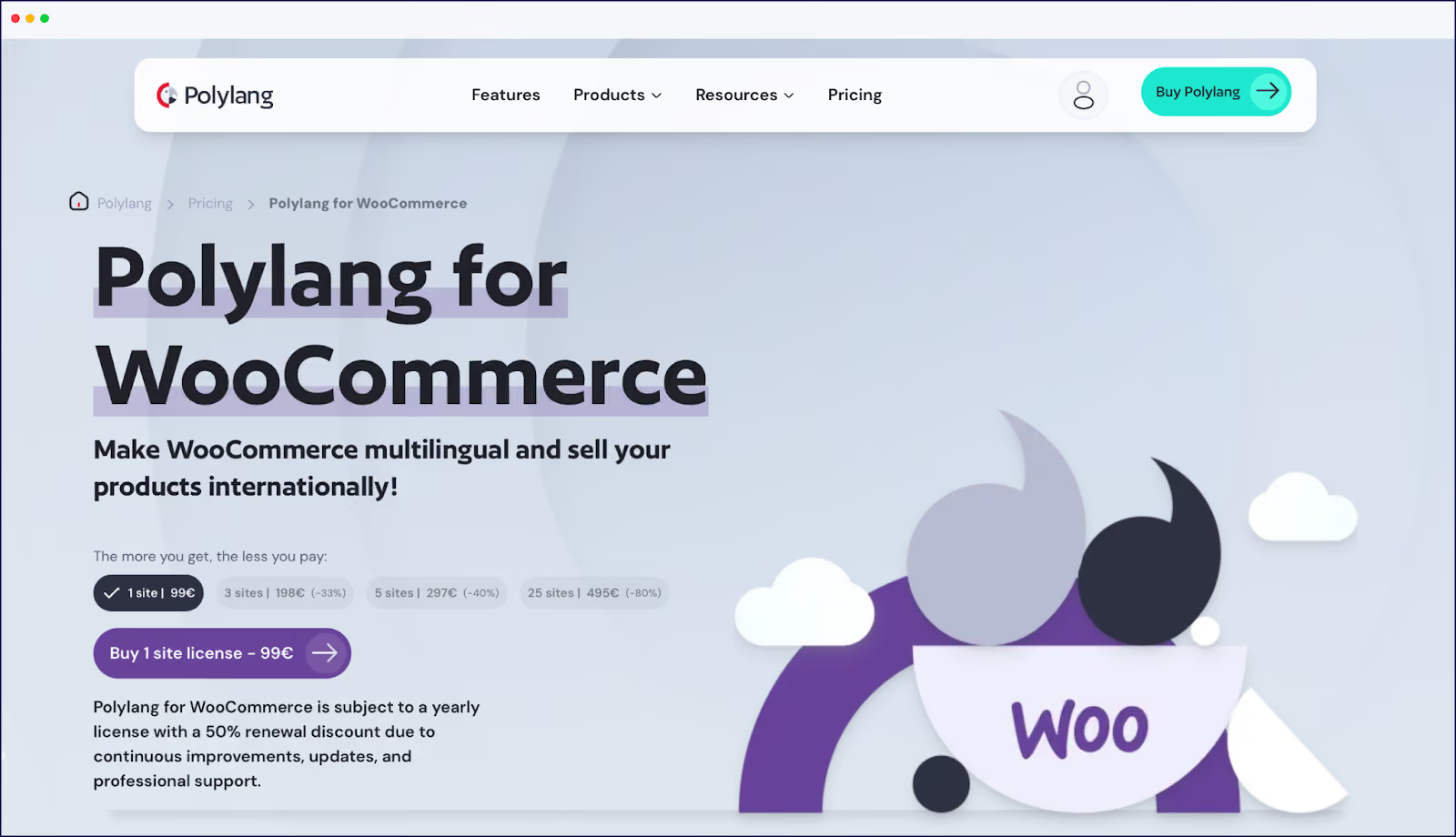
Polylang creates one separate product post for each language version, so 100 products, three languages, results in 300 product entries in the WordPress (WooCommerce) products table. Product variations for each translation are also created and maintained as separate entries, matching WooCommerce’s variable product architecture. Without the WooCommerce extension, you’ll have to sync stock manually.
Alternatively, Weglot‘s cloud-based integration connects directly to your WooCommerce store without the need for add-ons, and no slowdown. All translated language versions share a unified inventory and product structure, so stock, price, and metadata remain synchronized across every language.
And should you choose to move your WooCommerce site to Shopify or elsewhere in the future, it’s much easier to do this with a cloud-based SaaS than a database plugin.
A fundamental problem with both our featured plugins comes from WordPress itself. The platform wasn’t originally designed for multilingual content, forcing plugin developers to choose between duplicating pages and posts (Polylang) or injecting translations at runtime (TranslatePress). Weglot sidesteps both limitations.
Our translation tool moves infrastructure off WordPress. Your posts stay singular, without duplicate entries cluttering your admin or tables bloating your database. Translation happens on Weglot’s servers, returning fully-translated HTML to your visitors.
Automatic content detection reduces manual workflows. Weglot detects any new content additions or changes and translates them across all languages. The system handles posts, pages, menus, widgets, and WooCommerce products automatically, with no manual synchronization required.
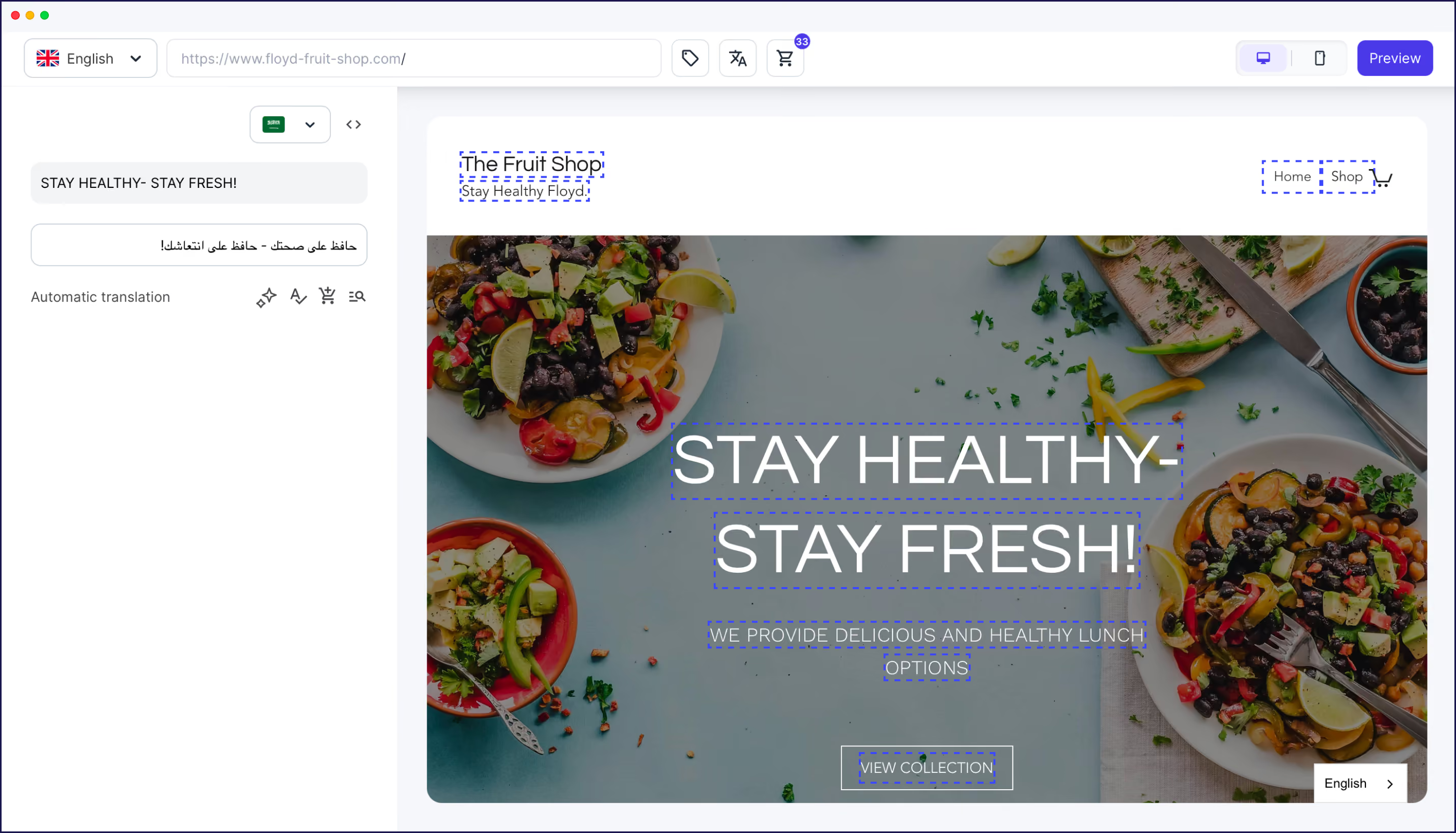
Visual editing without the performance penalty. Like TranslatePress, Weglot offers in-context visual translation. Unlike TranslatePress, this happens without adding database queries to your frontend.
SEO implementation that actually works. Weglot automatically manages technical SEO for you.
Performance remains unaffected. Storing translations on external servers results in zero database bloat, given they’re not in your database. Your site stays fast, and your workflow simple.
Test it with your actual content. Our 14-day free trial includes 10,000 words.
The ‘best’ translation tool is the one that best supports your daily reality.
Translate your website instantly with AI, refine with human edits, and go live in minutes. Experience Weglot's power firsthand. Test it free, without engagement. A demo website is available if you're not ready to connect your site.
To experience a truly modern translation workflow, try Weglot’s free 14-day trial today!

We’ll get your first languages live. You decide how far you want to go. Try Weglot for free today.
Trusted by 70,000+ global brands





Weglot is tested and trusted by brands worldwide since 2016. Join them today.


The best way to understand the power of Weglot is to see it for yourself. Test it for free and without any engagement.
A demo website is available in your dashboard if you’re not ready to connect your website yet.