Try Weglot for free


Localization automation comes down to one question: what triggers the next translation?
For some teams, it’s a code commit. For others, it’s a new product page going live on the website. For others still, it’s a content manager marking a page ready to publish. The right tool depends on where that trigger sits, how often it fires, and how much human review you want before content goes multilingual.
This guide ranks the eight tools best suited to automating localization in 2026, framed around the features that actually matter: what triggers translation, which integrations carry it, and where AI handles the first pass.
For a broader sweep of localization platforms – including tools that lean more on managed translation services than on automation – see our broader comparison of localization tools.
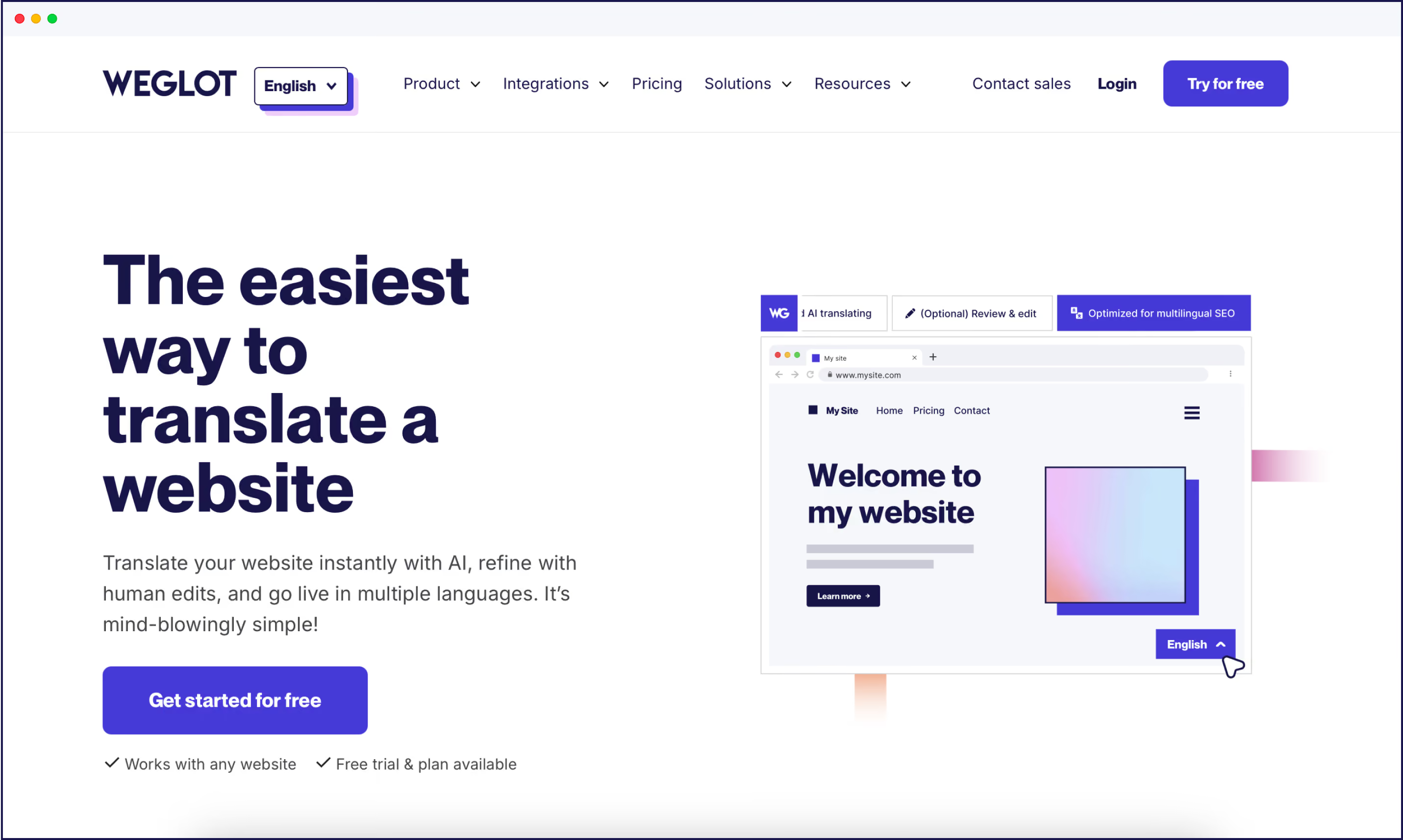
Weglot automates website localization by detecting every piece of content on your site the moment it goes live, translating it into 110+ languages, and publishing it under SEO-friendly URLs – all without anyone pressing a button.
How it automates:
Best for: Marketing and ops teams that want website localization to run end-to-end on its own, without a dev team in the loop.
The automation lens: While most tools on this list automate translation pipelines for engineers, Weglot is the only one that automates the entire surface – your live website – without code changes. It’s the closest thing in the category to a fully automated localization platform for non-technical teams.
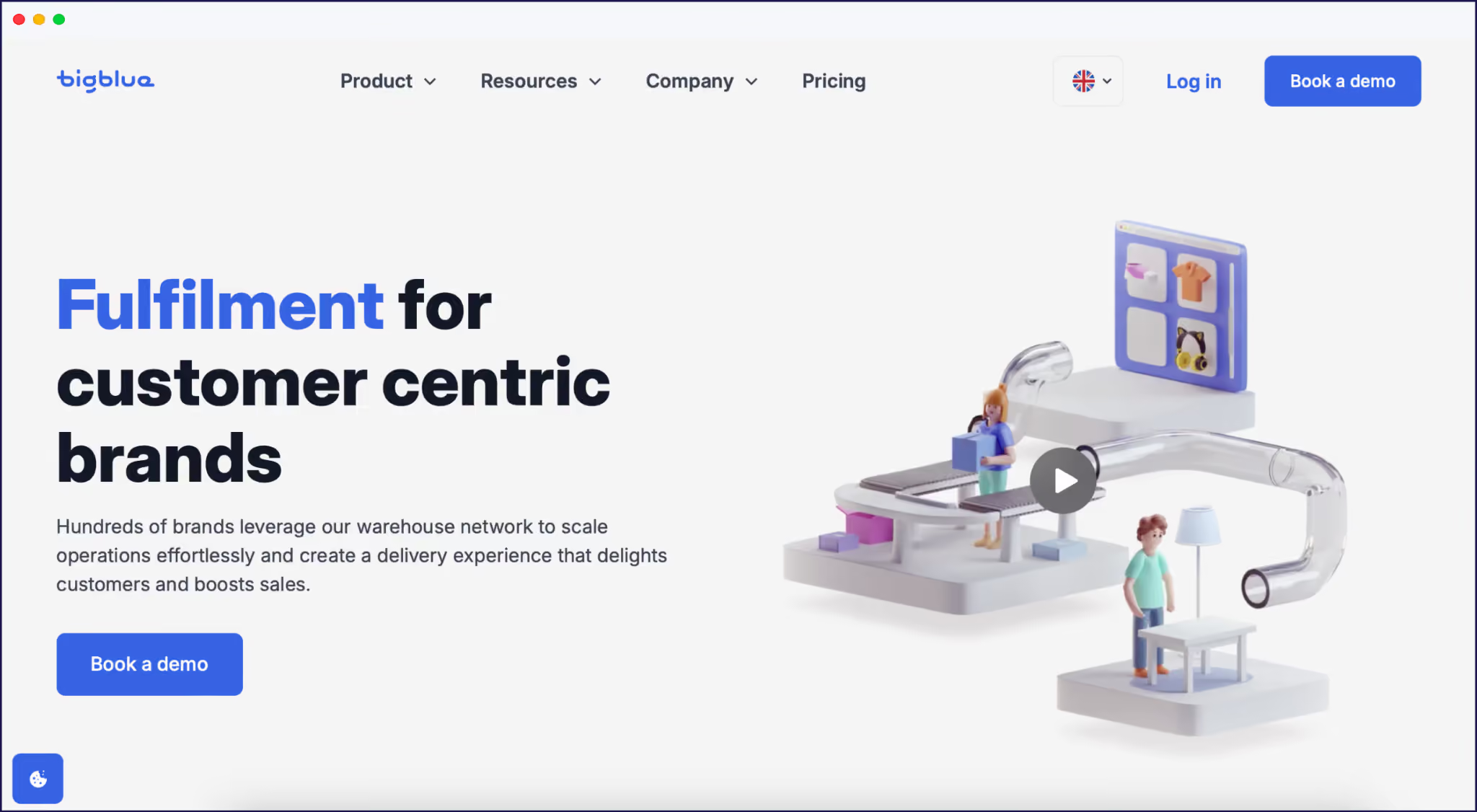
Bigblue, a logistics platform, used Weglot to launch a French version of its website and blog:
{{quote-image-banner}}
Today, 110,000+ brands trust Weglot to automate their localization workflow.
Try Weglot’s 14-day free trial.
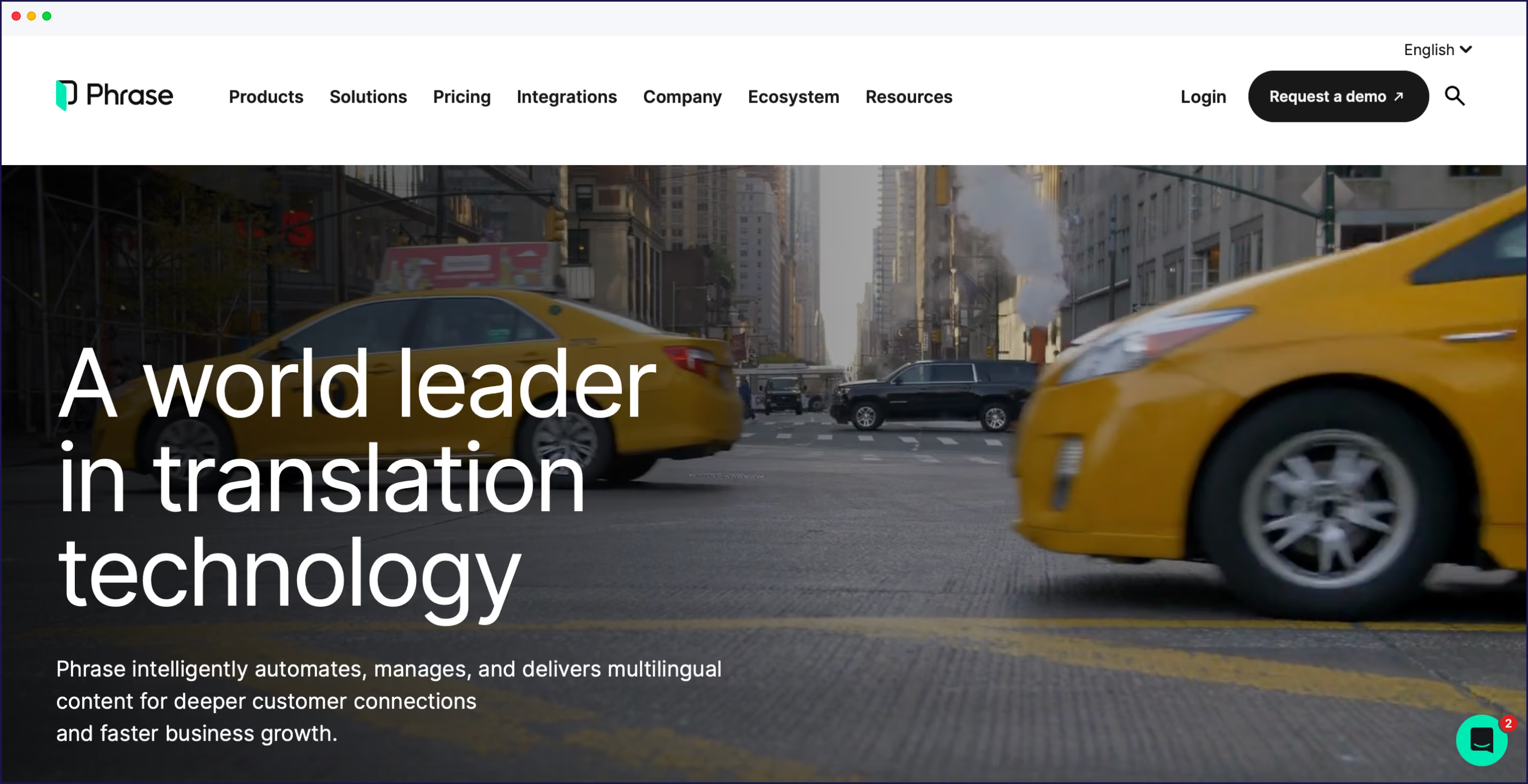
Phrase automates localization by sitting inside engineering pipelines. Every code commit can trigger translation jobs, route strings through quality checks, and push approved translations back to the repo automatically.
How it automates:
Best for: Enterprise dev teams that want translation to behave like any other automated build step.
The automation lens vs Weglot: Phrase automates the engineering side of localization – strings, software, and apps – while Weglot automates the marketing side: live websites and content. Phrase’s automation is configurable and powerful, but pricing is built for enterprise budgets.
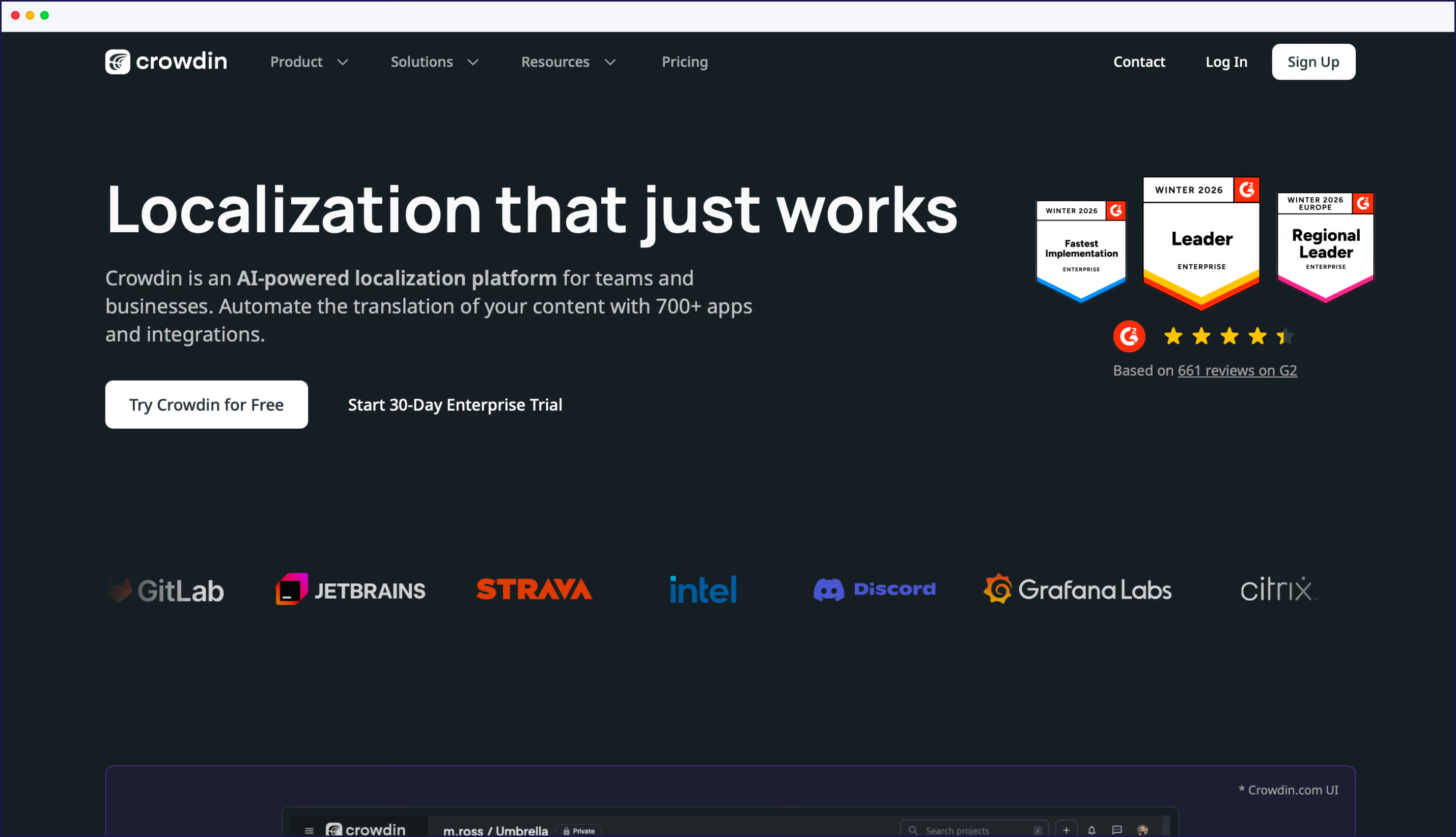
Crowdin automates localization by syncing translations directly with your code repository. Every push to GitHub or GitLab can trigger AI translation, route strings to vendors or community translators, and write approved translations back to the repo.
How it automates:
Best for: Agile dev teams with frequent releases who want translation tied to the version control system they already use.
The automation lens vs Weglot: Crowdin’s automation lives in the dev pipeline; Weglot's lives on the live website. Crowdin is the stronger fit for app, software, and documentation localization; Weglot for websites where a non-dev team owns content.
Lokalise automates localization by connecting design files, code repos, and content systems into one workspace – then triggering translation tasks whenever a string changes upstream.
How it automates:
Best for: Product, design, and engineering teams localizing mobile apps and SaaS interfaces together.
The automation lens vs Weglot: Lokalise automates inside the product build process, where strings live in code. Weglot automates on top of the live website, where content lives in your CMS. Lokalise needs technical setup; Weglot does not.
Smartling automates localization by detecting new content on websites and mobile apps, routing it through its LanguageAI translation engine, and capturing visual context so translators don’t slow the loop down.
How it automates:
Best for: Enterprise marketing teams running high-volume, high-touch localization programs with professional translators in the loop.
The automation lens vs Weglot: Smartling automates the back-end pipeline around a large translator network; Weglot automates the frontend so most translations never need to reach a translator. Smartling is built for enterprise budgets; Weglot serves SMBs and ecommerce.
POEditor automates localization at the file-sync level. It pulls translation files from your repository, applies AI translation via integrations, and pushes approved translations back – all on a budget that suits small teams.
How it automates:
Best for: Small dev teams, side projects, and open-source software needing a lightweight automation setup.
The automation lens vs Weglot: POEditor automates string-file translation for developers; Weglot automates whole-website translation for non-developers.
Localazy automates localization by auto-syncing source files from your repository, applying AI translation, and reusing a shared community translation memory across projects to keep costs down as you scale.
How it automates:
Best for: Indie developers, startups, and small businesses that want to grow into a localization workflow without enterprise pricing.
The automation lens vs Weglot: Localazy automates developer-side localization for apps and software with pay-as-you-grow pricing; Weglot automates the website layer for non-technical teams.
XTM automates localization through its configurable workflow engine. You define the triggers (content push, code commit, manual job), set the routing rules, and the platform handles AI translation, CAT editing, and post-editing analytics inside a single pipeline.
How it automates:
Best for: Mature enterprise localization programs with in-house teams or external language service providers.
The automation lens vs Weglot: XTM is built for localization specialists who want fine-grained control over translator workflows; Weglot is built for marketing and ops teams who want translation to happen invisibly. XTM requires significant onboarding; Weglot does not.
Automation is a set of choices about what gets translated, when, and by whom. The right tool depends on which of those choices matter most for your team.
Once you’ve picked your automation tool, the next step is to set up your localization workflow — covering extraction, translation, review, and deployment so localization runs without anyone driving it day to day.
Weglot translates your entire website into 110+ languages in under 10 minutes, with an AI Language Model that learns your brand voice as you go. Refine where you want to, set-and-forget the rest, and grow international traffic without expanding your team.
110,000+ brands already trust Weglot to handle their multilingual websites. Sign up for your 14-day free Weglot trial today.

We’ll get your first languages live. You decide how far you want to go. Try Weglot for free today.
Trusted by 110,000+ global brands





Weglot is tested and trusted by brands worldwide since 2016. Join them today.


The best way to understand the power of Weglot is to see it for yourself. Test it for free and without any engagement.
A demo website is available in your dashboard if you’re not ready to connect your website yet.


Automating localization means using software to handle the steps a human used to do manually – detecting new content, translating it, applying glossary and translation memory rules, and publishing translated versions. The goal is for a content change in your source language to flow to every supported language without anyone copying text into a spreadsheet.
The best tool depends on what triggers your translation workflow. For websites where content published should automatically push translations live, Weglot leads the category with its AI Translation Model and automatic content detection. For dev-led teams where a code commit is the trigger, Crowdin, Phrase, or Lokalise are stronger fits.
Pricing depends on translation volume, language count, and feature tier. Entry-level plans start under $20/month (Weglot Starter, POEditor Start); enterprise contracts (Smartling, XTM, Phrase Team+) can run into five or six figures a year. Most growing websites land somewhere in the middle.
It can be fully automated for many use cases – Weglot’s AI Translation Model is designed to handle brand voice and consistency on autopilot, so most pages don’t need human review by default. Higher-stakes content like legal pages, hero copy, or campaign launches still benefit from human editing, and most tools make that optional.
Continuous localization triggers translation automatically every time content changes – there’s no hand-off between teams. Traditional workflows batch translation projects: someone collects source content, sends it out, gets it back, then publishes. Continuous workflows are faster and better suited to sites that change frequently.