Try Weglot for free





Localization in ecommerce means adapting the entire buying experience for each market – something translations alone won’t achieve. It covers how shoppers find you, what they see on every key page, and how they actually pay and receive their order.
That’s why so many store owners see the same frustrating pattern once they’ve made their site multilingual – rising traffic but few conversions. The store ‘looks’ local, yet customers still bounce when they reach checkout, or fail to find the answers to the questions they’ve been searching for.
This article takes you through a practical ecommerce localization checklist, from pre-translation work to operational blockers and user experience. Follow our guidelines and you’ll have a clear ecommerce localization workflow in place, and one that converts your investment into genuine sales.
Our checklist walks you through each step for a conversion-led approach to ecommerce localization – high traffic figures are a nice-to-have, but they won’t impact your ROI!
The first step is deciding which countries are worth the investment. Start with your existing site data. Look at where current visitors and orders are coming from, then compare your figures to market size, spend per shopper, and shipping feasibility. This will shortlist the markets where localization is most likely to pay off.
Next, research how shoppers in those countries actually buy. Identify preferred payment methods, devices, and marketplaces, plus expectations for delivery times, returns, and customer support. Check any local legal requirements, like language rules for invoices or information that must appear on product pages.
Finally, define 1-to-3 clear goals per market, such as ‘increase German checkout completion by 15%’. Goals should be business-specific, acting as your filter for every localization decision.
Before you start translating your website, decide how your ecommerce platform should handle multiple countries.
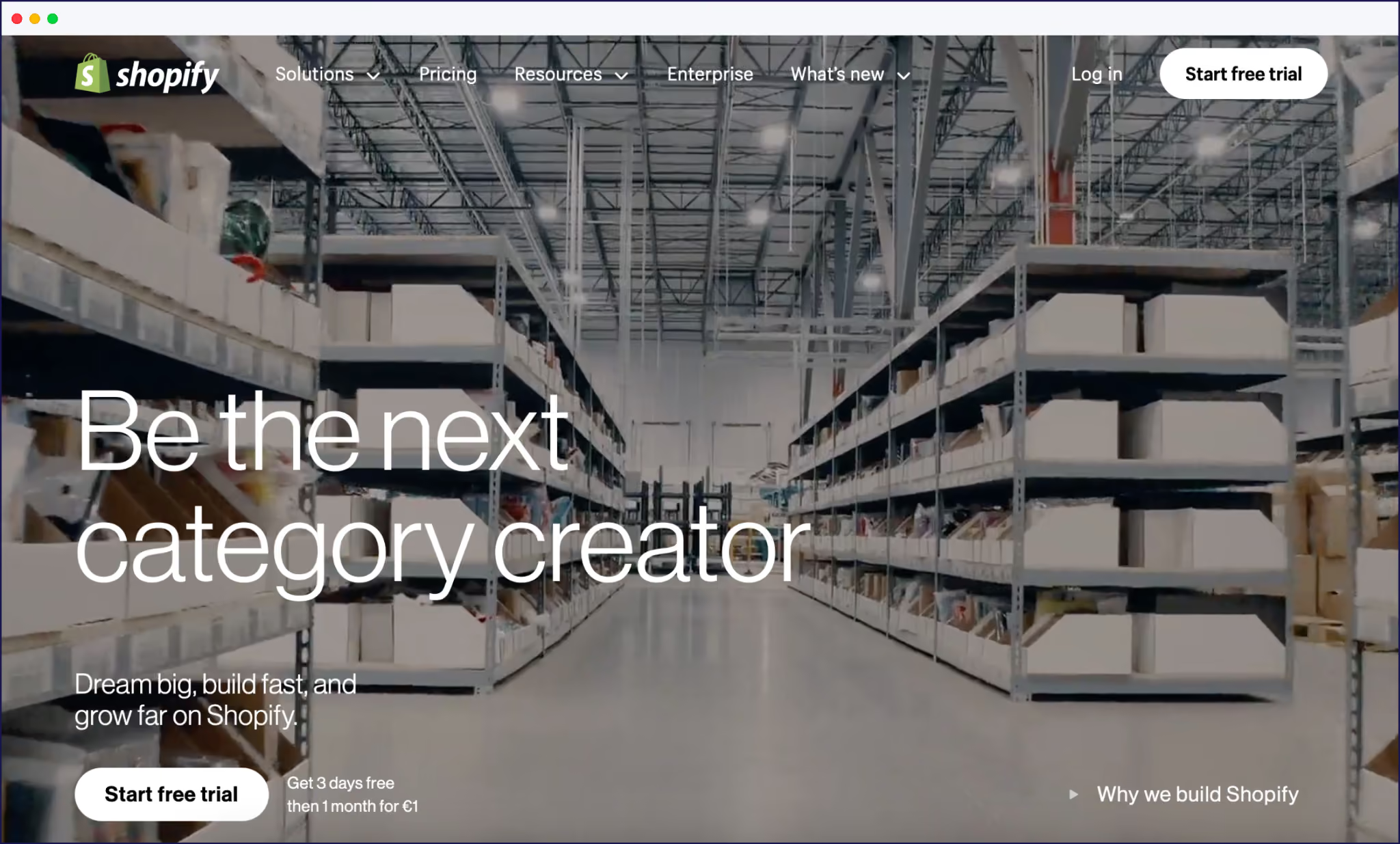
On Shopify, localization usually means using Shopify Markets and apps to adapt one store for many regions. This will include currencies, domains, languages, duties, and payment methods.
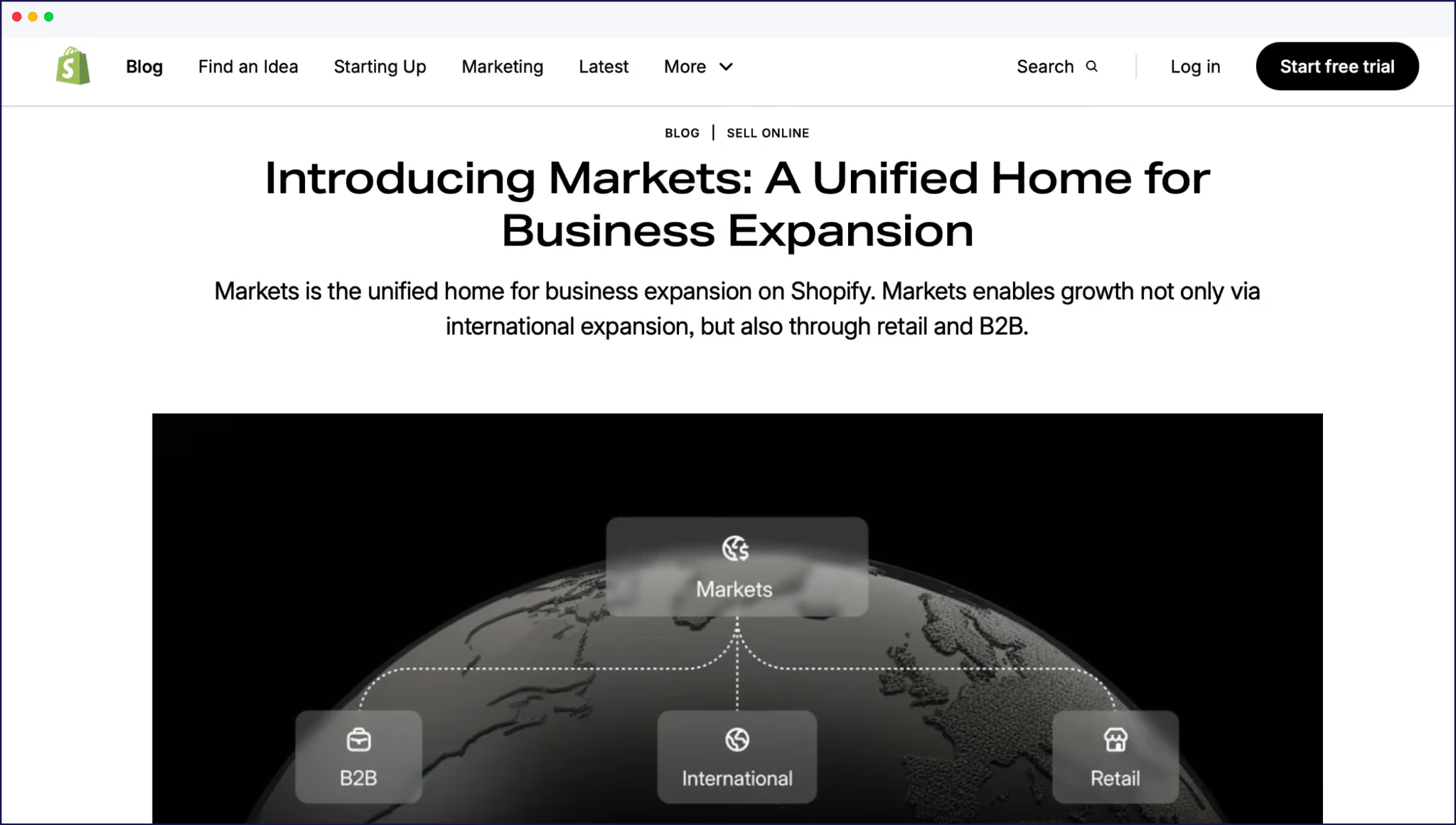
A single store works well when you have one legal entity, a shared product catalog, straightforward VAT or sales tax, and a relatively small team.
Multiple stores make more sense when you need separate legal entities, have very different catalogs per country, or manage complex pricing. You’ll gain flexibility around taxes, catalogs, and promotions, but pay a higher investment.
Translate product titles, descriptions, and feature lists so they match local word trends and preferences. But keep brand names and model numbers consistent so shoppers still recognize what they’re buying.
Next up, adapt every spec that affects fit, usage, or expectations. Convert measurements into local units, and adjust voltage, fabric labeling, or ingredient disclosures where required. If a size chart needs its own localized explanation, be sure to create one!
Finally, protect yourself and your customers by excluding products that don’t meet local rules. Remove items that fail safety, cosmetics, food, or electronics regulations, or flag restrictions when products aren’t legally available to buy in a specific country.
Many shoppers will tolerate language quirks on the likes of your homepage, but they’ll abandon checkout if your payment screen isn’t what they’re used to. Show prices in local currencies, including taxes and duties where possible.
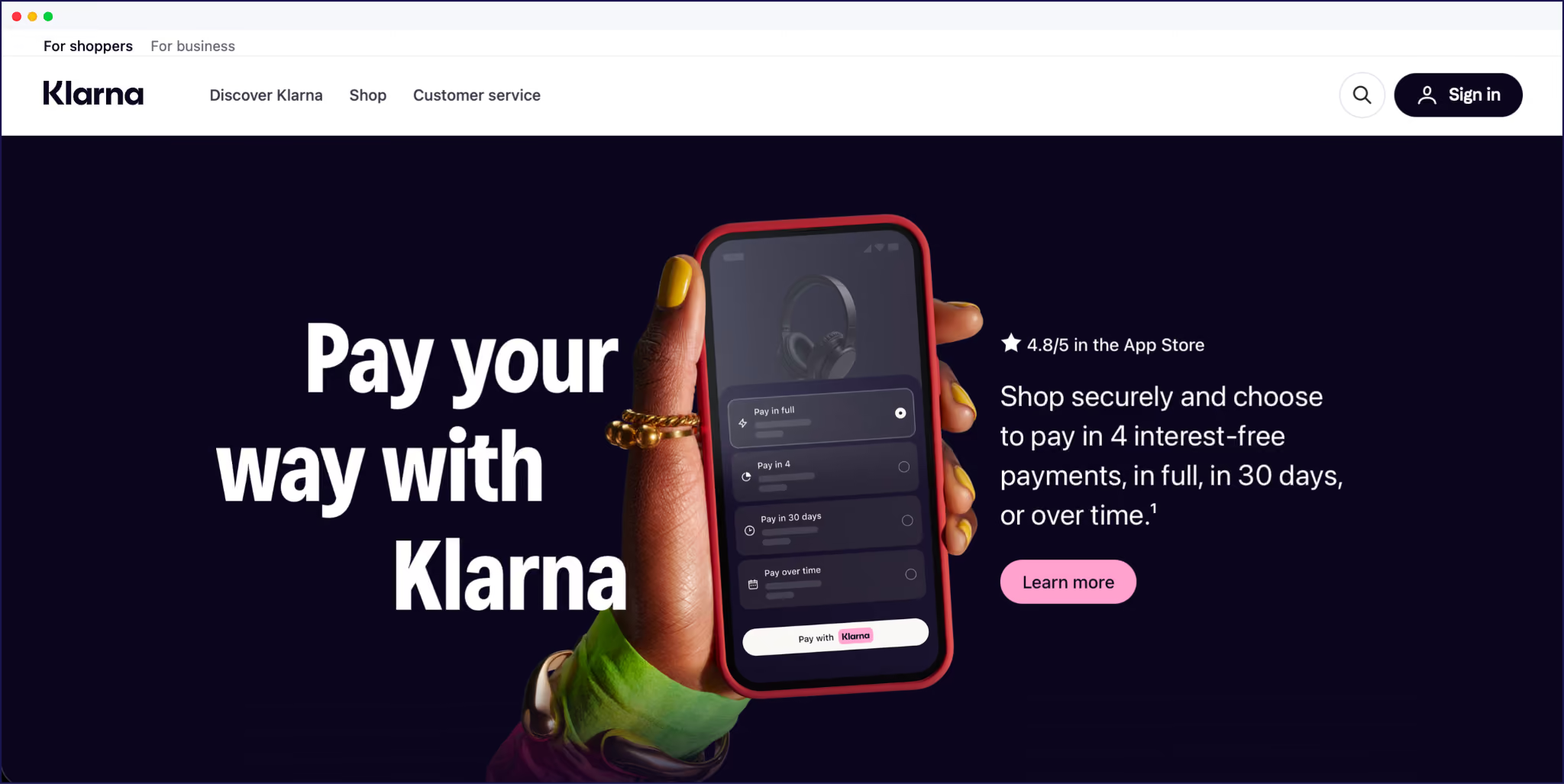
Offer region‑specific payment methods instead of relying only on global credit cards. That might mean offering Klarna in Germany, iDEAL in the Netherlands, Bancontact in Belgium, or local wallets in the Asia-Pacific region (APAC).
Remember to localize the little things in (checkout) life – address formats, phone fields, name order, and error messages. Use the right postcode and province fields for each country, rather than sticking to one format.
Once payments and logistics are under control, map every touchpoint where language can impact trust signals. This includes navigation menus, collection pages, product pages, cart, checkout, account area, FAQ, returns/shipping pages, privacy, and all legal content. Everything needs to be readable in the customer’s language.

Don’t forget the ‘unseen’ content. Translate page titles, meta descriptions, alt text, and URL slugs, so search engines understand your localized store and can rank it in local results. Create localized titles and meta descriptions that use real local search terms, not just direct translations of your English keywords.
For example, ‘trainers’ and ‘sneakers’ mean the same thing, but they’ll have very different search volumes within different markets. Customers are far more likely to click on your search results if they can understand your wording.
It’s here where an AI translation tool like Weglot demonstrates its value. Weglot detects all of these content types, translates them with AI, and lets your team refine everything from a single dashboard.
{{ai-banner}}
SEO is where your multilingual ecommerce store actually gets found. As we mentioned above, translating metadata and URL slugs is a great first step. Next, use a clear URL structure, like subdirectories (site.com/de/) or country subdomains (de.site.com), and keep that structure consistent throughout your site.
<link rel="alternate" hreflang="es" href="https://example.com/es/" />Check whether your ecommerce platform and translation setup generate hreflang tags for each language-country pair, and confirm those codes are correct, like es-ES vs es-MX or pt-BR vs pt-PT. Hreflang should exist on every localized page, not just your homepage.
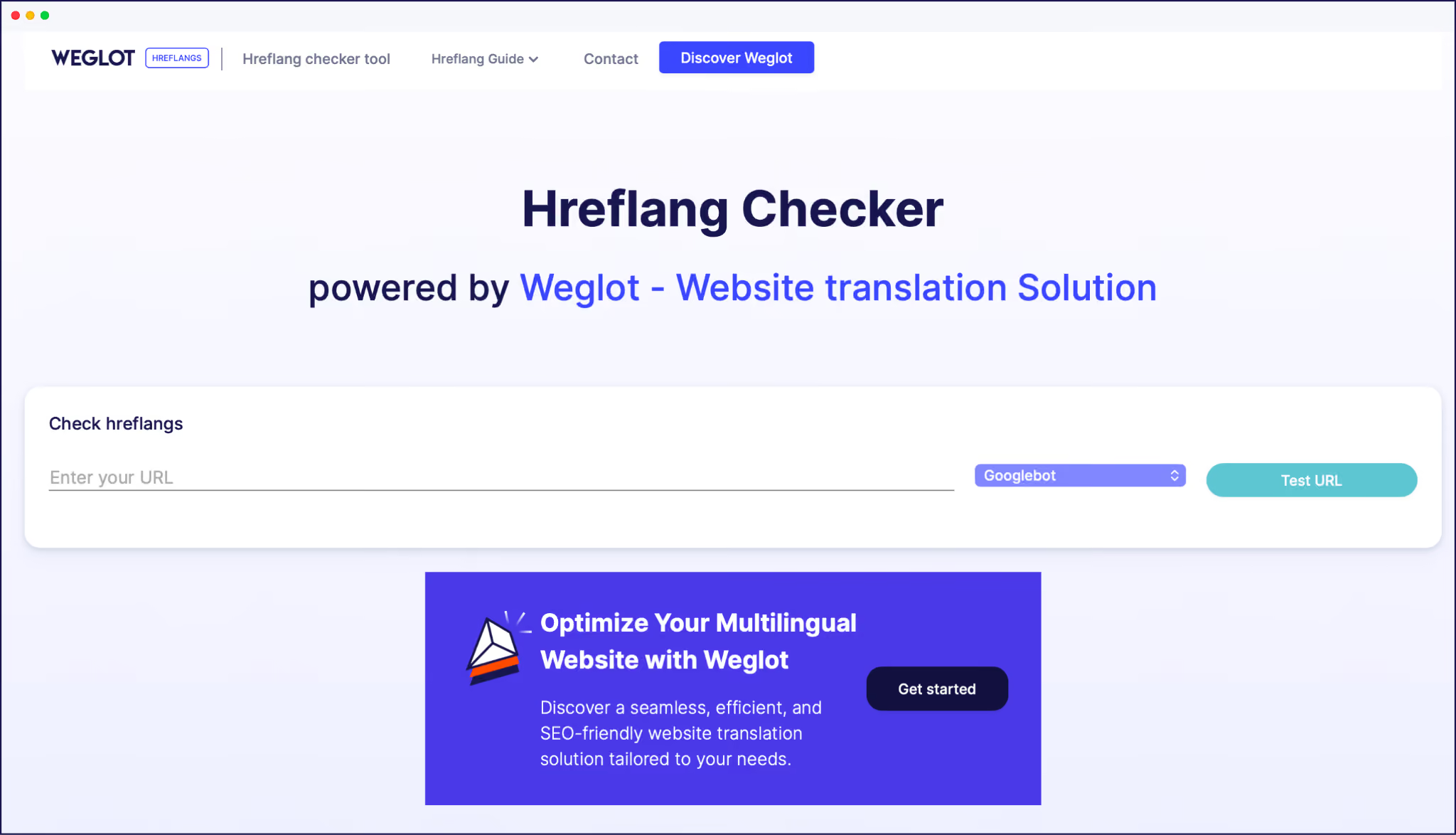
Test hreflang and indexing using tools like Weglot’s Hreflang Checker, or Google Search Console to check for wrong language versions ranking and missing sitemaps. Fix those issues as soon as they arise, or your international searchers may be sent to your English store in error.
Start with localized FAQ pages that answer the questions people in that specific market are actually asking. Certain cultures are more risk-aversive than others when buying online, so make sure your support offering is matched to local needs.
“Always route support by language for your own convenience. Set up inboxes or tags for each language with clear response-time expectations, so French tickets don’t sit in the same queue as English ones. Train your team on how to work with translation tools, canned responses, and escalation rules. Remove any guesswork from support – one bad experience and you can lose a potential customer for life.”
– Christophe Garcia, VP of Support at Weglot
Start by checking VAT registration thresholds for each EU market you ship to, then configure how VAT is collected and displayed on product pages, carts, and invoices.
For countries with import duties, set up landed cost calculations so buyers see the full price and get no unpleasant surprises from customs. Update your privacy policy and terms to cover GDPR or any local equivalent. There’s more than customer interest at stake here – a failure to comply with local laws can result in fines or even a ban on your business trading in certain markets.
Update graphics that contain text overlays, pricing, or date references so they use local number formats, currency symbols, and date styles. Swap packaging shots or lifestyle imagery if they clash with local norms. Marketing images need to be aspirational for local people, so carry out plenty of research to see the kind of pictures that will connect.
Localize promotional banners and social ads so discounts, shipping offers, and guarantees are clear at a glance. If you use video, add localized subtitles as a minimum, and consider voiceovers for priority markets. Look at important calendar dates for your chosen regions and base campaigns around them.
However, localizing visual assets manually is one of the most time-consuming parts of ecommerce localization, but it no longer has to be. Trame.ai is an AI-powered tool built specifically for this step: it automatically generates translated versions of images with text overlays, adds localized subtitles to videos, dubs voiceovers, and translates documents like product sheets or lookbooks. Plus, it does all this while preserving your original design and brand voice.
Built by the Weglot team, Trame.ai plugs directly into the visual layer of your localization workflow, so your marketing assets can keep pace with your translated storefront.
Translate transactional emails first – order confirmations, shipping updates, password resets – and configure your email platform to send them in each customer’s selected language by default.
Once you’ve got the essentials down pat, you can work on localizing marketing emails and offers. Personalize email content for different languages, reflecting cultural preferences and ensuring any offers or date-related info is relevant to the person receiving it
Before launch, place test orders using each payment method, including local wallets and buy‑now‑pay‑later options. Verify currency conversions, taxes, and duties on product pages, carts, and confirmation emails. Check address forms for each market and make sure everything works as it should.
Once that’s all boxed off, run through your highest‑traffic pages and automated emails in every language. Look for broken layouts, mixed languages, or missing links. Fix everything, and repeat the process until it’s error-free.
“After launching, track conversion rate, checkout drop‑off, and payment success by country and by method. Watch for patterns and measure the customer journey: are potential customers navigating your site in the way you expected? If important pages are being missed, consider adjusting your navigation structure.”
– Victor Herman, Head of Growth at Weglot
Make testing, measurement, and optimization a regular part of your international ecommerce strategy – people and markets change all the time, and the most successful brands are the ones that can keep up.
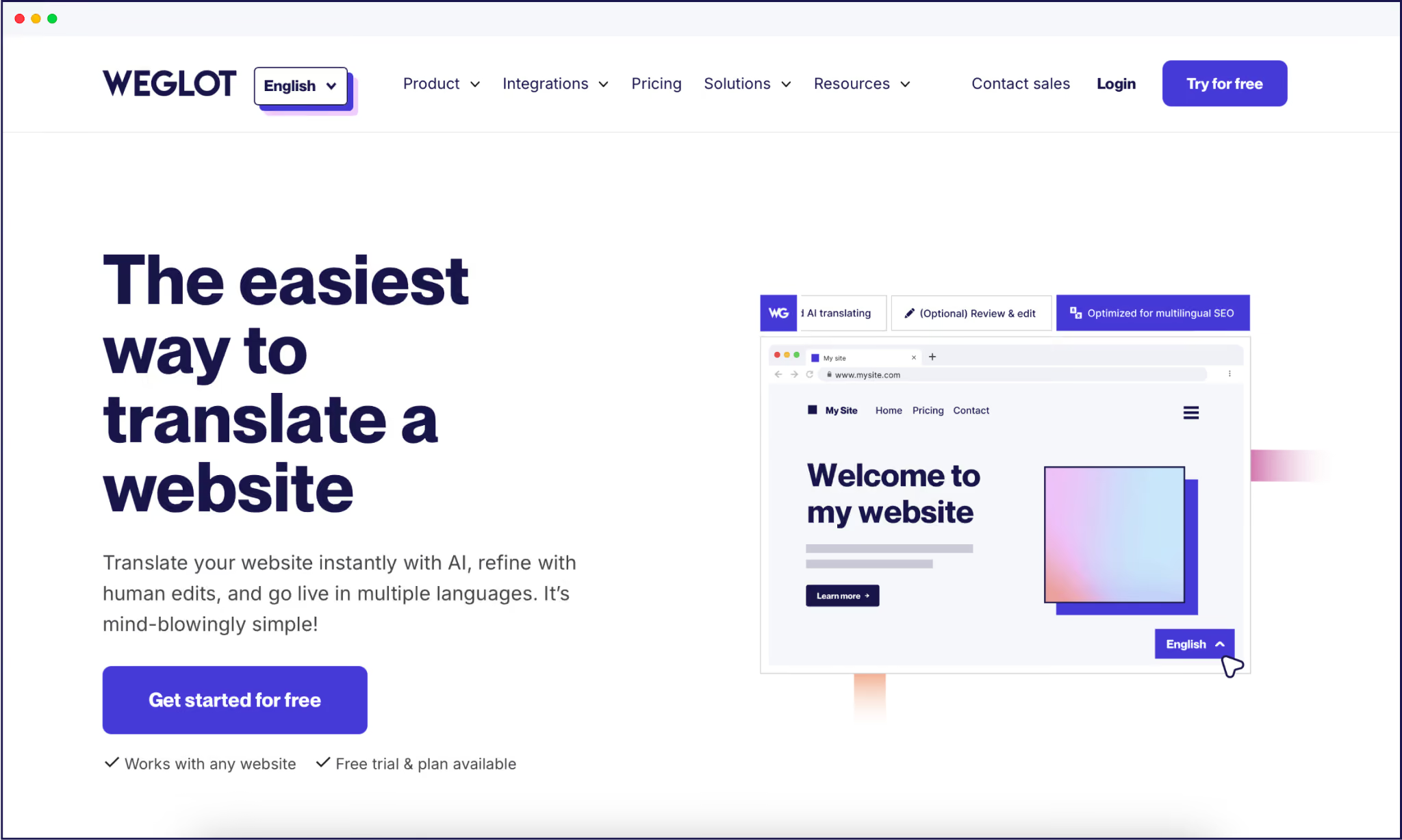
Weglot is the missing puzzle piece that enables ecommerce brands to translate and localize an entire storefront in minutes.
Once connected, Weglot scans every layer of your ecommerce stack – product catalog, checkout, navigation, and more – then delivers AI translations in an instant. There’s no need to duplicate store environments or learn a wad of custom code – simply choose your target languages, and Weglot does the rest.
Weglot’s AI Language Model adds further accuracy on top of its first‑layer machine translations ( DeepL, Google Translate, and Microsoft) to ensure speed and baseline accuracy.
Powered by OpenAI and Gemini, it learns from your brand description, glossary rules, past manual edits, and tone-of-voice settings to generate context-aware, brand-consistent translations that better match your messaging and target audience. That means a more human output from your AI, less need for manual refinement, and an overall philosophy of continuous improvement.
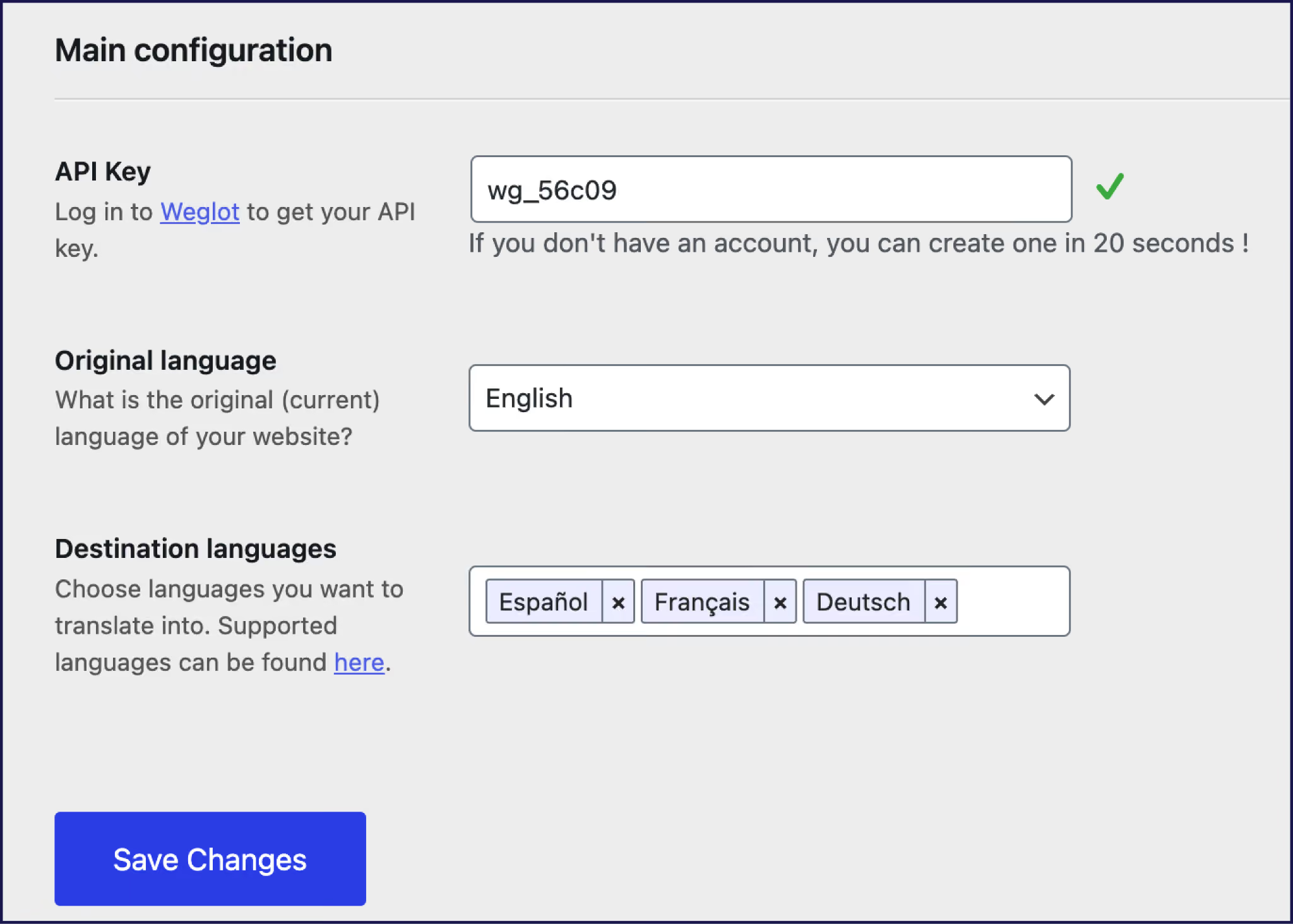
Any new content uploaded in your primary language is instantly translated into your target languages, enabling ecommerce brands to scale fast. And multilingual SEO is automated for you. Our AI translation tool automatically generates translated metadata, localized URLs, and hreflang tags, so every version can rank for local buyers.

Our intuitive frontend Visual Editor lets you review and refine translations directly on live pages, ensuring every word matches your brand’s tone and fits your original designs.

Brand translation glossaries guarantee key terms stay consistent, while translation memory helps keep phrasing uniform across campaigns and markets. For high-value pages, ordering professional translations is only a click away (or add your own translation team), all handled through Weglot’s intuitive dashboard.
Localization needs to cover every step from search to refund, in each market. Combine a clear checklist with a dedicated AI translation tool, and you’ve already built a foundation for success.
You handle strategy, market selection, and pricing; Weglot handles language, SEO, and localized refinements – managing the technical details while you oversee the bigger picture.
If you’re ready to equip your brand to go global, try Weglot’s 14‑day free trial and localize your store today.

We’ll get your first languages live. You decide how far you want to go. Try Weglot for free today.
Trusted by 70,000+ global brands





Weglot is tested and trusted by brands worldwide since 2016. Join them today.


The best way to understand the power of Weglot is to see it for yourself. Test it for free and without any engagement.
A demo website is available in your dashboard if you’re not ready to connect your website yet.