

Try Weglot for free


ChatGPT is a great tool, but is it useful for translating a whole website? It’s a question we often hear from those looking to expand into overseas markets.
Truth is, ChatGPT does a solid job with translations, but preparing your site for international customers requires so much more than swapping the language of your content. To perform online, you’ll need a proper international SEO setup, plus workflows that enable you to translate native language content the moment it goes live or gets updated. As we’ll see, it’s possible to achieve this through ChatGPT alone, but it requires tech knowledge and considerable manual input.
This guide unpacks where ChatGPT shines, where it falls short, and how a dedicated website translation tool like Weglot gives you the structure needed to thrive in new markets.
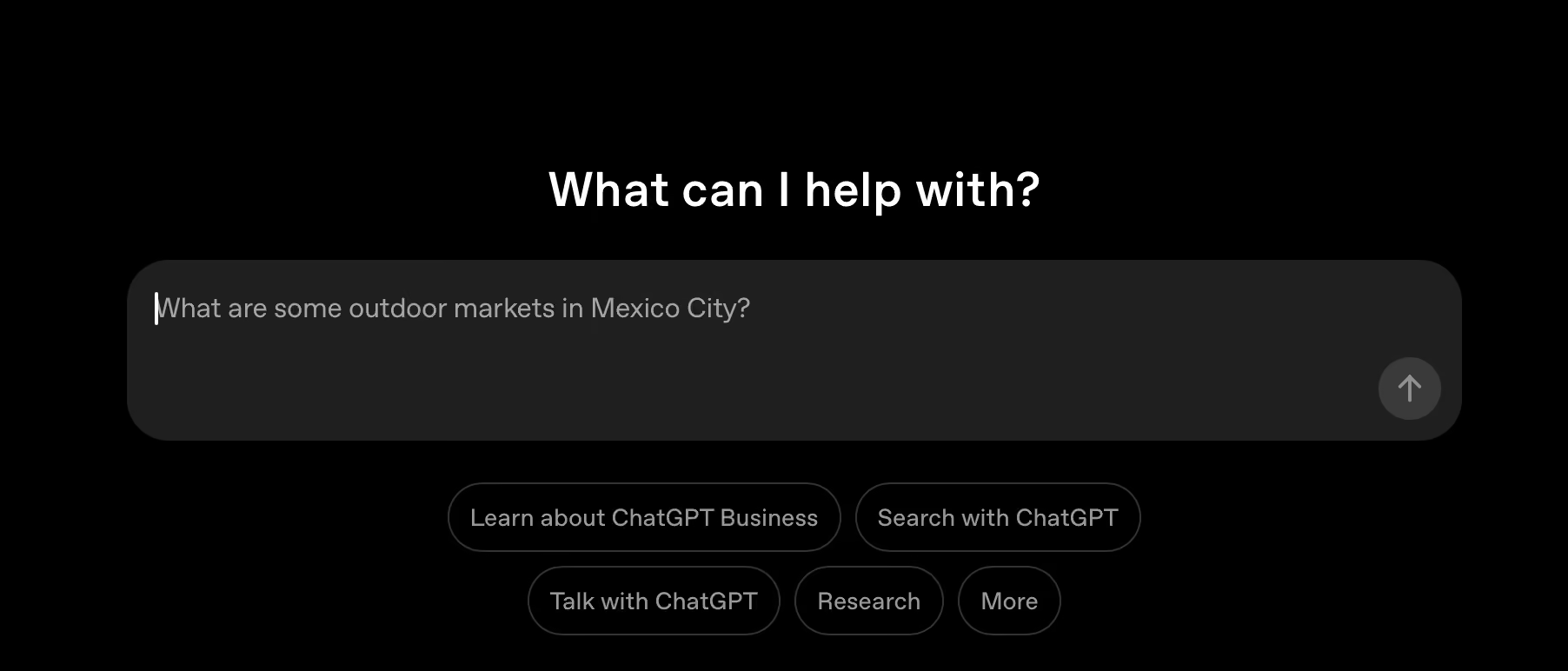
ChatGPT helps you translate website pages, but full site translation is usually a copy/paste affair.
To translate an entire website manually, copy each section of text into ChatGPT, explain your target audience, tone, and language (e.g. “Translate for French-speaking customers in Canada, formal French”), then paste translations back into your CMS. You’ll need to repeat this for all translation strings, including navigation labels, forms, CTA buttons, and microcopy.
You can wire ChatGPT into your site via the OpenAI API and let it handle translation as part of your publishing flow, either fully automated or with human checks built in.
In practice, your backend (for example Node.js, PHP, or Python) sends chunks of source text to the API along with clear instructions such as “translate into Canadian French”, “retain existing HTML tags”, or “leave (brand) name in English”. The response comes back as structured JSON containing the translated content.
From there, your system saves those translations wherever you manage content – database tables, flat files, or a Git-based repo – and uses them as the localized versions on your site.
A multilingual website gives customers the basic courtesy of information in their own language, which quickly builds trust and reduces barriers to sales.
Using ChatGPT to translate your website comes with a few non-obvious headaches that matter once you move past a single page:
Translating a website usually means choosing between three broad approaches:

ChatGPT, Google Translate, and similar tools excel at turning raw text from one language into another quickly and cheaply. They’re helpful for translating snippets, emails, help articles, and early drafts of web copy across many language pairs, with increasingly good handling of tone and basic context. Used on their own, they don’t manage URLs, hreflang tags, layouts, or content updates, so they’re best treated as translation engines rather than full website solutions.
Human translators lead on cultural nuance, creative copy, and high-stakes content like legal pages or healthcare information. They spot idioms, references, and cultural missteps that AI misses, which help your content feel native.
SomeMany teams choose tonow use humans in a review or post-editing role on top of AI output, prioritizing product pages, checkout flows, and brand messaging. This hybrid approach keeps costs manageable, quality high, and timescales short.
Specialized software like Weglot pulls these two approaches together into a complete website layer. It uses AI translation behind the scenes to translate your whole site instantly, then adds everything the raw models lack – language-specific URLs, hreflang tags, metadata translation, automatic content detection, and ongoing sync across languages.

On top of this, you gain a Visual Editor (see above), glossary, and collaboration tools so in-house teams or external translators can refine important pages with ease.
{{quote-cta-banner}}
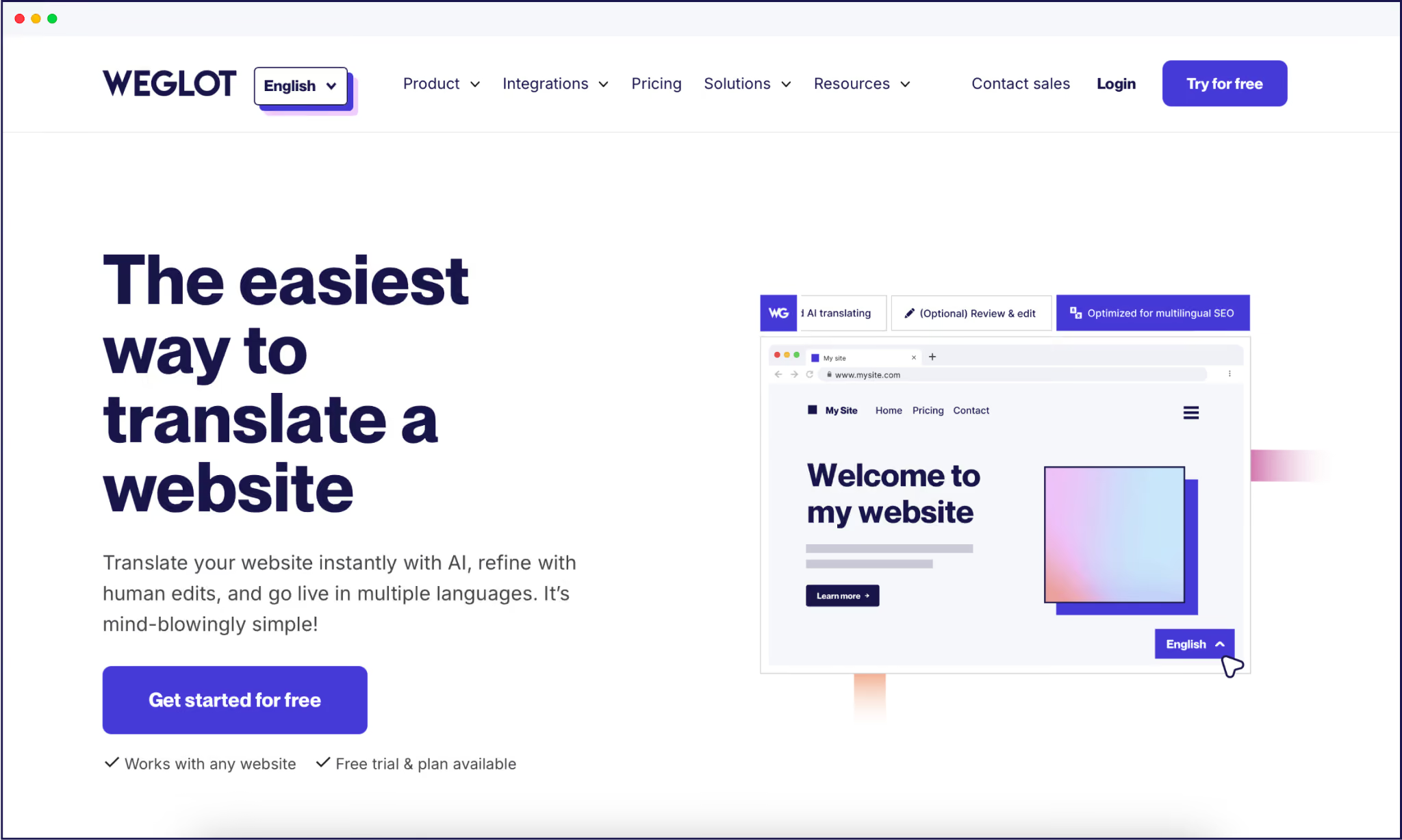
As we’ve seen, ChatGPT helps you generate strong translations, but you’ll need a translation tool like Weglot for your site to function and thrive. Even on Weglot’s free pricing tier, you gain a full multilingual setup, in contrast to native ChatGPT’s copy/paste workflows.
Behind the scenes, Weglot routes your content through leading AI translation engines such as DeepL and other neural providers before applying our custom AI Language Model, powered by OpenAI, which learns from your glossary, past edits, and brand guidelines to ensure your translations reflect and sound like your brand’s tone of voice.
“Weglot replaces manual steps with tech-free automation. We scan your site, detect content automatically, translate it into 110+ languages with AI, and keep every language in sync as you add or edit pages.”
– Eugène Ernoult, CMO, Weglot

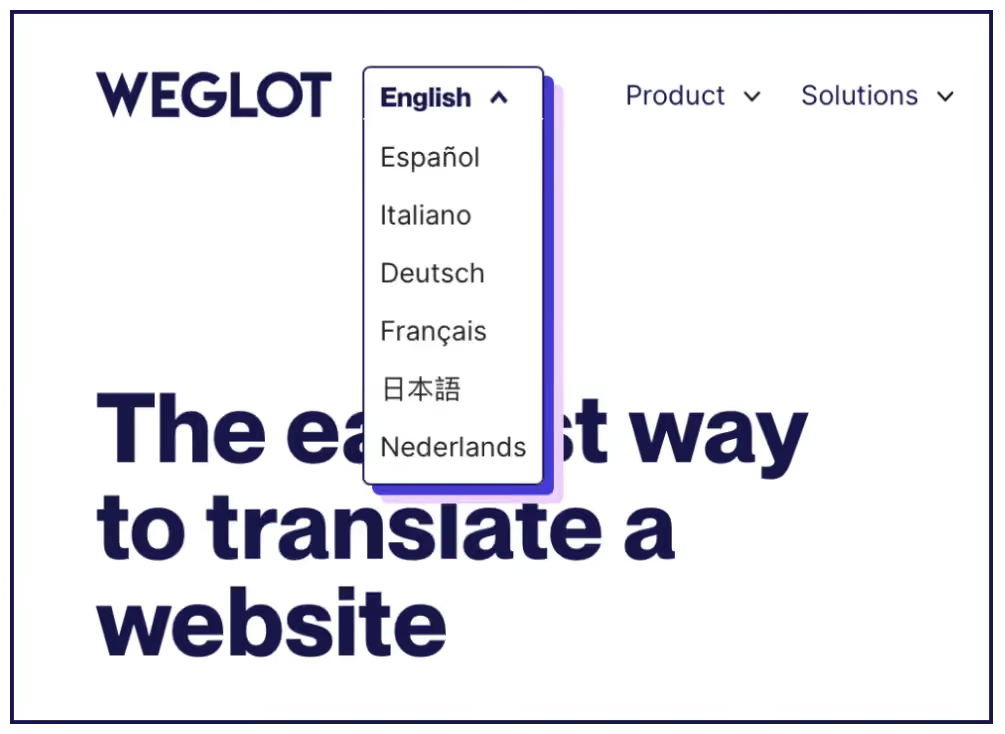
Weglot fills all of the structural gaps needed to translate whole websites at scale. Our tool generates language-specific URLs, adds hreflang tags, translates metadata, and creates a crawlable multilingual architecture that search engines can index. Your visitors also gain a customizable language switcher to help make them feel at home!
You still keep full control over quality. Weglot manages your translations through a central dashboard with translation memory, a glossary for brand terms, and a Visual Editor where you edit text in context right on your pages. You can invite teammates or external translators, set translation rules, and only step in where human review brings extra value.

To test the waters, our free tier covers up to 2,000 words in 1 language and stays active after your 14-day trial. That means you can ship a real, AI-powered multilingual site, learn from the data, and only upgrade when you’re ready to scale.
Translating pages and running a multilingual website are two very different matters. ChatGPT is great for exploring tone options, translating snippets, or testing how your message feels in another language. But it stops short of creating a structured, SEO-ready site that search engines and customers can reliably use.
For a real multilingual website, you need the right infrastructure – language-specific URLs, hreflang tags, metadata translation, automatic content detection, and a way to keep every version in sync. Tools like Weglot plug this gap by providing a complete website experience with tech-free automation and centralized management.
If you’re curious how this works for your own site, you can see for yourself at no cost whatsoever! Start translating for free with a 14-day Weglot trial, keep your free tier active after that, and see the difference an all-round translation tool can make to your own site.

We’ll get your first languages live. You decide how far you want to go. Try Weglot for free today.
Trusted by 70,000+ global brands








Weglot is tested and trusted by brands worldwide since 2016. Join them today.


The best way to understand the power of Weglot is to see it for yourself. Test it for free and without any engagement.
A demo website is available in your dashboard if you’re not ready to connect your website yet.


Language coverage will make the biggest difference. AI search engines prioritize sources that match the query's language, so content that only exists in English rarely gets cited in other languages; in our analysis of 1.3 million citations, translated websites gained 327% more visibility in AI Overviews than single-language sites.
Then make each language version easy to retrieve and cite: give it a dedicated URL, hreflang tags, and translated metadata, and keep translations in sync as your content evolves. Weglot handles that technical layer automatically.
For the full 5-step process, read our multilingual GEO guide.


