

Try Weglot for free


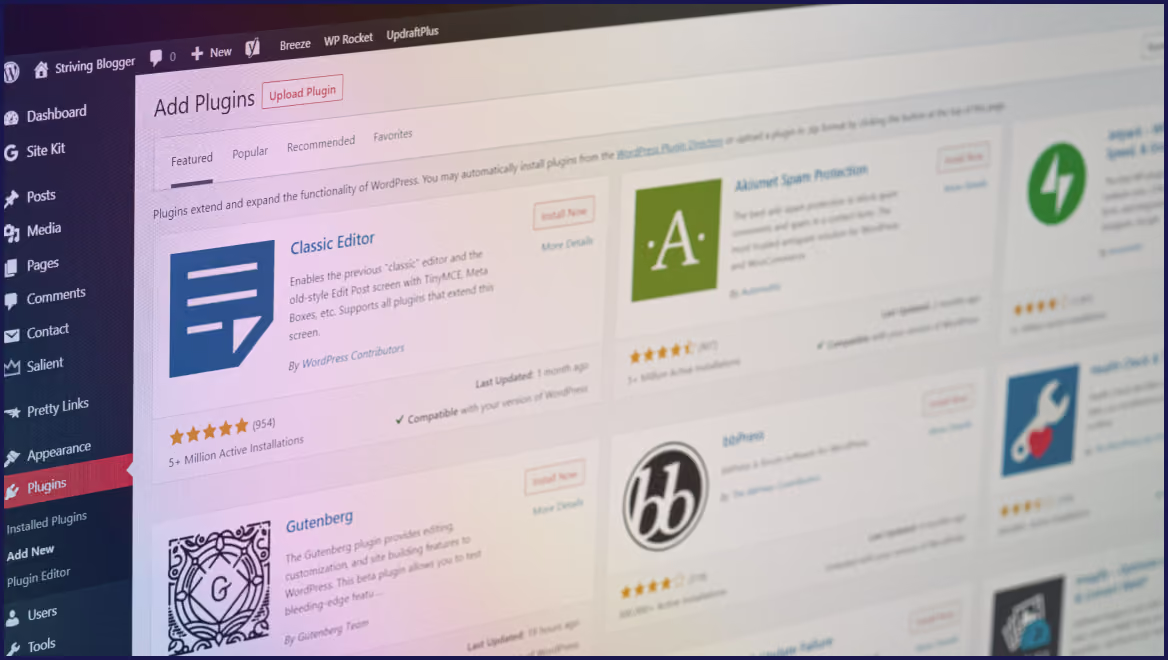


Choosing a multilingual plugin for WordPress can feel like navigating a maze, with fears of broken layouts, SEO pitfalls, and endless troubleshooting. WordPress itself doesn’t natively support multiple languages, so plugins need to fit into a complex ecosystem of themes, page builders, ecommerce platforms, and SEO tools. As a result, some solutions will fit your own personal setup better than others.
Our guide shows you why a plugin purchase needs to consider architecture alongside comprehensive features. We’ll explain key compatibility challenges from database plugins to Weglot’s cloud-powered approach, and show you how these tools handle dynamic content, WooCommerce complexities, and performance.
By the end of the article, you’ll know how to pick a translation plugin that sits perfectly in your tech stack, aiding your business growth, and free from complications.
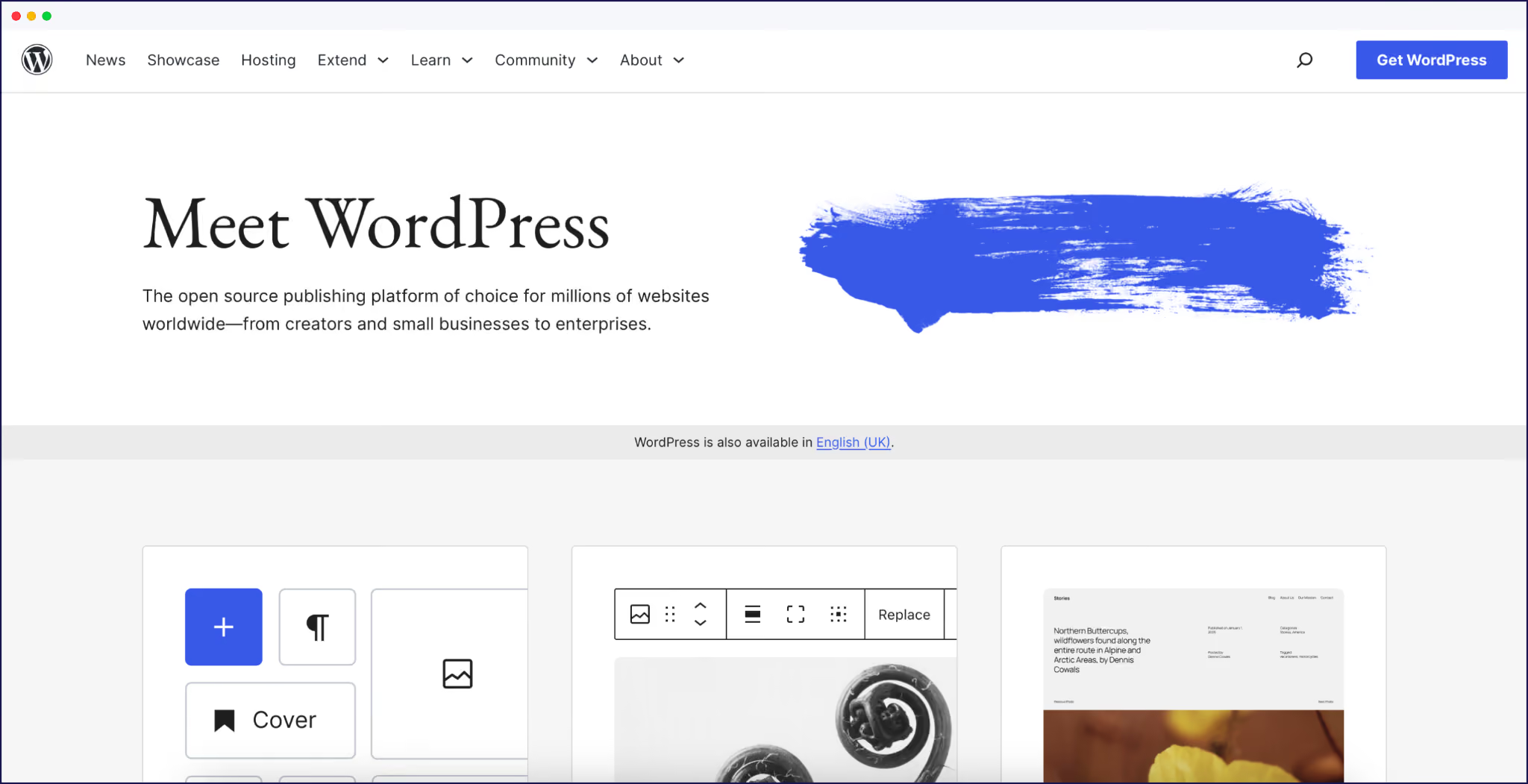
A multilingual plugin for WordPress needs to work with core features, leading themes, page builders, ecommerce extensions, and popular SEO tools. Plugin compatibility is really about understanding when translation happens in WordPress – at rendering (database/workflow) or delivery (HTML output).
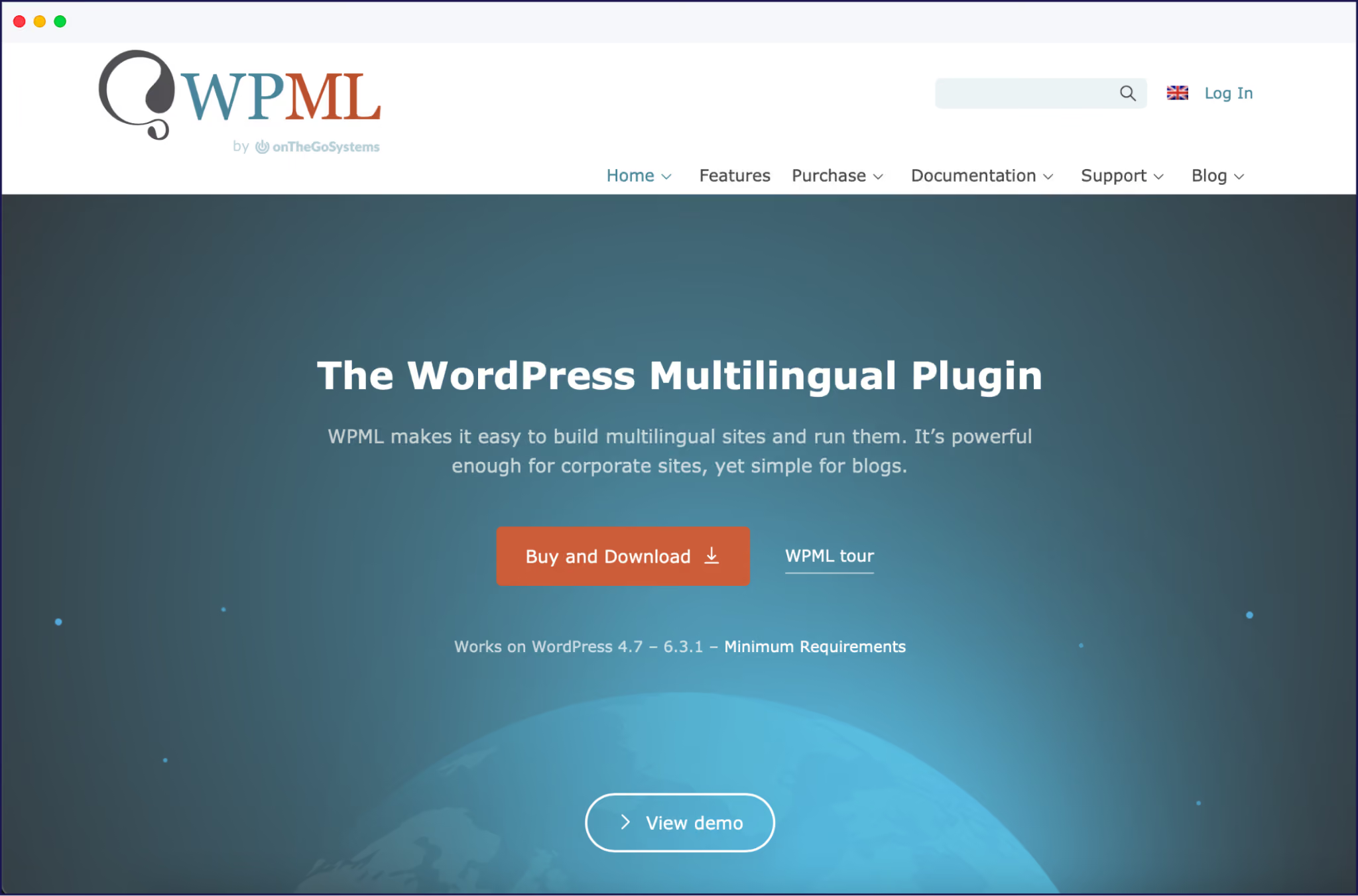
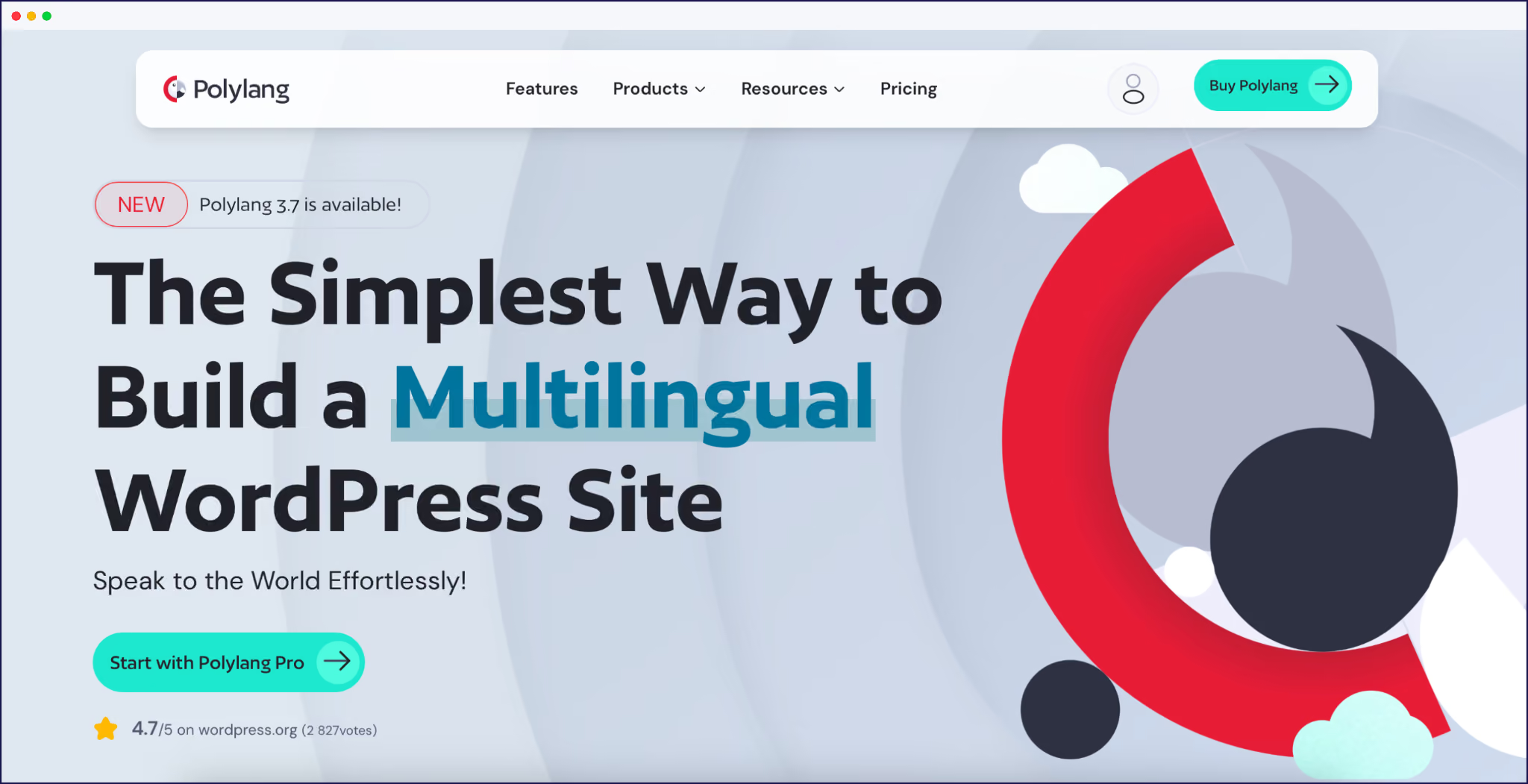
Themes and page builders introduce another layer of compatibility needs. Page builders like Elementor, Divi, and WPBakery generate dynamic layouts, meaning plugins must detect and translate content everywhere it appears.
For example, Weglot’s delivery-layer approach works flawlessly with Elementor because it parses the final HTML output, avoiding the widget and dynamic content problems that trip up traditional database-first systems. This bypasses most of the problems associated with XML config files and custom field mappings required by plugins like WPML.
For WooCommerce and other ecommerce plugins, look for solutions that don’t duplicate every product or bloat the database like Polylang. Weglot’s cloud-based approach translates product info automatically and supports translated URLs and dynamic content, meaning far less need for manual intervention.
{{quote-image-banner}}
Always check a plugin’s documentation and feature list before installation. Review third-party articles and user feedback for honest perspectives on real compatibility. Rely on plugins from reputable developers with a history of consistent updates. Try a demo version or free trial and test on a staging site to ensure the plugin fits your stack.
“Remember, you’re looking for a plugin that fits your tech stack, while scaling in line with your own business growth. Be sure to find answers to any potential pain points before you take out any subscription.”
– Eugène Ernoult, CMO at Weglot
Weglot is the most hands-off plugin for busy Woo site owners, translating full catalogs, carts, checkouts, product variations, email templates, and dynamic widgets automatically. It supports currency switching and ensures that all transaction steps – from product selection to order confirmation – are in the right language.
This coverage reduces the risk of half-translated checkouts which can confuse buyers and harm trust. There’s no need for manual overrides or template hacks to localize dynamic content. You can get up and running in minutes, editing translations anytime via Weglot’s dashboard. SEO features are covered with translated URLs, automatic hreflang tagging, and metadata translation.
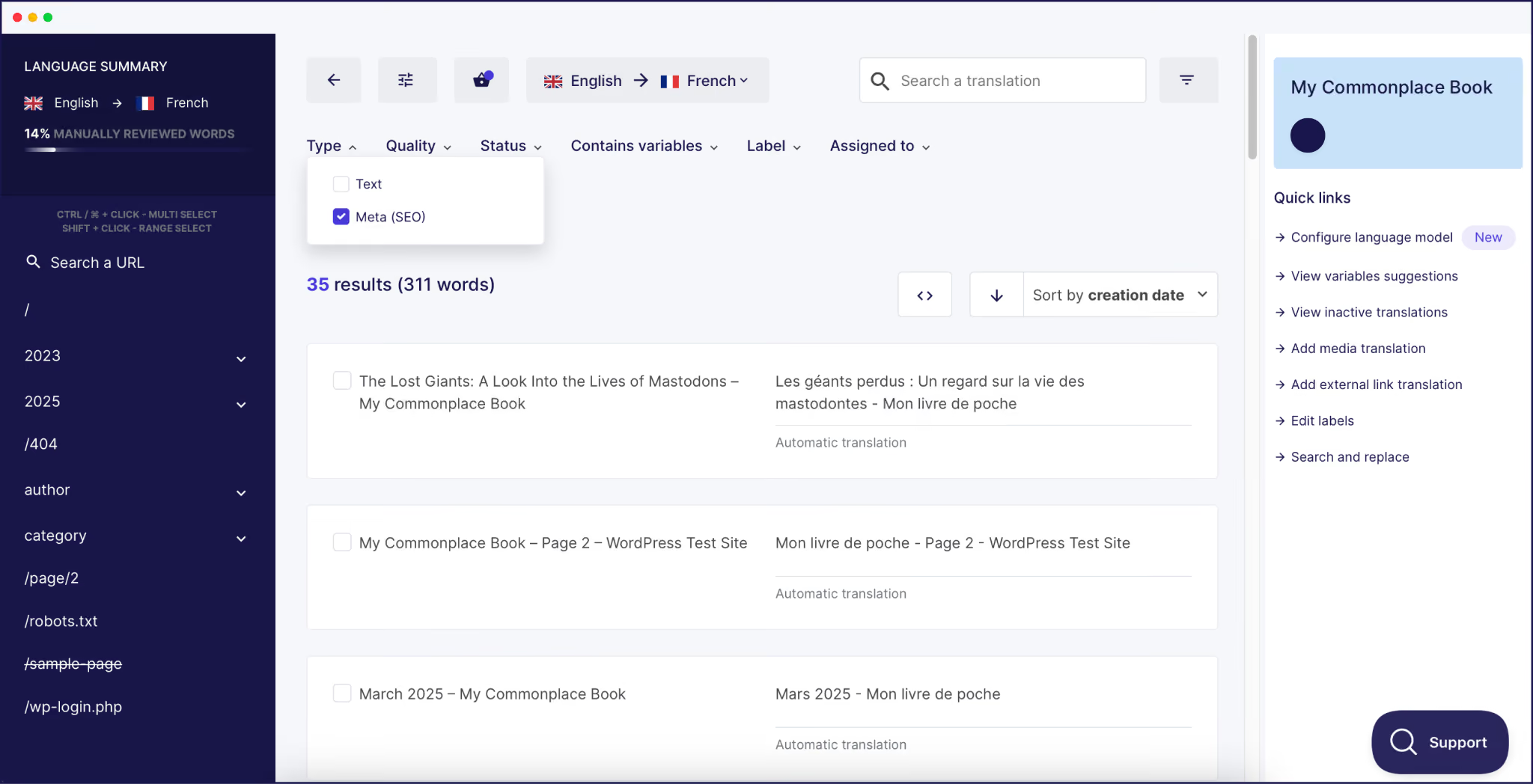
WPML offers comparable depth but is more hands-on. It can translate all WooCommerce strings, email templates, and product data, but setup is heavier. Template overrides and manual string registrations are often needed, especially for custom fields and advanced checkout flows. WPML supports currency switching, product variations, and email localization, but larger catalogs may encounter maintenance headaches.
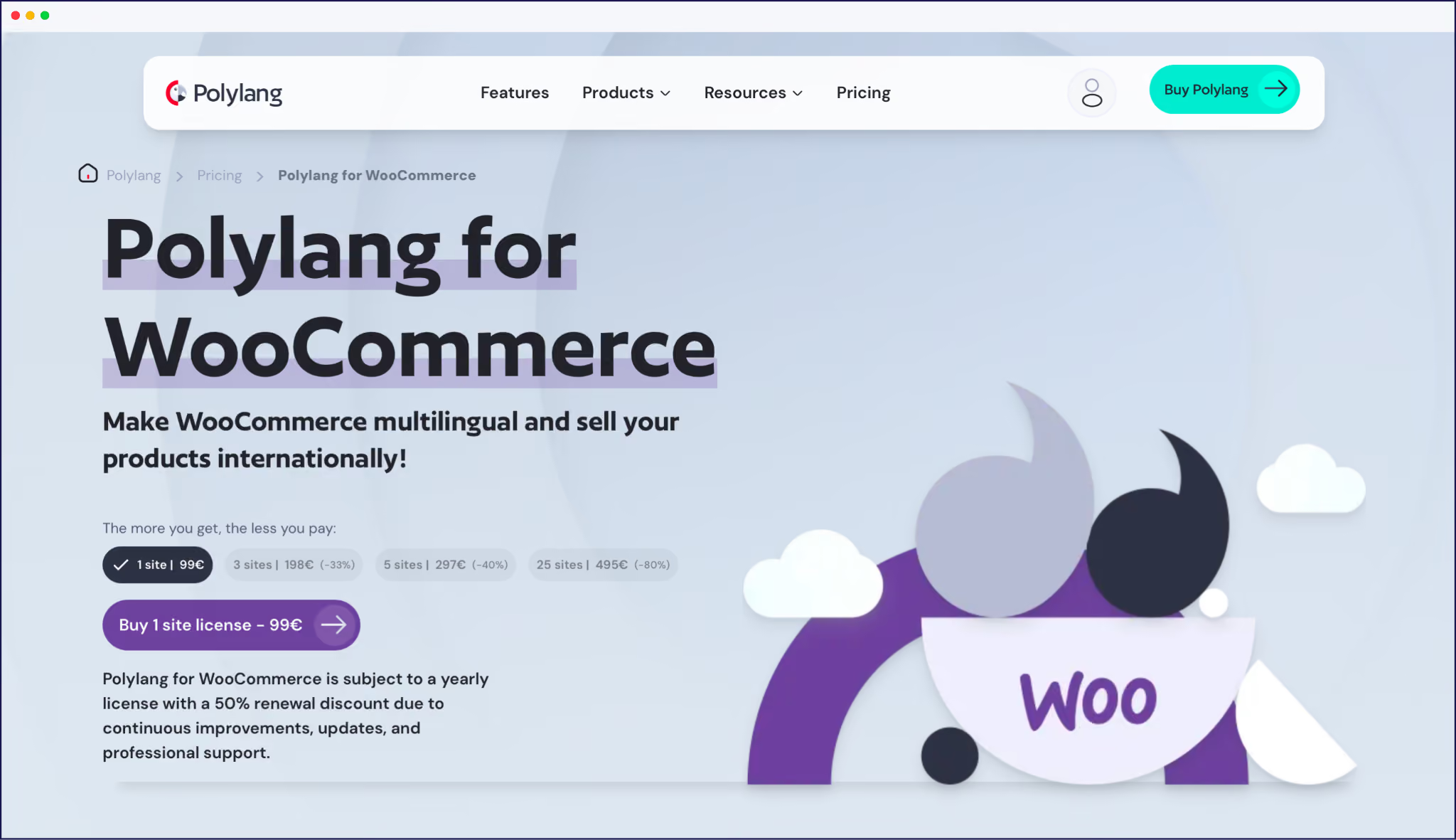
Polylang requires a paid add-on (€99/year) for full WooCommerce support. It covers most essentials – catalogs, variations, cart/checkout – but some extensions and email templates need extra configuration. Likewise, TranslatePress handles the basics well but struggles more with AJAX and dynamic checkout content.
Weglot, WPML, Polylang, and TranslatePress all affect site performance and scaling in unique ways – especially as a store grows.
Weglot uses a cloud-based model and edge CDN, which adds extra DNS lookups and typically 50-80ms to Time to First Byte (TTFB). This is offset by fast, cached translations and no extra load on your WordPress database.
Core Web Vitals see little impact, as translations are served from the nearest CDN node. Weglot can auto-scale with your needs, with no added resources or performance loss during spikes or across large catalogs.
WPML and Polylang are self-hosted and store all translations in your own database. With a rapidly growing product catalog (1M+ SKUs), this can cause severe database bloat, slower queries, and increased backup/storage needs.
Even basic operations – upgrades, imports, or edits – can get slower as the translation tables balloon. This can hurt Core Web Vitals scores if server responses lag behind. You are responsible for scaling your own infrastructure as your store grows.
TranslatePress is also self-hosted and database-reliant, so scale limits and performance concerns are similar to WPML and Polylang. As with other WordPress-native solutions, translations are rendered server-side with every page request.
{{ai-banner}}
The world of WordPress multilingual plugins can seem intimidating to the uninitiated, but the right knowledge will enable you to make the right choice, free from technical headaches.
What stands out from our deep dive into compatibility is how user experience and integration challenges differ. Plugins tied deeply to the database or rendering layer – like WPML and Polylang – give hands-on editorial control, which appeals to detail-focused teams or simple, content-heavy sites. But this model risks plugin clashes or database bloat as complexity grows.
TranslatePress bridges the gap, offering a real-time visual translation workflow and compatibility with most mainstream plugins, but it can stumble when translating unconventional or highly dynamic content.
Weglot intercepts at the delivery layer, so it translates all content – theme, plugins, shops, and forms – regardless of origin. This edge gives it rare harmony with evolving WordPress ecosystems.
For the ultimate example of compatibility and an overall gold star performance, try Weglot’s 14-day free trial today, and discover multilingual excellence for yourself.

We’ll get your first languages live. You decide how far you want to go. Try Weglot for free today.
Trusted by 70,000+ global brands









Weglot is tested and trusted by brands worldwide since 2016. Join them today.


The best way to understand the power of Weglot is to see it for yourself. Test it for free and without any engagement.
A demo website is available in your dashboard if you’re not ready to connect your website yet.


.avif)
