

Try Weglot for free


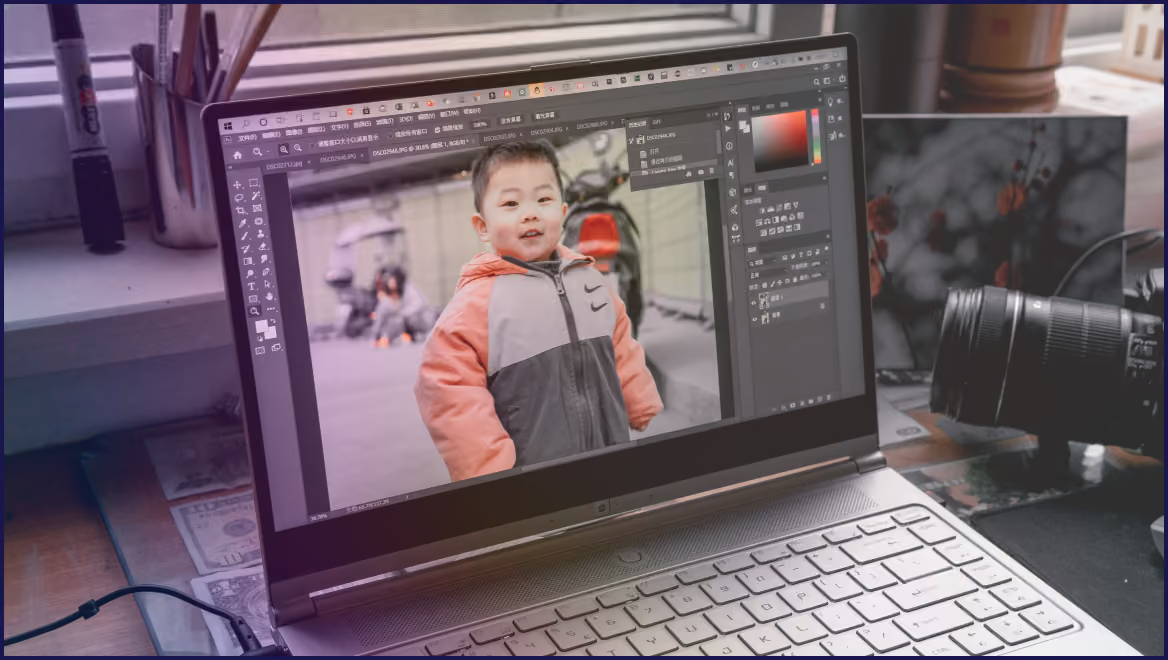


Translating an English page on your website to Chinese is easy – right-click in your web browser, click ‘Translate’, et voila! Alternatively, you can copy the content and paste it into a free online tool like Google Translate.
However, while these methods will turn your English page into Chinese, it’s not a solution that brands looking to expand into Chinese markets should use. It’s merely a ‘frontend’ mirage – it won’t give you a Chinese URL, and so won’t show up in Google or Baidu. If your Chinese page can’t be found and ranked by search engines, users in Chinese markets won’t discover your brand.
Translating your website into Chinese means creating a second, search‑visible version of your site. This needs its own URLs, hreflang tags, and metadata, plus content that actually sounds natural to Chinese readers. We’ll show you how to create proper Chinese pages that get indexed, and how an AI website translation tool like Weglot can automate the process and handle the SEO for you.
In reality, most ‘translated’ Chinese pages simply don’t exist as real pages in the first place.
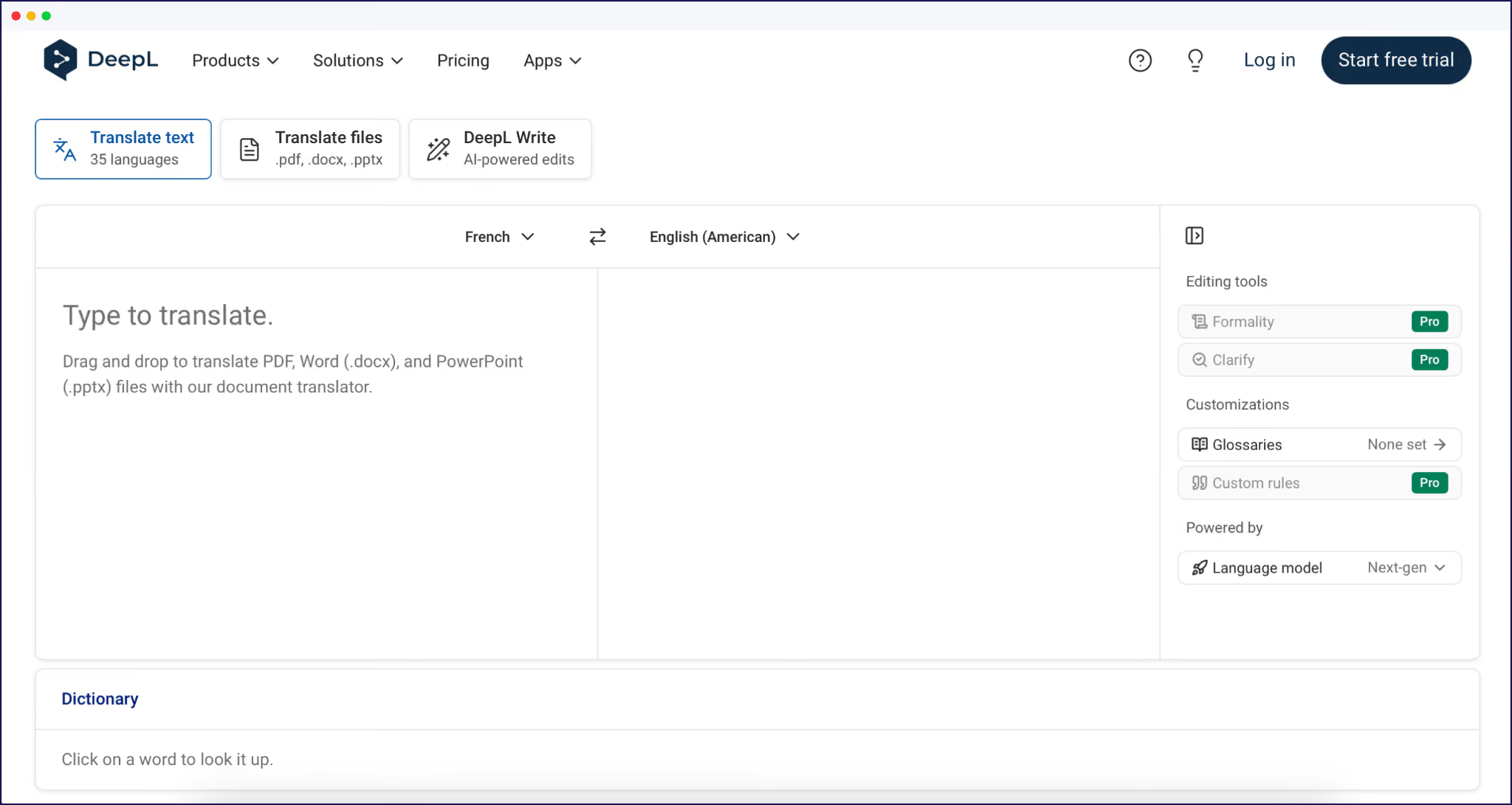
When you use tools like Google Translate or DeepL via your browser, you’re looking at a client‑side overlay. The tool rewrites the text in your browser, on the fly. There’s no new URL, no separate HTML version, and nothing permanent for Google or Baidu to crawl. Close the tab and the translation vanishes.
For search engines, a Chinese page is only real if it behaves like a real page:
Without those pieces, your Chinese version might look fine to visitors, but it’s invisible to crawlers. In reality, you’re still running a single language site.
“This is why older translation approaches are disappearing. The official Google Translate Website Translator widget, which many site owners embedded as a quick fix, was retired for commercial websites back in 2019. That widget worked the same way – client‑side swap, no dedicated URLs, and no multilingual SEO.”
– Eugène Ernoult, CMO at Weglot
Before you think about translating your site, you need to pick the right writing system. Simplified and Traditional Chinese are different scripts with different readers, expectations, and SEO signals, so make choosing between them your first decision.
Here’s the practical breakdown for website owners:
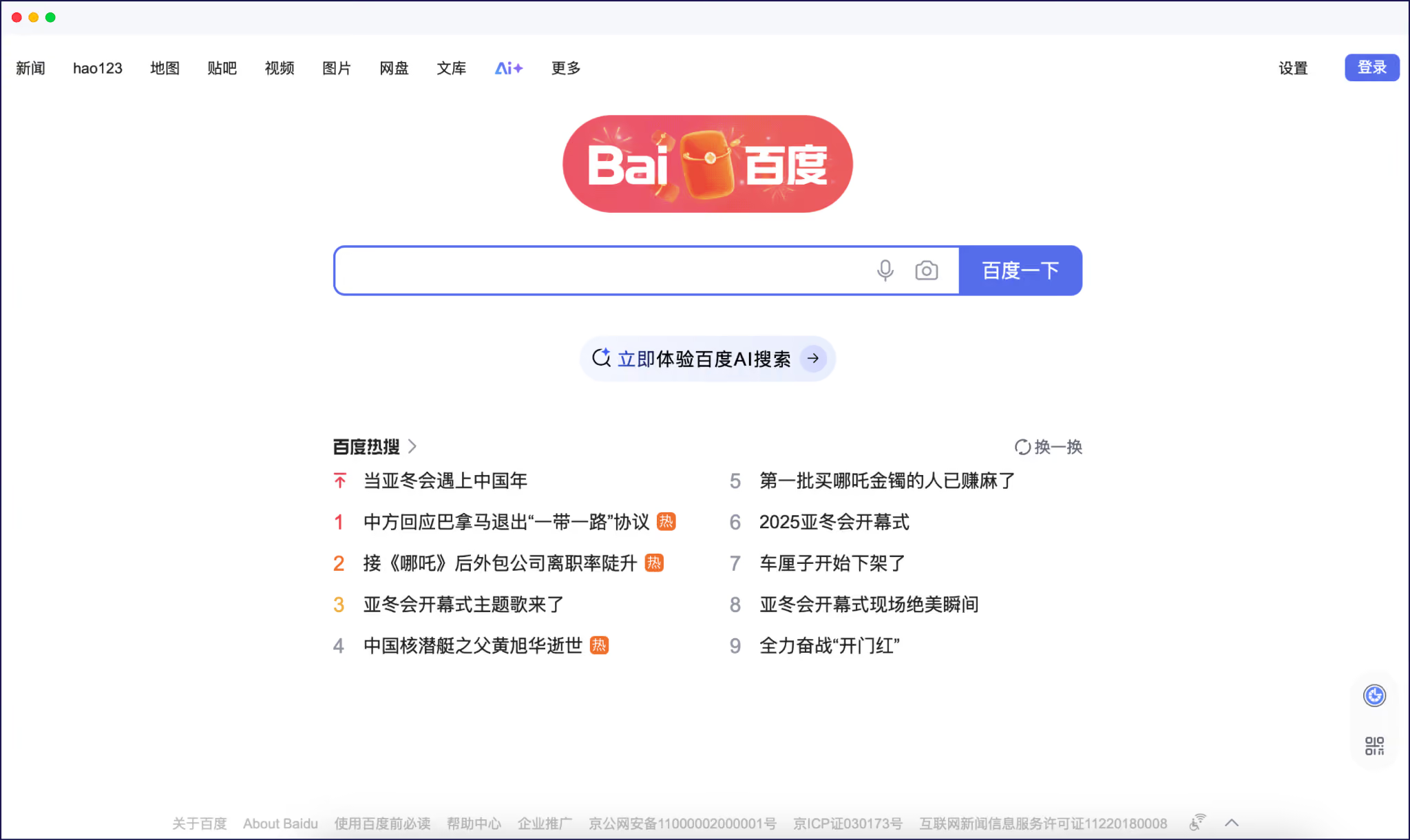
If you’re looking to enter markets in Mainland China (People’s Republic of China, or PRC), Simplified Chinese is the better option. Studies of Baidu’s results show that 83% of top-ranking pages use Simplified Chinese, which matches how people read and write. For Baidu, a Traditional‑only site looks foreign and less relevant, even if your topics are relevant.
Traditional Chinese matters just as much, but in different places. Use zh‑TW for Taiwan and zh‑HK for Hong Kong and Macau, where people expect Traditional characters and usually search via Google. Treat each as its own audience with tailored hreflang tags, translated metadata, and localized copy rather than having one generic ‘Chinese’ version.
If you’re wondering where Mandarin fits into all of this, that’s the spoken language, which bridges the differences between the written forms we’ve detailed above.
Your choice of script also affects your translation stack. For years, many AI engines focused on Simplified Chinese first, with Traditional Chinese support arriving later or with weaker training data.
DeepL only introduced dedicated Traditional Chinese in July 2024, so the translation market is still catching up for speakers in Taiwan and Hong Kong, compared with Mainland‑focused pairs.
That gap is closing fast, but it’s still worth checking how your translation tool routes Simplified versus Traditional, and whether you’ll need to invest more time in human review for the latter markets.
To translate your whole site into Chinese and ensure it can be found by the right users, you’re choosing between a dedicated translation tool, human translation, or a mix of both.
AI-led workflows automate translation by using the likes of DeepL and Google Translate, but these are integrated into your website, rather than using the browser-led approach we discussed earlier. Using this approach, actual Chinese pages are created, and total page content – including URLs, CTA buttons, and checkout info – is translated.
This approach is excellent for speed, ongoing updates, and cost. You’ll tend to pay a monthly subscription fee for your translation tool, which works within your existing CMS, and some tools offer a free version to help you get started.
Human workflows use expert translators to translate your site word-by-word. You’ll need to spend time on creating Chinese URLs and pages manually, then have your content rewritten in Simplified or Traditional Chinese. This guarantees an accurate result, but it’s also the most time-consuming and expensive. You’ll also have to do all the technical multilingual SEO work yourself.
The best and most efficient method is a hybrid workflow. An AI website translation tool automates translation across your entire site, integrating with your CMS.
Following automated translation, the best tools give you the option of human editing through a visual editor. Experts can then make simple tweaks to your translated pages, rather than having to rewrite the whole thing word-by-word. This hybrid approach provides the fastest, most accurate, and cost-effective approach of all, and this is where Weglot lives in the market – premium quality automated translation, combined with the option to edit.
“Remember, using free browser‑based tools like Google Translate or DeepL will translate a page, but only create a temporary overlay in your browser. These are technically not ‘real’ pages, so won’t be discoverable in Chinese markets. Brands that want to compete in Chinese markets need a dedicated translation tool that integrates with their CMS, or a huge budget in order to pay professional translators.”
– Eugène Ernoult, CMO at Weglot
{{quote-cta-banner}}
Once you’ve picked your script and translation workflow, the next step is making sure your Chinese pages are rankable versions of your site.
For Google, you’re mostly following multilingual SEO best practices. Each language needs its own dedicated URL, usually a subdirectory like /zh/ or a subdomain such as zh.yoursite.com. Those Chinese URLs should have correct hreflang tags that point back to your original language and vice versa, so Google understands the relationship between versions.
However, Baidu doesn’t support or use hreflang tags, so those signals are only useful for Google in Hong Kong and Taiwan, not for Mainland China. For Baidu, focus instead on clear language signals such as the Content‑Language HTTP header and on‑page language/meta annotations. Then make sure your Chinese URLs are included in a dedicated sitemap submitted via Baidu’s Search Resource Platform.

Title tags and meta descriptions need to be translated into Chinese, written in natural language with localized keywords. And your XML sitemaps should list every Chinese URL alongside your original pages, which makes it easier for search engines to discover and crawl new content.
Search engines have their own quirks, so it’s important to be aware of these. Baidu’s crawler is less forgiving of heavy client‑side rendering than Google, and JavaScript‑dependent pages are more likely to be missed or partially indexed.
Hosting inside Mainland China can improve speed and ranking, but you’ll need an ICP license tied to a Chinese legal entity. Many companies start with overseas hosting plus a well‑optimized Chinese version, then revisit the local hosting option once they see positive results.
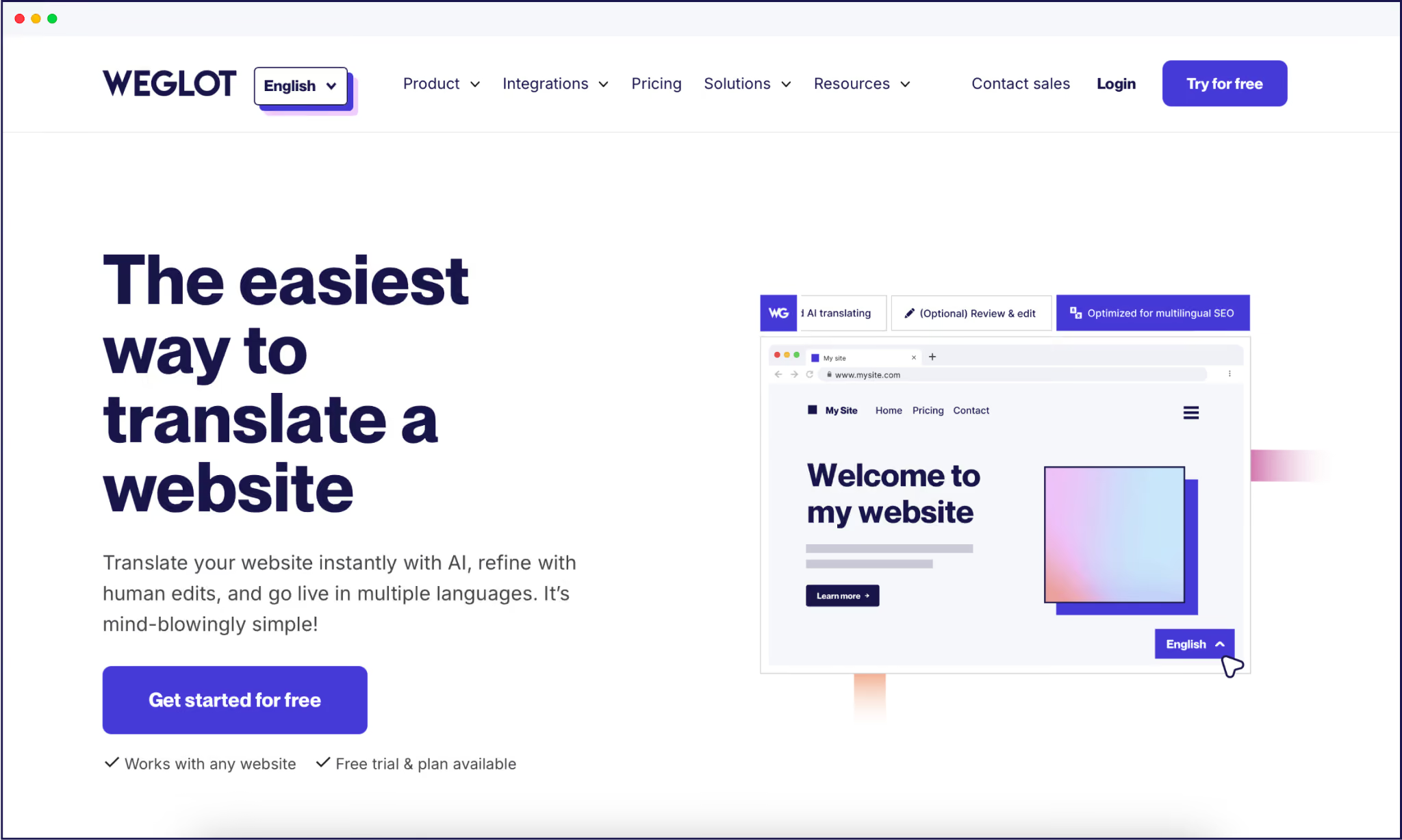
Weglot is built to give you real, indexable Chinese pages – not a browser overlay – with a tech-free setup on your side.
When you connect Weglot to your site, our AI translation tool detects your content, translates it into Simplified or Traditional Chinese with AI, and publishes it under language‑specific URLs like /zh/ or zh.yoursite.com.
Those pages are served server‑side, which means Google and Baidu see full Chinese HTML, not a JavaScript swap. If you’re on WordPress, you install the Weglot plugin, choose Chinese as a target language, and you’ve got a fully translated site in 5 minutes. Other CMSs take less than 10 minutes.
Accuracy-wise, Weglot uses DeepL, Google Translate, and Microsoft Translator on the server-side, with our AI Language Model employing OpenAI and Gemini for more nuanced, brand-aware, and consistent terminology.
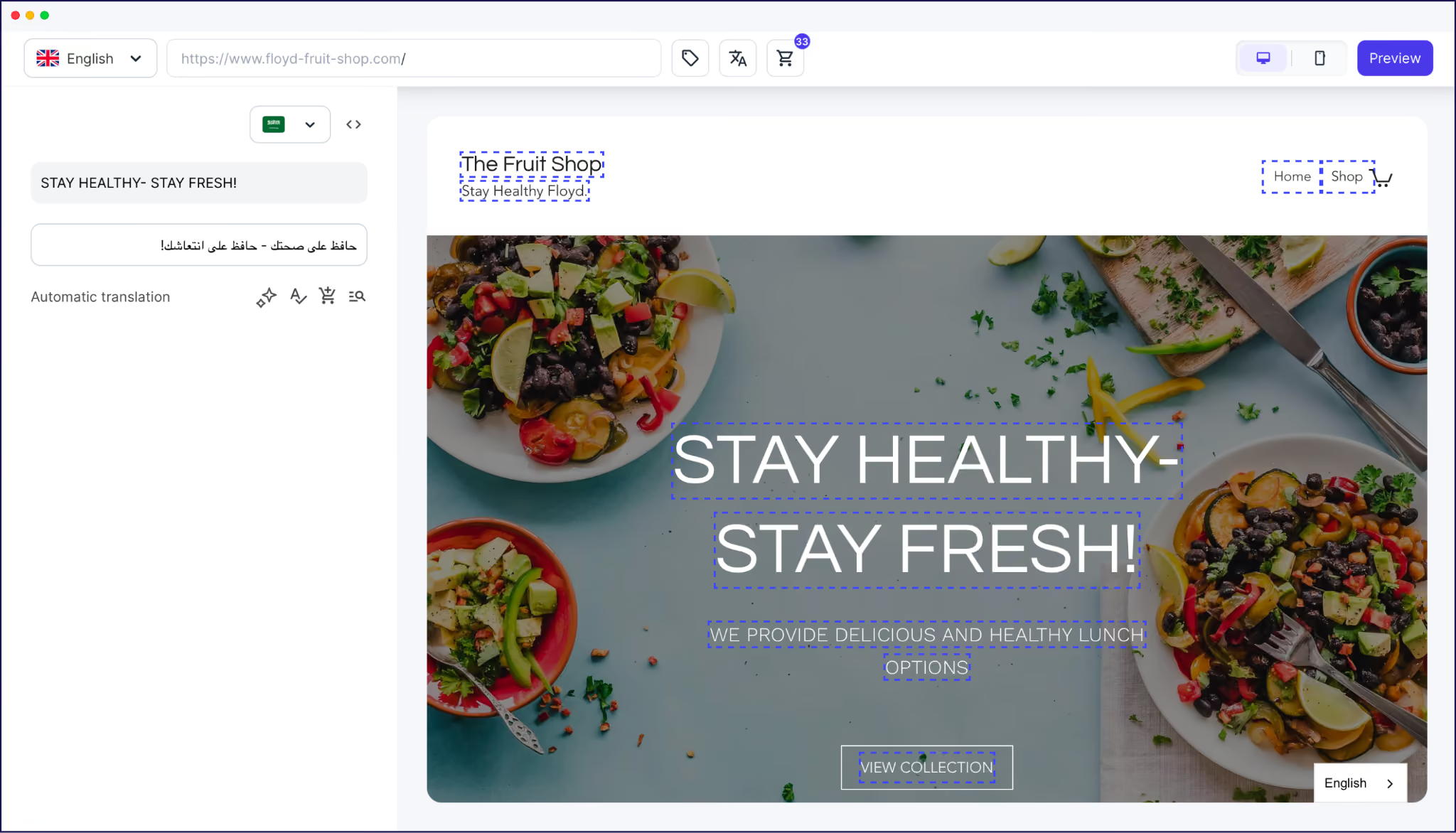
Once your whole site has been translated, you’ve the option of using the frontend Visual Editor to refine content on an ‘as needed’ basis, greatly reducing the time and cost of manual translations. This also helps you check whether your translations fit your existing designs and make amends as necessary, given English and Chinese need different spatial considerations.
<link rel="alternate" hreflang="zh" href="https://example.com/zh/page/" />From there, we handle multilingual SEO automatically. Weglot adds hreflang tags, translates metadata, and updates your multilingual sitemap so each Chinese URL can be crawled and indexed correctly. You can adjust language codes for zh‑CN, zh‑TW, or zh‑HK in line with your target regions, and still keep everything consistent in the source.
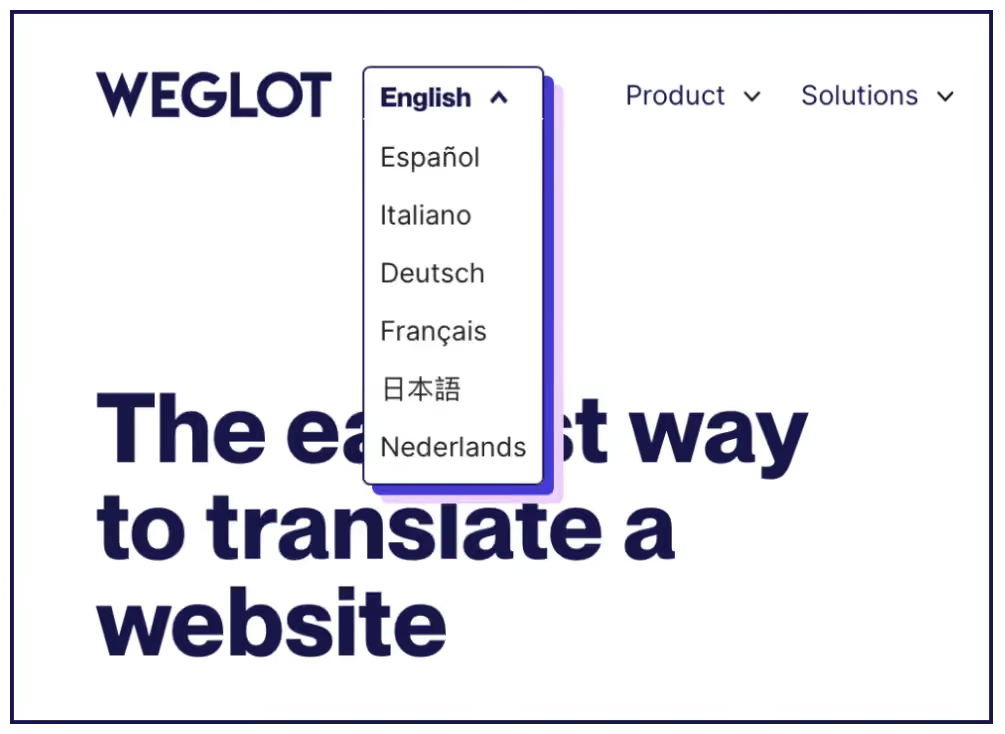
A customizable language switcher lets visitors toggle between English and Chinese in your menu, giving users further options to see the language version most relevant to their needs.
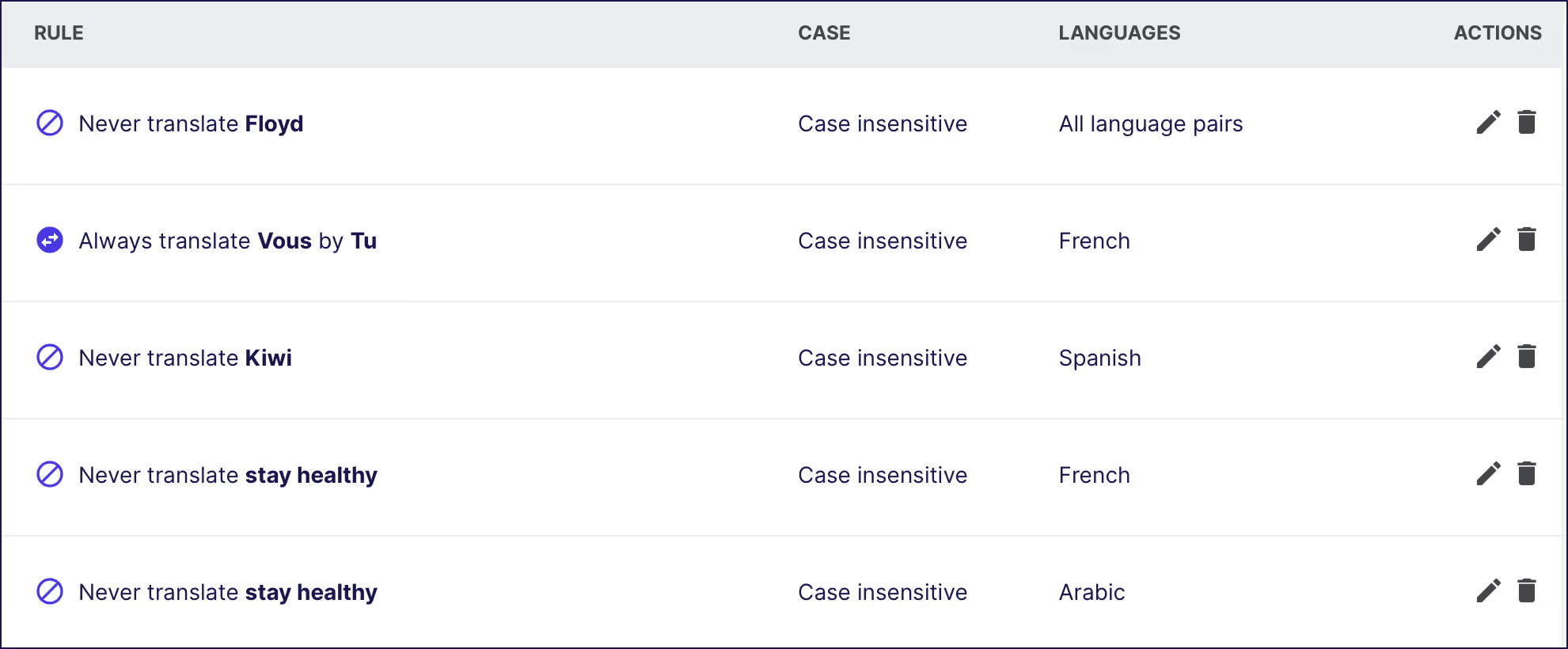
And Translation Memory (TM) combined with a language glossary means word, phrase, and branding preferences remain consistent across your site.
If you’re looking to enter Chinese markets, you’ll now know that browser-side translations are completely ineffective for the purpose. Once you’ve decided on the script your users need – Simplified vs Traditional – the choice is simple: go manual, employ translation experts and handle technical SEO yourself, or integrate a dedicated website translation tool with your CMS.
The hybrid workflows offered by a dedicated tool are built to enable brands to scale at speed in Chinese (or any other) markets. If you’re ready to see how a publish‑ready, indexable Chinese version of your site looks in practice, try a 14-day Weglot trial on your existing CMS today.

We’ll get your first languages live. You decide how far you want to go. Try Weglot for free today.
Trusted by 110,000+ global brands









Weglot is tested and trusted by brands worldwide since 2016. Join them today.


The best way to understand the power of Weglot is to see it for yourself. Test it for free and without any engagement.
A demo website is available in your dashboard if you’re not ready to connect your website yet.

.avif)


