

Try Weglot for free




The English language can be found on 52% of websites, but with 75% of the global population not speaking any English, translation solutions are a must for any brand looking to grow.
Two popular WordPress translation plugins are WPML and TranslatePress. These tools have emerged as go-to solutions for website owners looking to create multilingual sites. However, for those new to the world of website translation, deciding on the best solution is no easy feat.
In this article, we’ll explore the differences between WPML and TranslatePress, analyzing factors such as setup, user experience, translation options, and pricing. While both plugins are highly effective, the decision depends on your needs and preferences as a site owner.
As an added bonus, we’ll also introduce our plugin, Weglot, the TranslatePress alternative and WPML alternative that offers an even greater range of features and functionality. Weglot 2.0 builds on the Weglot you know, bringing AI translations true to your brand, a redesigned translation experience, and built-in multilingual visibility. Let’s get started!
Short on time? These are the key differences between TranslatePress, WPML, and Weglot:
Below is a side-by-side comparison of Weglot, TranslatePress, and WPML based on specific features and benefits.
| Feature, Benefit | Weglot | TranslatePress | WPML |
|---|---|---|---|
| Automatic Translation | Provides AI translation for all site content upon installation, with results that already sound like your brand. | Requires manual initiation of the translation process. | Offers automatic translation on a page-by-page basis, so requires some manual input. |
| Ease of Setup | Extremely user-friendly with a quick and simple setup process. | Easy to install via the WordPress interface. | More complex to set up and configure. |
| Multiplatform Integration | Works with multiple platforms, including WordPress, Shopify, Drupal, and more. | Solely focused on WordPress. | Primarily focused on WordPress, but supports integration with other platforms. |
| Translation Engine | Weglot’s AI Translation Model, which combines leading AI models with your Brand Voice and Translation Guidelines to translate 100% of your website content. | Google Translate in its free version and DeepL for paid plans. | Microsoft Translate: 1 credit per word. Google Translate: 2 credits per word. DeepL: 3 credits per word. |
| Multilingual SEO | Automatically handles multilingual SEO best practices, including hreflang tags, language-specific URLs, and translated metadata. | Supports SEO features but requires a paid pack with additional setup and configuration. | Provides robust SEO features but needs manual configuration for optimal results. |
| Translation Management | Centralized dashboard with a Translation List for managing all translations; easy to search, filter, and edit translations in bulk. | Provides a translation management system but can be less intuitive. | Robust translation management can be complex and less user-friendly. |
| Visual Editor | Includes a visual editor for editing translations directly on the front-end of the site. | Features a front-end visual editor. | Relies on back-end editing; no built-in visual editor. |
| Performance and Speed | Minimal impact on website performance due to efficient handling of translations and caching. | Generally offers good performance. | Can slow down websites, especially larger ones with many languages, due to heavier database usage. |
| Global Reach | Supports 110+ languages. | Supports 130+ languages. | Supports 65 languages. |
Now let's take an in-depth look at our two featured translation plugins:
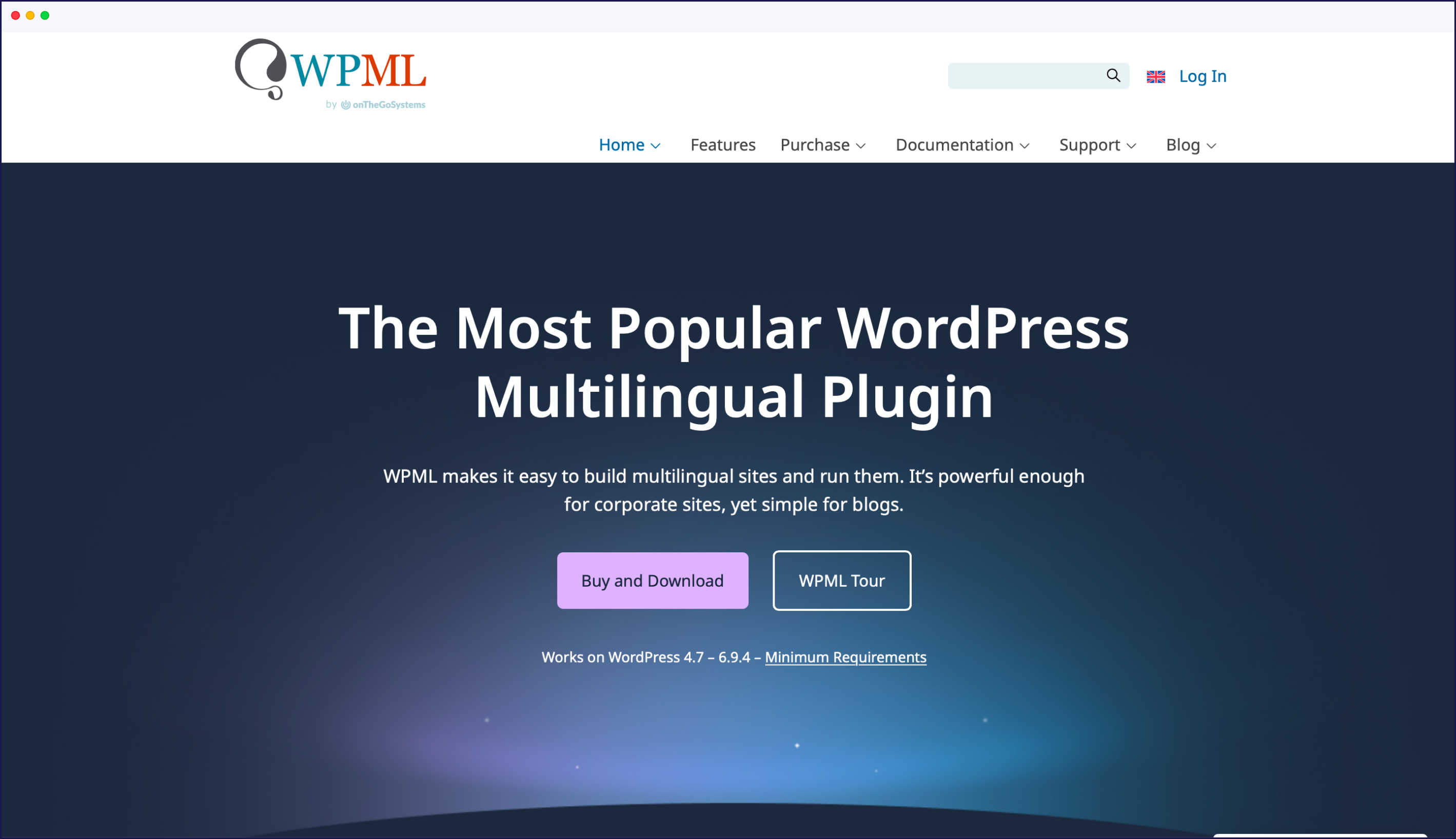
WPML is a flexible translation plugin for WordPress, designed for professional use. Supporting over 65 languages, WPML offers advanced translation management features, such as multi-user translation processes. This makes it suitable for larger teams needing to collaborate on complex projects.
Pricing: From €39/year (Multilingual Blog) to €199/year (Multilingual Agency).
One of WPML’s strongest features is its ability to connect directly with professional website translation services, making it easy to attain a high quality standard for translated content.
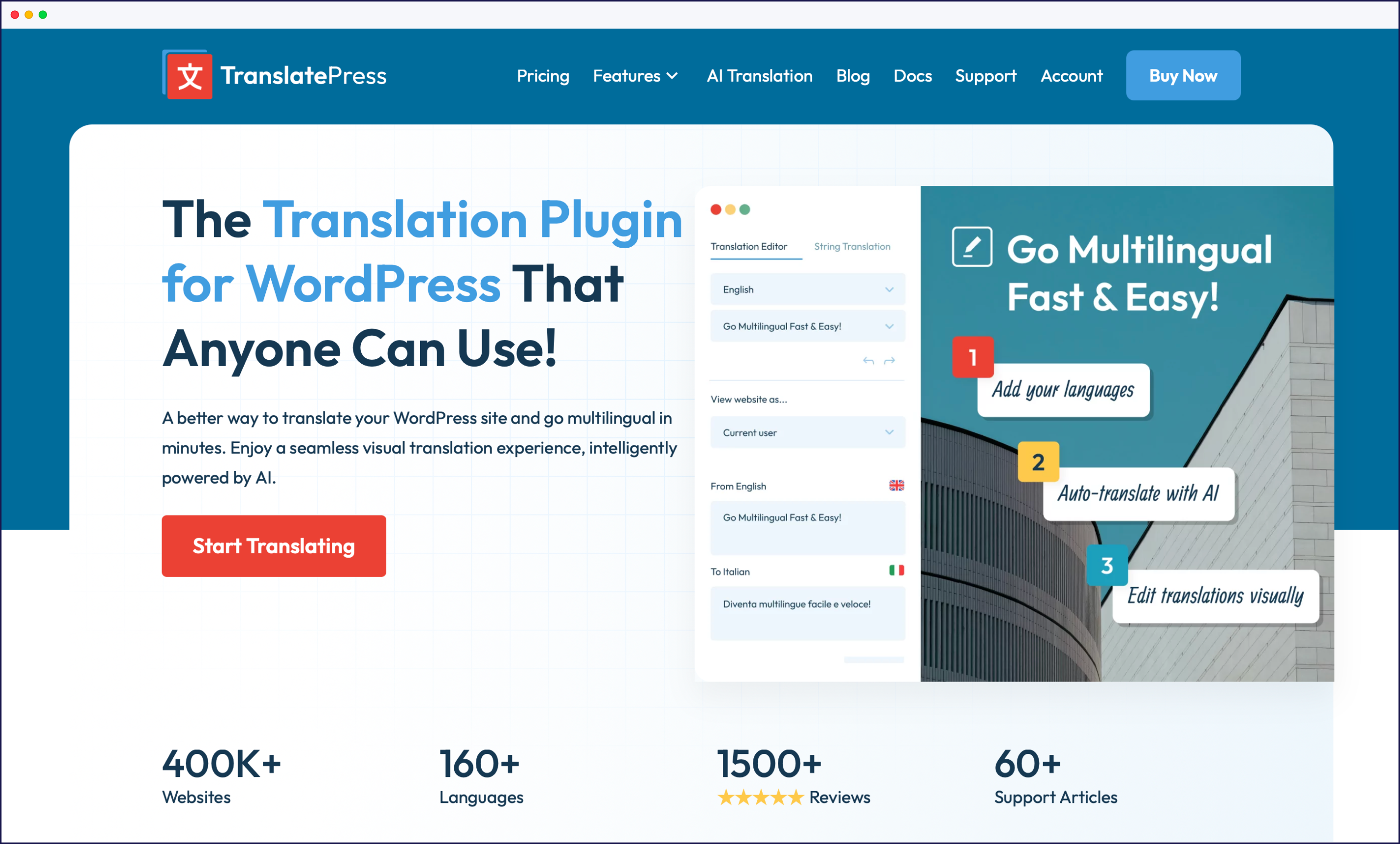
TranslatePress is a translation plugin for WordPress that uses a visual, front-end editor to translate content directly on the rendered page.
Cons: WordPress-only, automatic translation needs extra setup, fewer enterprise features.
The biggest structural difference is where the translation happens. TranslatePress translates at runtime, rendering translations on the front-end of your site as the page loads. WPML stores translations in your site’s database, scanning for translatable strings. TranslatePress’s runtime approach makes visual editing simple, while WPML’s database approach gives more control but adds weight to larger sites.
In what areas do WPML and TranslatePress excel or fall short of expectations? This breakdown of both plugins helps you make an accurate comparison.
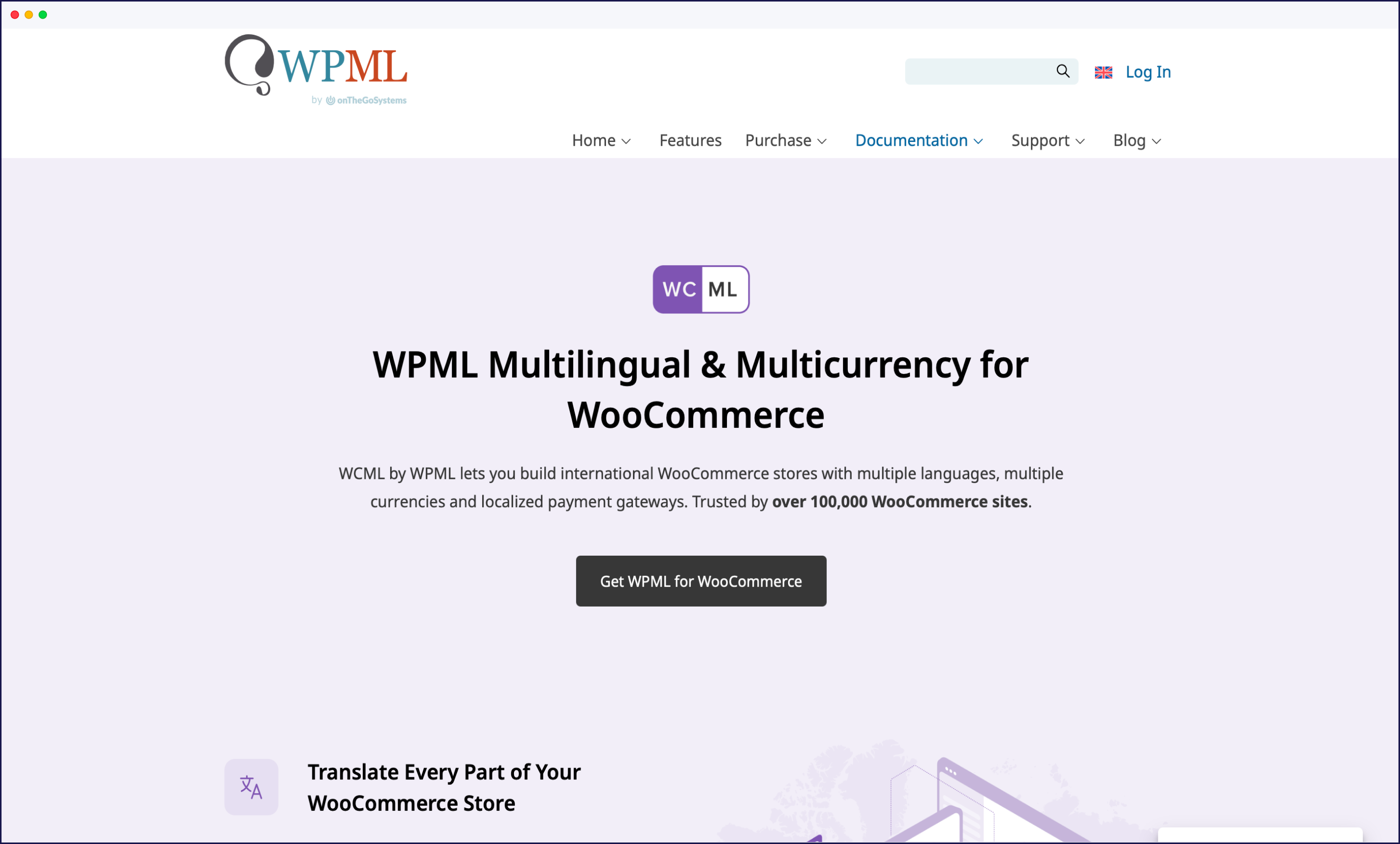
Setting up WPML can be complex, especially for those with no technical expertise. It requires installing multiple components, configuring settings, and ensuring compatibility with your WordPress theme and other plugins. WPML integrates with WooCommerce enabling users to translate all Woo products, categories, and attributes.
In contrast, TranslatePress has a more user-friendly setup process. The software can be installed and activated like any other WordPress plugin, with no additional components required. TranslatePress is designed to work with most WordPress themes and plugins out of the box, including WooCommerce. To activate machine translation, though, you will need to create a Google account and activate the API for Google Translate on your Google Cloud Console.
However, it’s worth noting that TranslatePress only works on WordPress, so those using other Content Management Systems (CMS) like Shopify or Drupal will have to look elsewhere.
WPML’s interface can be overwhelming for some users, with numerous menus, settings, and options to navigate. This complexity makes it challenging for non-technical users to manage translations effectively. Furthermore, all translations have to be handled via the WordPress dashboard, so users are unable to make amends on the front-end to see how their designs work in practice. WPML does offer user support and documentation, but some users have reported issues with the quality and responsiveness of support.
In comparison, TranslatePress has a more intuitive interface that allows users to translate content directly from the front-end of their website. This visual approach makes it easier to see how translations will appear in the context of a website’s design.
WPML supports a reasonable number of languages at 65, and offers both machine and human translation. Users can outsource translations to professional experts, ensuring a high-quality end result. However, although translation can be automated, this needs to be performed on a page-by-page basis, and so requires some manual input. This can be quite time consuming if you’re regularly adding new content to your site.
TranslatePress supports 132 languages and offers both manual and automatic translation options. However, the automatic translation requires additional work to set up. The plugin integrates with popular machine translation services like Google Translate and DeepL, although only Google Translate is available on the free version.
Also, TranslatePress users own their translations, which are stored locally on their server’s database. However, automated translation features require paid API usage when a certain limit is passed.
WPML and TranslatePress take different approaches to translating website content, resulting in varying levels of completeness.
WPML scans your site’s database to find translatable strings, allowing it to translate text content, metadata, images, and more. However, it may miss some strings if they are not coded in line with WordPress’ best practices.
On the other hand, TranslatePress scans the rendered HTML on the front-end, enabling it to translate any content displayed on your site, including output from shortcodes, pop-ups, and page builders.
In terms of accuracy, both plugins offer machine and manual translation options. However, TranslatePress’s visual translation editor (which allows you to see translations in context) can lead to a more accurate finished result. Users can ensure that their translations fit existing design spaces, improving the user experience.
Both plugins handle dynamic content well, although WPML does not automatically update changes made to original content.
The impact of WPML and TranslatePress on site performance is an important concern for users. Even the most perfectly translated pages won’t be read if loading times are slow.
WPML’s modular design aims to minimize the impact on performance by allowing you to only load the necessary components. However, some users have reported slowdowns, particularly on larger sites with extensive translation requirements.
As a single plugin, TranslatePress typically has a smaller impact on site speed, although compatibility issues are possible with other plugins or site themes. Translations are stored in your site’s database, which can impact server resources and database queries, but the impact is less severe on performance.
It’s worth noting that both plugins offer caching and performance optimization recommendations to handle potential slowdowns, and that both manage to load pages under the optimal 2-second timescale. However, some users have reported issues with WPML’s caching mechanisms not always working as expected.
Both WPML and TranslatePress offer SEO features for multilingual sites, but with slightly different approaches.
WPML allows users to translate SEO metadata, including titles, descriptions, and slugs, either manually or automatically. It also supports hreflang tags and generates separate URLs for different language versions of your content.
TranslatePress offers an SEO Pack Add-on that enables the translation of SEO metadata, slugs, and more. As with WPML, it supports hreflang tags and creates separate URLs using subdirectories for each language.
In terms of search engine visibility and rankings, both plugins aim to provide a multilingual experience that search engines can easily crawl and index. However, true SEO effectiveness will depend largely on factors like your site’s content, navigation, and backlink profile. For a closer look at where WPML falls short on multilingual SEO, see our breakdown of WPML SEO limitations.
WPML has three main pricing tiers:
The yearly license includes access to updates, new features, and support. WPML does not offer a free version or trial period, but it does have a 30-day money-back guarantee.
TranslatePress offers a free version with basic translation features for a single language. Its premium plans are:
In terms of value for money, TranslatePress’ free version and lower-cost premium plans may appeal to those on a tighter budget, while WPML will appeal more to those looking to create multiple multilingual sites.
While WPML and TranslatePress are popular WordPress translation plugins, they both have limitations that can make the process challenging for users.
WPML achieves automatic translations by integrating with machine engines like DeepL, Google Translate, and Microsoft Translator. However, it doesn’t translate all content in one go but in sections, which can be time-consuming. The user interface can also be overwhelming and less intuitive for beginners, making it challenging to manage translations effectively.
TranslatePress is less comprehensive in terms of features when compared to WPML. It lacks some of the extensive customization options and is designed exclusively for WordPress, limiting its appeal. It also requires the Translator Accounts Add-on to integrate with professional translation services, plus everything is handled within the WordPress interface meaning you need to give collaborators access to your WordPress account. Naturally, there are security risks to consider when giving anyone access to your site’s back-end.
These limitations highlight the need for an alternative plugin that can fill the gaps where WPML and TranslatePress fall short. This is where Weglot comes in as an all-in-one remedy for users looking to translate their website. It’s also easy to migrate from WPML to Weglot if you’re currently on WPML.

Weglot offers a comprehensive approach to website translation, making it the best alternative to WPML and TranslatePress. Let’s take a look at some of Weglot’s key features:
TranslatePress is a good solution for smaller sites. Its user-friendly interface and integration with popular plugins and themes make it an accessible option. You can find an in-depth feature analysis with our Weglot vs. TranslatePress comparison guide.
WPML can be highly complex to use, making it more suitable for those with at least a basic understanding of how WordPress technically works. Its method of translating content on a page-by-page basis is also far more time-consuming than other methods out there and means there will always be a certain level of manual work required to maintain a fully multilingual WordPress site.
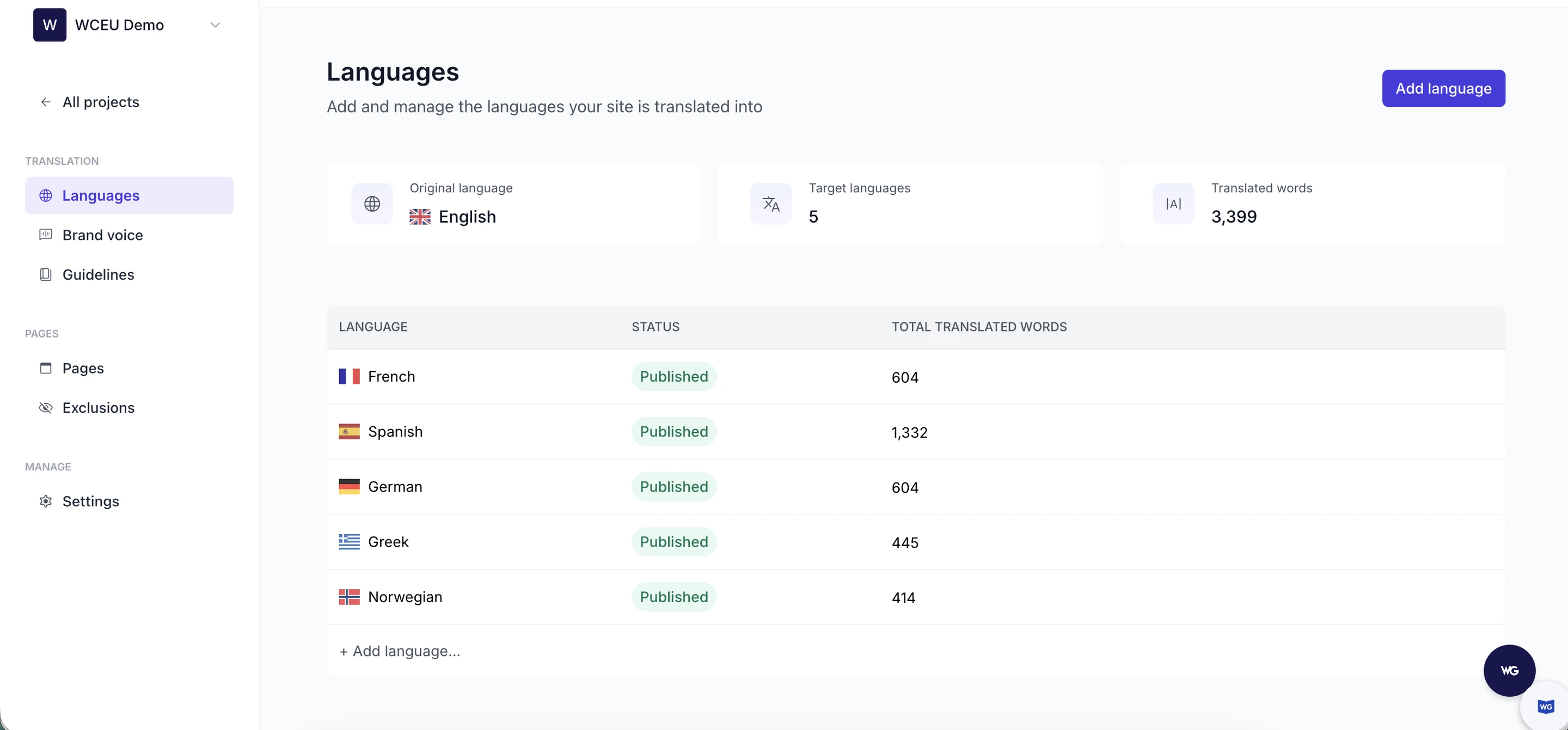
Weglot stands out for its ease of use, AI translations shaped by your Brand Voice, full editing control, minimal setup requirements, built-in multilingual SEO, and excellent site performance. It suits any user looking for an effective way to translate a site across multiple platforms, including WordPress, Shopify, and more. Users praise not only our plugin’s features but also our customer support:
“The plugin is an excellent product, producing high-quality translations. Anytime I have had any questions or issues, the customer service has been excellent.”
– kdric on WordPress.org
With more than 110,000 brands using Weglot to reach international customers, our plugin has earned an impressive 4.8 out of 5 stars rating.

If you're looking for a reliable and user-friendly plugin to create a multilingual website, Weglot is your best option.
Using WPML and looking to migrate to Weglot? We have a 2-minute video that quickly outlines the process:
Translation quality, ease of use, and competitive pricing make Weglot a top alternative to other translation plugins on the market.
Weglot’s automatic content detection and AI translation distinguish us from the crowd, saving businesses countless hours usually spent on manual processes and delivering quality you can publish without a rewrite. Every language also comes with the multilingual SEO foundations built in: hreflang tags, translated metadata, and language-specific URLs. Our plugin supports 110+ languages, including custom ones like British English or Brazilian Portuguese. And as new content is added to your website, Weglot detects and translates it, ensuring your multilingual presence remains up-to-date with your core site.
Cost-wise, Weglot provides a flexible pricing model that scales with your site. With a free plan for websites with 2,000 words or below, any small business or startup can enjoy the benefits of Weglot, brand-aligned translations included. And our paid plans give larger enterprises a plugin that grows with them.
Don’t let language be a barrier to online success! Start your Weglot 14-day free trial to see for yourself how easy it is to get a multilingual WordPress website up and running.

We’ll get your first languages live. You decide how far you want to go. Try Weglot for free today.
Trusted by 110,000+ global brands





Weglot is tested and trusted by brands worldwide since 2016. Join them today.


The best way to understand the power of Weglot is to see it for yourself. Test it for free and without any engagement.
A demo website is available in your dashboard if you’re not ready to connect your website yet.


The best plugin depends on your needs. TranslatePress suits single WordPress sites, WPML suits complex developer-led sites, and Weglot suits anyone wanting automatic AI translation that works across any CMS with full editing control.
Weglot is the leading WPML alternative. It translates your entire site automatically with AI, works on any CMS (not just WordPress), handles multilingual SEO, and sets up in minutes with no code.
TranslatePress offers a free version, with premium plans from €99/year to €349/year. WPML has three tiers: Multilingual Blog (€39/year), Multilingual CMS (€99/year), and Multilingual Agency (€199/year).
TranslatePress is generally easier for non-technical users, thanks to its visual front-end editor. WPML offers more control but has a steeper learning curve and a more complex setup.
Both support WooCommerce. WPML offers deeper control over products, categories, and attributes for complex stores, while TranslatePress is simpler to set up for smaller WooCommerce sites.