While TranslatePress offers straightforward translation tools, website owners often find its SEO capabilities lacking, especially when aiming for international search visibility. Given that multilingual websites with properly implemented hreflang tags can seriously reduce bounce rates, SEO is nothing less than a growth tool, so its importance can’t be discounted.
If you’re frustrated by these limitations, you’re not alone. We’ve researched the market and compared eight powerful alternatives to TranslatePress, so you can uncover the tool that best meets your needs, so you’ll be able to choose a translation tool with confidence.
Key takeaways
Multilingual SEO is a growth strategy that directly impacts global visibility and user engagement.
The right translation tool should balance automation with human oversight, ensuring both speed and accuracy.
Technical infrastructure matters – cloud-based solutions can scale without slowing your site, while plugin-based tools may suit smaller projects.
True multilingual optimization means handling URLs, hreflang tags, and metadata for every language, not just translating visible content.
The best TranslatePress alternative depends on unique brand needs – consider quality, timescales, SEO, integrations, support, and scalability.
Here's a table to help you review the tools at a glance:
Pricing reflects entry-level paid plans. SEO features may vary by plan tier.
Tool
Platform
Translation approach
SEO features
Starting price
Best for
Key difference from TranslatePress
Weglot
Any CMS
AI (multiple engines) + human editing + custom AI model
Language URLs, hreflang, metadata — automatic on all paid plans
$17/month
Teams wanting fast setup and full SEO out of the box
Works on any CMS (not WordPress-only); cloud-based so no database load; full SEO features available from entry tier
WPML
WordPress
Manual + third-party translation services
Language URLs, hreflang, XML sitemap
$45/year
Developers needing granular control
More granular developer control; supports 65 languages vs. TranslatePress's narrower scope; automated translations require a higher-tier plan ($115/year)
Platform-agnostic and built for multi-platform projects at scale; SEO implementation is more complex and requires developer input, unlike TranslatePress's plugin-native approach
Polylang
WordPress
Manual by default; DeepL add-on available for Pro
Language URLs, hreflang, Yoast SEO integration
$115/year
Publishers treating each language as distinct content
Stores translations as separate posts rather than in a shared database entry; better for distinct per-market content rather than direct translation copies
Lokalise
Cloud / API
Collaborative editor + machine translation + AI drafts
Via CMS integrations. Developer resources needed
$120/month
Cross-functional teams (devs, marketers, translators)
Built for continuous localization of dynamic content across teams; not a WordPress plugin. Requires API/webhook setup where TranslatePress is drop-in
Crowdin
Cloud / API
Crowdsourced + machine translation + AI pre-translation
Via integrations — technical setup required
$50/month
Community-driven or open-source projects
Supports crowdsourced community translation, a model TranslatePress doesn't offer; integrates with GitHub for continuous localization of software and websites
Smartling
Cloud / API
AI drafts + professional translator marketplace + QA workflows
Via proxy technology or CMS integrations
Custom (contact for quote)
Large enterprises with high-volume dynamic content
Enterprise-grade with translation analytics and ROI reporting; uses proxy technology for SEO rather than plugin-native hreflang. More powerful but heavier to implement
MultilingualPress
WordPress Multisite
AutoTranslate via DeepL, Amazon Translate, OpenAI
Subdomain creation, hreflang
$149/year
Sites needing true language separation
Creates a distinct site per language (WordPress multisite) rather than storing all translations in one database; true independence vs. TranslatePress's single-site model
TranslatePress: Benefits and Limitations
TranslatePress homepage
TranslatePress is a WordPress translation plugin. Its visual frontend translation editor provides context-rich translations, allowing users to see changes in real time.
This WordPress-native plugin stores translations in your site’s database, simplifying the management process. It integrates with popular page builders like Elementor and Divi, so site design workflows remain unaffected. Automatic translations via Google Translate and DeepL offer a quick way to generate initial content translations.
Limitation-wise, TranslatePress is a WordPress-only solution, so it doesn’t work with other platforms, limiting flexibility. For larger sites, performance can become an issue due to its database storage approach, which can slow down load times. The manual translation workflow also becomes cumbersome for sites with extensive content.
The free version of TranslatePress allows localized URLs, but has no other SEO features. To translate metadata, configure hreflang tags, set up a multilingual sitemap and more, you’ll need a pro version. And compared to other alternatives, TranslatePress has fewer third-party integrations, which can restrict functionality.
Personal plans for one site start at $10/month.
TranslatePress Alternatives
In this comparison, we’ve tested eight powerful translation plugins that vary in features, pricing, and technical implementations. Each alternative has also been assessed based on its ability to handle multilingual SEO – a must-have element for businesses looking to expand internationally.
1. Weglot
Weglot homepage
Weglot is an AI translation tool that works with any website platform, not just WordPress.
Translation methods: Its AI-powered translation uses multiple machine translation engines, such as DeepL and Google Translate, for an efficient and accurate translation process. You can then use the frontend visual editor to manually refine translations and ensure they fit with your designs, add teammates or translation teams and order professional translators directly from the dashboard.
Weglot’s Visual Editor
This hybrid approach combines automation with quality control, for a high-quality final result.
Weglot also provides paid users with the possibility to create a custom AI language model, powered by OpenAI and Gemini that learns from your brand guidelines, tone of voice, target audience, glossary terms, manual edits, and any custom instruction for a more human-like output.
Tech infrastructure: As a cloud-based SaaS solution, Weglot eliminates the need for server-side resources, ensuring it won’t slow down your website’s performance. It integrates with any CMS or custom-built site and provides ‘set-and-forget’ translation rules that require minimal ongoing maintenance.
SEO capabilities: Weglot includes multilingual features such as language-specific URLs, automatic hreflang tags, and translated metadata. These elements ensure that search engines correctly index all versions of your site, improving global SEO efforts.
Pricing: The platform follows a tiered pricing model based on the number of words and languages, offering a free plan for smaller websites and transparent scaling options for growing sites – starter plans are $17/month.
Weglot is easy to set up, supports 110+ languages, and works across any CMS. The combination of fast AI translations with human editing strikes the perfect balance between quality and speed, and it’ll handle all essential SEO criteria for you as well. On the downside, although there’s a free tier for small sites, Weglot’s plans are subscription-based, but 14-day free trials are available.
{{quote-cta-banner}}
2. WPML
WPML homepage
WPML is one of the most well-known WordPress translation plugins, trusted by many businesses to manage multilingual websites.
Translation methods: WPML allows for string translations and supports professional translation services through its Translation Management add-on. It offers manual translation and integration with third-party translation services, giving flexibility to users depending on their needs.
Tech infrastructure: As a WordPress-only plugin, WPML stores translations in the WordPress database. It’s compatible with most WordPress themes and plugins, but requires more technical setup compared to simpler alternatives.
SEO capabilities: WPML supports multilingual SEO through language-specific URLs, hreflang tags, and XML sitemap integration to ensure all language versions are properly indexed by search engines.
Pricing: WPML uses a one-time payment model with annual renewals for updates and support, starting at $45/year for a basic blog manual translation package. $115 gives you automated translations and integration with leading page builders.
WPML offers granular control, making it a good choice for developers, though it may require more technical expertise than user-friendly solutions. The plugin supports 65+ languages, with strong compatibility for themes and WooCommerce. It allows mixing manual and automatic translation, but can slow down some sites. Support is mainly forum-based. See our post on TranslatePress vs WPML for an in-depth comparison between the two plugins!
3. Phrase
Phrase homepage
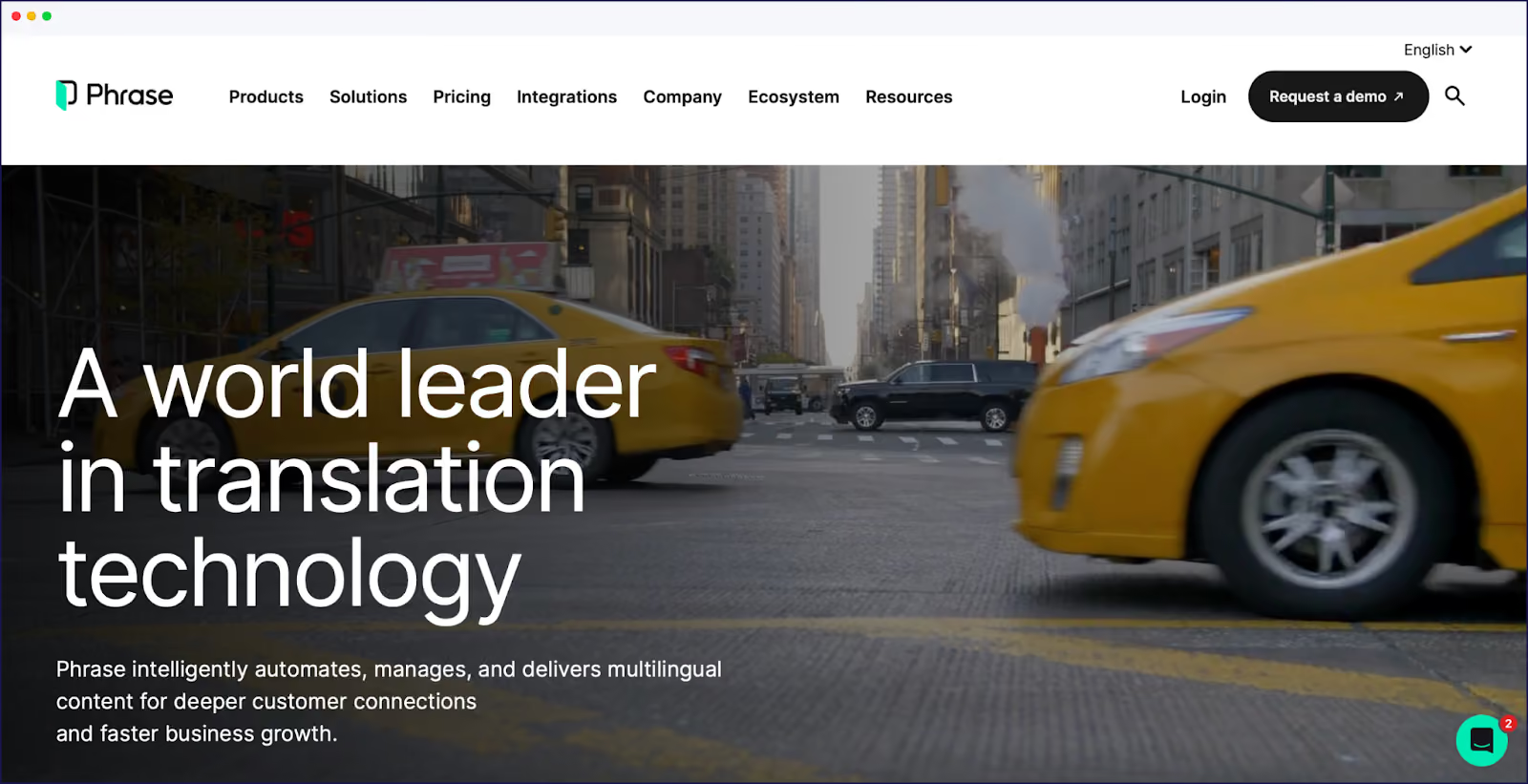
Phrase is an enterprise-level translation management system for complex translation needs. The platform was previously known as Memsource.
Translation methods: Phrase offers advanced translation memory, terminology management, and machine translation capabilities. It facilitates collaborative workflows, ideal for professional translators and content teams, ensuring consistent, high-quality translations. Phrase integrates Large Language Models (LLMs) for context-aware, brand-aligned translations. Phrase’s AI reduces manual post-editing and accelerates multilingual content delivery.
Tech infrastructure: As a cloud-based platform, Phrase integrates with websites via connectors and APIs. Unlike simpler plugins, it provides a full translation ecosystem for managing extensive projects across multiple platforms and content types.
SEO capabilities: Phrase supports multilingual SEO through its CMS integrations, although implementation requires more technical expertise than standard plugin solutions.
Pricing: The platform targets organizations with ongoing translation needs, offering a pricing model that scales with the size and complexity of the project. ‘Direct’ plans – starting at $135/month – are available for organizations, offering multi-user access and greater capacity. ‘Freelancer’ plans allow for one user – a basic entry plan is available for $27/month, although most will need the $525/month plan to gain access to more Phrase features.
Phrase is designed for enterprise-scale localization, offering advanced collaboration, workflow automation, and integration with developer tools. It excels in scalability and context-aware translation but may be too complex or costly for small teams. Its features require a learning curve and technical setup.
4. Polylang
Polylang homepage
Polylang is a WordPress translation plugin with free and premium options.
Translation methods: Polylang traditionally follows a manual translation approach, where users create content in each language separately. However, integrations with automatic translation services are available via add-ons for users wanting quicker translations. Polylang has also introduced a machine translation plan for Pro users.
Tech infrastructure: This WordPress-only plugin stores translations as separate posts/pages with language relationships, allowing for easy content management. It also offers full compatibility with the Gutenberg editor, making it a good choice for modern WordPress users.
SEO capabilities: Polylang supports language-specific URLs, hreflang tags, and integrates well with Yoast SEO and other popular SEO plugins, so multilingual SEO is properly handled.
Pricing: Polylang follows a freemium model, offering core functionality for free, with premium features available through paid extensions, starting at $115/year.
Polylang is ideal for publishers who want to customize messaging for each market, treating each language version as distinct content rather than direct translations. However, it has a learning curve for beginners, and can increase resource usage on large sites. Integrations with AI language tools are available, with a specific DeepL machine translation extension available for Pro users. Users should note that this integration is still in development, and won’t work with some page builders, like Elementor.
5. Lokalise
Lokalise homepage
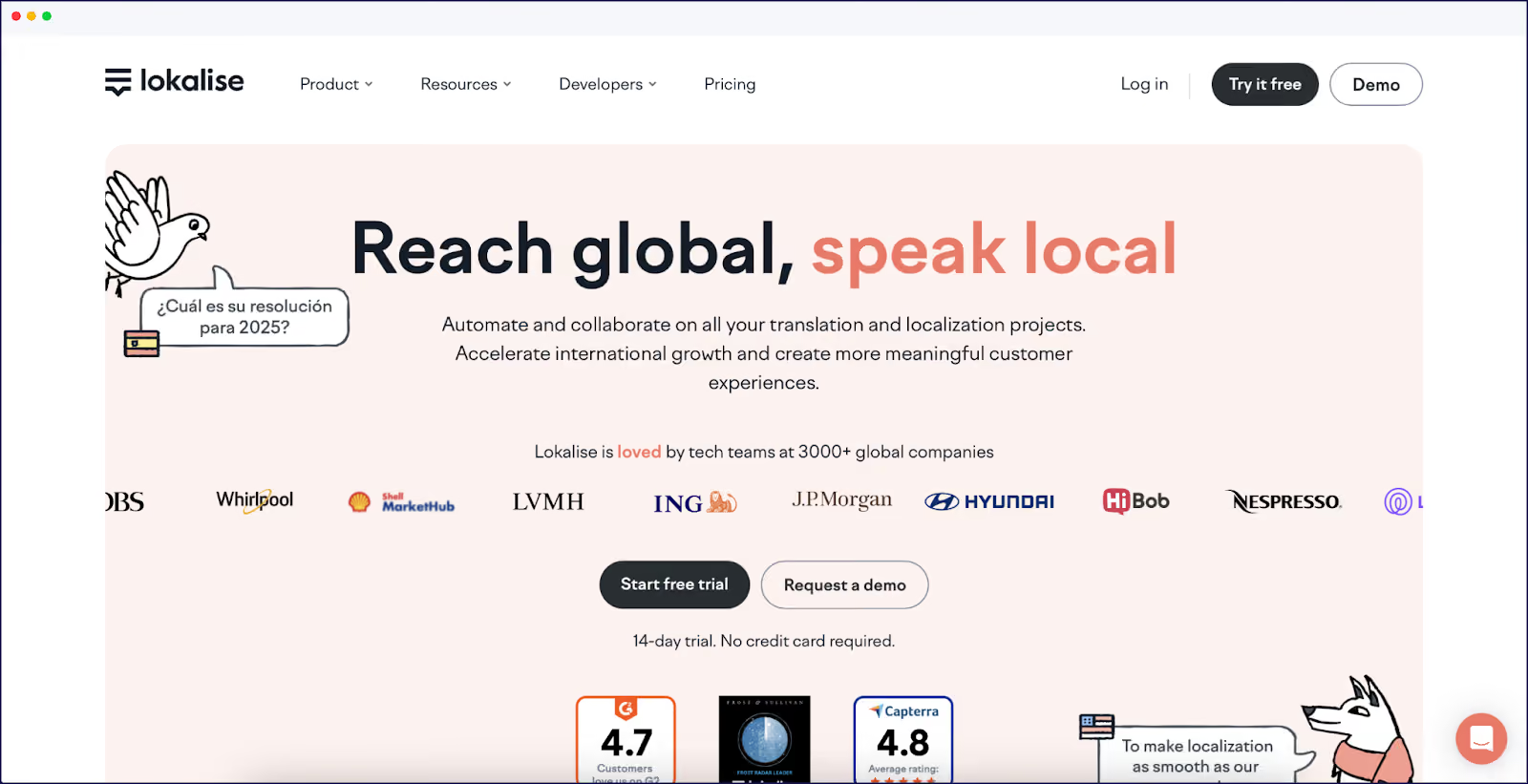
Lokalise is a collaborative localization platform designed for teams working on dynamic content and large translation projects.
Translation methods: Lokalise features a collaborative translation editor, machine translation integration, and translation memory, making it perfect for team-based workflows. Its project management tools support collaboration across departments, ensuring consistent translations. Lokalise incorporates AI-driven translation suggestions and automation, using both machine translation and generative AI for initial drafts.
Tech infrastructure: This cloud-based platform integrates with websites via API connections and webhooks, focusing on continuous localization, especially for dynamic and frequently updated content.
SEO capabilities: Lokalise supports multilingual SEO through its CMS integrations, although the implementation requires some developer resources to get up and running.
Pricing: Lokalise operates on a subscription-based pricing model, with different tiers based on features and usage, starting at $120/month for small teams.
Lokalise is best for organizations where multiple stakeholders – developers, translators, marketers – need to collaborate on translations, ensuring a streamlined localization process across teams. Its intuitive UI, strong QA tools, and workflow automation are ideal for complex projects. The main drawbacks are its cost for small teams.
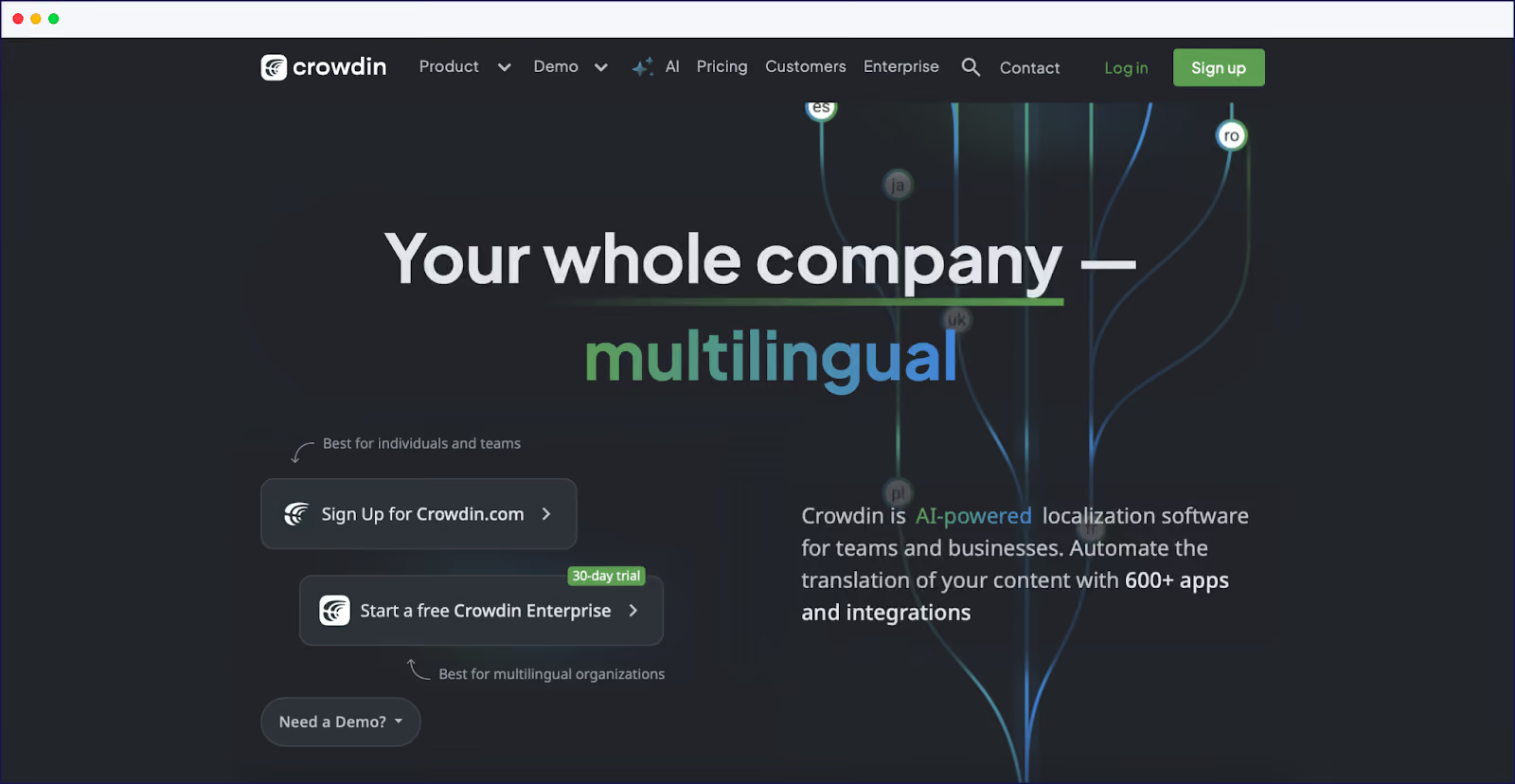
6. Crowdin
Crowdin homepage
Crowdin is a localization management platform with community-driven translation capabilities.
Translation methods: Crowdin supports crowdsourced translations, professional translation services, and machine translation. It also includes version control for translation content, making it adaptable to various translation approaches. Crowdin uses AI-powered pre-translation, including generative AI for context-aware suggestions and file context generation.
Tech infrastructure: This cloud-based platform integrates with tools like GitHub and provides API access, making it ideal for continuous localization of both software and websites.
SEO capabilities: Crowdin supports multilingual SEO through its content delivery mechanisms and integrations, although technical implementation is required to fully optimize for SEO.
Pricing: Crowdin operates on a subscription-based model starting at $50/month for small projects, with scalable pricing based on project size and the number of translators.
Crowdin allows businesses to tap into user communities for translations, offering a cost-effective solution that balances quality and affordability through community expertise. It supports translation memory, version control, and hybrid AI/human workflows. Crowdin is affordable and flexible but can require technical setup for optimal integration and SEO. Its interface may be overwhelming for new users.
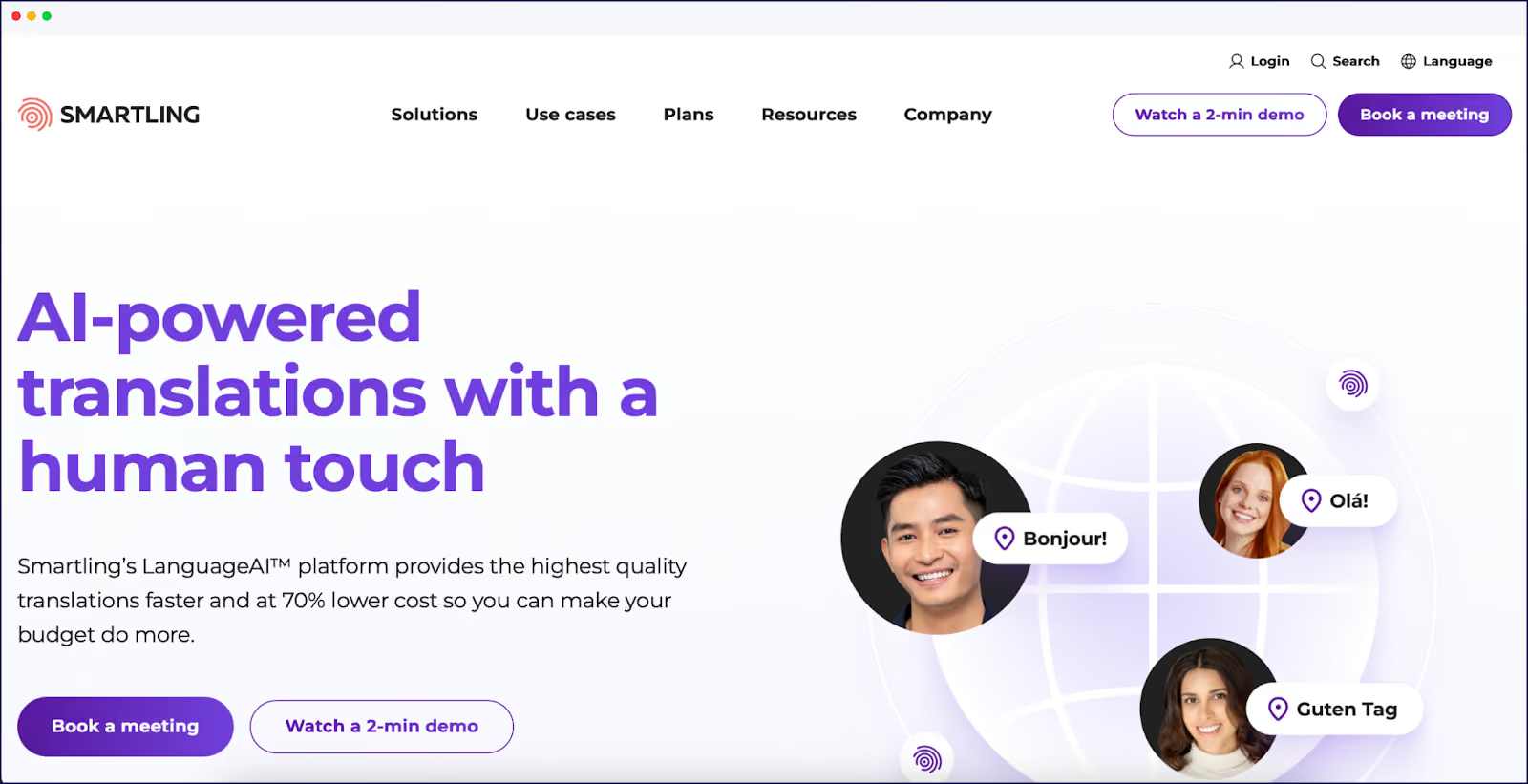
7. Smartling
Smartling homepage
Smartling is an enterprise-grade translation management system for large-scale content translations.
Translation methods: Smartling uses AI-powered translation workflows, a professional translator marketplace, and quality assurance features to ensure high-quality translations. It’s particularly good at handling dynamic content at scale. Smartling employs generative AI for initial translation drafts, with workflows that blend AI speed and human quality assurance.
Tech infrastructure: As a cloud-based platform, Smartling provides visual context for translators and integrates through APIs, connectors, and proxy solutions for websites, ensuring a smooth localization process.
SEO capabilities: Smartling focuses on multilingual SEO through its proxy technology or CMS integrations, providing features designed to optimize international SEO performance.
Pricing: Smartling’s enterprise pricing model targets larger organizations with complex translation needs, offering specific solutions for significant translation volumes. You can book a meeting for a tailored quote.
Smartling provides analytics on translation quality, cost, and impact, appealing to marketing leaders who need to demonstrate ROI from their global content investments. The platform targets enterprise clients, offering advanced workflow automation, analytics, and a marketplace for professional translators. Its features are ideal for large, dynamic projects but come at a higher price and require technical resources for full implementation. Smaller teams may find it excessive.
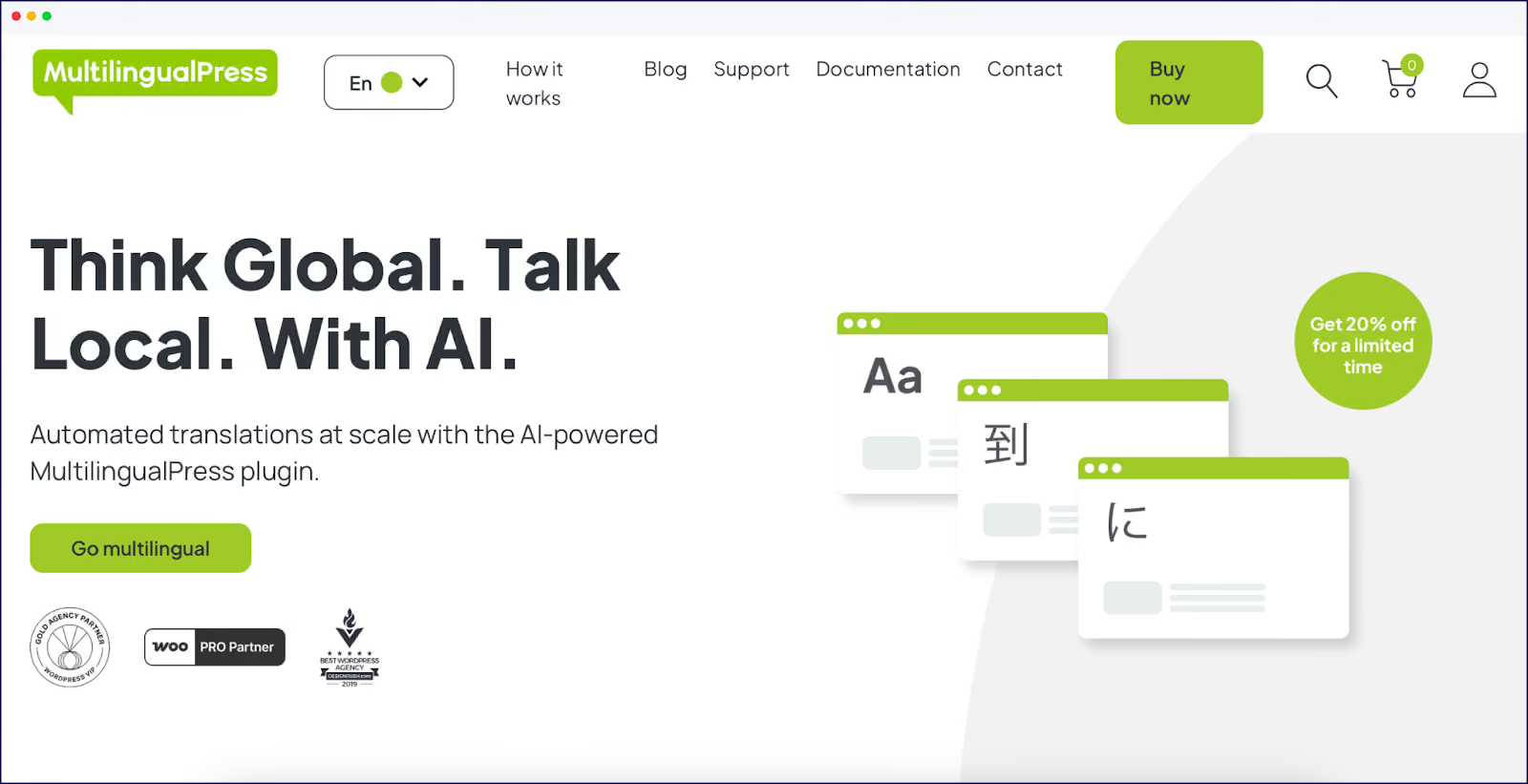
8. MultilingualPress
MultilingualPress homepage
MultilingualPress offers a unique WordPress multisite-based approach to handling translations, making it a great solution for businesses with more complex multilingual needs.
Translation methods: MultilingualPress now offers built-in machine translation capabilities through its AutoTranslate feature. This allows users to automatically translate website content using leading providers such as DeepL, Amazon Translate, and OpenAI.
Tech infrastructure: The platform creates distinct sites for each language, maintaining content relationships while optimizing database efficiency, making it scalable for large websites.
SEO capabilities: The plugin provides significant SEO benefits, including subdomain creation and proper hreflang tag implementation for accurate multilingual indexing.
Pricing: MultilingualPress uses a licensing model starting at $149/year for one site and two languages, with higher tiers available for agencies and developers.
MultilingualPress is one for businesses seeking complete separation between language versions, offering true independence rather than simple translated copies.
Try Weglot for Free
Weglot weighs up as the top alternative to TranslatePress. With its AI language model + human hybrid translation approach, built-in multilingual SEO features, and universal compatibility, the translation tool delivers instant, high-quality translations and SEO optimization for any website, not just WordPress.
Effortless, no-tech integration makes setup accessible for any team, meaning you don’t need to be a developer to launch a multilingual site in less than 10 minutes. Automated, dynamic translations mean your international pages are updated the moment you put native language content on your site.
With a 14-day free trial requiring no credit card, why not try Weglot today and see for yourself.
Discover Weglot
Good things come to those who wait. International traffic doesn’t.
We’ll get your first languages live. You decide how far you want to go. Try Weglot for free today.
The integration was easy and the support is incredibly helpful. I highly recommend Weglot to anyone looking for a simple and cost effective solution to translate their site!
"Before, translations were manual. Now, customers can choose: do it yourself or let Weglot handle it automatically. We recommend Weglot for always keeping websites up-to-date in every language."
"Before, translations were manual. Now, customers can choose: do it yourself or let Weglot handle it automatically. We recommend Weglot for always keeping websites up-to-date in every language."














.avif)