

Try Weglot for free





Your team’s responsible for launching in 3 new countries by Q4. Sales is preparing deals, product’s almost ready, but the website remains in its original language only.
The options are to spend thousands hiring a translation agency, bring in freelance translators, or build some form of internal localization function – right? Not anymore.
Using the right AI-powered website translation tool, any lean marketing team can launch and run a multilingual site without hiring locally or outsourcing. This article shows how.
Cost is a common reason resource-stretched SMBs avoid traditional localization workflows.
The other big issue is that the traditional model doesn’t match how most lean marketing teams operate: publishing content quickly and iterating constantly to grow without adding headcount.
Let’s say you publish a new pricing page on Tuesday. By Friday, you’ve realized the H1 needs tweaking. By the following Monday, sales has asked for a new call to action above the fold.
Each of those changes triggers a chain of file exports, translator email threads, spreadsheet-based version tracking, and a re-import that someone with a hundred other jobs has to find time for.
Now, multiply that across 5 languages and a content calendar that ships something new every week. Coordination becomes a real bottleneck. And every new language or product adds even more manual work.
There’s also a dependency problem:
None of this is a critique of professional translators. For some regulated content, brand-critical campaigns, and high-stakes legal copy, a skilled human can often still be a good call.
But for the day-to-day work of running a multilingual website – like keeping the homepage current, translating new blog posts, and updating product pages – the traditional way causes more headaches than it cures.
There’s a better way to think about this. One that involves treating translation as infrastructure that all but runs itself, rather than a costly project that restarts with every content change.
“Tech can handle basic content elements like CTA buttons and navigation labels, but you’ll want human translators for anything substantial.”
It’s normal to see this type of localization advice on marketing and ecommerce blogs. But the distinction doesn’t really reflect where AI translation is today.
Weglot is a modern AI translation tool that can comfortably handle entire multilingual websites, including product pages, blogs, landing pages, metadata, and ongoing updates.
The software’s AI translation quality (thanks to your custom AI Translation Model) is also high enough that most users can confidently launch multilingual websites without manually reviewing every page.
Simply install Weglot onto your existing CMS, and it can:
Then, whenever you publish new content, the different language versions go live the same day. None of that logistical tail-chasing we talked about earlier.
All the time and skill website translation used to demand – the kind most SMBs and mid-market businesses struggle to justify – isn’t necessary.
The objection most marketing managers raise at this point is brand voice.
We get it. ChatGPT, Claude, Gemini, and others, while useful for smaller translation tasks, can still produce technically correct copy that doesn’t sound like your brand. Outputs tend to sound too formal, too flat, or too neutral.
The thing is, those tools weren’t built for translating business websites. Weglot was. And it adopts a far more human-like approach to understanding and localizing your brand message, just without the effort or expense of hiring.
The AI Translation Model automatically keeps translations aligned with your brand voice, using the rules, preferences, and edits you configure over time. The more context you provide, the better it gets at conveying your style and terminology.
Park Depot has experienced the time- and cost-saving benefits of modern AI translation firsthand, adding 6 new languages in minutes.
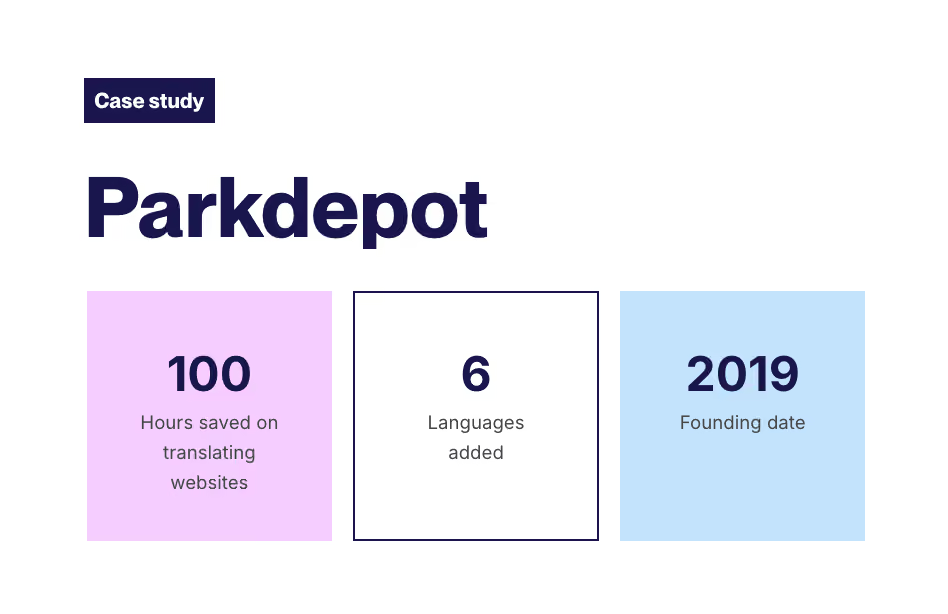
The parking management company used Weglot to roll out its site across multiple European markets, after concluding that manually translating its entire website into several languages would take too much international coordination.
With Weglot’s support, the team was able to easily and efficiently manage all available languages on its website, expanding its reach across Europe while saving hours.
That’s hands-off translation in practice.
The system runs the operation, you step in when judgment is required, and millions more potential customers get to experience your brand in their native language.
And because that judgment layer is far lighter than many people assume, the team required to run a multilingual website shrinks to a few people. Or even just you.
With the right AI-powered website translation tool, all you really need is 3 responsibilities covered. And they can even sit with the same monolingual person.
Just ask Adèle Aubry, Ecommerce Manager at The Bradery, a French retail brand that uses Weglot to automatically translate 500+ product launches a day:
{{quote-image-banner}}
Ultimately, the marketers handling those minor responsibilities can still prioritize their day jobs. If you can cover them with the team you already have, you’re good to go right now.
Here’s what launching and running a multilingual website actually looks like end-to-end using Weglot, including the initial translation steps.
Start by installing Weglot on your existing CMS.
There are plugins for WordPress, Shopify, Webflow, Squarespace, and Weglot connects with any CMS or custom-built site. Plus, there’s a JavaScript integration for private apps or staging sites that don’t require SEO/GEO visibility.
All Weglot needs is your language choices and domain URL, and for you to paste a code snippet into your site.
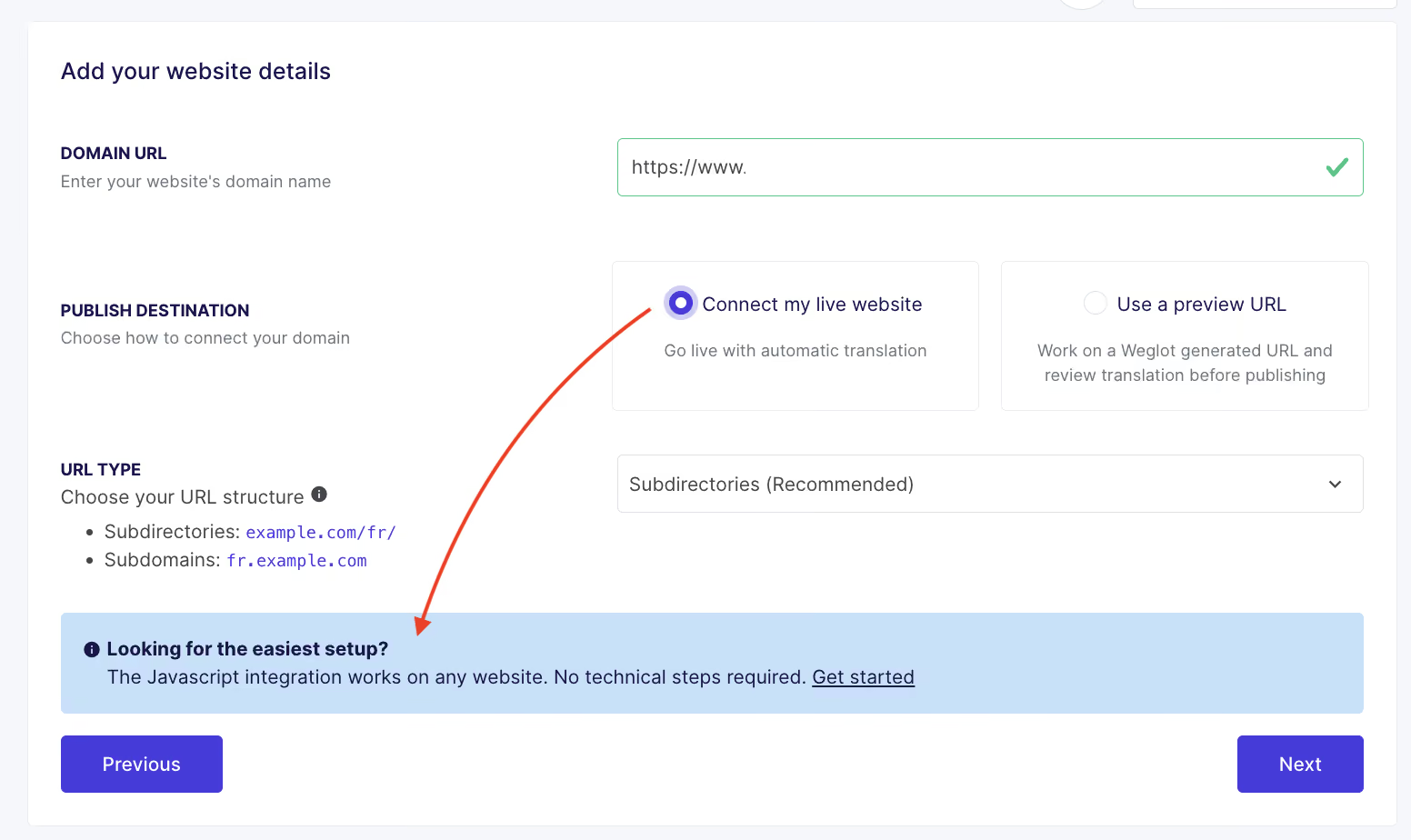
A brand-customizable language switcher will automatically be added to every page. No engineering tickets, no infrastructure changes, no waiting in a sprint queue. No stress!
Use the glossary to set 2 types of rules: words and phrases you want translated a specific way every time, and those you never want translated.
Think brand names, product names, slogans, technical terminology – anything that needs to stay consistent across every language.

Each rule applies to your automatic translation site-wide, for every language pair or a specific one.
You can build the glossary in one sitting or add rules over time as you spot terms that need a specific treatment.
French skincare brand Polaar credits its glossary as a key part of saving 100+ hours and doubling US traffic. E-Store Manager Sophie von Kirchmann explains:
“The ability to add specific terms related to our brand to the glossary feature was very useful and avoids us having to do repeat work.”
If you want translations to reflect your brand voice more closely, Weglot’s AI Translation Model trains on your brand guidelines, manual edits, and tone-of-voice rules.

Like glossary rules, those preferences carry forward across every language and future update.
Weglot’s first-pass translations are launch-ready in most cases, so this step isn’t essential right now. You can confidently go live and then polish the finest details when your team finds time.
When you do want absolute certainty for the pages that matter most – or if your CMO insists – review or manually edit them using the Visual Editor.

Prioritize your homepage, pricing, and top product or service descriptions. The content your audience will see first and most often.
Even if you choose to bring in a human translator at this step, you’ll pay for a few hours of their review time rather than a full project. AI’s already handled the most time-consuming work.
If you do need extra support, Weglot’s International Expert Directory can help you find multilingual freelancers and agencies for review work or localized campaigns.
Publish! Your translated pages go live under SEO-friendly URLs, with hreflang tags and indexable language versions handled automatically.
That same technical infrastructure – plus translated metadata and an updated multilingual sitemap – helps to make your site visible in AI search, too.
Our analysis of 1.3 million citations found translated websites gain 327% more visibility in AI Overviews than single-language sites.
When you publish a new blog post, product page, or landing page, Weglot automatically detects and translates it.
The same applies to edits. Change a CTA on the homepage in your primary language, and the other versions update in line.
Visitors continue to see the right language version, whatever they’re reading, and can switch freely.
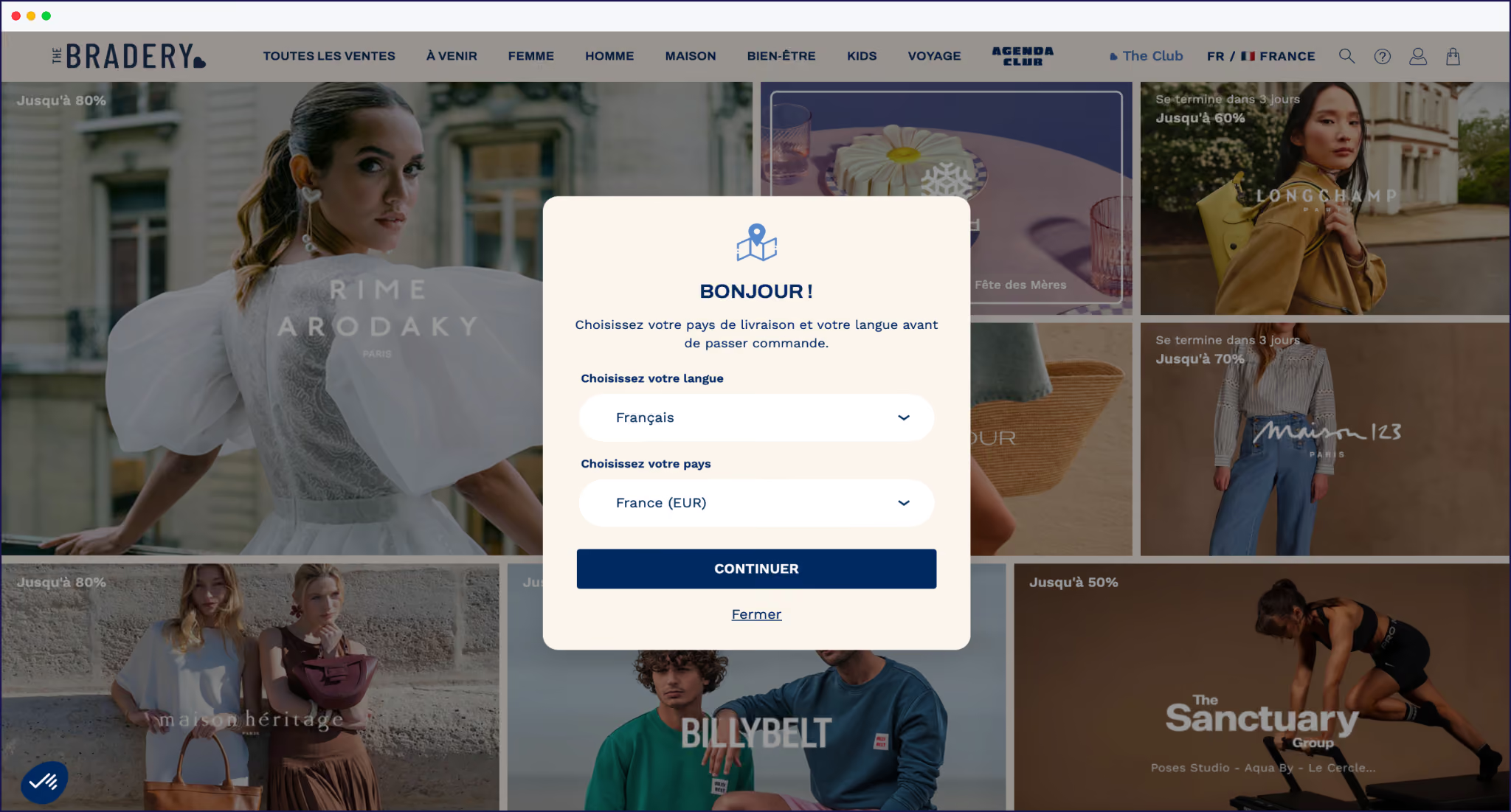
Now, a typical week of managing your multilingual website looks like this: you publish content as normal, and the site keeps pace on its own.
The only time you open Weglot is to add a new term to the glossary, review a translation flagged by your team, or check performance in a specific market.
Compare that to the old workflow: file exports, email threads, version tracking, re-imports, glossary handoffs, and account manager turnover. None of it is necessary. Just publish in your primary language and let the system handle the rest.
Hiring locally became the default answer to going multilingual because, for a long time, there wasn’t a better one.
The right AI-powered website translation tool changes what’s possible for a lean marketing team. You can launch into new markets, keep content current as your site grows, and maintain a consistent brand voice across every language without hiring or outsourcing.
That’s what managing multilingual content looks like now.
Want to see what that’s like for your site? Start a free 14-day Weglot trial today.

We’ll get your first languages live. You decide how far you want to go. Try Weglot for free today.
Trusted by 110,000+ global brands








Weglot is tested and trusted by brands worldwide since 2016. Join them today.


The best way to understand the power of Weglot is to see it for yourself. Test it for free and without any engagement.
A demo website is available in your dashboard if you’re not ready to connect your website yet.
