

Try Weglot for free





Going global isn’t just for giant corporations anymore. With the right tools, any freelancer or agency can help their clients tap into new markets and speak directly to customers in their language. But if you’re building on Elementor, you’ve probably discovered that launching a multilingual website is anything but simple. With hidden words in your blog archives, SEO metadata, form field content and more, you can face a mountain of words to translate, with no clear path to keep it all updated – and within your budget.
The truth is, most translation tools complicate what should be simple. They turn updates into lengthy tasks, manual duplication into spreadsheets, and site launches into endless localization headaches. But there’s a better way.
In this guide, we’ll show you how Weglot takes the pain out of translating your Elementor site, turning the multilingual challenge into a simple, automated process. With Weglot, you can avoid unexpected costs, skip the endless maintenance, and focus on what really matters – wowing your clients!
When deciding on a multilingual plugin for your Elementor site, it’s easy to see quoted prices and panic. However, when comparing these against the time and costs of manual work, you’ll be able to work out precise levels of ROI.
What’s more, there’s also the hidden cost of translation to consider, which comes down to your word count. It’s easy to think in terms of just your homepage or blog posts, but word count goes much deeper. A site might only have 1,000 words on the homepage, but once you factor in service pages, forms, buttons, dynamic content, and meta descriptions, your word count can quickly spike into the thousands.
Elementor sites are especially prone to this, as content is often hidden in dynamic tabs and archives, meaning you’ll be translating a lot more than you think. Given this facet, it’s easy to blow through the limits of free-tier translation plugins, and clearer to weigh up costs against the actual work required.
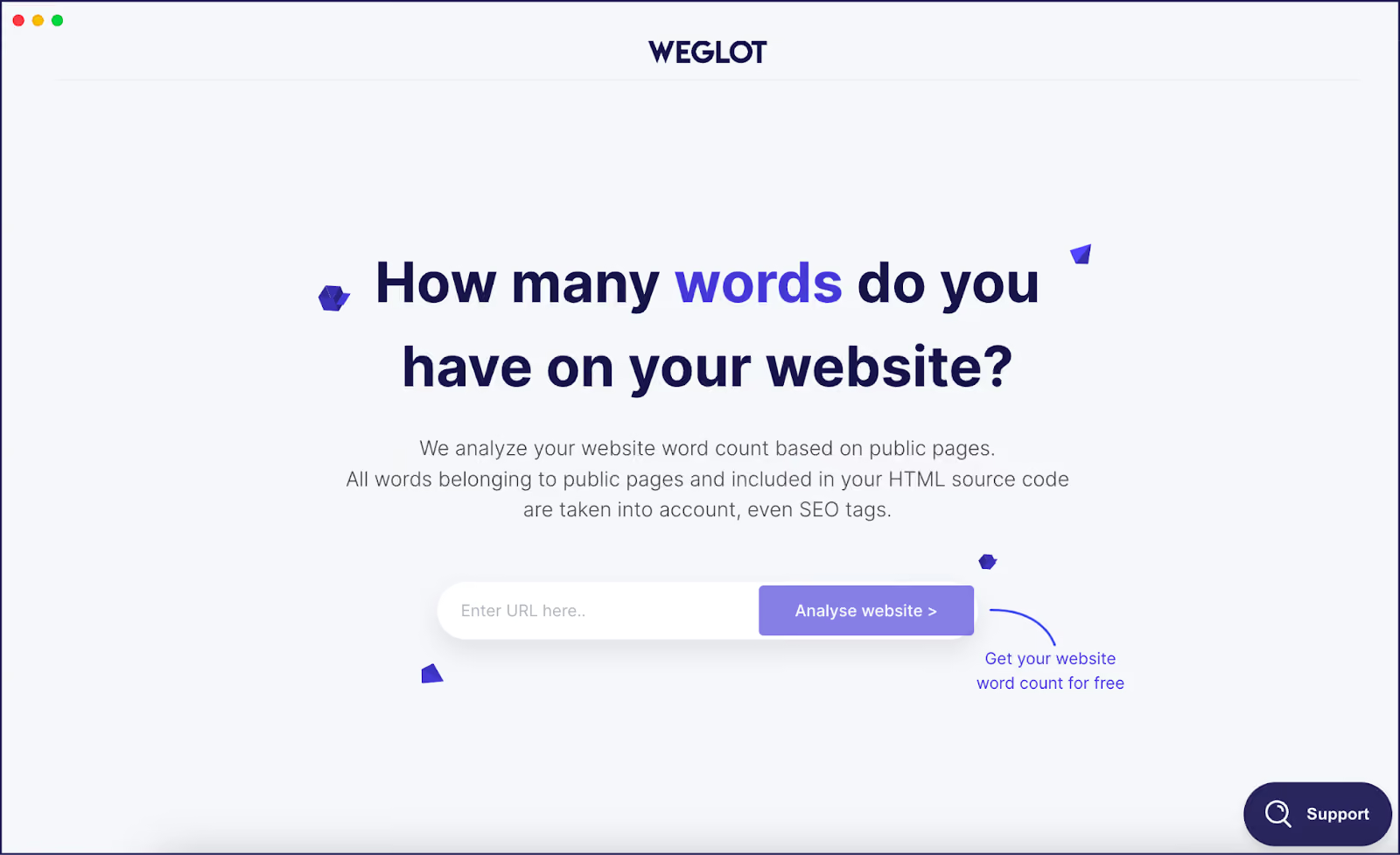
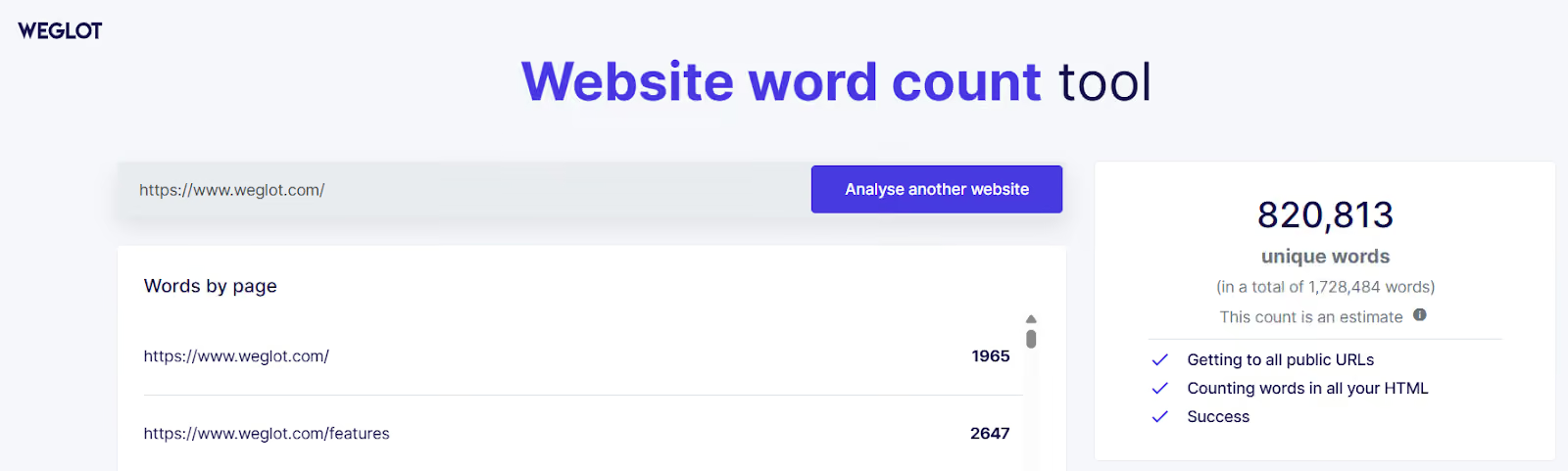
For instance, Weglot’s Website Word Count tool shows our homepage at 1,965 words and our Features page at 2,647 words – and these pages don’t look text-heavy!
Here’s how to get your Elementor site multilingual with Weglot in less time than it takes to brew a coffee:


The time taken is under 5 minutes, with no code, nor database tweaks required. Behind the scenes, Weglot performs everything without touching your Elementor templates.
A language switcher is your visitor’s gateway to translated content in their preferred language. While Weglot’s automated hreflang tags select the correct language based on a user’s location, some visitors in regions with multiple language variations may prefer a different option. Weglot’s integrated language switcher gives you the flexibility to offer this functionality with ease.
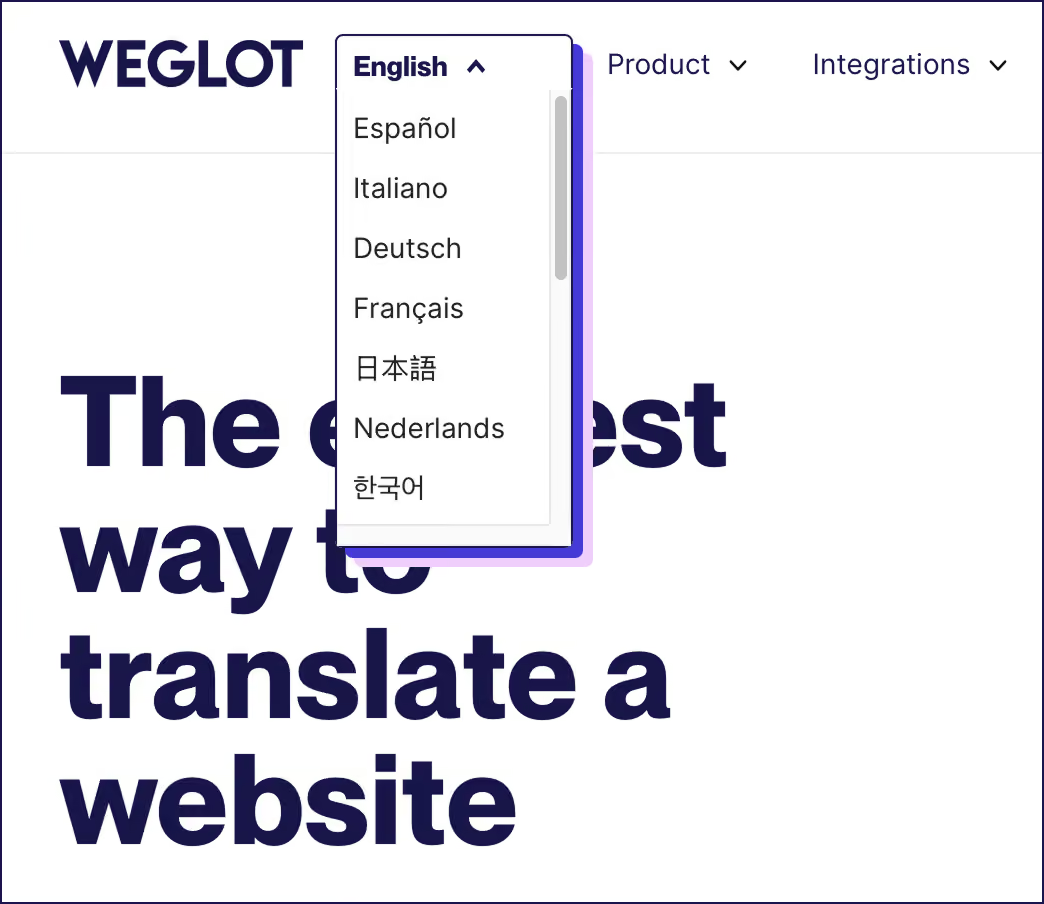
Weglot’s switcher can be fully customized to your brand, fitting into your overall design. You can choose flags, language codes, and adjust the size, color, and style to match your site’s aesthetics.

Four placement options ensure that no matter your Elementor layout, the language switcher fits perfectly:
While WPML and TranslatePress offer template conditions for language versions, Weglot keeps everything within the same layout for consistent design across all languages.
With your language switcher perfectly placed, you've given visitors an easy way to access translated content. But effective localization goes beyond just swapping words – it's about aligning with local norms and cultural preferences. Weglot’s switcher lets you tailor not just the language, but also the color schemes, imagery, and even date/currency formats to better connect with users in different regions. This extra layer of cultural adaptation ensures that all of your site feels native to every audience.
If you’re working with a free theme where the language switcher doesn’t appear by default, Weglot’s flexibility allows you to integrate it with ease. Simply place the [weglot_switcher] shortcode where you want it, or add the switcher to your menu, ensuring it’s visible and easy to access.
{{quote-image-banner}}
Now that you understand how simple it can be to add multilingual functionality to your site, you might be wondering about the investment required. Let's break down the real costs.
To calculate the real value of a translation tool, take an accurate word count of the website you need to translate, and then compare this to leading multilingual plugin costs.



Weglot’s transparent pricing means you’ll always know what you’re paying for. There are no hidden translation credits or surprise bills. When your content grows, just upgrade your plan.
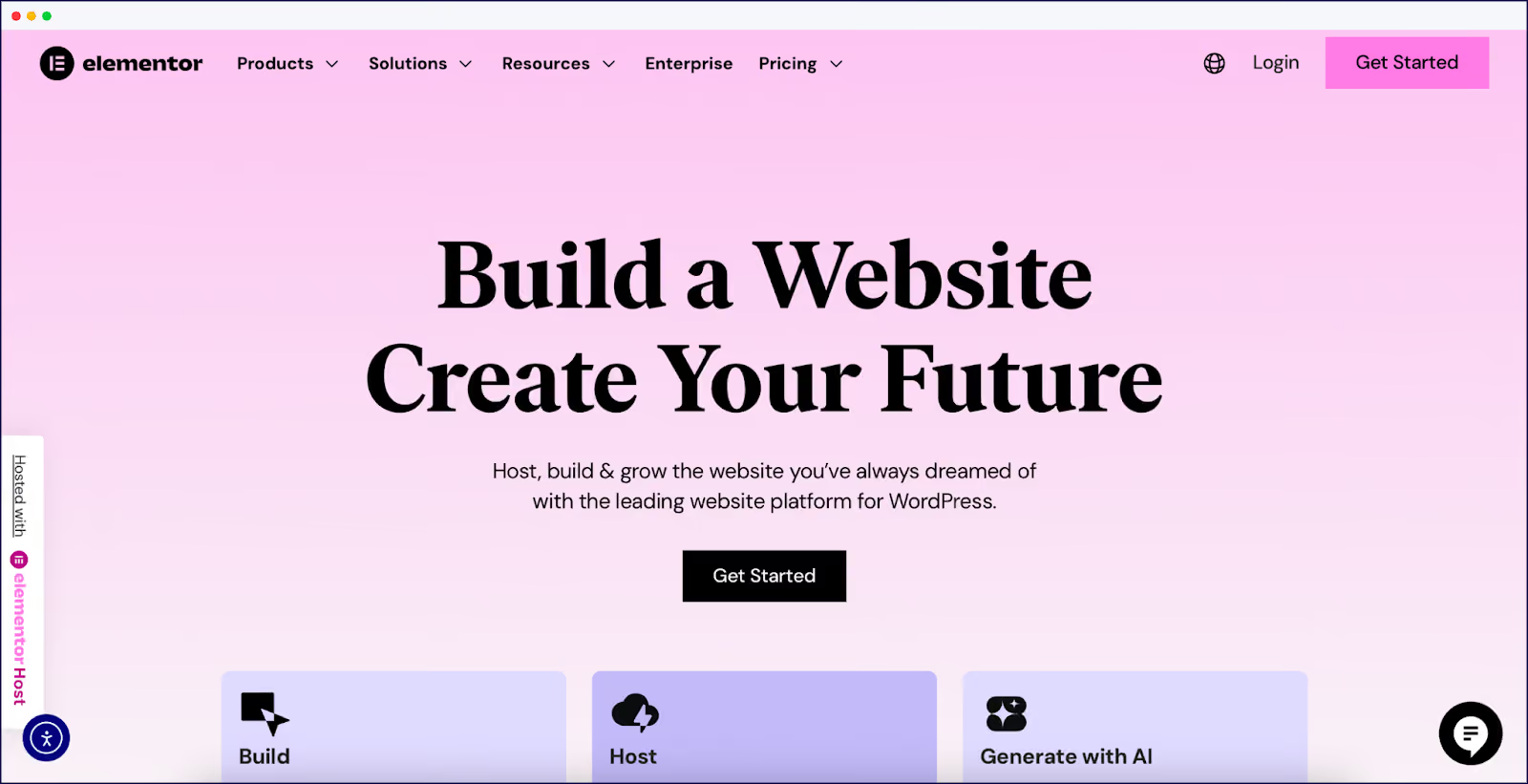
By tracking costs directly to your site’s size, Weglot makes it easier to forecast ROI. And with Weglot, you can get up and running in under 10 minutes, compared to hours of manual setup with WPML.
You have a choice: spend hours duplicating pages, mapping translations, and manually syncing updates across languages, or let automation do the heavy lifting.
For freelancers and agencies who publish frequently, manual translation workflows quickly drain productivity. Imagine having to translate a new case study on Tuesday, updates to three landing pages on Thursday, and pricing tweaks on Friday. With traditional plugins, each of those changes triggers a cascade of manual updates across all your translated pages.
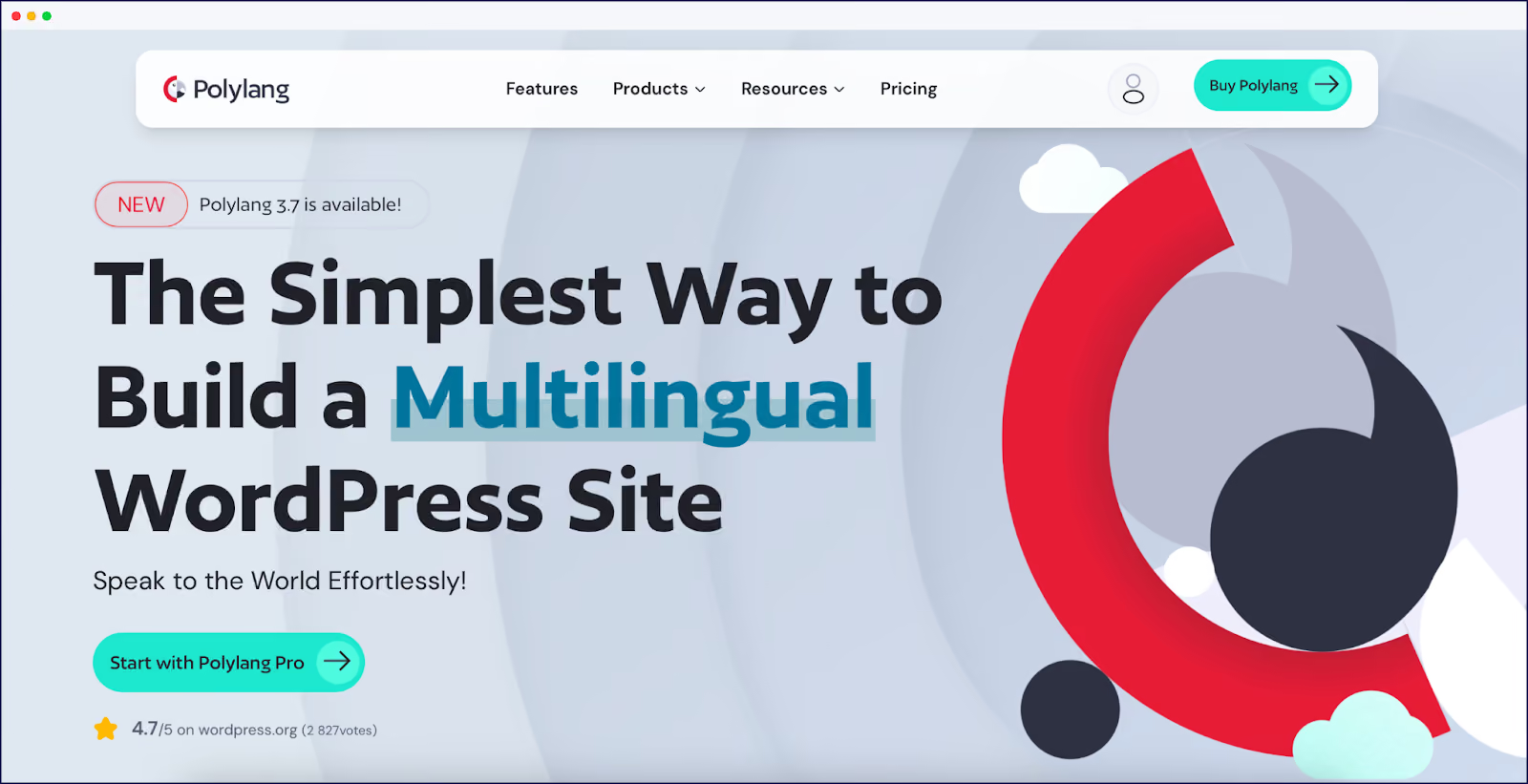
WPML requires you to enable Translate Everything mode for Elementor integration, but even then, you’re still stuck with manually pushing updates across all languages. TranslatePress uses a front-end editor for real-time translations, but this approach still involves a lot of manual work and can conflict with widgets. Polylang, when paired with the Connect Polylang for Elementor plugin, faces the same challenges.
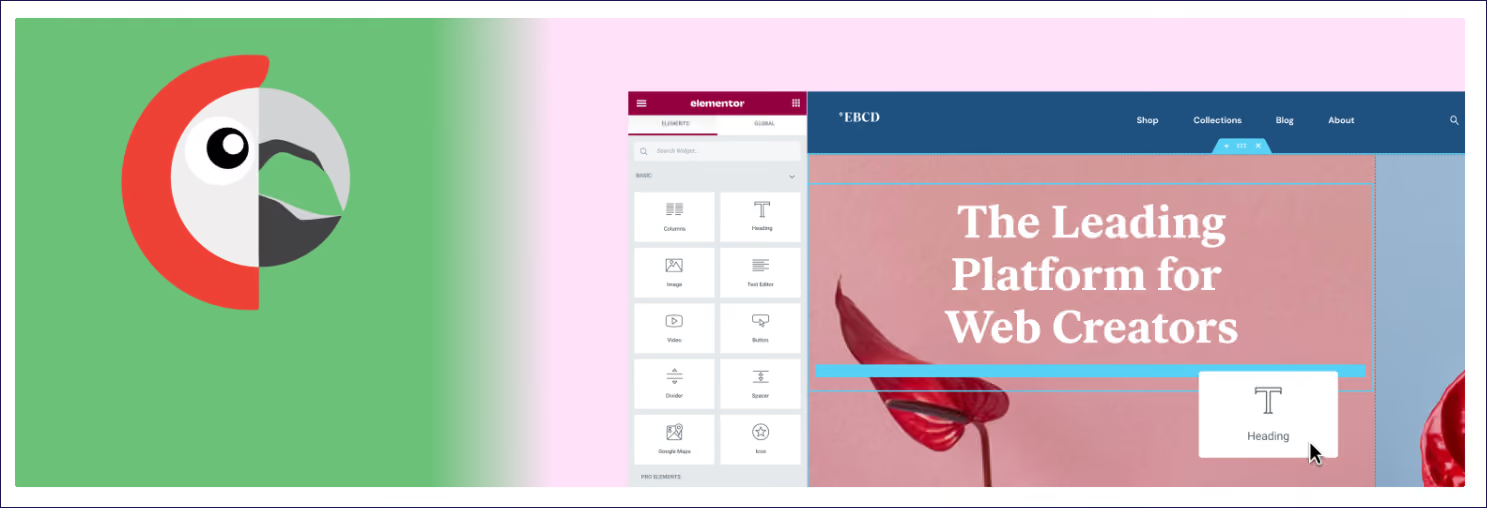
Weglot flips this on its head. With automatic content detection, every new blog post, every A/B test variation, and every form field update is translated instantly. Weglot detects all Elementor content automatically – including popups and WooCommerce widgets – so no content is ever left behind.
This automation resolves common frustrations like language switchers not appearing in free themes, cache conflicts, and dynamic URL issues. For agencies and freelancers launching multiple products or campaigns every week, Weglot ensures international pages go live at the same time as your native language pages, without additional manual work.
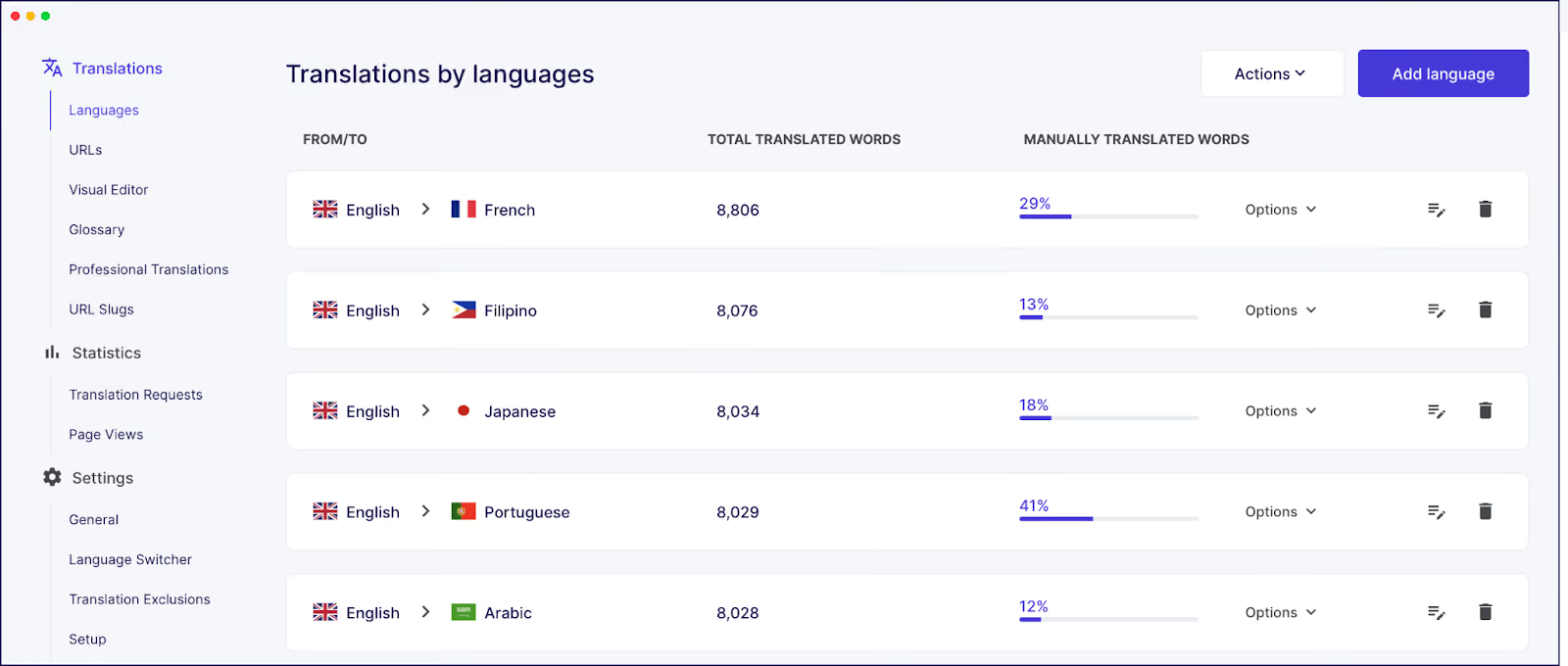
Everything is managed through Weglot’s cloud-based translation dashboard, which simplifies collaboration across international teams. You can grant access to anyone, no matter their location, without requiring them to touch Elementor. This means your team can refine translations without worrying about page duplication or dealing with WordPress logins.
Global widgets are one of Elementor’s secret ingredients – build a header, hero, or testimonial block once, and it updates everywhere. The downside is that every edit multiplies across languages. Change one CTA headline and you’ll have to do the same for the foreign language versions of your site.
If you’re using 10 global widgets on your native language site and translate your site into three other languages, that’s 30 manual widget changes you’ll need to make – and that’s no five-minute task.
WPML’s own docs spell this out. Users have to first translate the widget, then translate every page that uses it.
Weglot removes the work. The moment you hit Update in Elementor, the new string is automatically detected, translated with AI, and live across every language variant. The same engine keeps watch for fresh content, so tomorrow’s product launch banner gets the same treatment without another setup step.
Unless you’re super-confident with technical SEO and have sufficient time on your hands, it pays to have a tool to do the job for you. Optimizing your international pages for international search engines is needed to compete online in your chosen countries.
Weglot automatically integrates SEO into every translated page, with no extra setup required. Our plugin generates language-specific URLs, such as /es/, /fr/, or even a subdomain like fr.example.com, and automatically adds hreflang tags. These tags ensure that search engines serve the correct site version to users.

TranslatePress also supports hreflang tags, but requires a more hands-on approach. You’ll need to configure them manually for each language, which can be cumbersome and prone to errors. Similarly, Polylang and WPML both support hreflang tags but require manual setup and configuration, adding a layer of complexity to the SEO process.
But Weglot doesn’t stop at visible content. Our tool translates title tags, meta descriptions, Open Graph tags, alt text, and structured-data strings, ensuring fully localized metadata. This means Spanish searchers see a Spanish title in the SERP instead of an English fragment, which is far more likely to earn clicks and drive traffic.

TranslatePress does offer metadata translation with the SEO Pack add-on, but you’ll need to activate it manually. WPML and Polylang also handle metadata, but with more configuration and setup required, making them less intuitive for users who need quick results.
Since Weglot automates the technical setup, you can skip the usual headaches of XML sitemaps, manual hreflang mapping, and plugin conflicts. Foreign search engine crawlers can discover your new pages quickly and index them correctly, helping your pages build authority in international markets from the moment they go live.
One common issue with translation plugins is slug translation sync, where the translated URL slugs fail to sync correctly between Elementor and translation plugins. Weglot automatically handles this sync, ensuring a consistent user experience across all languages and preventing broken links. With TranslatePress, Polylang, and WPML, manual configuration is needed to ensure slugs sync correctly, and issues can arise when handling dynamic content or custom post types.
If you’re running WooCommerce on Elementor, the translation complexity just tripled. Product titles, descriptions, variations, attributes, and checkout fields can quickly become a translation headache.
However, by using Weglot, every product element is automatically translated, requiring no manual input. You can also refine translations using Weglot’s Visual Editor. Simply click on the translated text, adjust it on the frontend, and see exactly how it will look on your product page. This ensures your translations fit around your existing images, keeping your pages looking polished and professional.

TranslatePress also supports automatic translations, but it requires more manual refinement through its front-end editor. Polylang and WPML rely heavily on manual translation for product elements, requiring you to duplicate pages and manually enter translations, which is highly time-consuming for WooCommerce sites.
Our glossary feature is also super useful, allowing you to save translation preferences where many interpretations can all be judged ‘correct’. You can also select words that should never be translated, which is extra-handy when you want to keep your branded product names the same when selling overseas.
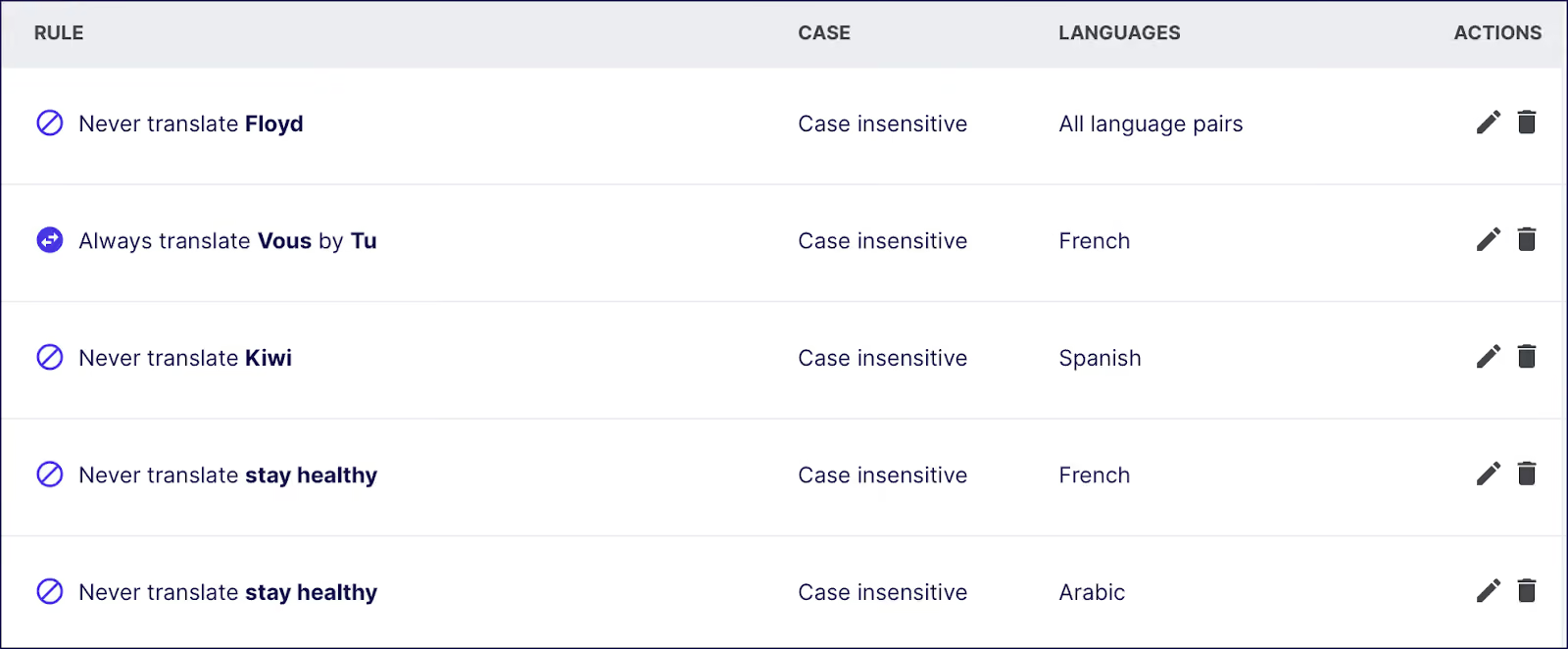
TranslatePress and WPML also offer glossary features, but their functionality requires more manual setup. Polylang lacks a built-in glossary feature, making brand consistency harder to maintain without third-party tools.
Weglot turns translation into a repeatable, effortless routine. Add a new blog post, landing page, or product, and its content is instantly translated into every target language as soon as the native page goes live.
Through the Weglot Dashboard, site owners or freelancers can easily refine translations using the Visual Editor, store language preferences in the glossary, and assign pages for professional review. With Weglot, there are no translation bottlenecks or new workflows every time new content is published. Simply publish in Elementor, and your content automatically goes global.
If you’re ready to make Elementor sites multilingual – minus the time and costs of manual translations – try Weglot free for 14 days, and get up and running in under 5 minutes.

We’ll get your first languages live. You decide how far you want to go. Try Weglot for free today.
Trusted by 70,000+ global brands








Weglot is tested and trusted by brands worldwide since 2016. Join them today.


The best way to understand the power of Weglot is to see it for yourself. Test it for free and without any engagement.
A demo website is available in your dashboard if you’re not ready to connect your website yet.


