

Try Weglot for free




Launching worldwide is about creating authentic connections in every market, and that means going well beyond basic translation. ‘Localization’ means tailoring your brand for the needs of differing markets, reflecting cultural norms and complying with international rules, and dedicated tools are a fast-track means of getting there!
This guide will walk you through the most important tool types, must-have features like translation memory and automated QA, and detail how integration powers error-free launches. You’ll see why the right approach unlocks instant consumer trust, repeat business, and faster growth, no matter how complex your site or tech stack becomes.
Read on for practical insights to help you avoid pitfalls, master your budget, and choose the platform that fits your workflow – both now and as you grow.
A localization tool is a platform that helps teams adapt their website content and products for new languages, regions, and cultural preferences – going beyond translation to handle local formats, currencies, compliance rules, and cultural norms. It helps you get your content ready for a global audience and launch in new markets faster, usually without a developer.
These tools do far more than translate text. They account for things like local date formats, currencies, compliance rules, and cultural norms, so you don’t wind up with embarrassing mistakes in new markets.
A typical localization tool includes features such as translation memory (a database that stores previous translations so you never have to translate the same phrase twice), glossary management (lists of prioritized terms to ensure brand consistency), and workflow automation. Most include built-in quality assurance, with review and approval steps, error detection for missing translations, and tools for team collaboration.
Teams use localization tools to launch into new markets much faster, and with a greater chance of success. Adhering to cultural norms through your content means speaking in words your potential customers will understand, helping you build immediate trust in new markets.
Look at some global successes and you’ll find localization built into their core approach to expansion. McDonald’s adapts its menu for each country’s palate, Netflix changes not just language but images and localizes show suggestions, Airbnb localizes listings, payment methods, and legal content, and Coca-Cola customizes slogans and campaigns for each region. Simple translation is simply not enough!

Localization tools come in several distinct categories, each with its own strengths:
Many leading platforms now blend these categories, so it’s common for one tool to cover several functions at once.
The right tool depends on how your team is set up, how often you publish content/ship products, and where everyone sits. Here’s what to weigh up:
Developer-heavy teams get the most from tools with strong CLI features and APIs, so they can wire localization into their pipelines. Translator-heavy teams need friendly visual interfaces that don’t require code, and marketing teams often prefer tech-free tools they can run without help. Weglot, for example, suits teams without dedicated developers, while platforms like Phrase and Lokalise lean toward more technical workflows.
If you ship continuously, look for continuous localization – the tool detects new content and triggers translation automatically. If you release monthly, a more manual process leaves room for human review. Your publishing cadence decides whether you need real-time automation or scheduled batches.
Cloud-based tools are essential for teams spread across time zones, giving everyone real-time updates and version control. Co-located teams can get by with simpler setups – though the cloud still brings backup, recovery, and the freedom to grow your team beyond the local talent pool.
The best website localization tools help you avoid costly mistakes, ship faster, and keep everyone on the same page. Translation memory is a core feature that saves money by storing previously approved translations, reducing the time spent on manually refining words. Automated Quality Assurance (QA) checks act as your safety net, scanning for missing translations, formatting errors, and broken links before launch, so issues never reach production.
Team collaboration is another must-have. The best tools make it easy to include translators, reviewers, and project managers, with no Git knowledge required. Flexible role-based permissions mean teams can work together in real time, comment on content, and resolve questions quickly. A centralized dashboard gives everyone the visibility they need and speeds up reviews, approvals, and launches. Here’s Weglot’s dashboard as an example:

Integration is where the biggest differences show up. For software, web, and app projects, integration should be your first filter. Tools that integrate directly with repositories, CI/CD systems, or CMS platforms can detect new content automatically, trigger translation workflows, and deliver finished translations exactly where they’re needed.
Beyond those core features, a few qualities separate a tool you’ll grow with from one you’ll outgrow:
A straightforward onboarding process means less time configuring a plugin and more time actually translating.
Visual context shows translators where text appears on the page, cutting revision cycles and taking the guesswork out of every string.
Storing translations in the cloud saves you emailing files back and forth, and keeps your site fast – some plugins store translations in your own database, which slows loading speeds as you grow.
Pick a tool that grows with you, so you’re not migrating to new software the moment you add markets and languages.
The best tools automate the repetitive work – detecting new content, syncing with tools like GitHub and Jira, and handling multilingual SEO (hreflang tags, translated metadata, and language-specific URLs) behind the scenes.
AI translation handles the first pass, so human translators only refine what matters. Translation memory reuses past work, so you never pay to translate the same phrase twice.
Good documentation saves you waiting on support, but a responsive team is worth a lot when something complex comes up.
Localization tool pricing can get complicated very quickly if you don’t know what to look for. Per-word pricing is common – tools charge based on how many words you need translated, which can be cost-effective for small projects but costly as your content grows.
Per-seat pricing bills for each user accessing the platform, great for teams where only a handful need editing or approval access. Some platforms offer flat-rate or unlimited plans, which provide predictable costs regardless of word count or seats, giving growing companies more freedom to expand without worrying about every word.
You’ll also see a split between SaaS (cloud subscription) and self-hosted (run on your own servers). SaaS options handle all updates, support, and scaling, but you pay a recurring fee and depend on the vendor for uptime and security. Self-hosting means a bigger upfront cost and more personal maintenance work, but you keep full control over data and infrastructure, which some enterprises require for compliance.
Cost-wise, some tools count everything – including excluded strings, metadata, or even repeated content – toward your bill. Others reserve advanced features or integrations for their highest-priced tiers.
“The best approach is to map out your growth plan and content volume before committing to any provider. That way, you won’t get caught off guard as your localization needs evolve. Research how pricing works with your shortlisted platforms, including any surcharges for languages, storage, or features. Always compare price points for your brand’s present position and future projections.” – Eugène Ernoult, CMO at Weglot
{{quote-image-banner}}
For websites and ecommerce localization, the best solution combines instant setup, no developer handholding, and continuous sync with your content management platform.
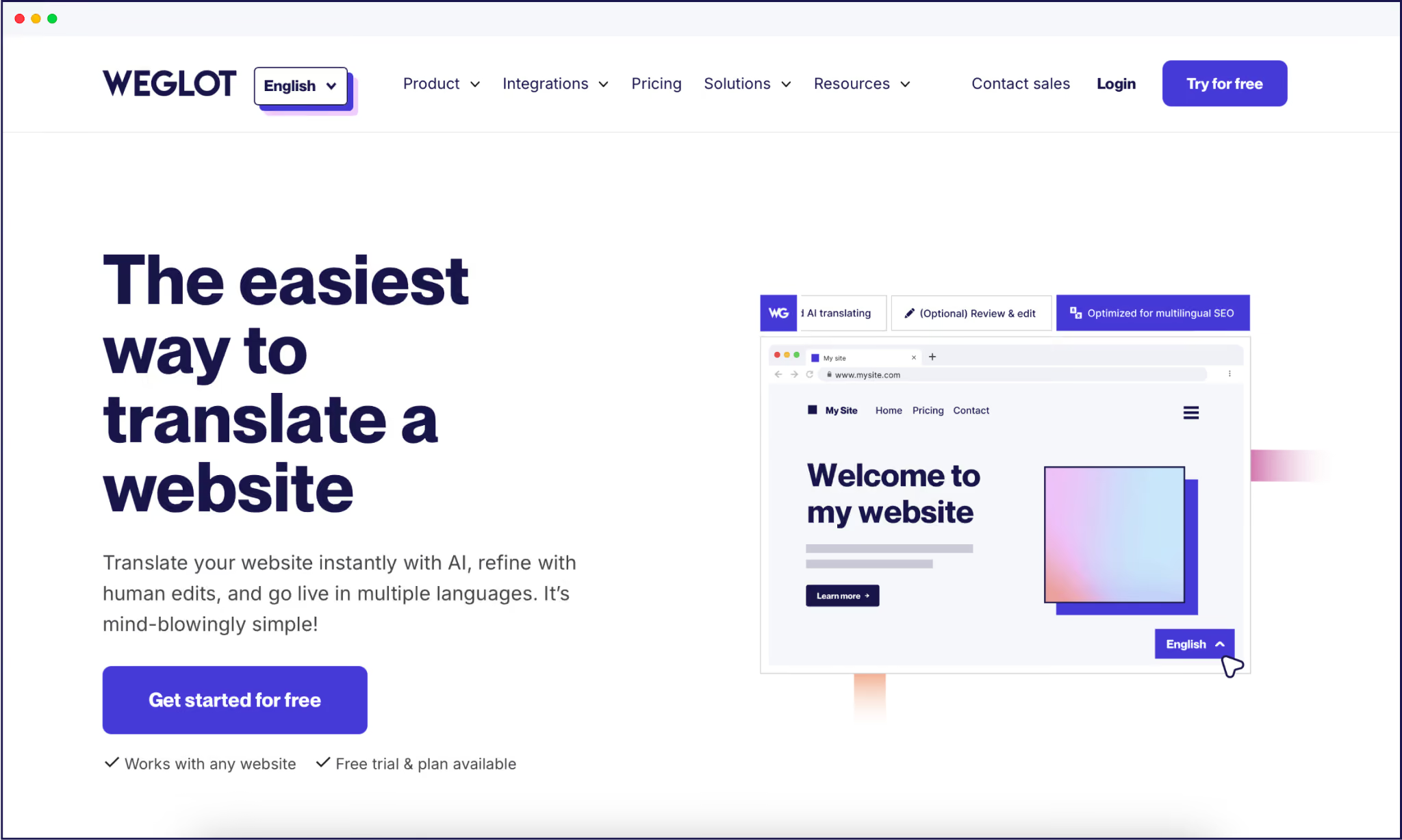
Weglot is a leader here, plugging directly into all platforms, including Shopify, WooCommerce, and BigCommerce, using AI-powered translation, with a frontend editor for human refinement.
Weglot keeps global sites up to date by automatically detecting and translating new content uploaded in your primary language, combined with tech-free SEO optimization. What’s more, everything is stored in the cloud, so there are no translated pages bloating your database. Performance is unaffected by our translations, no matter how big your site grows.
Our tool also picks up dynamic content automatically, so visual offers, popups, and other devices are handled in the same way as your main content – a major advantage when making your site look local in different languages.
You can try Weglot’s free plan for starters, giving you 2,000 translated words – perfect for seeing a page or two go multilingual. And when you’re ready to compare specific platforms, see our comparison of the best localization tools.
{{ai-banner}}
Localization empowers businesses to win trust and convert customers in every market. Choose the right tool and your translations will reflect your brand voice and meet consumer expectations, no matter where in the world you’re expanding to.
The strongest tools integrate with your stack, automate QA to dodge production errors, and let every team member collaborate without technical hurdles. Different workflows need different plugin types, so choose based on real project needs instead of marketing hype.
With the right platform, you can scale faster, adapt easily, and stay consistent. For a tech-free solution that suits all business sizes and needs, try Weglot’s 14-day free trial and start speaking with more customers in their own language.

We’ll get your first languages live. You decide how far you want to go. Try Weglot for free today.
Trusted by 70,000+ global brands








Weglot is tested and trusted by brands worldwide since 2016. Join them today.


The best way to understand the power of Weglot is to see it for yourself. Test it for free and without any engagement.
A demo website is available in your dashboard if you’re not ready to connect your website yet.


