Try Weglot for free


If you’ve ever tried to translate content – say a blog post or WooCommerce blurb – using Loco Translate, you’ll already know that it’s impossible. That’s because Loco Translate targets interface and content strings defined in plugins, themes, or core WordPress components. Posts, pages, and products live in the WordPress database, completely out of Loco’s reach.
This isn’t a bug, nor a failing – it’s simply down to the way Loco has been coded, and the intentions behind the plugin. Translation plugins work in three different ways – files, database, and cloud – with benefits to each approach, so it’s not always clear which type or brand you need.
This guide will break down the differences, with an in-depth comparison of leading translation plugins, from performance to pricing, and picking the right solution.
WordPress translation plugins use three distinct storage architectures: file-based, database-based, and cloud-based. Get to know these intimately and you’ll be able to find the platform that best meets your needs.
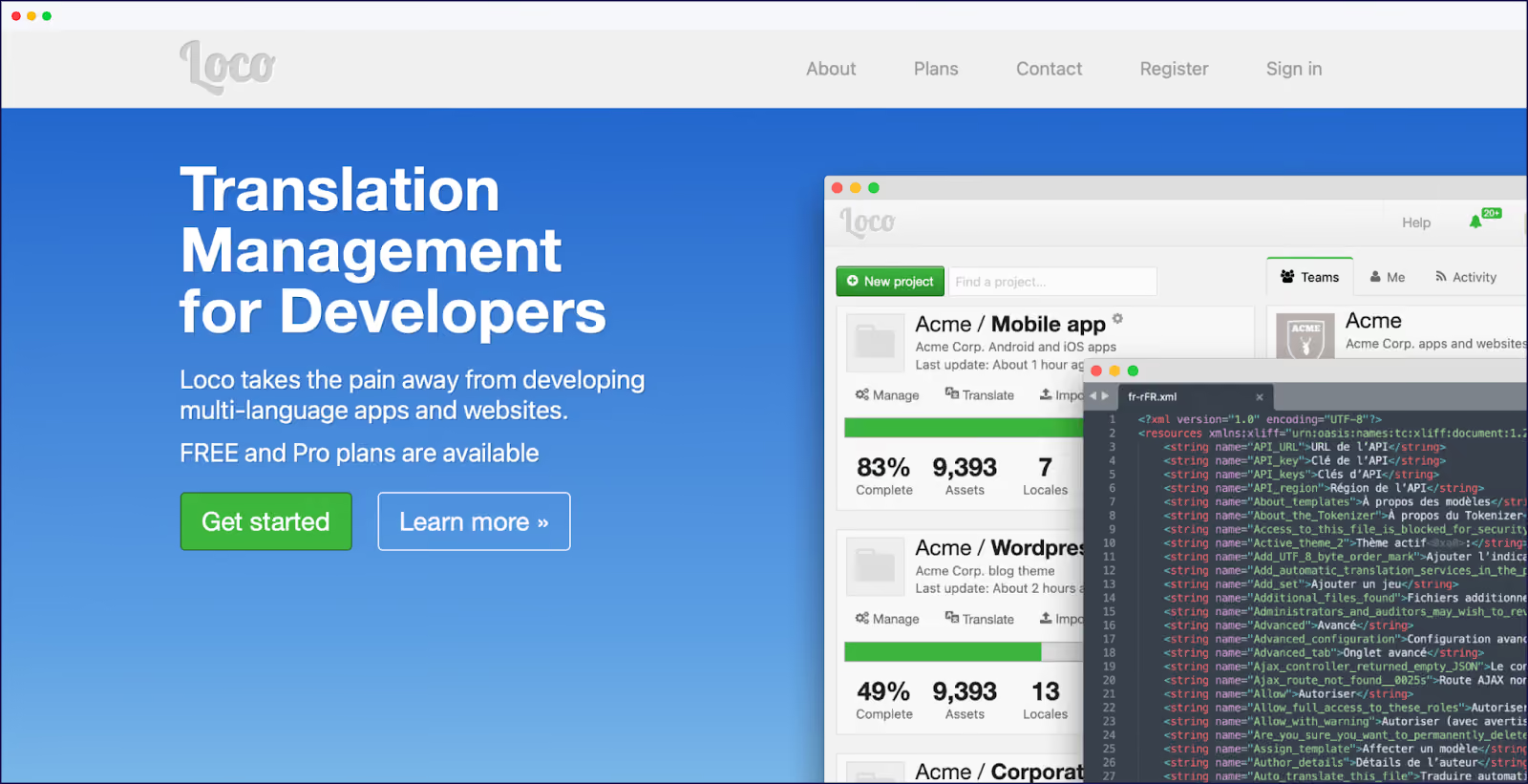
As we’ve seen, file-based tools like Loco Translate store everything in PO/MO files on your server. You get complete control, zero performance impact, and Git-friendly workflows. But files can’t store dynamic content, hence your product or landing pages go untranslated.
This, however, is Loco Translate’s world – perfect for theme strings, impossible for blogs. The plugin remains the gold standard for PO/MO editing, as it’s free, reliable, and exactly what developers need for theme distribution, even though all strings require manual translations.

Database tools like WPML, TranslatePress, or Polylang create duplicate content or custom tables in WordPress. Your posts and products can finally be translated, but every page load now triggers extra database queries. The more languages you add, the heavier your database becomes.
WPML is an established WordPress multilingual plugin, offering advanced features for professional translation management. Priced from €99/year for full website translation, WPML offers extensive compatibility and professional translation management, though Reddit threads have warned about dashboard slowdowns.
TranslatePress is known for its user-friendly, visual translation interface and compatibility with various themes and plugins, including WooCommerce. Priced at €99/year, it provides a visual frontend editor, combining AI translation with manual refinement.
Polylang (free manual version or pay €99/year for machine translations) handles 70+ languages with solid technical SEO.

Non-database tools remove complications. Weglot is a cloud-based website translation plugin that stores translations externally and serves them via CDN. Content gets detected, translated, and displayed in minutes.
Setup takes less than 5 minutes, including full site translation, including everything Loco Translate picks up. Future native language content is automatically translated, and manual refinement can be made through a frontend Visual Editor.
Given everything is cloud-based, translations live outside WordPress, however, Weglot complies with GDPR and EU-U.S. Data Privacy Framework (DPF).
File-based translation adds exactly zero database queries. Loco Translate reads PO files once during page generation, then WordPress continues normally. Your Time to First Byte stays exactly the same.
Database-based plugins tell a different story. Database plugins add queries proportional to content volume and number of languages. As we’ve seen, numerous user reports claim that WPML can make sites run slowly. TranslatePress and Polylang may be lighter than WPML but translations still add database overhead.
On typical shared hosting, these queries can have a marked impact on backend load times, especially with WooCommerce where product variations multiply the query count.
Core Web Vitals also take a hit. Largest Contentful Paint (LCP) scores jump when WordPress needs extra seconds to assemble translated content. Time to Interactive (TTI) suffers as the server struggles with query overhead. Cache plugins help the frontend, but dashboards often remain sluggish.
Cloud-based solutions sidestep WordPress entirely, so don’t affect performance one iota. Translation tools like Weglot send your rendered HTML to external servers, receive translated content, and serve it from a CDN. Your WordPress installation never has to process translations.
Before installing any database-based translation plugin, run a backup and benchmark your current load times. If you’re already pushing hosting limits, cloud solutions are your only viable option.
One of the biggest concerns with AI translation is accuracy, especially for branded terms or nuanced content.
However, Weglot’s AI Language Model, powered by OpenAI and Gemini, provides hands-off translation quality. Train your custom translation model with your brand identity and past translation edits, to generate automatic translations that match your exact tone and style.
Weglot’s AI Language Model learns from your brand guidelines, tone of voice, target audience, glossary terms, manual edits, and any custom instructions you define.
With Weglot, you can also choose to rely only on the instant AI translations from DeepL, Google Translate, or Microsoft Translator (the default option available in free plans, too).
Whether using AI translation or the AI Language Model, Weglot’s Visual Editor lets you refine translations on the frontend, checking if your foreign language content fits your designs.

Plus, the glossary feature allows you to specify translations in situations where more than one word/phrase is accurate, or when you don’t want words translated. This is a quick way to ensure your website is consistently translated site-wide. (There’s also an option to order professional translation directly through the dashboard if you want.)
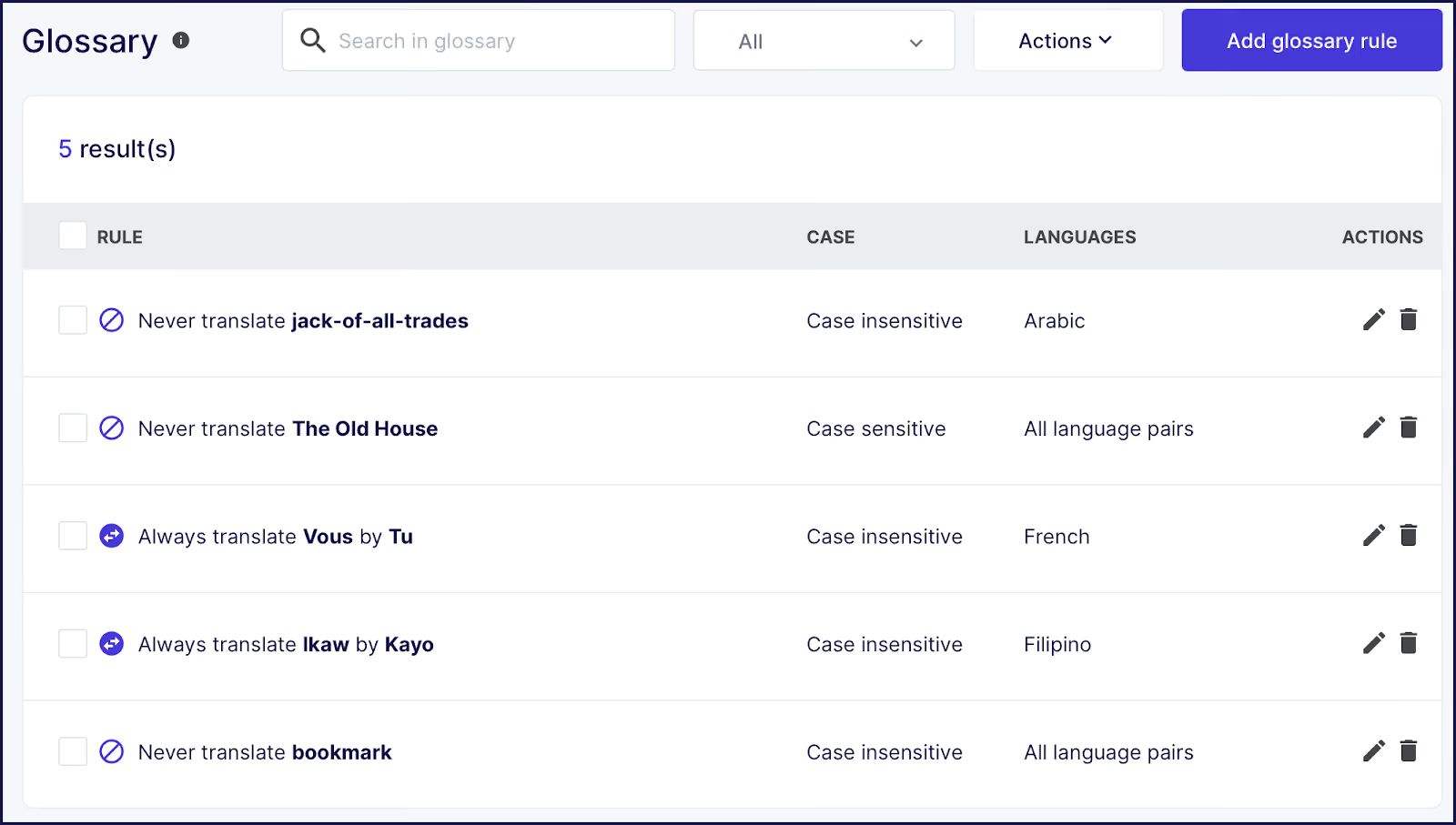
WPML lets you choose between machine and human translation, offering automatic translations powered by their own AI as well as DeepL, Google, or Microsoft. You manage translations via a centralized dashboard where you can assign content to built-in reviewers or your own team of translators. WPML includes an in-dashboard glossary feature to ensure consistency for branded or sensitive terms.

TranslatePress emphasizes a blend of AI and manual control, with instant site-wide machine translation and a live, frontend visual editor for hands-on refinement. You can edit any piece of text directly on your site’s interface, although it’s less intuitive than Weglot’s Visual Editor. A glossary is available, although this too requires more configuration than Weglot’s version.
Polylang’s free version is entirely manual, but machine translation through DeepL is available on paid plans. Unlike other tools, there’s no translation memory or glossary feature, but you can manually edit any machine translations.
As mentioned previously, Loco Translate gives you complete control over theme and plugin strings through its PO/MO file editor. It’s a great solution for developers who need precise control over every translation, but it can’t touch your actual content.
SEO is an important consideration for those looking to translate posts and pages, especially those running ecommerce sites. If your international pages fail to rank on search engines overseas, it’s incredibly hard for potential customers to find you. Here’s how our featured Loco Translate alternatives rank for organic search:
Weglot is unique for its server-side, fully automated SEO, ensuring all translated elements are embedded for search engines without manual steps. The tool generates dedicated, language-specific URLs (via subdirectories or subdomains), ensuring each translation is independently indexed for maximum search reach. Weglot comes with the following:
WPML delivers broad multilingual SEO, enabling language-specific URLs, meta tags, and alt text translation. It automatically handles hreflang tags, works with top SEO plugins (Yoast, Rank Math, All in One SEO), and translates metadata for categories/taxonomies.
WPML checks translated meta titles/descriptions for optimal length per language and preserves SEO placeholders in automatic translation, making technical SEO more reliable. However, optimal results still require more manual setup and ongoing attention compared to Weglot.

TranslatePress covers all key SEO features with its SEO Pack add on (free with paid plans):
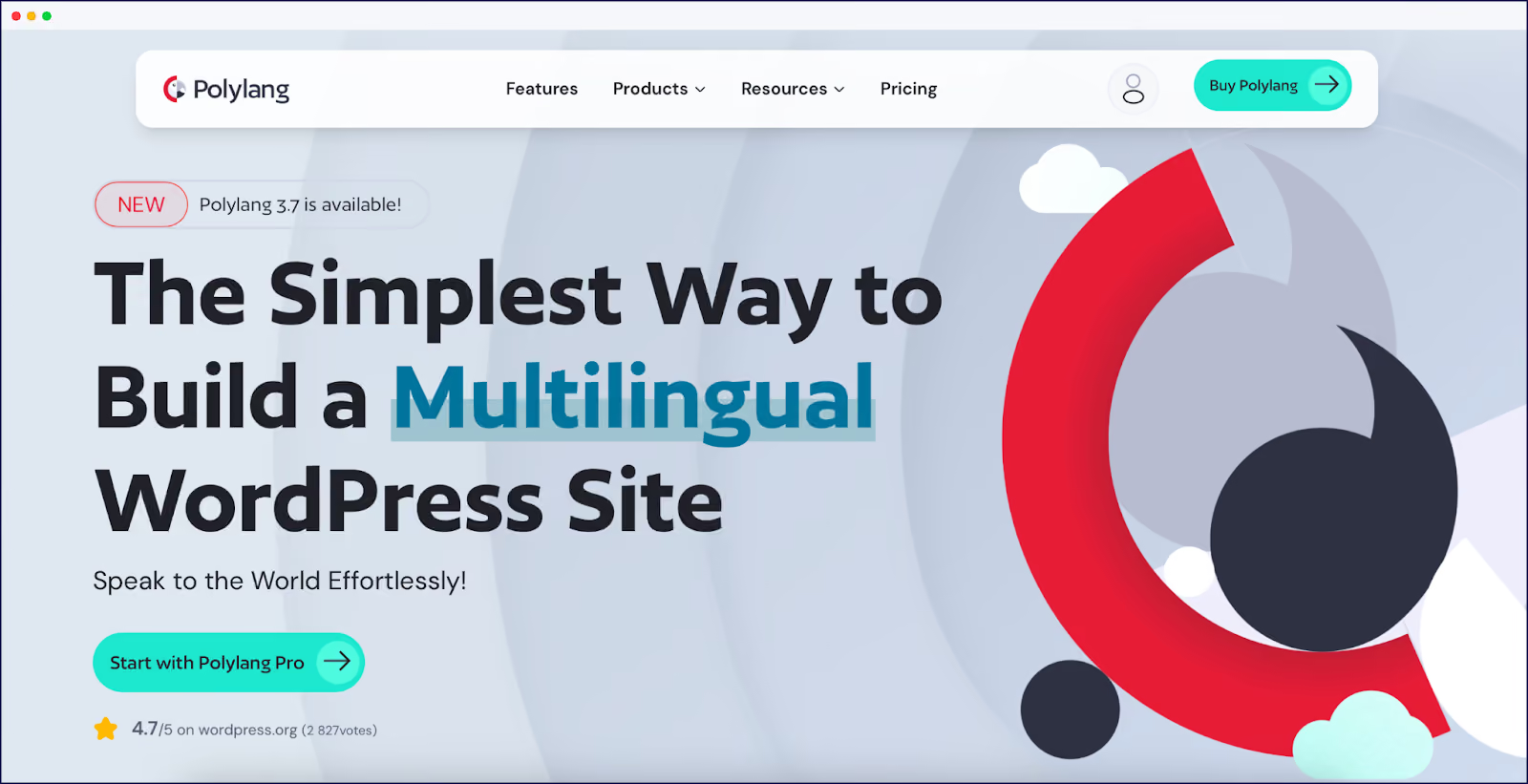
Polylang includes SEO features such as language-dependent URLs (subdirectory, subdomain, or domain), built-in hreflang support, metadata translation, and compatibility with leading SEO plugins.
However, it lacks deeper automation found in Weglot and WPML, such as automatic translation of slugs, or automatic length checks for meta fields, leaving more manual work for the user.
Cost varies depending on the provider. Paid plans are normally linked to a word count limit, with a typical monthly or yearly fee. Watch the small print here, and check a provider’s pricing per translation if you exceed your plan limit. To make it easier to budget, solutions like Weglot simply offer higher tiers with higher word limits, so you’ll receive no surprises come subscription time.
Here are details of full available plans for each of our featured plugins.
An often overlooked issue comes in the form of future site migrations or translation plugin changes. What happens to your translated pages in such instances? Here’s where each translation approach leaves you.
Weglot ignores PO files entirely since it translates the rendered output, but you keep these files as your theme/plugin translations remain intact.
Polylang creates duplicate posts for each language, which means you can use WordPress’ standard export/import tools – simpler than custom tables but you’ll need to maintain the language relationships when migrating.
Your path forward really depends on your unique situation. Given you’re likely looking for a Loco Translate alternative – a tool that translates beyond code distribution – consider the following:
To try a cloud-based website translation plugin that matches requirements from start-ups to enterprises, start a 14-day free Weglot trial today.

We’ll get your first languages live. You decide how far you want to go. Try Weglot for free today.
Trusted by 70,000+ global brands





Weglot is tested and trusted by brands worldwide since 2016. Join them today.


The best way to understand the power of Weglot is to see it for yourself. Test it for free and without any engagement.
A demo website is available in your dashboard if you’re not ready to connect your website yet.