

Try Weglot for free


Hreflang x-default tells search engines which page to show when a user’s language or region doesn’t match any of a website’s specified versions. It’s the safety net that covers gaps in a site’s hreflang setup and directs mismatched visits to a sensible fallback instead of leaving the choice to chance.
The tricky part is knowing when you actually need it. Many sites don’t, and in these cases, adding one simply creates unnecessary work and the possibility of site errors.
This guide breaks down what x-default does, when it genuinely helps, and when you can skip it with confidence. We’ll also explain how our AI translation tool handles standard hreflang for you, removing the possibility of manual mistakes, and keeping your multilingual URLs and sitemaps consistent.
As we’ve seen, the hreflang x-default attribute tells search engines which URL to show when a user’s language or region doesn’t match any of your localized versions. Instead of guessing, Google can fall back to the page you’ve nominated as the neutral option, like a global homepage, language selector, or international version.

It works alongside your standard hreflang tags, which map specific URLs to language–region pairs, such as hreflang="en−us" or hreflang="fr−fr". When none of those pairs align with the user’s settings, Google uses the x-default URL as the fallback.
You implement it using the same rel="alternate" link pattern, but with hreflang="x−default", either in the HTML head, HTTP headers, or XML sitemaps. Importantly, x-default doesn’t auto-redirect users; it just tells search engines which version to show in search results when there’s no direct match.
Hreflang x-default helps search engines understand which version of a page to show when there’s no direct language or region match, which keeps your international signals clear. By nominating a neutral fallback, you reduce the chances of Google surfacing a less relevant URL, like a country-specific page that doesn’t fit the user.
This clarity supports your overall hreflang setup, which already prevents duplicate content issues by telling search engines that similar URLs are language variants rather than separate competing pages. A basic hreflang tag looks like this:
<link rel="alternate" hreflang="es" href="https://example.com/es/"/>Whereas an x-default tag will look like this:
<link rel="alternate" hreflang="x-default" href="https://example.com/" />“When you add x-default in the right scenarios, you tighten that system for edge cases rather than boosting rankings on its own. The payoff is steadier visibility for the right URLs in the right markets, fewer mixed-language results, and a cleaner international SEO footprint for complex setups.”
– Elizabeth Pokorny, Head of Brand and Content at Weglot
You use hreflang x-default when you have a clear fallback experience that should catch everyone who doesn’t match a specific language–region pair. Common use cases include:
You usually don’t need x-default when:
“This is why Weglot does not add x-default automatically, despite handling your hreflang tags for you. Many sites simply don’t need it, and you should only introduce it when one of the above scenarios clearly applies.”
– Eugène Ernoult, CMO at Weglot
Note: Suggest adding Weglot CTA block here
💡 If you use a translation plugin like WPML, Polylang, or TranslatePress, these tags are usually generated automatically. Check your plugin settings for "x-default" before adding code manually.
Here’s a concrete example of a correctly implemented x-default tag in HTML for a homepage with 3 English variants and 1 global fallback:
<link rel="alternate" href="https://example.com/en-gb/" hreflang="en-gb" />
<link rel="alternate" href="https://example.com/en-us/" hreflang="en-us" />
<link rel="alternate" href="https://example.com/en-au/" hreflang="en-au" />
<link rel="alternate" href="https://example.com/" hreflang="x-default" />
⚠️ The current page must always include a link to itself in the list of alternates. If you’re on the US version of the page, the en-us tag must still be present in the code alongside the x-default.
To implement hreflang x-default, you have 3 main options:
In WordPress, you shouldn’t add hreflang tags by editing your header.php directly. Theme files are often overwritten during updates, which can remove your changes.
Instead, output the tags using the wp_head hook. This hook runs inside the <head> of every page and is the standard way to inject metadata in WordPress. Adding your hreflang code through functions.php or a snippets plugin keeps the implementation update-safe and easier to maintain.
Here’s a snippet you can drop in:
add_action('wp_head', 'add_custom_hreflang_tags');
function add_custom_hreflang_tags() {
    echo '<link rel="alternate" href="https://example.com/en-gb/" hreflang="en-gb" />' . PHP_EOL;
    echo '<link rel="alternate" href="https://example.com/en-us/" hreflang="en-us" />' . PHP_EOL;
    echo '<link rel="alternate" href="https://example.com/" hreflang="x-default" />' . PHP_EOL;
}<xhtml:link rel="alternate" hreflang="x-default" href="https://example.com/" />5. Repeat this for each relevant <url> block that has alternates.
Link: <https://example.com/>; rel="alternate"; hreflang="x-default"4. Apply this configuration to every URL in the hreflang cluster.
5. Test a sample page with a header inspection tool to confirm the Link header is present and correctly formatted.
A typical HTML cluster in your page head will look like a short list of <link rel="alternate"...> rows, one per language plus the single x-default fallback.
{{ebook-banner}}
For most setups, the safest x-default target is a neutral page that works for everyone, such as a global language/country selector or an international homepage that isn’t tied to a single market. This keeps Google’s fallback experience aligned with what you’d want a totally unknown visitor to see.
A few best practices help keep things clean:
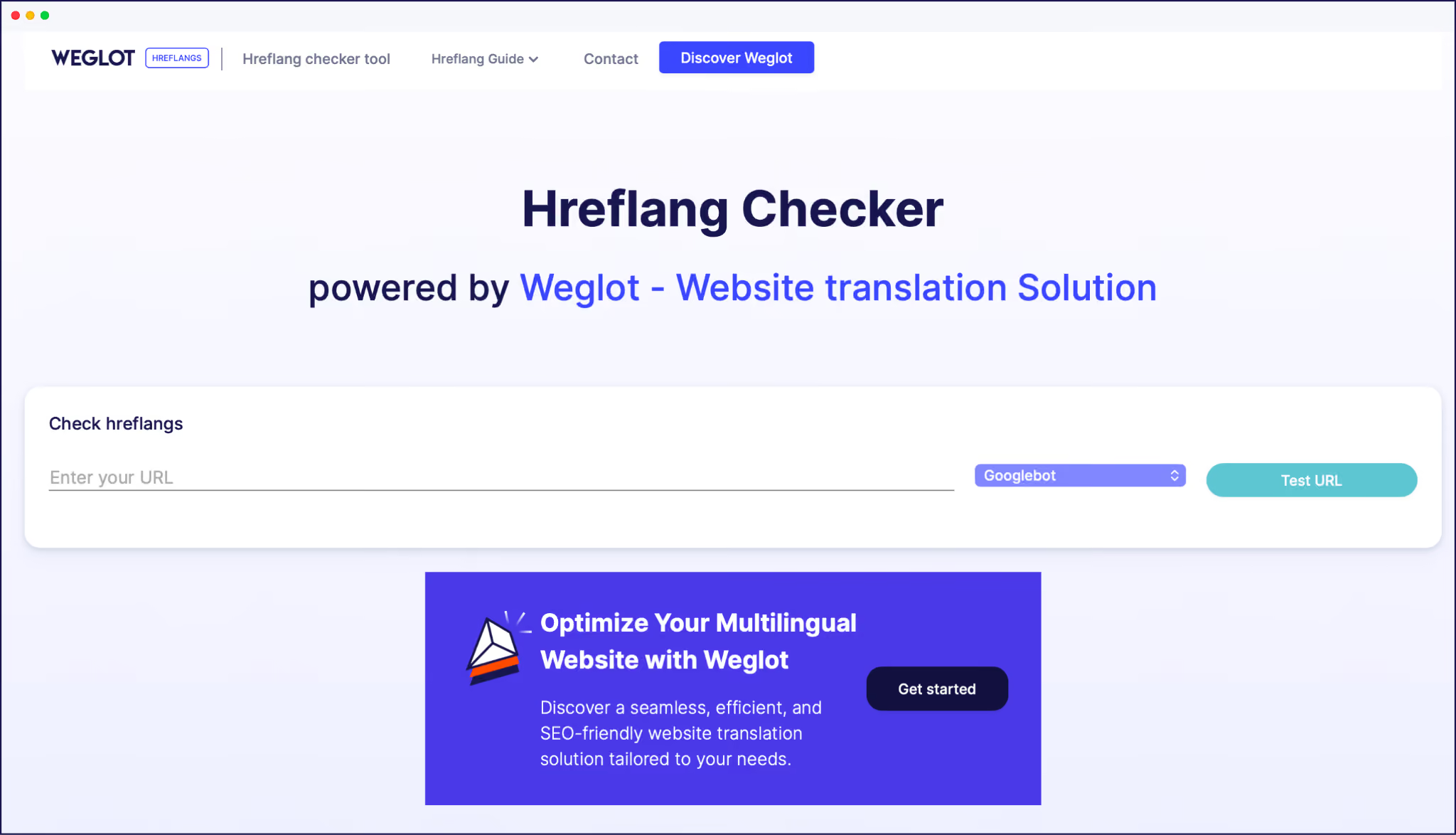
Together, these practices reduce ambiguity, avoid conflicting fallbacks, and make your x-default work as intended. And remember, you can check whether your standard hreflang tags work as intended by popping them through our Hreflang Checker tool.
The hreflang x-default conundrum is a simple call – either you have a real fallback page for unmatched visitors, or you leave it out and keep your hreflang setup tidy. When you do use it, you’re simply telling Google, ‘If nothing matches, send users here’, which keeps international traffic on the right path.
The hard part isn’t x-default itself, but in maintaining clean, consistent hreflang tagging across every language version and URL. Doing that manually means editing templates, checking every cluster, and hoping nothing breaks when content changes.
Our AI website translation tool handles standard hreflang, translated URLs, and multilingual sitemaps for you, so you’re not wiring that logic by hand. All you’re left to do is decide whether a selector page or global fallback deserves x-default.
If you’re ready to clean up your hreflang setup, start your free 14-day Weglot trial today.

We’ll get your first languages live. You decide how far you want to go. Try Weglot for free today.
Trusted by 70,000+ global brands





Weglot is tested and trusted by brands worldwide since 2016. Join them today.


The best way to understand the power of Weglot is to see it for yourself. Test it for free and without any engagement.
A demo website is available in your dashboard if you’re not ready to connect your website yet.


If you already have multilingual SEO foundations in place (language-specific URLs, hreflang tags, translated metadata), you're most of the way there. GEO visibility relies on those same signals. AI search engines prioritize sources that match the query's language, and our analysis of 1.3 million citations found that translated websites gain 327% more visibility in AI Overviews than single-language sites.
The remaining work is coverage and freshness: translate your site fully, including metadata, and keep every language version in sync as content changes. Weglot manages that automatically across 110+ languages.
For the full 5-step process, read our multilingual GEO guide.


