

Try Weglot for free


Your website's speed directly impacts your bottom line. For instance, a one-second delay in page load time can reduce conversions by 7 percent. When you combine slow loading times with language barriers, you're essentially closing your doors to international customers.
This guide explores how your agencies or business can build a WordPress website that loads quickly and speaks multiple languages without technical headaches. Within it, we'll also show you how Cloud86's managed hosting combines with Weglot to help you create sites that convert a global user base.
WordPress powers over 43 percent of the web, but its flexibility can be a performance liability without proper hosting. Each plugin you add, every unoptimized image you upload, and all those database queries you run add milliseconds that could frustrate visitors and hurt your conversions.
These challenges multiply when you go multilingual. A default approach involves creating separate WordPress installations for each language; you end up managing multiple databases, synchronizing content updates, and watching your page load times creep higher with every new locale.
However, consider the market opportunity you're missing by not going multilingual. While English content dominates the web, there are six times as many users from China and India alone. Spanish, Arabic, and dozens of other languages represent billions more potential customers who rarely see content in their preferred language.
The technical relationship between speed and multilingual content creates a puzzle for WordPress site owners, too. You need hosting that can handle multiple language versions and a translation solution that doesn't bloat your site or come with a poor User Experience (UX).
Most importantly, you need both working together seamlessly. After all, nearly three quarters of consumers prefer to purchase products with information in their native language. This means you need to consider both your choice of host and your translation service.
Running a multilingual WordPress site demands specific hosting capabilities that other niches don't necessarily need. For starters, your server must be able to handle an increase in database queries as visitors switch between languages.

Each language toggle triggers database calls that can overwhelm shared hosting. Traditional hosting can also struggle with complex caching requirements for multiple content versions. You're essentially caching several websites' worth of content.
Geographic content delivery becomes just as critical. A Spanish visitor shouldn't wait longer than an English visitor just because your server sits in New York. As such, your hosting needs global reach without complexity.
There's also security to consider. Various regions bring different threat patterns such as brute force attacks to sophisticated SQL injection attempts. Your hosting must protect against these threats without adding latency through overly aggressive firewall rules.
Support requirements change dramatically too. A global user base means issues will arise around the clock. A checkout error at 3 am your time might be peak shopping hours in another market. You need hosting support that understands WordPress, can work with multilingual configurations, and gives a quick response regardless of when problems occur.
Weglot works with hundreds of international businesses of all sizes on the challenges of online multilingual reach. For instance, customer review platform REVIEWS.io shows the immediate impact of implementing a multilingual strategy.
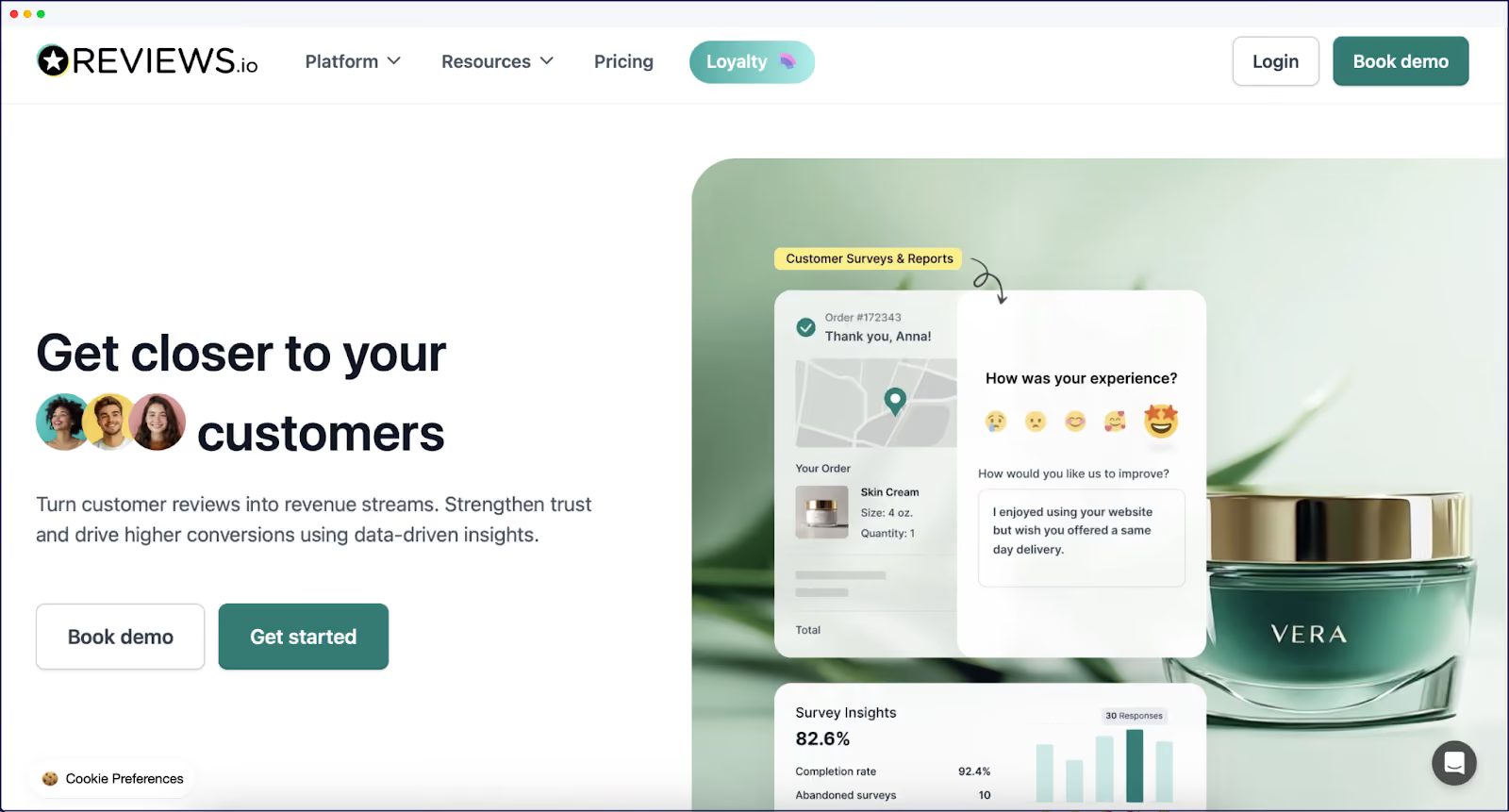
The company experienced a 120 percent increase in traffic after adding German to its blog in comparison to the previous year. Weglot's implementation removed the need for developer support and automated the manual translation process. The result has been higher conversion rates and better trust with international customers.

Volant is a sustainable home scenting brand that needed to expand quickly. Weglot helped them translate their 100,000-word website into nine languages covering 11 markets in the space of a month.
The impact was immediate. A 39% increase in international revenue. Through translating the entire sales process (including email marketing), all content is personalized across all markets.

French eyewear brand Jimmy Fairly shows the compound effect of a worldwide expansion. International sales doubled within a week of translating its site to English. By the following month, it had quadrupled.
After adding German and Italian, the conversion rate outside France increased sixfold and international turnover grew ten times the benchmark. Throughout, Weglot's automatic detection and translation kept pace with rapid catalog updates (with monthly collections of up to 30 new products).
The common patterns here focus on site speed through proper hosting, strategic content translation, and continuous optimization based on the market response. Each used a methodical expansion to perfect the approach in one market before adding the next.
Cloud86's managed WordPress hosting could be one way to address the technical aspects of multilingual expansion. It meets the challenges head on through infrastructure purpose-built for global WordPress sites.

The platform's global CDN includes over 280 edge locations across six continents. Your content loads from the nearest server, whether visitors come from New York, Tokyo, or São Paulo. This geographic distribution is key when serving different language versions because no visitor waits longer based on their location or language choice.
Cloud86's intelligent caching specifically handles multilingual content. Its 'Varnish' caching layer recognizes language variations to prevent a common issue of visitors seeing content in the wrong language. The system maintains separate cache buckets for each language while maintaining an efficient resource share.
For WooCommerce stores, Cloud86 provides some targeted optimizations:
The platform includes practical functionality that matters for multilingual sites. Automated backups run every 12 hours with a 30-day retention. One-click staging environments let you test translations before going live and duplicate your entire multilingual setup. This means you can prevent the embarrassment of breaking your Spanish checkout while fixing an English display issue.
Cloud86's support team operates around the clock with an average response time of under two minutes. The team has expertise in multilingual WordPress configurations, so they can understand issues such as character encoding for different languages, RTL language support, and translation plugin conflicts.
Most importantly, Cloud86's infrastructure automatically scales. The 'container-based architecture' will allocate dynamic resources based on traffic patterns. So, when your German marketing campaign drives unexpected traffic, the platform adjusts without the need for your input.
With robust hosting in place, you can begin to optimize your WordPress installation for multilingual performance. There are some simple fundamentals you can look at:
Your image optimization will benefit from a multilingual strategy. Tools such as ShortPixel or Imagify will compress your images, but you can implement multilingual aspects too:
Optimizing your database can prevent a common WordPress bottleneck. A plugin such as WP-Optimize can clean post revisions and transient options, but multilingual sites need additional care. For instance, look to index language meta fields for faster queries, limit your post revisions, and schedule cleanup during low-traffic periods.
Cloud86 handles server-level caching, but you still need careful planning for application (i.e., WordPress) level caching. WP Rocket's cache preloading is great for all language versions, and there will be alternatives to choose from. Whatever you do, configure separate cache lifespans for different content types and exclude user-specific content from caching.
Weglot operates as a 'multilingual proxy' that delivers a localized experience to users while maintaining a single source of truth. In other words, it doesn't create duplicates of your site or content, but contains each language instance.

The platform captures every element on your site, including blog posts, pages, WooCommerce products, form labels, metadata, and even content from other plugins. This automatic detection also applies to new content on your site: the perpetual scanning eliminates the tedious process of manually marking content for translation.
Weglot's AI-powered translation provides you with instant translations. You can then choose to build your own custom AI Language model that learns from your translation edits, glossary, and specific rules to give you accurate, hands-off translation accuracy at scale. You can also ask for alternatives to phrases on a line-by-line basis. It's a consistent, readable, and excellent starting point for further refinement.

The visual editing interface lets you work on your translations while viewing your actual website to ensure it fits with your design. Through this, you can prevent common issues such as text overflow or broken layouts for translated versions.

When it comes to international SEO, Weglot handles critical technical requirements behind the scenes:
There's plenty more functionality to learn about, such as translation memory and glossary features. Registering for Weglot is free and comes with a 14-day free trial so you can test it out (without the need for a credit card).
With your hosting optimized and translation strategy clear, there are a few 'pre-setup' steps to help you target the right markets and locales:
From here, you can begin to implement your multilingual site. We cover this in full detail on the blog, but here are the broad steps:
Once you complete this, you can edit your translations within Weglot's dashboard and visual editor:

It's good to focus your initial translation efforts on your conversion path, such as the home page, service pages, and checkouts. The 'seal of quality' should be how you optimize and refine these pages before you take those lessons to the rest of your site.
Building a fast, multilingual WordPress website shouldn't require you to choose between performance and global reach. Cloud86's managed hosting provides the robust infrastructure you need for international traffic, while Weglot handles your content translation for global audiences without sacrificing speed or SEO effectiveness.
If you're ready to expand your WordPress site, start with Cloud86's managed WordPress hosting for the performance foundation you need. Then, add Weglot to reach a global customer base in their preferred languages.

We’ll get your first languages live. You decide how far you want to go. Try Weglot for free today.
Trusted by 70,000+ global brands





Weglot is tested and trusted by brands worldwide since 2016. Join them today.


The best way to understand the power of Weglot is to see it for yourself. Test it for free and without any engagement.
A demo website is available in your dashboard if you’re not ready to connect your website yet.


