

Try Weglot for free


When you expand globally, your phone system must adapt along with you. A tool that's perfect for a sales team in Austin might fall apart the moment you try to give a French rep a local Paris number or run a call summary in Spanish.
Unfortunately, many popular VoIP tools don't work well internationally. Sometimes, they don't work at all. Nextiva, a household name in the VoIP space works great – but only if you’re operating in the US and parts of Canada. If you only learn this after signing a contract, you're stuck.
Whether you're selling abroad, supporting customers across time zones, or collaborating with an international team, the right phone system makes a real difference. We've picked 6 options worth a serious look, and we'll walk through what each one is best at, plus where it falls short.
Quick takeaways:
Most buyers' regret when going global traces back to the same handful of issues, so it's worth knowing them before comparing tools.
During our recent Next Market Live 2 : Spain, one of our panelists, Fleet, shared how important it was for them to use local numbers for their prospecting efforts.
As they explained, local numbers build trust, and they're often required to comply with local telecom regulations. A surprising number of VoIP providers cap you at US and Canadian numbers, or charge a hefty premium for international ones.

International calling rates can wreck a monthly budget. Some providers bury per-minute fees, others charge add-ons for AI features, SMS, or every extra number. By the time you tally it all up, the "$25/user" plan you signed up for costs 3 times as much.
If your new hire in Berlin needs an IT admin to walk them through provisioning, you've already lost a day. The best tools let someone download the app, sign in, and start making calls in 10 minutes. The worst require Windows-only desktop installs or multi-step license assignments across separate admin panels.
Your CRM is the source of truth. If your phone system doesn't push call recordings, transcripts, and contact updates into HubSpot, Salesforce, or Pipedrive automatically, reps will skip logging and your data quality will tank.
Routing a call to the right person across multiple offices, time zones, and languages is harder than it sounds. Some tools make this easy with visual flow builders. Others bury it behind admin menus that need a consultant to set up.
Now, let's review your options.
Zoom Phone launched in 2019 as a natural extension of the core Zoom product. If your team already lives in Zoom Meetings all day, adding Zoom Phone feels effortless: same login, same interface, same address book.
The downside: settings can be confusing, with lots of options and labels that aren't always intuitive (but if you’re a Zoom user, you must know this already). There's also no AI answering service or AI IVR, which is a gap if you want full automation.
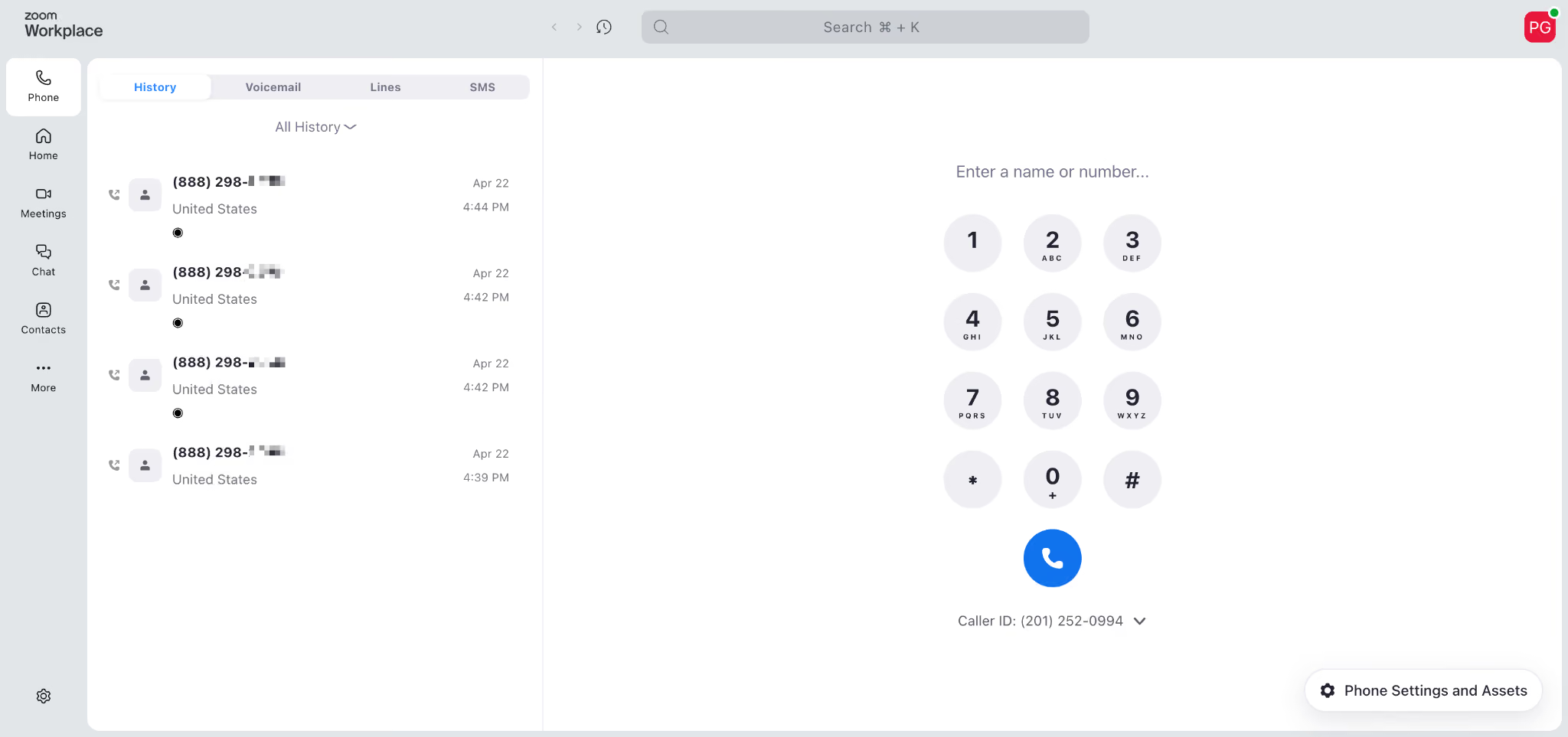
Zoom Phone pricing
International rates depend on the destination, so check the Zoom pricing page for the country-by-country breakdown.
Allo is a newer AI- and mobile-first phone system, launched in 2024 and headquartered in Miami. It's built specifically for small teams, SMBs, and sales teams who don't want to wrestle with enterprise software.
The pitch is simple: get a phone system that works on your phone first, comes with AI baked in, and doesn't surprise you with add-ons.
A few things stand out for teams operating across borders:
The trade-off: Allo is newer and not really designed for large enterprises with hundreds of agents or complex contact-center workflows.
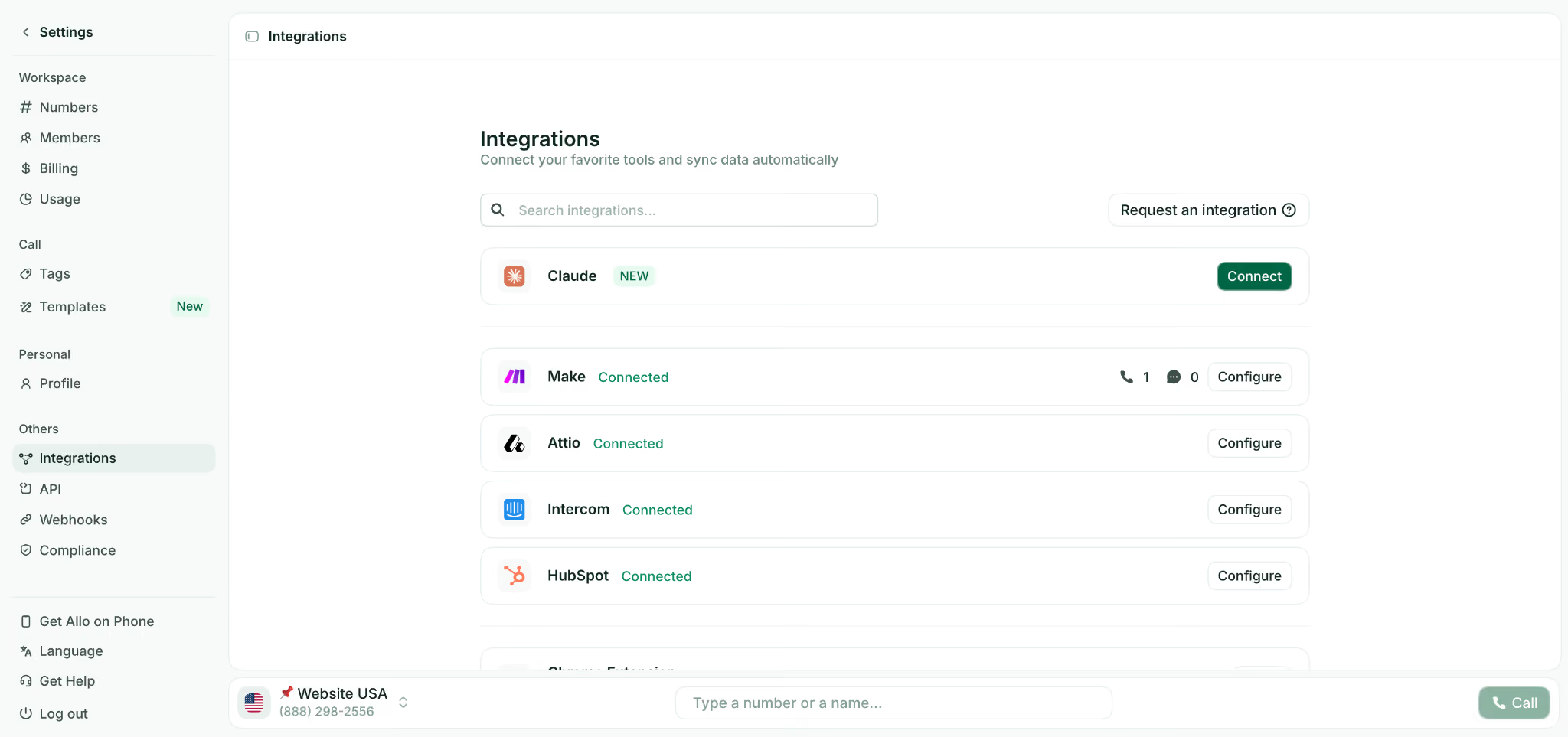
Additional phone numbers are $5/month each. There's a 7-day free trial and no setup fees. International call rates are published on Allo's pricing page.
If your company is all-in on Microsoft 365, Microsoft Teams Phone is the obvious default. Calling lives inside Teams, contacts sync from Outlook, and AI features run through Copilot.
The catch is real, though. Setup is notoriously complex: you typically need a Microsoft 365 license, then a Teams Phone license, then a calling plan (3 separate purchases), and the admin experience bounces you between Microsoft 365 and Teams Phone settings with no guidance. Plan on IT admin involvement.
AI features also cost extra; Copilot is a separate $30/user/month add-on. CRM integrations lag behind dedicated VoIP tools (the HubSpot integration gets 3.3/5), and there's no native Salesforce integration.
Add a Teams license (from $4/user/month) and Copilot ($30/user/month) on top. International rates are published in the Microsoft 365 admin center.
CloudTalk was founded in Slovakia in 2016 and now serves 4,000 customers across 100 countries. It's built specifically for sales and support teams, including small contact centers.
The downsides: call quality can be inconsistent depending on geography, and customer support response times draw complaints. Voice agents are also billed separately.
There's a 14-day free trial with no credit card required. International rates aren't listed publicly, so you'll need to reach out to their support team directly.
Aircall started in Paris in 2014 as a challenger to hardware-based phone systems and has grown into one of the most recognized brands in the space. It's a safe, established choice, especially if you've already invested in Salesforce or HubSpot.
A few important caveats: AI features are limited to English and French only, which is a hard ceiling if your team operates in German, Italian, or Portuguese. There's a 3-license minimum, which makes it pricey for very small teams.
AI Voice Agent ($0.49/min), WhatsApp ($10/user/month), and Analytics+ ($15/user/month) are add-ons.
Unfortunately, Aircall doesn’t list their international calling rates publicly and recommends to get in touch with their team to anticipate your costs.
8x8 has been around since 2000 and is built for contact centers and larger enterprises. If you have hundreds of agents, supervisor dashboards, and complex compliance needs, this is the kind of tool that fits.
The challenges are real: 8x8 is complex to configure (one reviewer flat-out said "the configuration process is difficult to handle independently"), pricing isn't public for the upper tiers, cancellation is reportedly painful, and several users complain about support quality. This is not a tool for small teams. But if you have a large team, 8x8 could be a good choice.
Pricing isn't public anymore. Reported tiers start around $24/user/month for the entry plan and $44/user/month for a more complete plan. You'll need to talk to sales for an accurate quote, and international rates are quoted on a per-deal basis.
Picking a phone system isn't just about feature lists ; it's about whether the day-to-day experience holds up when your team is spread across continents.
Before you sign anything, sign up for the free trial and time how long it takes to: download the app, port (or buy) a number, and place your first call. If it takes longer than 30 minutes for a non-technical user, imagine doing that for every new hire abroad. Bonus points if there's no IT admin in the loop.
Don't just look at the headline per-user price. Look at the per-minute rates for the five countries your team actually calls the most. Some providers are cheap for US/Canada and surprisingly expensive for places like Brazil, India, or Italy. A 90-second call to a mobile number in Argentina can cost more than a 10-minute call across the US.
Two checks here. First: confirm they actually offer local numbers in every country your team operates in (and read the fine print on documentation requirements, some countries require a local address). Second: if you rely on AI for transcription, summaries, or an answering service, make sure your team's languages are supported. An AI receptionist that only speaks English will frustrate half your callers.
There's no single "best" VoIP for going global – the right pick depends on the size of your team, the countries you're operating in, and the tools you're already using.
Whatever you pick, run a trial first. Test it from the country you're hiring into, not just from your HQ. The gap between a VoIP that technically supports a country and one that actually works well there is bigger than vendor brochures admit.
A phone system is one piece of going global. Your website is another, and that's the part we know best. Weglot makes your site multilingual in minutes, so customers in every market hear from you in their own language. Start your 14-day free trial and see how easy it is to go multilingual.

We’ll get your first languages live. You decide how far you want to go. Try Weglot for free today.
Trusted by 70,000+ global brands





Weglot is tested and trusted by brands worldwide since 2016. Join them today.


The best way to understand the power of Weglot is to see it for yourself. Test it for free and without any engagement.
A demo website is available in your dashboard if you’re not ready to connect your website yet.



.avif)
