

Try Weglot for free


If you’re localizing your website and in particular focusing on the content translation stage, it’s important to remember that there’s more to website translation than just the words on your site.
Yep, that’s right – images, videos, PDFs, and other documentation play a key role in creating a truly localized experience for the people visiting your website.
In fact, not translating this type of “content” can send the wrong message to potential customers in your new target markets. Unfortunately, this is often perceived as your company not being as invested in providing each customer with the same website experience, instead favoring those in your original language.
So, let’s take a look at why media translation is so important, our advice for getting it right, and ultimately how you can achieve it with Weglot as your website translation tool.
Media translation matters because untranslated images, videos, and PDFs leave part of your site in its original language. Personalization is what closes that gap. In fact, Econsultancy found that 93% of companies see an increase in conversion rates from personalization.
When you want to engage with new audiences, sell products or services, and raise brand awareness – translating the entirety of your website, down to imagery and video content can help achieve that.
Translating the words on your website is step one. With this, your website visitors will be able to fully understand what it is you do or offer. Following this, the next step is to complete the translation process with localized images, replacement videos and PDF documents.
In short, the answer is yes. In the same way that you translate your text so that foreign audiences can understand, the same goes for imagery and video content. For example, on your site’s landing page, you may have an explanatory video that shows what your product or service is, and how it works. Of course, if you’re catering to English, French, German, and Spanish-speaking markets, it makes sense to have a different language version of this video appear corresponding to the language the visitor is viewing the page in.
Another reason why you may wish to translate media on your site is to be sensitive and appreciative of cultural nuances. For example, say you’re a global department store operating stores in the Western world and the Middle East.
Perhaps you’re displaying some holiday content on your site for what is considered Christmas by many in the Western world. But, for regions where Christmas isn’t generally celebrated, it is advisable to adapt any content such as this to the audience you are targeting. It shows that you’re in touch with your customer base and care about delivering a highly personalized experience.
When it comes to translating your images, there are a number of factors that you’ll need to consider to ensure you’re following best practice recommendations:
The file itself: If you’re using different, or altered versions of an image for a particular language version of your site, you can start by using a different image URL for each version. Following from this, it’s good practice to localize the filename for image SEO purposes.
Text on an image: If you’ve got text on the image itself, it’s imperative that you translate this so that target audiences can understand. Translatable SVG files greatly facilitate this process.
Image alt-text: Metadata plays a hugely significant role when it comes to SEO, and for images this is no exception. By translating this metadata you’ll be increasing accessibility to your content.
Image link: Say, for example, you have an image on your site linking back to another page on your site. This link should be changed based on the language used by visitors to optimize UX.
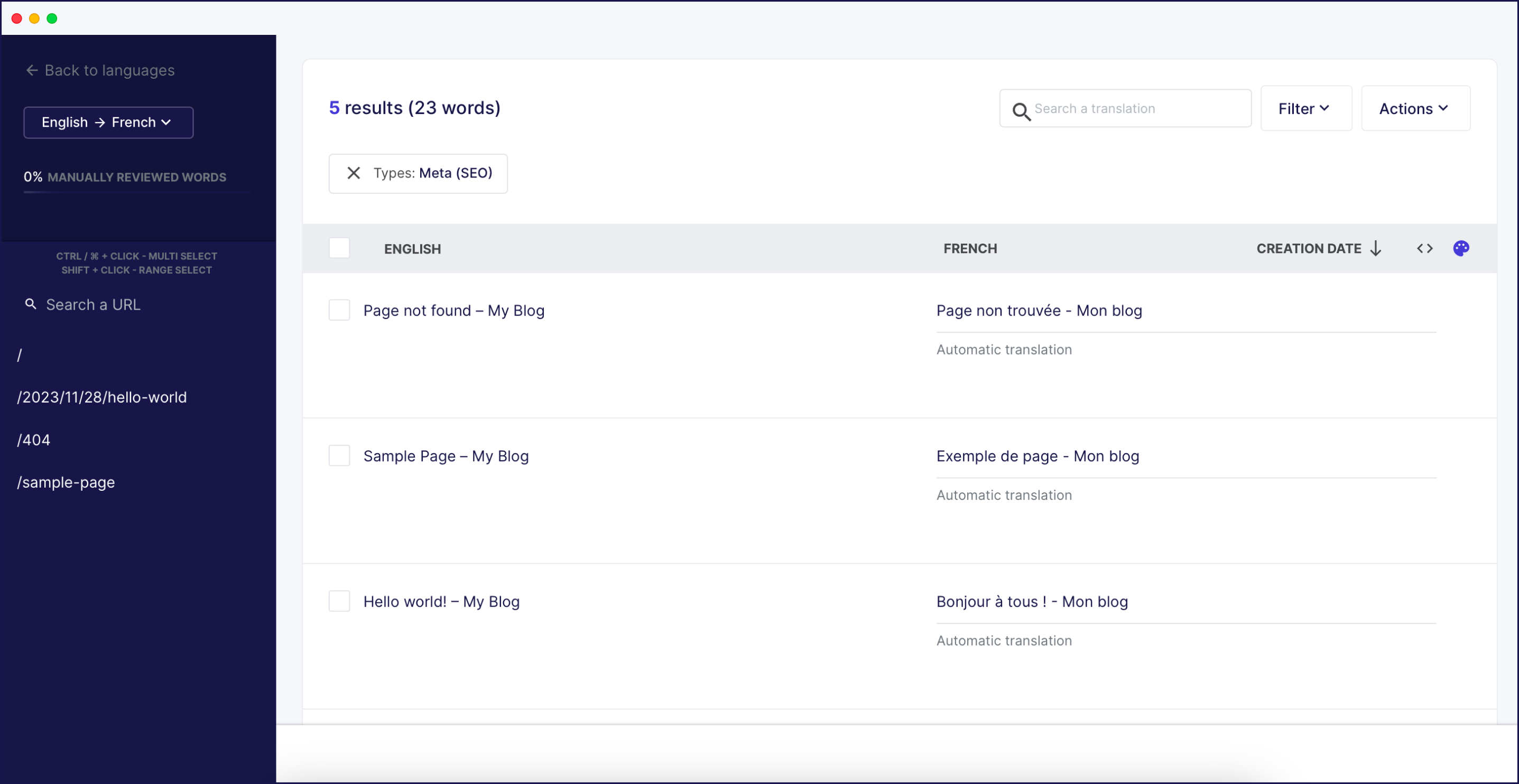
With media translation not only being a key aspect of personalization for your customers but also positively impacting multilingual SEO, it’s important to use a translation solution that is equipped to translate components beyond text. This includes keywords – here’s a video summarizing how to do just that:
Fortunately, when using Weglot as your translation solution, you’ll find that it easily facilitates all your media translation needs.
You can also update the image’s alt text through the Visual Editor using the same highlighted-element editing process.
Note: While we’ve only shown you examples of how to translate images in this article, the same method applies to videos and other media types. Following the same technique, this can be achieved either through the use of the translations list or via the visual editor.
Businesses operating across borders are now competing against each other more intensely than ever. With little to distinguish commercial offerings, it’s those businesses that go the extra mile who are rewarded. Media translation is a hugely important, but often overlooked, aspect of international business today, serving a dual benefit.
On a practical level, media translation can help your SEO efforts and bring about more traffic and consequential sales. However, on a more customer-centric level, media translation sends a message to your international customers that you care about them and want to offer a personalized consumer experience.
Fortunately, media translation has never been more accessible or simple thanks to intuitive translation and localization solutions like Weglot.
Ready to do it on your own site? See how Weglot’s image translation can translate your website images automatically. Or why not try out Weglot’s 14-day free trial and see for yourself how easy media translation can be.

We’ll get your first languages live. You decide how far you want to go. Try Weglot for free today.
Trusted by 110,000+ global brands





Weglot is tested and trusted by brands worldwide since 2016. Join them today.


The best way to understand the power of Weglot is to see it for yourself. Test it for free and without any engagement.
A demo website is available in your dashboard if you’re not ready to connect your website yet.


Yes. Weglot translates the whole page, not just the words on it. Alongside your text, we handle images, videos, and PDFs, plus the alt-text behind each image. You add a translated version of a media file once, and it appears automatically in the right language for each visitor.
Translating a photo means pulling the text out of a single image, usually with an OCR tool. Translating your website images means serving a different, localized image for each language version of your site – the file, any text on it, its alt-text, and where it links. This guide covers the second one: localizing the images across a multilingual site with a website translation tool.


